The best email client for Mac depends on what you need. For privacy plus AI that never trains on your mail, it's Canary Mail. For a free, deeply-integrated default, Apple Mail. For team collaboration, Missive. For focused productivity, Spark. Below, all 14 compared on unified inbox, search, privacy, offline use, and price - starting with a quick-pick table, then the full breakdown.
[cta-block:ctablock3,title="Mac to iPhone sync and licensing, explained",subtitle="See what Cross-Device Sync includes, how it works across devices, and how licensing applies before you switch.",button1="Cross-Device Sync and Licensing",button1link="https://canarymail.io/help/cross-device-sync-and-licensing",button2="Download Canary Mail",button2link="https://canarymail.io/downloads"]
Top Email Clients for Mac OS Clients
While macOS comes with a default client, many power users find it lacking in advanced security and AI features. If you are looking for a robust Apple Mail alternative for Mac and iOS, Canary Mail offers a seamless transition with enhanced encryption and smart management tools.
The 14 Best Email Clients for Mac in 2026
Switching to a dedicated Mac email client can be a game-changer if you're juggling multiple inboxes or just tired of the slow sync and limited features in standard options.
No more relying on patched-together plugins or outdated layouts. Below are the top 11 smarter, faster options to manage your inbox with state-of-the-art technology, including AI-assisted replies and encrypted communication.
1. Canary Mail: Best Overall Mac email client
Rating: 4.7
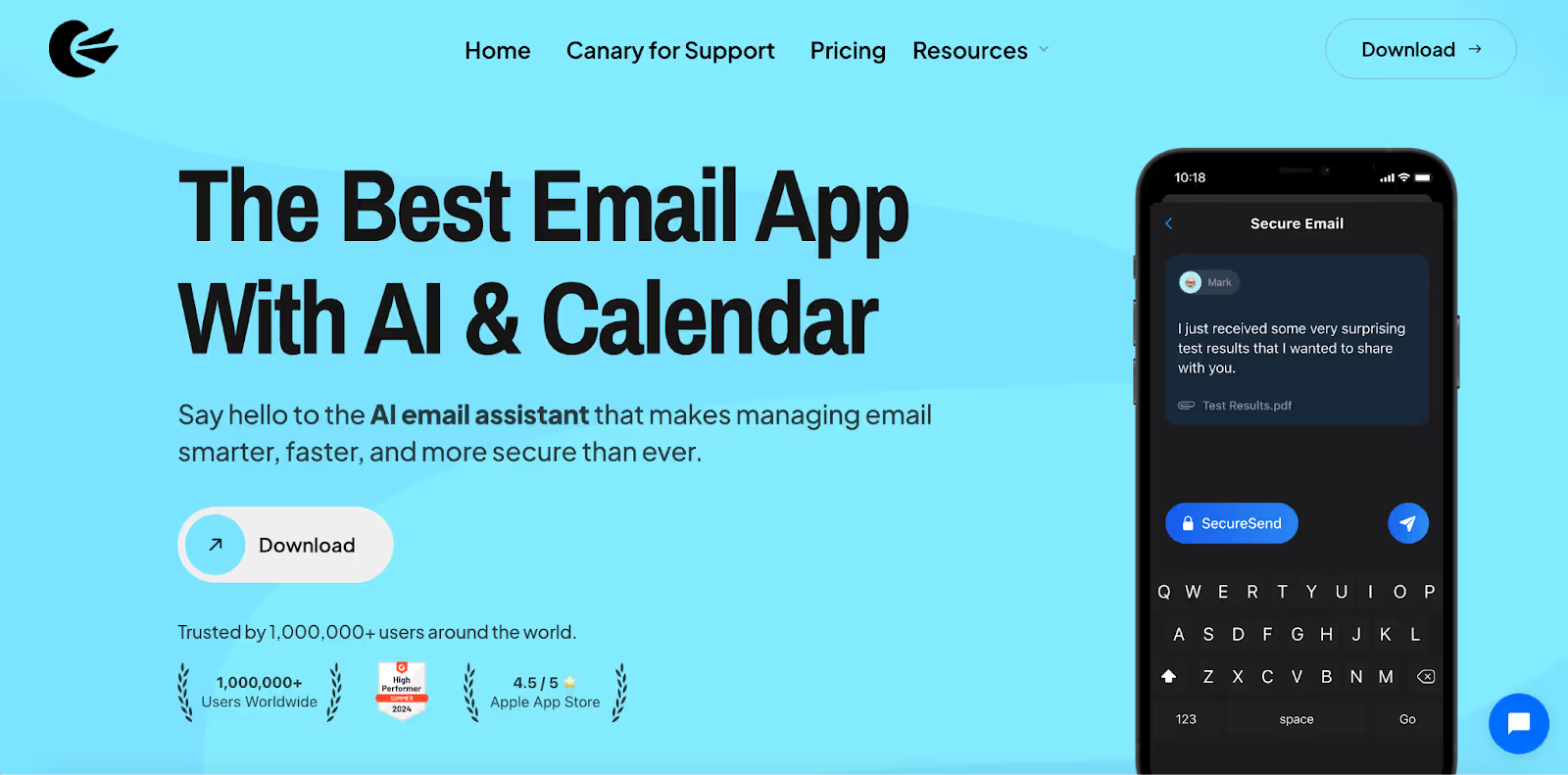
If you want a clean, modern email client on macOS that still covers the serious stuff, Canary Mail is a strong all around pick. It is built for people who manage more than one inbox and want a unified view, smart organization, and privacy-first security without turning email into a complicated project.
Canary Mail also includes optional AI tools to help you move faster, like drafting replies and summarizing long threads. If you do not want AI, you can ignore it and still use Canary as a familiar, Apple friendly email client that keeps workflows simple.
For security minded users, Canary supports encryption workflows and protections that help reduce risk from trackers, spoofing, and phishing. If you use Mac plus iPhone, it is also worth checking device coverage and plan details before switching your daily workflow.
Pros
- Unified inbox for multiple accounts, with smart organization to keep priorities clear
- Privacy-first security controls and encryption workflows for sensitive email
- Optional AI for drafting and thread summaries when you want the speed boost
- Natural language search that helps surface messages faster
- Works with major providers including Gmail, Outlook, iCloud, Exchange, and IMAP based services
- Offline continuity: read and draft offline for downloaded mail, then sync automatically when you reconnect
- Tokenized Search on macOS and iOS: filter by From, To, and Subject for fast, precise results across multiple accounts
Cons
- Some advanced features, like AI compose and summarize, require a subscription.
- There's a learning curve for those unfamiliar with enhanced security features.
If you’re comparing platforms, it’s also helpful to understand the Windows vs macOS experience before deciding which version fits your workflow best.
Special Features:
- AI-powered email assistance
- Read receipts & email snooze
- End-to-end encryption & biometric security
- Impersonation detection & data loss prevention
- Shared Inbox AI for team collaboration
Security Insights for Canary Mail
- End-to-end encryption protects emails from unauthorized access.
- No ads, no data mining to ensure a privacy-first experience.
- Advanced security features safeguard against phishing, impersonation, and email fraud.
Pricing
Canary Mail offers a free version with premium plans starting at $3//month.
Why Trust Our Recommendations?
At Canary, we prioritize performance. We’ve optimized our engine to ensure top-tier reliability and search quality, even when handling massive encrypted archives.
Shared Inbox AI: Best Mac Email Client for Teams & Collaboration
While Canary Mail is ideal for individuals, its companion product Shared Inbox AI is built for teams who need to collaborate efficiently over email. Designed with AI-powered automation, it simplifies assignments, internal conversations, and follow-ups — without the clutter or delays of traditional shared inboxes.
Teams can manage high-volume communication with features like real-time collaboration, auto-assignment, and natural language AI assistance. Whether you’re handling customer support, sales outreach, or project communications, Shared Inbox AI makes email workflows faster, smarter, and easier.
Pros
- Built specifically for team collaboration on Mac and iOS
- AI-powered auto-assignment and real-time collaboration
- Works seamlessly with Canary Mail for individuals
- Reduces clutter by centralizing communication in one place
Cons
- Best suited for teams; not needed for solo users
- Still evolving with new AI-powered features being rolled out regularly
Special Features:
- AI-driven email triage and task assignments
- Internal notes and discussions inside the inbox
- Shared drafts and follow-up reminders
- Unified team view with role-based access
- Works alongside Canary Mail for a complete individual + team solution
Pricing
Shared Inbox AI is available via subscription. Pricing starts with flexible team plans, tailored to the size and needs of your business.
[cta-block:ctablock1,title="Boost Team Productivity with Shared Inbox AI",button="Try Shared Inbox AI",buttonlink="https://shared-inbox.ai/"]
2. Apple Mail: Best Email App Default Option for Apple Ecosystem Users
Rating: 3.9
You already have one of the best email clients for Mac preinstalled on every Apple device: Apple Mail. As a native mail app, it syncs effortlessly with Calendar, Contacts, and Notes, making it ideal for users who want simplicity without setup hassles.
It supports all your Gmail accounts, Outlook, Yahoo, and more, and includes essentials like smart mailboxes, fast search, and Mail Privacy Protection. The clean user interface makes it especially appealing to personal and Gmail users who prefer a no-frills inbox.
Pros
- Native integration with macOS apps and services
- Reliable support for major email providers
- Clean, beginner-friendly design
- Completely free
Cons
- Limited customization for power users
Pricing
Apple Mail is free and comes pre-installed on devices using macOS.
3. Gmail: Best Email App for Google-Centric Users on Mac
Rating: 4.8
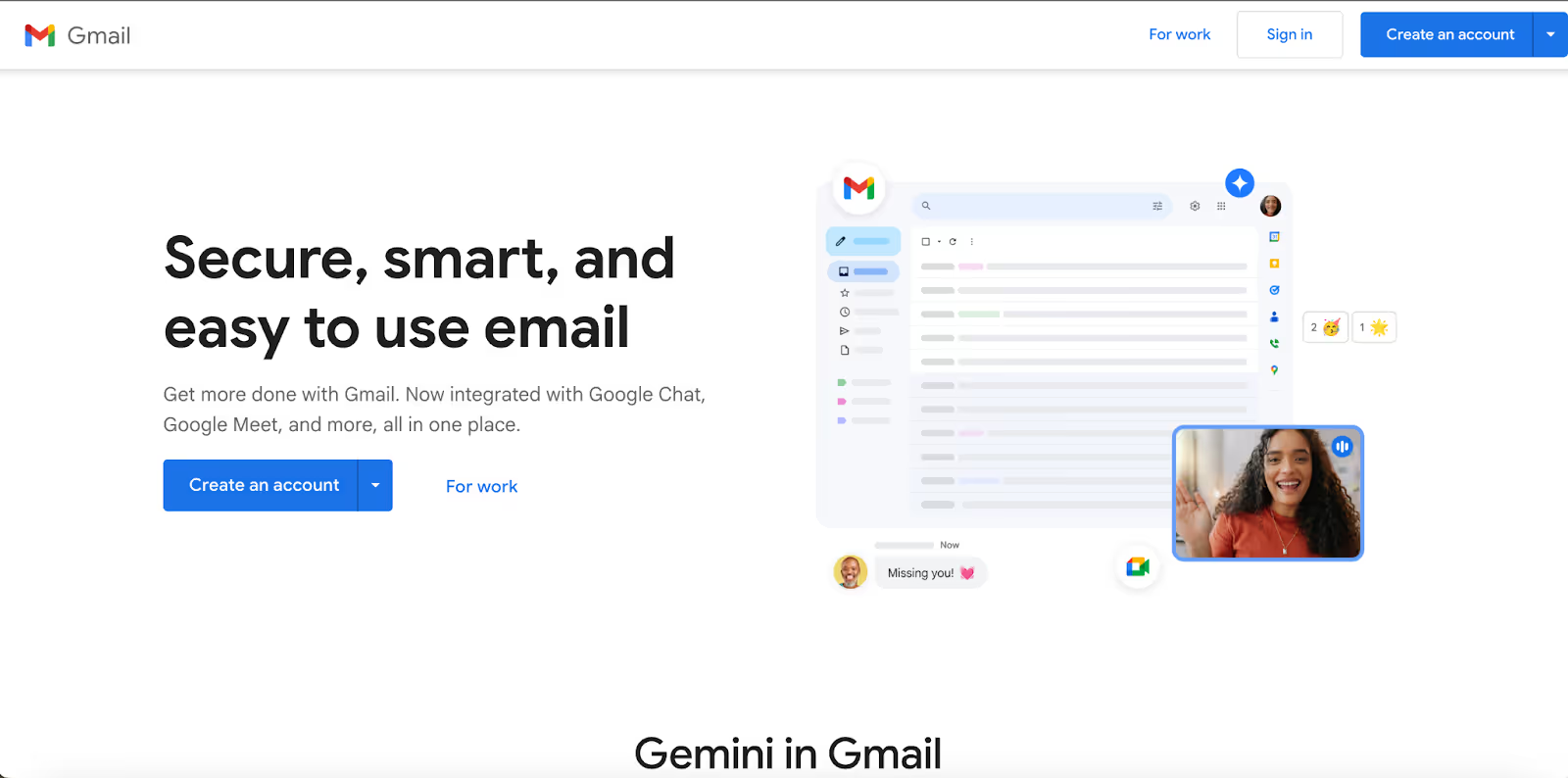
Gmail remains one of the best email clients for Mac users already living inside Google’s ecosystem. Accessible via any browser or lightweight Mac app wrapper, it offers a clean user interface, intelligent categorization, and powerful search powered by the same engine that runs Google itself.
From handling multiple accounts to scheduling emails, enabling smart replies, auto-labeling, etc. Gmail helps users stay organized with minimal effort. Its native integration with Calendar, Contacts, Drive, and Meet makes it more than just an email app; it’s a complete email service ecosystem.
Pros
- Smoothly manages multiple Google accounts with a unified experience
- Familiar interface for Gmail users, reducing the learning curve
- Deep integration with Google services like Drive, Meet, and Calendar
- Completely free version, with upgrade options via Google One
Cons
- Primarily browser-based, which may not suit users preferring a desktop mail app.
- Limited customization and lacks some advanced features that power users seek
Pricing
Gmail itself is free for personal use. For business use, you'll need a Google Workspace subscription, which starts at $6/user/month.
4. Missive: Best Mac Email Client for Teams
Rating: 4.7
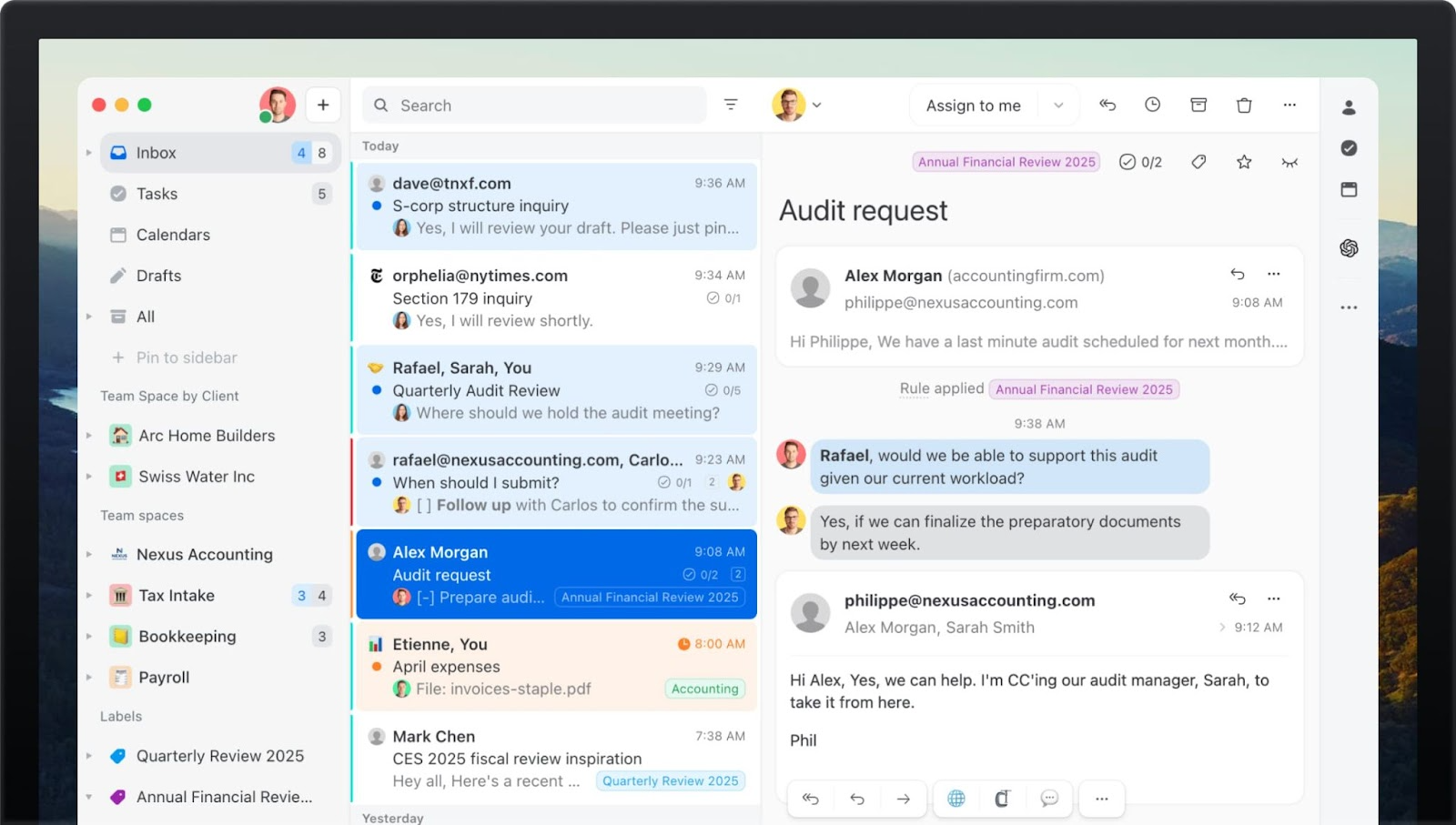
Missive turns your inbox from a single player to a multiplayer game, allowing you to assign messages, internally chat within a thread, and co-draft emails, without needing to ever forward an email. You can leverage rules and AI to build out automations custom to your business and use their 25+ integrations to centralize all your communication into one place. They even have an API so you can build your own custom integration.
It support all email providers (including IMAP), has top notch security standards (GDPR and SOC 2 Type II compliant), and is available on all devices.
If you're still sharing the login and password of a single email account with a group of people, you'll want to look into Missive.
Pros
- Clean interface that looks and feels like a regular email inbox
- Includes task management, calendar, and is omni-channel (supports WhatsApp, SMS, and other inboxes)
- Supports every email service and is fast on every device
- Incredibly flexible rules engine to build automatic categorization, service level agreements, auto-assignments and more
Cons
- You need to bring your own AI key to use the OpenAI integration
- Limited offline mode
Pricing
Missive offers a free version with premium plans starting at $14/user/month, billed annually.
5. Spike: Best Mac Email Client for Conversational Communication

Rating: 4.7
Spike turns your inbox into a chat-style experience, replacing cluttered threads with clean, real-time conversations. It supports major email services like Gmail, Outlook, and Yahoo, with a unified inbox to manage all your accounts in one place.
You also get a built-in calendar, task management, collaborative notes, etc. AI assistant helps businesses drive customer service excellence by summarizing emails, writing quick replies, and organizing important messages in one streamlined mail app.
Pros
- Transforms your email app into a real-time, chat-like interface
- Includes built-in calendar, notes, and task tools for seamless workflow management
- AI features help summarize, organize, and even write emails
- Supports major email services and works across devices
Cons
- The chat-style format may not appeal to users who prefer traditional folders and layouts.
- Limited advanced privacy controls (e.g., no native PGP encryption) compared to other clients.
Pricing
Spike offers a free version with premium plans starting at $5/user/month.
6. Microsoft Outlook: Best Mac Email Client for Microsoft 365 Power Users
Rating: 4.5
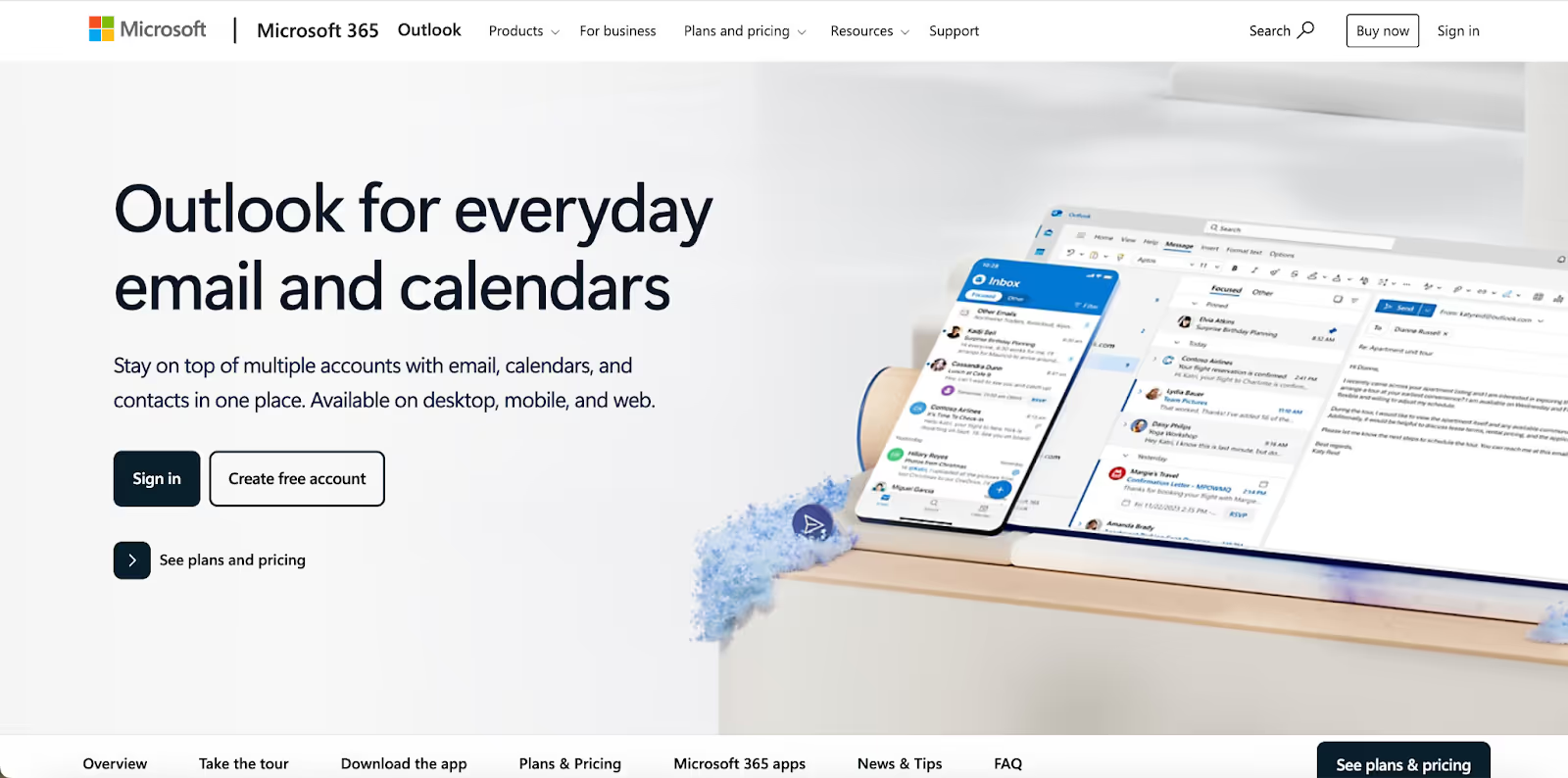
The Mac’s Outlook version has evolved significantly over the past decade, with a faster user interface, focused inbox, and support for Gmail, iCloud, and IMAP accounts. However, built to sync with Microsoft 365, this email client is ideal for users who want to manage complex workflows, schedule emails, and stay organized without switching apps.
Outlook also supports scheduling emails, smart filters, and notifications to keep high-priority messages front and center. And with Microsoft Copilot, users can now summarize long emails, generate replies, and draft messages directly from the Mac app.
Pros
- Deep integration with Microsoft 365 services like Calendar, To Do, and OneDrive
- Handles large mailboxes, complex rules, and server-side filters
- Seamlessly syncs with major providers, including Gmail and iCloud
- Offers robust organizational tools
- Built-in Copilot AI helps draft and summarize emails
Cons
- Heavier interface compared to minimalist email apps
- Some features and AI tools are locked behind paid Microsoft 365 plans
Pricing
Outlook is free to use; however, some premium features are available with a paid Microsoft 365 subscription, starting at $19.99 per year.
[cta-block:ctablock1,title="One inbox for all accounts. Get started today",button="Install free",buttonlink="https://canarymail.io/downloads"]
7. Spark: Best Mac Email App for Focused Productivity and Team Work
Rating: 4.7
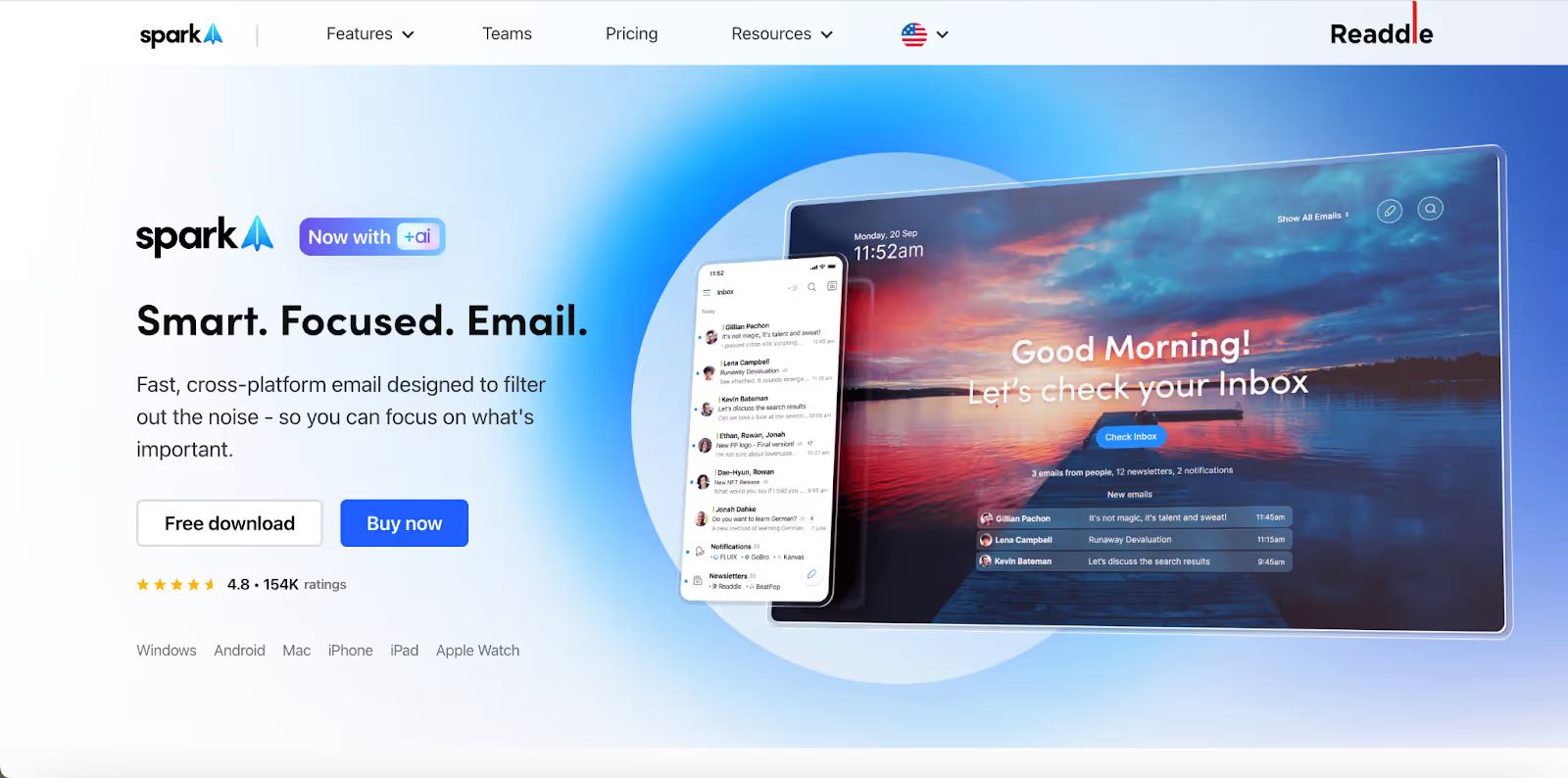
Spark is one of the best email clients for Mac for users who want to stay focused, move fast, and collaborate without sacrificing design or usability. With a minimalist inbox, intelligent sorting, and real-time team tools, Spark helps you stay on top of important messages and manage your day efficiently.
You can connect all your major email accounts, quickly search across emails, and even write emails as a team. Spark also provides email scheduling, follow-up reminders, and templates, making it a favorite for personal use and light team workflows alike.
Pros
- Smart Inbox that auto-prioritizes important emails
- Built-in collaboration tools like shared drafts, comments, and send-as-a-team
- Sleek, intuitive app interface optimized for productivity
- Syncs across devices and works with all major email clients and providers
Cons
- Most advanced features, including AI tools, require a paid subscription, which pushes users to look for Spark alternatives.
- Limited server-level customization for enterprise teams
Pricing
Spark offers a free version with premium plans starting at $10/month.
8. Hey: Best App for Total Inbox Control and Privacy-First Email

Rating: 4.3
Hey revamp from the ground up makes it a powerful candidate for the best email clients for Mac. Instead of accepting every email, Hey screens senders before they land in your inbox and sorts them into smart views like:
- Imbox (important)
- Feed (newsletters)
- Paper Trail (receipts)
- Collections (for grouped threads).
The redesigned composer lets you write offline, schedule sends via SMTP (for non-@hey.com addresses), and auto-suggest contacts.
You can now use multiple accounts, toggle between personal and work inboxes, and even use the built-in calendar to plan, reflect, and manage events.
Hey still blocks trackers, skips spam, and never relies on the Gmail API. It’s a clean, self-contained app that keeps your data safe without plug-ins or extensions.
Pros
- Screens every sender before they reach your inbox
- Built-in calendar with journaling and event linking
- Shared Threads and Collections for collaborative workflows
- Send from external addresses without using @hey.com
- Fast search, clean design, no trackers or ads
Cons
- Requires using Hey’s system, even for external addresses
- No integrations or developer-facing API
Pricing
Hey offers a free trial with plans starting at $99/year.
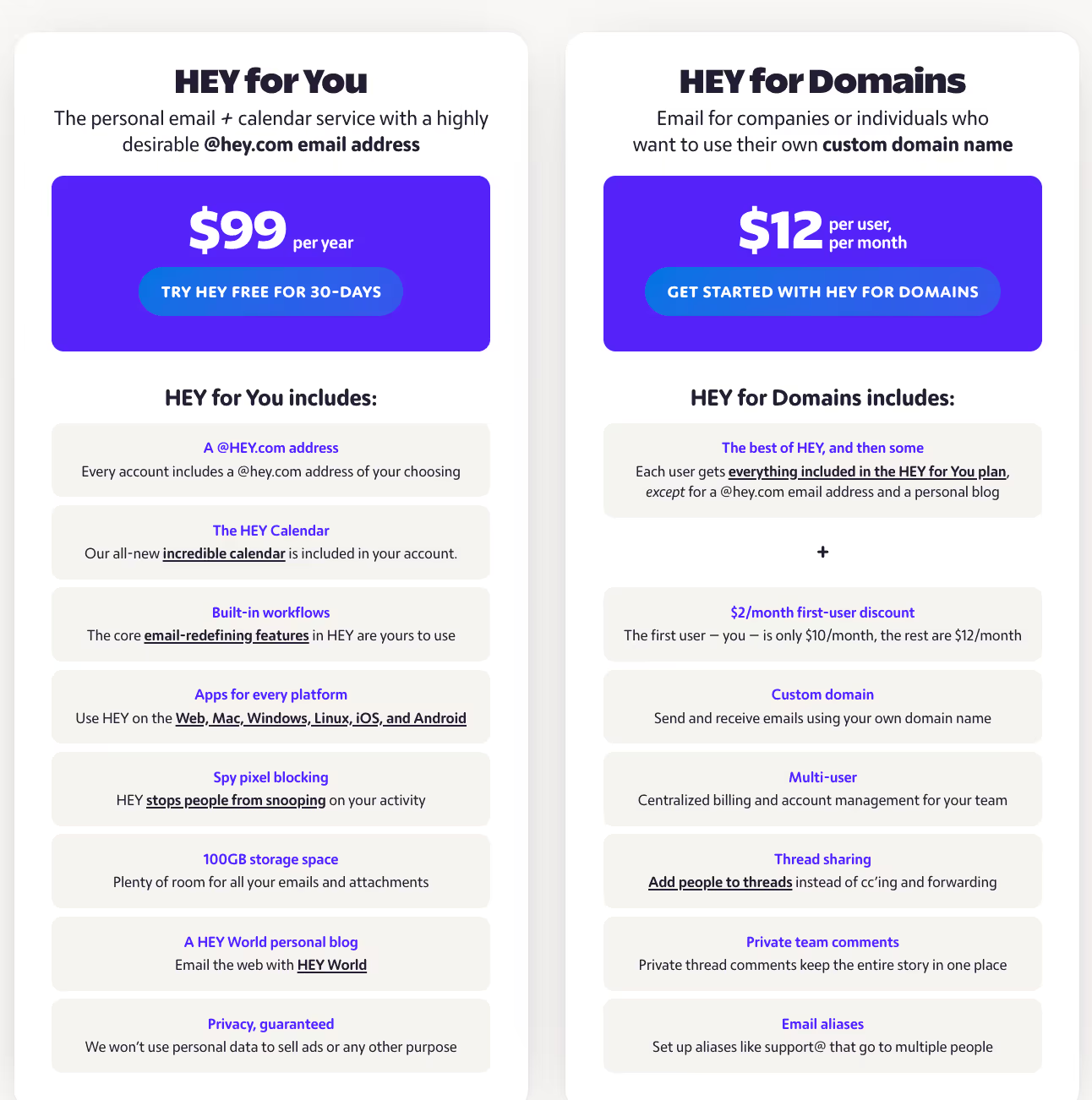
Hey positions itself as a privacy-focused email client that gives users complete control over who can reach their inbox. Its unique “Screener” feature lets you approve or block senders before they even appear, and the app organizes messages into categories like Imbox, Feed, and Paper Trail.
9. AirMail: Best Mac App for Customizable, Fast Mail Management

Rating: 4.5
AirMail stands out among Mac's top email clients because of its unmatched customization. In addition to receiving emails from all major providers into one unified inbox, the smart folders, custom actions, and color-coded views allow you to tailor the app to your workflow.
You can choose from light or dark themes, create custom swipe gestures, and integrate with external apps like Fantastical, OmniFocus, Dropbox, etc. Airmail also offers privacy features, including local data processing, tracking protection, and interactive notifications, which allow you to archive, reply to, or mark items without opening the app.
Pros
- Deep customization: swipe gestures, themes, smart folders
- Quick access via interactive notifications
- Integrates seamlessly with services like Fantastical and OmniFocus
- Local-only privacy mode blocks trackers and keeps data on your device
Cons
- The complete feature set requires a Pro subscription
- It can feel overwhelming to set up compared to simpler apps
Pricing
The Airmail Pro subscription has two options:
- $9.99/month with a 3-day free trial
- $29.99/year
10. eM Client: Best Full-Featured Email Management
Rating: 4.2
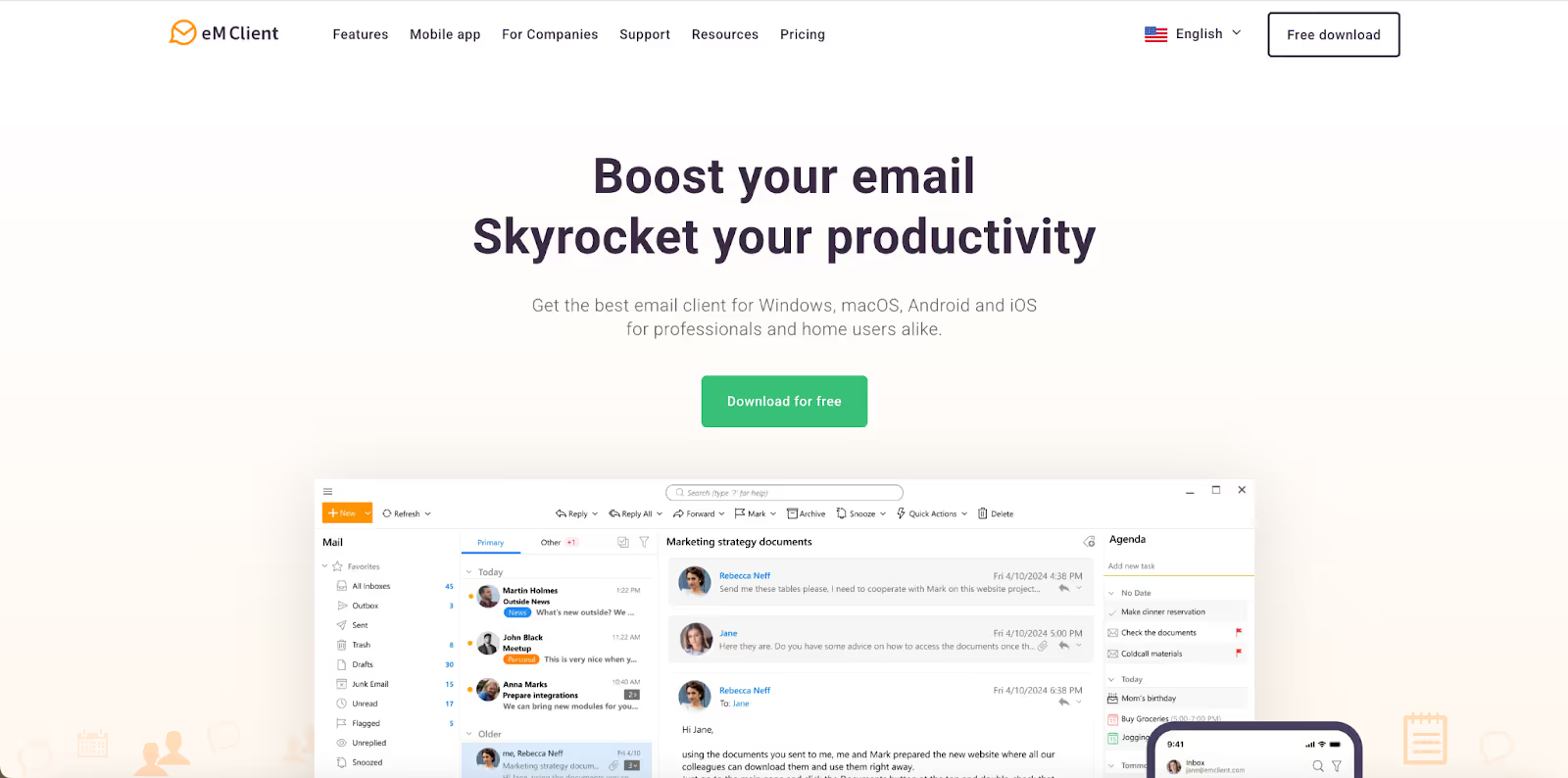
eM Client brings a lot to the table with its all-in-one software suite that combines mail, calendar, contacts, notes, and chat in a clean interface. Fast setup for Gmail, Exchange, iCloud, and IMAP makes it easy to manage everything from one place.
You can use its built-in AI to reply, translate text, and summarize threads. It also includes PGP encryption, read receipts, anti-tracking, and local data storage, making it a serious productivity tool.
Pros
- Combines mail, calendar, notes, and chat into one streamlined app
- AI helps draft responses and summarize threads
- Local data storage with full access to legacy email archives
- Built-in PGP encryption and privacy features
- Free plan available with full core functionality
Cons
- Free version limited to two mail accounts
- Importing old accounts or data can take some setup time
Pricing
eM Client offers a free version with two purchase options:
- Yearly subscription starting at $19.95/year
- One-time purchase starting at $29.95
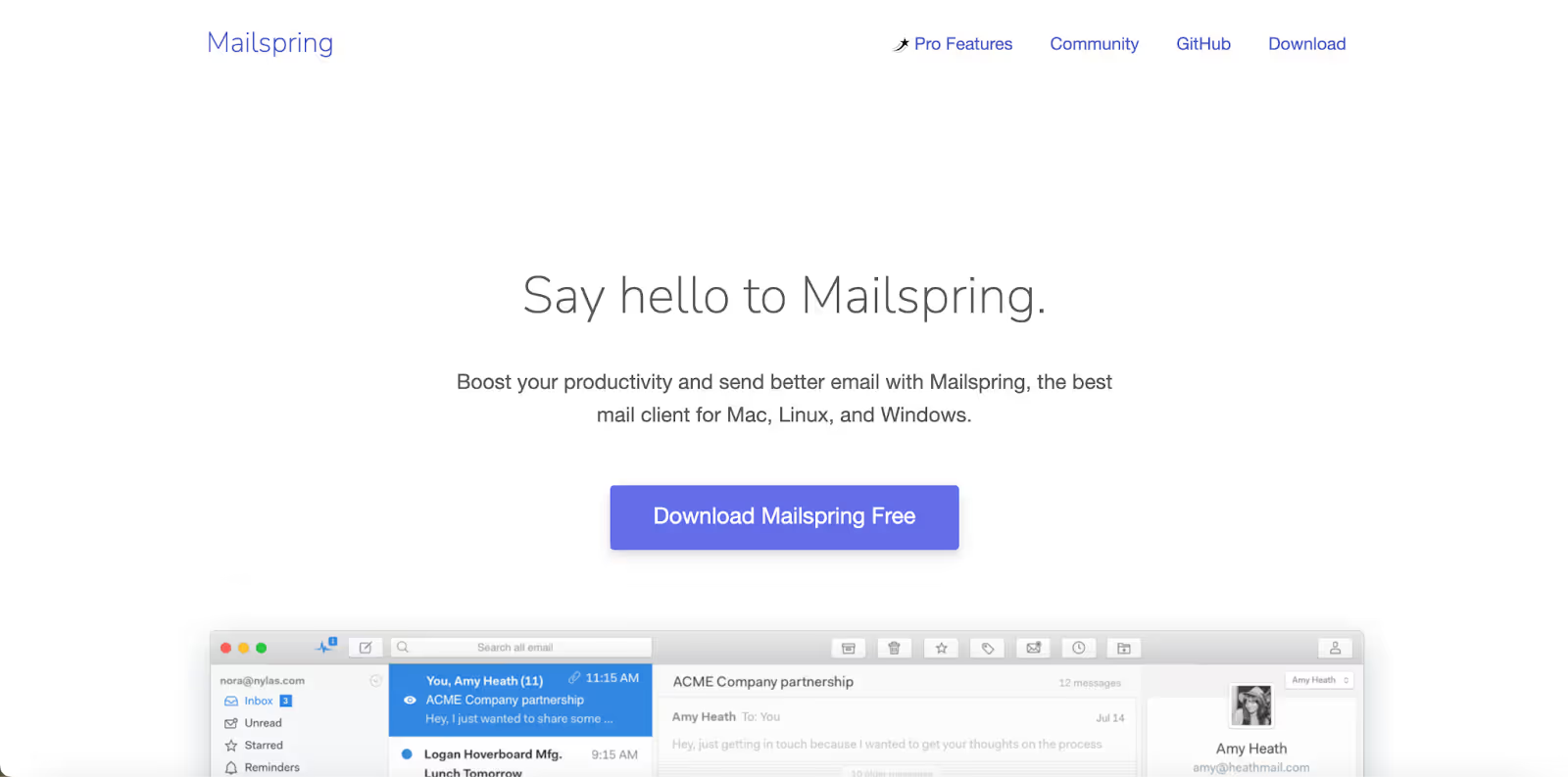
11. Mailspring: Best Open‑ Email App for Fast, Cross‑Platform Workflow
Rating: 3.8
Mailspring delivers a polished software experience for anyone managing multiple accounts. You get a fast unified inbox, advanced search, signature templates, and gesture support. The built-in Gmail API access via IMAP/SMTP ensures reliable access, high sync speed, and seamless handling of email reception without requiring a browser.
Free users benefit from unlimited accounts, while the Pro tier unlocks analytics like read receipts, link tracking, send later, reminders to follow up, and rich contact card views.
Pros
- Sleek interface with touch and gesture controls
- Unified view for all email accounts, synced across platforms
- Intelligent features like signature templates and read/list tracking
- Open‑ core with optional Pro tools
Cons
- Advanced features require a subscription
- Doesn’t work with Gmail-specific category tabs
Pricing
Subscribe to Mailspring Pro at a flat rate of $8/month.
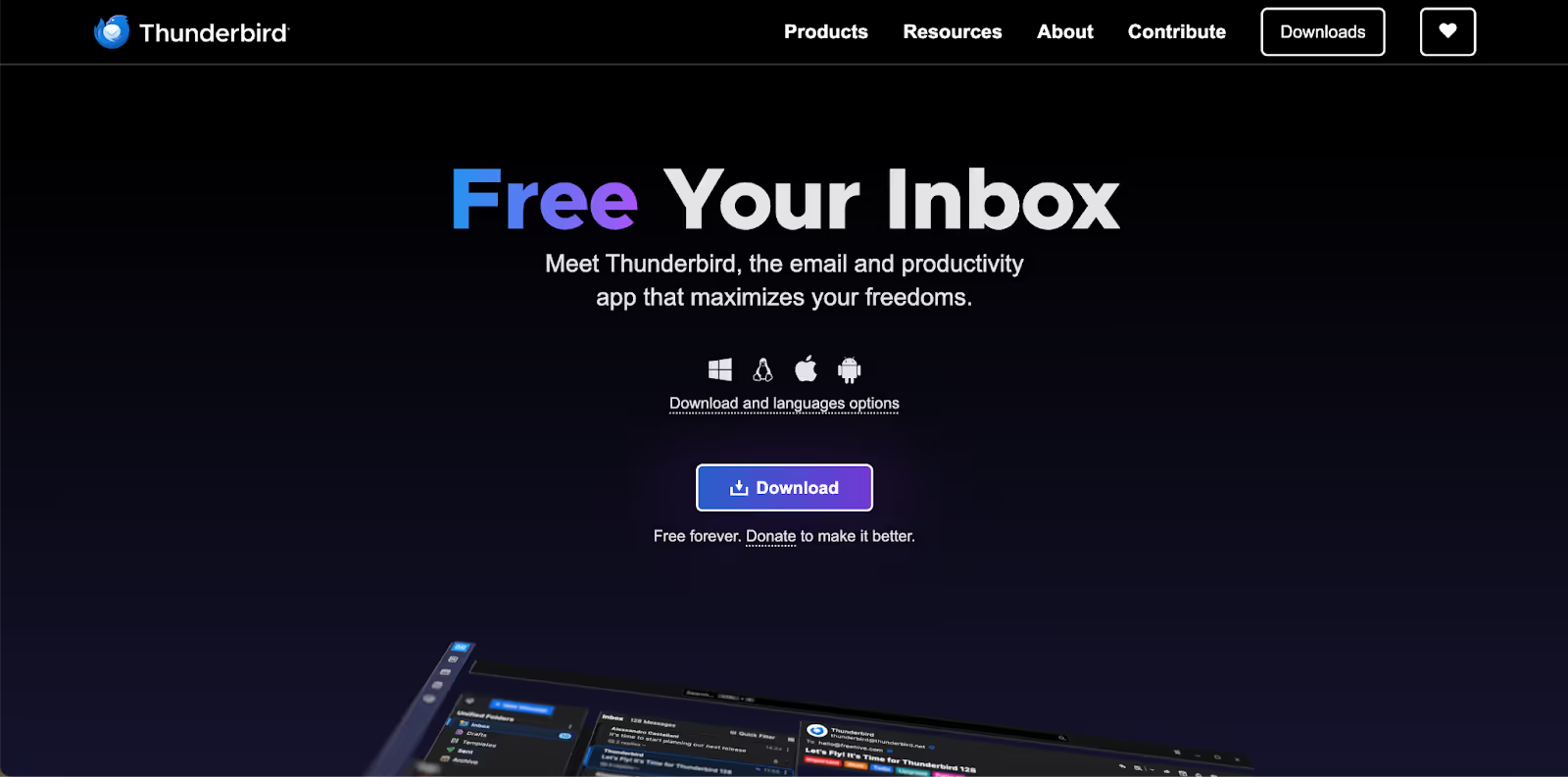
12. Mozilla Thunderbird: Best Free, Open‑ Mac Email Powerhouse
Rating: 4.4
Mozilla Thunderbird offers a rich, desktop‑grade experience that's hard to beat at no cost. It arrives as a full mail client with built‑in calendar, chat, and RSS feed support without ever using a browser.
Thunderbird manages IMAP, POP3, Exchange, Gmail API, and multiple accounts in one place and delivers flexible searching, tagging, and folder management. Its security is a standout with native OpenPGP encryption, which simplifies signing and encrypting messages, and AutoCrypt support makes encryption more accessible.
Recent updates include improved UI, tweakable notifications, and lightweight enterprise policy capabilities. Thunderbird’s open‑ nature means developers can add functionality easily via extensions.
Pros
- Free, open‑ client with a full calendar, chat, and feed reader
- Built‑in OpenPGP encryption and AutoCrypt for secure communications
- Handles all major server types, including Gmail API, IMAP, POP3, and Exchange, with ease
- Extensible by developers through a rich ecosystem of add‑ons
Cons
- The interface can feel dated compared to modern mail apps
- Advanced encryption setup (keys, signing) may require some technical steps
Pricing
It’s free to use for all.
13. Superhuman
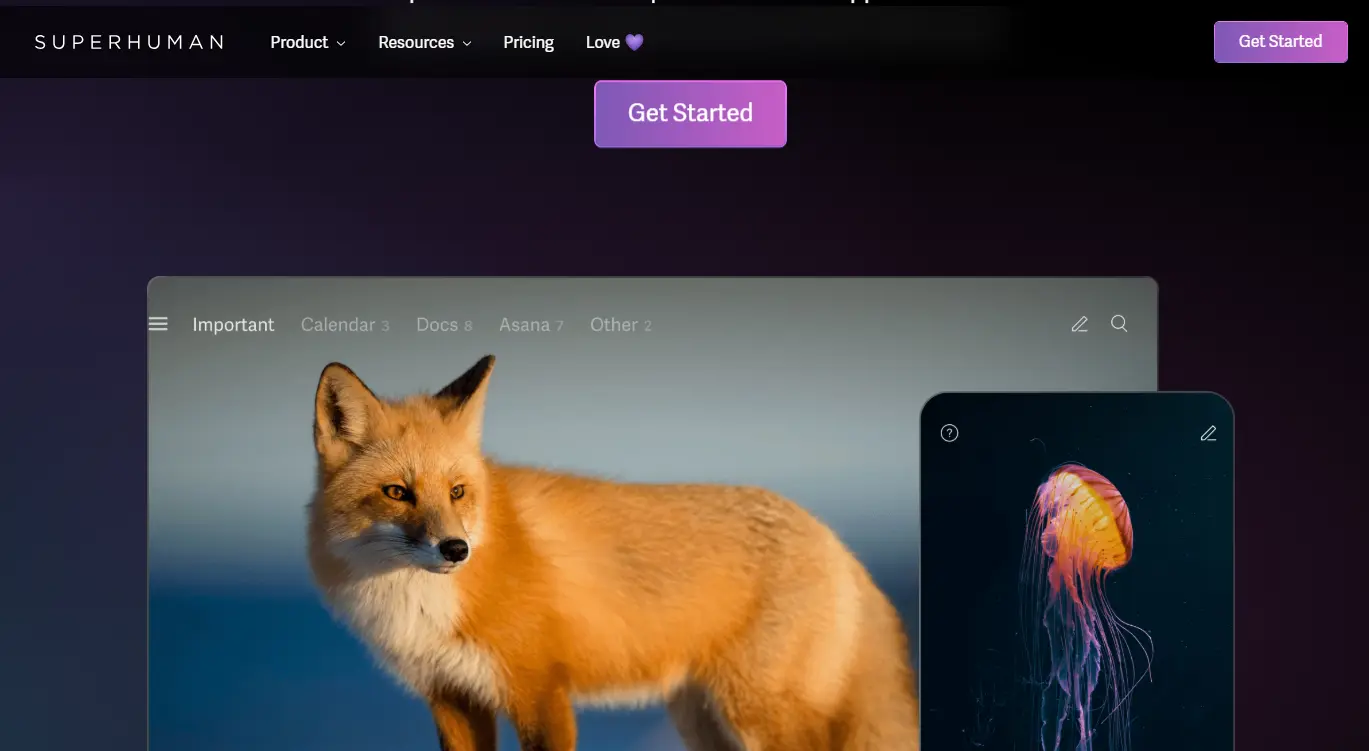
Superhuman is designed for users who value speed, efficiency, and a keyboard-first workflow. It’s often called the fastest email client on the market, thanks to its streamlined interface, AI-assisted triage, and powerful shortcuts. While Superhuman emphasizes productivity, Canary Mail’s AI-powered inbox and encryption make it a strong alternative for those seeking both speed and security.
For users curious about competitors, explore our dedicated post on the best Superhuman alternatives. If you prefer a distraction-free environment, our guide on ad-free email clients can help you discover simpler inbox setups.
Superhuman sits alongside other top apps featured in our roundup of the best email clients for Mac. And if privacy is your top priority, you may also want to explore PGP encryption options for a more secure workflow.
Pros
- Lightning-fast interface optimized for keyboard shortcuts
- Split inbox, reminders, and follow-ups to stay on top of conversations
- AI-powered triage and productivity coaching
- Minimalist design focused on efficiency
Cons
- Premium-only with no free version
- Invite-only sign-up process can be restrictive
- Lacks some of the advanced privacy tools offered by Canary Mail
Pricing
Superhuman is available by invitation only, with a subscription cost of $30/month.
14. Mimestream: Best Mac Email Client for Gmail Users
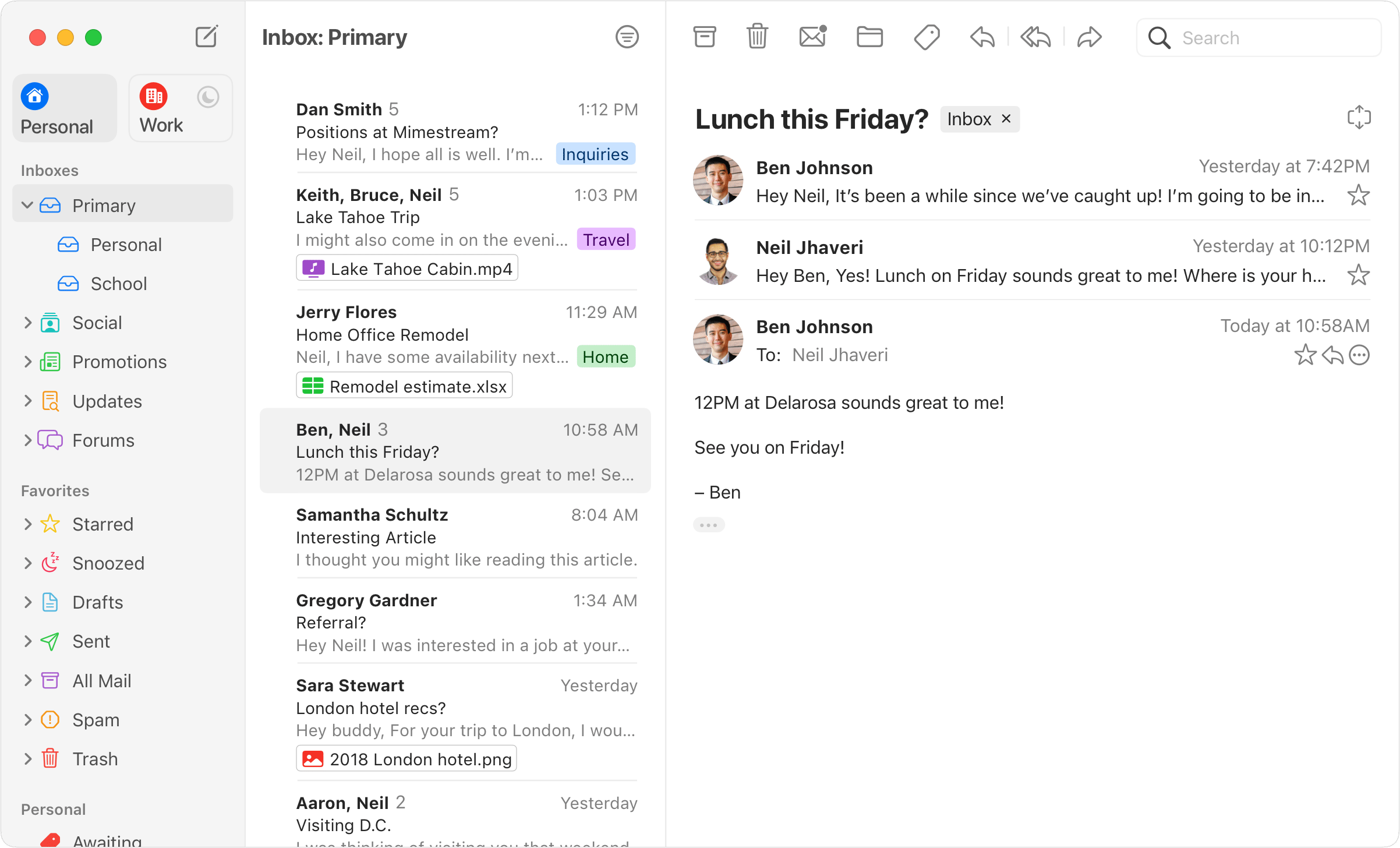
Mimestream is a native macOS email client built specifically for Gmail and Google Workspace users. It provides a Mac-native experience while supporting Gmail features such as labels, filters, categories, powerful search, multiple accounts, unified inboxes, profiles, aliases, and keyboard shortcuts.
Mimestream is a good fit for Gmail users who want a dedicated Mac email app instead of using Gmail in a browser. However, its main limitation is that it supports only Gmail and Google Workspace accounts, so it is not suitable if you need to manage Outlook, iCloud, IMAP, or other email accounts in the same client.
Pros
- Native macOS experience designed specifically for Gmail
- Supports multiple Gmail and Google Workspace accounts
- Powerful Gmail features including labels, filters, categories, and search
- Unified inbox and keyboard shortcuts
- Supports Gmail profiles and aliases
Cons
- Supports only Gmail and Google Workspace accounts
- Not suitable for users who need to manage non-Gmail accounts
- Requires a paid subscription after the free trial
Pricing
Mimestream offers a 14-day free trial, with plans starting at $4.99/month or $49.99/year.
Why You Need an Email Client for Mac
What Good Offline Access Looks Like on Mac
A lot of email productivity advice assumes you always have a perfect connection. Real life does not - commuting or flying, spotty hotel Wi-Fi, rural coverage gaps, or a corporate network that blocks sync at the worst time. If you work on a MacBook and an iPhone, offline access matters.
Offline access is not just "I can open the app." A strong Mac email client should let you:
- Read emails and attachments offline, for the messages already synced to your device
- Draft emails offline, then send automatically after you reconnect
- Search locally to find synced mail and recent threads without a connection
- Keep workflow consistency, moving between Mac and iPhone without friction
Canary Mail supports offline reading and drafting for downloaded emails, and drafts are saved locally until you reconnect, so a dropped connection does not stop your work.
Fast Search on Mac: What to Look For
Fast search is where many apps feel fine at first and then fall apart when your inbox grows, you add multiple accounts, or you go looking for an older thread or attachment. When you evaluate search, check four things:
- Speed: how quickly results appear
- Precision: can you filter by sender, subject, or recipient
- Cross-account search: can you search across multiple inboxes at once
- Attachment search: can you locate files without endless scrolling
Tokenized Search in Canary Mail adds filters like From, To, and Subject for more precise results, and smart search across accounts helps you surface the right thread quickly. It is worth separating the two ideas: fast search is about speed, while smart search is about relevance - finding the right message across multiple accounts, not just any match.
A dedicated Mac email client should give you:
- A unified inbox and fast filtering when you juggle more than one account
- Reliable search for old messages and attachments
- Clean organization (smart folders, rules, snooze) to reduce inbox noise
- Privacy and security controls for trackers, phishing, and sensitive email
- Optional AI assistance that saves time, not a new workflow you must learn
If you also reply on iPhone, check feature parity across devices so your mobile workflow does not regress. Pricing and device coverage matter too, so it is worth verifying plan details before you switch.
How We Evaluated These Email Clients
To build this list, we didn’t just compare landing pages; we tested each email app on real Mac machines, including Apple Silicon (M1/M2) and Intel-based devices. We checked how well each client handled real inboxes, from Gmail and iCloud to IMAP and Exchange.
Our evaluation criteria included:
- Performance
- Design
- AI & smart tools availability
- Security & privacy control features
- Customization options
- Integrations
- Access & compatibility with macOS
- Pricing
We also factored in public feedback, pulling reviews from G2 and Capterra, Reddit threads, and forum discussions, to understand what people like and what gets in the way.
Smart Email Management with the Right Mac Client
Your inbox deserves a calmer workflow than laggy webmail tabs or a one size fits all default. The best Mac email client is the one that feels familiar every day, but still gives you the tools to move faster when email gets heavy.
If you want a modern, Apple friendly experience with a unified inbox, privacy-first security, and optional AI help for writing and summaries, Canary Mail is a strong choice. Before switching, verify plan details and device coverage so pricing and cross-device continuity are clear.
[cta-block:ctablock1,title="One inbox for all accounts. Get started today",button="Install free",buttonlink="https://canarymail.io/downloads"]
FAQs
What should I prioritize when choosing a Mac email client?
Focus on unified inbox and fast search, rules by account, Undo Send + scheduled send, and privacy controls. If you manage several inboxes, start with the best email app for multiple accounts.
Can I really “unsend” emails on Mac or iPhone?
You typically get a short Undo Send window (10–30s). After delivery, true “unsend” is rare—use send delay and scheduled send to prevent mistakes. Details: Can you delete an email you sent?
Are read receipts a reliable way to measure engagement?
Not reliably. Privacy protections and blocked images make “opens” noisy. Measure click-through and replies instead. See Read receipts on Mac and our email read receipts guide.
Which desktop alternatives should I compare to Apple’s client?
Start with a clear rubric, then review Apple Mail alternatives. If you live in Microsoft 365, also test Outlook for rules/calendar parity. For desktop matchups, check Apple Mail vs iCloud Mail and Apple Mail vs Thunderbird.
Will my setup work well on iPhone, too?
Aim for feature parity so mobile replies don’t regress. Verify Undo Send, scheduled send, notification controls, and rule behavior across devices. When you’re ready to try a new client, go to Downloads.
Can I read and draft email offline on Mac?
Yes. Most clients can show messages already synced to your device, and Canary Mail supports offline reading plus drafting - drafts are saved locally until you reconnect, then send once you are back online.
What is Tokenized Search in Canary Mail?
Tokenized Search suggests filters like From, To, and Subject to make results more precise on macOS and iOS, so you can narrow a busy inbox quickly.
Is fast search the same as smart search?
Not quite. Fast search is about speed - how quickly results appear. Smart search is about relevance - finding the right thread across multiple accounts, not just any keyword match.
Does offline access work if my inbox is huge?
Offline access depends on what is synced locally. Canary Mail handles downloaded emails efficiently, though very large historical archives may need additional sync setup.