The Private
AI Email App

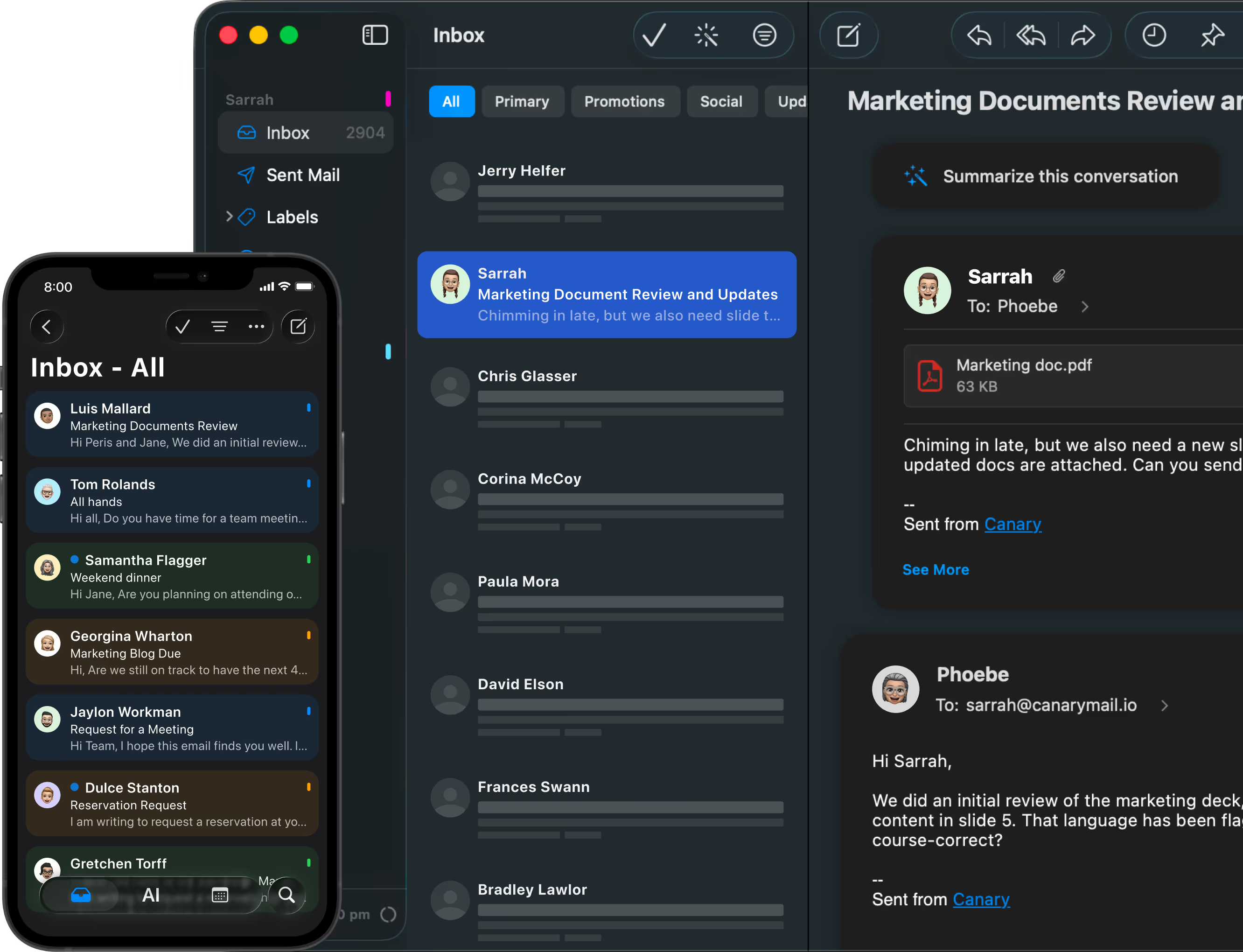
Canary Mail brings real AI to your inbox - smart drafts, instant summaries, natural-language search, and on device triage - with privacy built into how it runs. Your email is never used to train generalized AI models. That is the difference between an AI that works for you and one that works on you.

Trusted by 1,000,000+ users around the world.

Backed by Sequoia. Used by individuals & teams at:

AI That Works for Your Inbox, Not Against Your Privacy

Most AI email tools send everything to a vendor's cloud and, too often, use your messages to train theirmodels. That is the trade everyone else asks you to make.

Canary is built around two commitments instead. Your inbox intelligence - triage, prioritization, categorization -runs on your device. And for the features that do use cloud AI, like drafting and summaries, your email is neverused to train generalized AI models, and Canary has opted out of data-sharing for model training with thirdpartyproviders. Every message is protected with PGP encryption.

On-device inbox intelligence - triage and prioritization run locally and even work offline for mail you've alreadydownloaded.

Privacy-controlled cloud AI - drafts, summaries, and natural-language answers use hosted models, but yourcontent is never used to train generalized AI.

Works with the inbox you already have - Gmail, Outlook, iCloud, and IMAP. No new address, no migration.

Private AI Email vs. Cloud AI vs. Encrypted Providers

There are three ways to get AI and privacy in email today. Canary is the one that pairs local inbox intelligence with a no-training commitment.

Canary Mail
Cloud AI clients (Superhuman, Fyxer, Shortwave)
Encrypted providers (Proton, Tuta)
Inbox triage + prioritization
On your device
The vendor's cloud
The vendor's cloud
Depends on the vendor
No
TLS in transit, not end-to-end
Gmail, Outlook
Limited or none
Drafts, summaries, NL answers
Used to train generalized AI models?
Works offline
Encryption
Works with your existing inbox
Privacy-controlled cloud AI
Compose-window only / none
No (but little to no AI)
Mail access varies
End-to-end / zero-access
New address required
Best for
No - and opted out of third-party model-training sharing
Triage + local search, for downloaded mail
PGP / end-to-end
Gmail, Outlook, iCloud,  IMAP
People who want AI and privacy
People who want speed and don't mind the cloud
People who want maximum encryption and can live without AI

Proton and Tuta protect your privacy but can't do much inside your inbox - end-to-end encryption is exactly what stops their servers from reading and summarizing your mail. The cloud AI clients are powerful but run everything in their cloud and may train on your data. Canary keeps your inbox intelligence local, uses privacy controlledcloud AI for the rest, and never trains generalized models on your email.

AI Is Optional and Fully Controllable

Optional AI features which can be disabled anytime.

Core email functions work without AI.

Full inbox management works without AI - including search, folders, filters, and multi-account support.

Privacy-first: we don’t train AI on your personal emails.

What Optional AI Copilot Actually Does

Draft replies based on context.

Summarize long threads into key points.

Improve your tone (professional, casual, concise).

Search your email naturally across accounts.

Meet Canary Mail AI: Your Inbox, Reinvented

Your inbox was never meant to be this busy. Recruiters, founders, freelancers, and teams spend hours every day buried in email threads. Important messages get lost, tone gets misread, and inbox fatigue sets in.
Canary Mail AI was built to fix this inbox overflow. AI Copilot, Summaries, and Smart Search help you handle communication faster without sacrificing privacy. Inbox triage and prioritization run locally on your device, and for generative features like drafts and summaries, your email is never used to train generalized AI models. It's productivity and privacy, working together.

Read our detailed breakdown of Single‑Provider AI vs Cross‑Account AI for power users and Local AI vs Cloud AI in Email to understand how we protect your data. Check out  what's new in Canary Mail to see our latest feature releases and improvements.

Tired of Apple Mail limits? Secure your workflow without compromises.

Canary Mail supports Gmail, Outlook, iCloud, Exchange, and IMAP across Mac, iPhone, iPad, Windows, and Android. Recent updates have focused on sync reliability, search quality, crash fixes, Gmail setup, compose reliability, and platform polish.

Explore reliability and setup guidance:
Reliability and Scale
Reliability and Search Quality
What’s New
Windows vs Mac
Cross-device sync and licensing

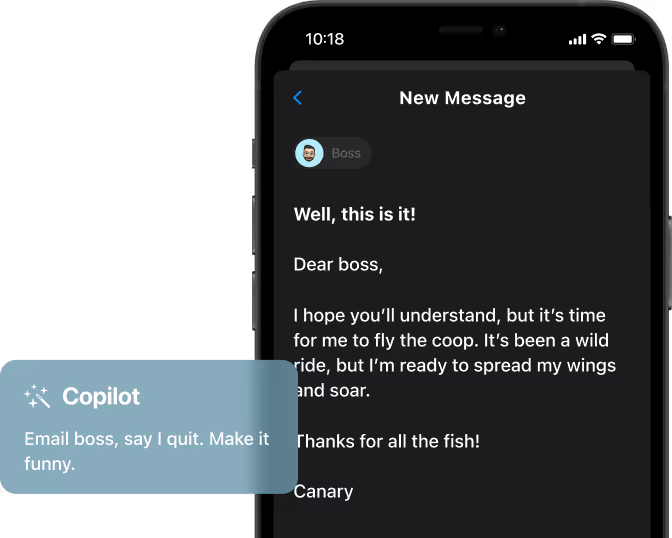
Smart Drafts With One Click

Drafting professional emails shouldn’t take half your morning. With AI Copilot, Canary Mail does the heavy lifting.

What It Does

Suggests full replies instantly based on context, ready for you to review.

Adjusts tone to your preference: professional, casual, concise or custom.

Auto-generated subject lines to improve clarity and open rates.

Drafts use privacy-controlled cloud AI, and your content is never used to train generalized AI models.

AI Copilot saves me 30 minutes every morning. It’s like having a personal assistant in my inbox.
— App Store Reviewer

Automatic Email Summaries You Control

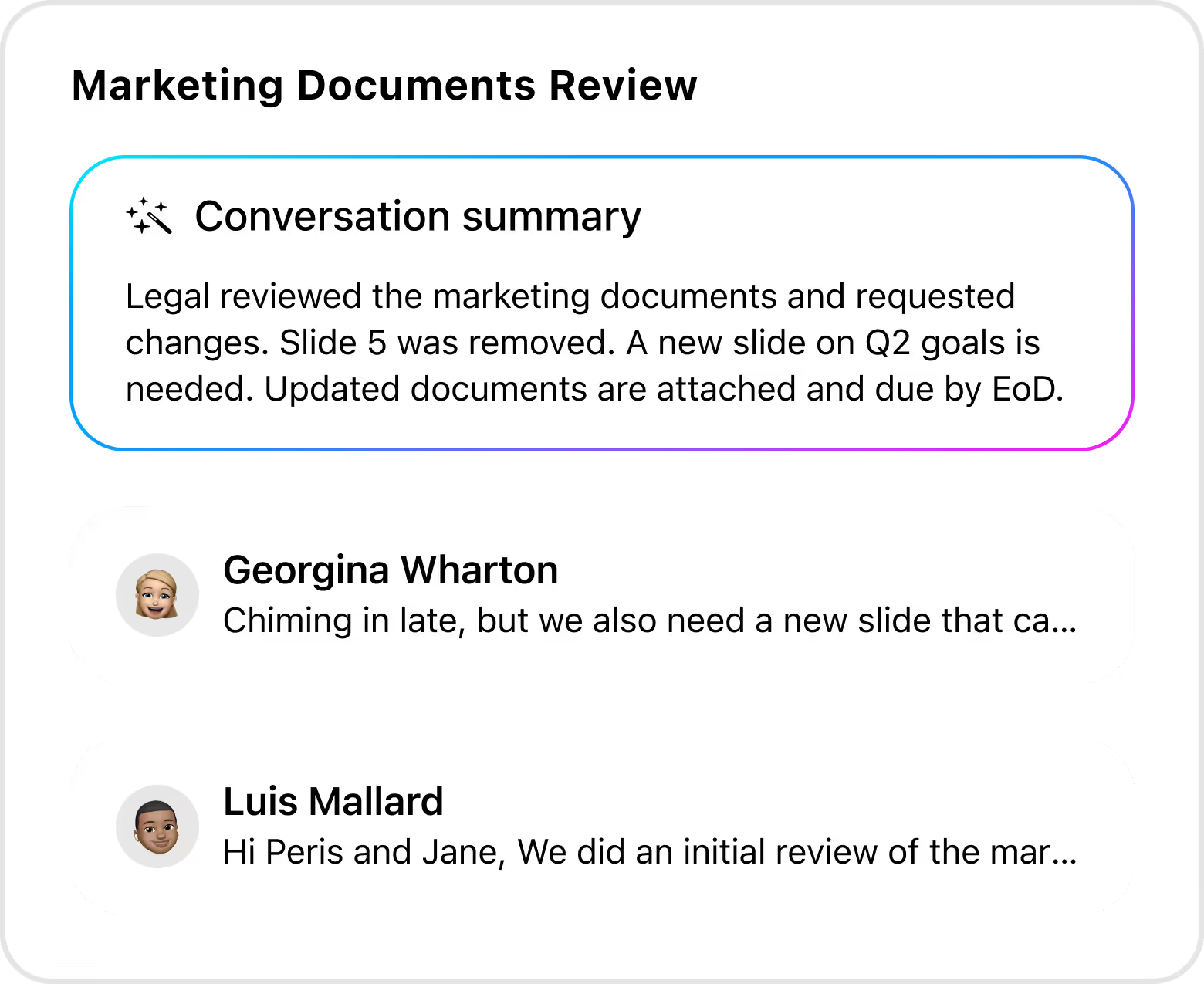
A 40-reply thread shouldn’t waste 40 minutes of your time. With AI Summaries, catch up instantly after meetings or time off.

What It Does

Condense long email threads into a few clear bullet points.

Highlights key decisions and next steps in the same thread.

Perfect for busy executives, recruiters, and support teams.

Summaries use hosted AI with a strict no-training commitment on your data - and previously generated summaries stay available from your local cache..

The AI is phenomenal! Canary Mail triages my inbox and summarizes emails instantly.

— G2 Reviewer

Natural Language Search Across Accounts

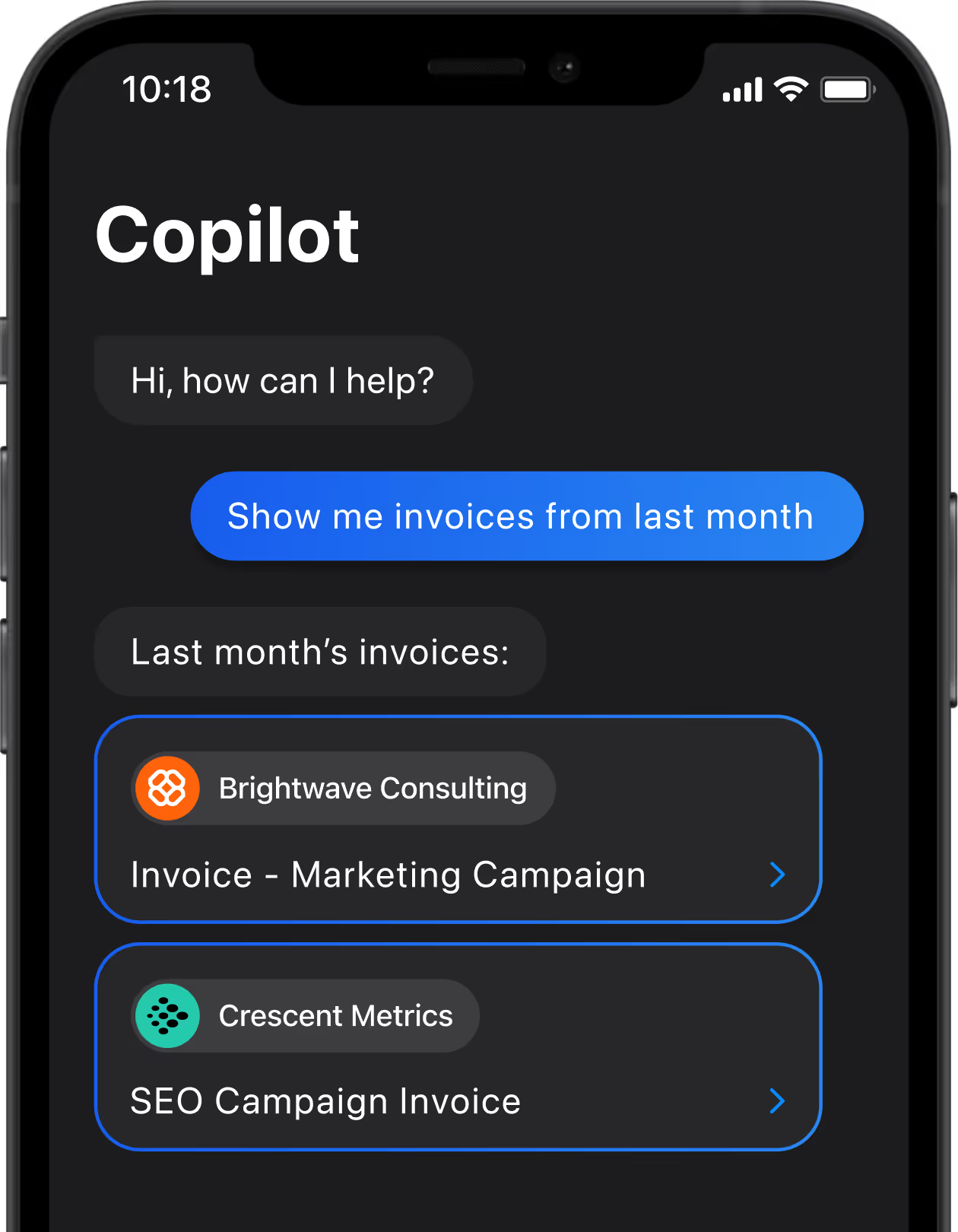
Searching through multiple accounts can feel impossible. Canary Mail’s AI-powered search works like a conversation.

What It Does

Understands questions like “Show me invoices from last month.”

Searches all connected accounts like Gmail, iCloud, Outlook, and more at once.

Finds emails, attachments, and links instantly.

Your inbox index is built and searched on your device; only the query and a limited set of selected results aresent to interpret and answer it - so the index of your mail stays local.

AI Triage For Focused Inboxes

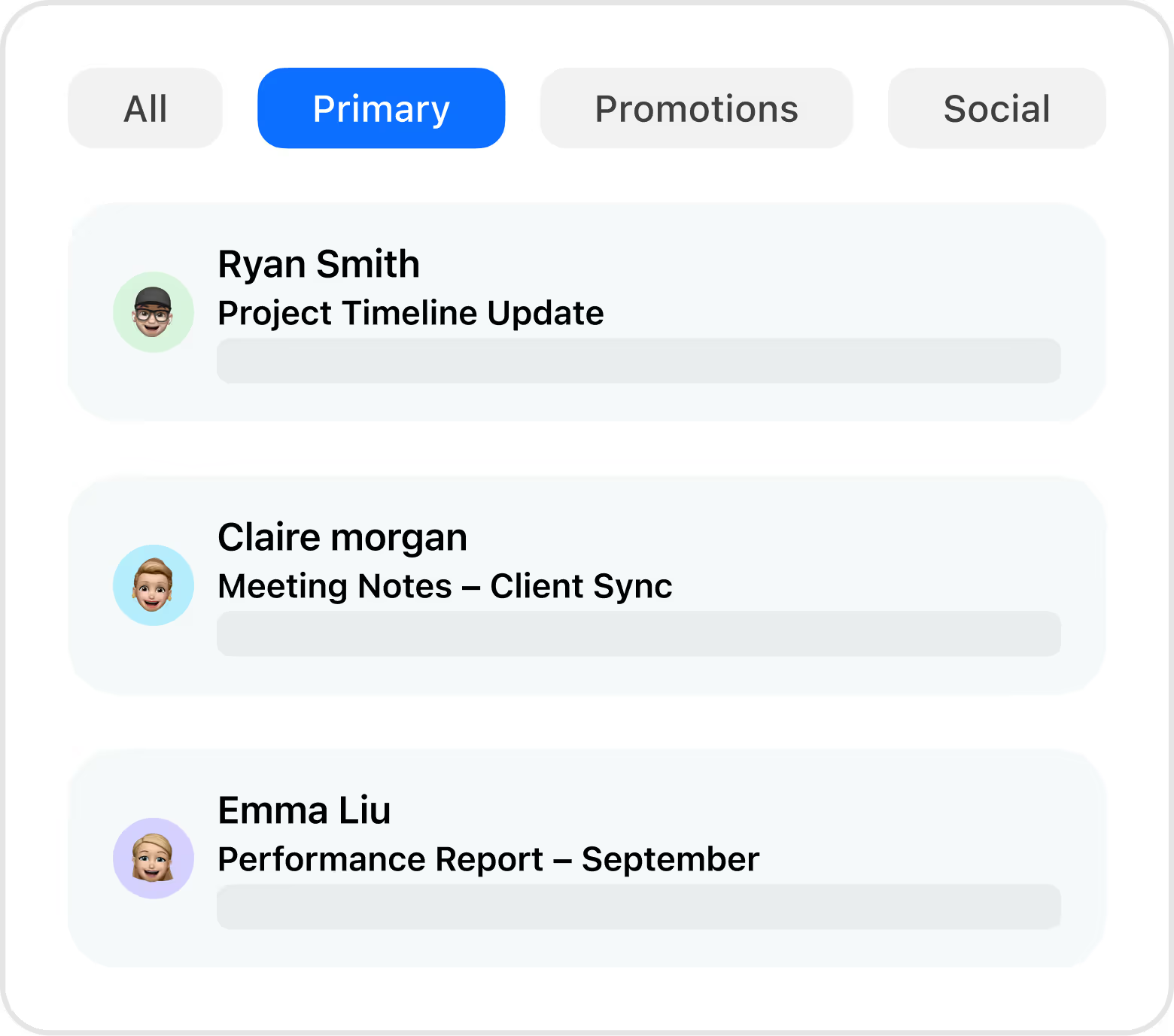
With AI Triage, Canary Mail automatically prioritizes what matters.

What It Does

Important messages are highlighted.

Newsletters and promotions are organized separately.

Focus stays on tasks that drive results.

It supports a smarter inbox by helping you process important conversations faster.

Triage runs on your device - the prioritization of your inbox stays local, and works offline for mail you've alreadydownloaded.

Canary Mail AI vs Gmail Gemini

Gemini runs in Google's cloud. Canary keeps your inbox intelligence - triage and indexing - on your device, uses privacy-controlled cloud AI for generative features, and never uses your email to train generalized AI models.

Gmail Gemini

AI built into Gmail for summaries, draft suggestions, and writing help, only on Gmail accounts. Canary Mail offers a more private and powerful AI than traditional webmail providers. Read our head-to-head comparison: Canary AI vs Gmail Gemini.  

Canary Mail AI

AI across multiple accounts (Gmail, iCloud, Outlook, IMAP) plus Apple-first client experience, with Copilot summaries, smart drafts, and natural search.

Real-World Use Cases

Recruiters

Instead of reading every candidate thread, use AI Summary to review summaries. Drafts help maintain a professional tone across outreach emails.

Freelancers

Multiple clients? Use AI Copilot to manage repetitive updates with tone adjustments. Natural search finds the right invoice or file instantly.

Support Teams

Draft clear, polite, and faster, consistent replies. Summaries ensure no customer request slips through.

Managers & Executives

Review summaries before meetings. AI Triage clears away the noise so you can focus on decisions.

Students & Creators

Use AI Copilot to refine tone and save time for submissions, outreach or collaborations.

FAQs

Does AI Copilot work with all types of emails?

Yes. From short, casual replies to detailed professional responses, Copilot adapts to the context. It drafts a foundation you can tweak, saving you time without removing your personal voice.

Can I change the tone of AI-generated drafts?

Absolutely. You can switch tone with a single click from concise and professional to friendly and casual. This ensures every message matches the recipient and context.

Does Canary Mail’s AI compromise my privacy?

No. Canary Mail operates on a zero-access model. Your data isn’t read or stored by the company. The AI works securely, ensuring your messages stay yours alone. For iPhone users looking at both AI and encryption together, see our best email app for iPhone with AI and encryption guide.

Can I disable AI features if I prefer?

Yes. All AI tools are optional. You can toggle them on or off anytime. Many users start with summaries and gradually adopt drafts and triage.

Does AI work across multiple accounts?

Yes. Canary Mail AI spans all connected accounts. Whether it’s Gmail, Outlook, or iCloud, you get summaries, drafts, and search results everywhere.

How does AI help busy professionals in practice?

It eliminates repetitive work: drafting similar replies, summarizing chains, and organizing inboxes. That means professionals spend less time managing communication and more time making impactful decisions.

How can I improve Canary Mail’s performance with Gmail or Outlook?

If you’re using Gmail or Outlook and want optimal speed and sync reliability, review our performance checklist for recommended settings and best practices. It walks you through steps to ensure smooth syncing, fast search, and stable performance across accounts.

Does AI Copilot have an email limit?

Canary Mail AI does not limit your mailbox sync - all your emails remain accessible. However, AI suggestions depend on the context window: very long threads or emails beyond a certain size may not be fully included in AI analysis. AI results also vary depending on the thread context and your account type, so some features may behave differently across macOS, iOS, Windows, and Android.

Does Canary Mail use my emails to train AI?

No. In Canary's words: "Your data, including that from Google services, is not used to develop, improve, or train generalized/non-personalized AI and/or ML models." Canary has also opted out of data-sharing for model training with third-party AI providers.

Is there an AI email app that keeps my inbox intelligence on-device?

Canary runs triage, prioritization, and inbox categorization on your device - they even work offline for mail you've already downloaded. Generative features like drafts and summaries use privacy-controlled cloud AI, with a firm commitment never to train generalized AI models on your email.

What is the most private AI email app?

Canary is built for exactly this: on-device inbox intelligence, privacy-controlled cloud AI for drafting and summaries, PGP encryption, and a no-training commitment. Encrypted providers like Proton and Tuta are private but offer little inbox AI; cloud AI clients are capable but run everything in their cloud. Canary is designed to give you both.

How is Canary's AI different from Superhuman or Gmail's Gemini?

Superhuman and Gemini run their AI in the cloud. Canary keeps your inbox intelligence - triage and indexing - on your device, uses privacy-controlled cloud AI for generative work, and never trains generalized models on your data.

Does natural-language search send my email to the cloud?

Your inbox index is built and searched on your device. When you ask a natural-language question, the query and a limited set of locally selected results are sent to interpret and generate the answer - so the full index of your mail stays local rather than being stored on someone else's server.

Do Canary's AI features work offline?

On-device triage, categorization, and ordinary local inbox search work offline for mail you've already downloaded, and previously generated summaries remain available from your local cache. New summaries, AI drafts, and natural-language answers need a connection.

Does Canary Mail support encryption as well as AI?

Yes - PGP / end-to-end encryption is a core pillar, not a buried setting, and it works alongside the AI features.

Last updated: Aug 14, 2026

Explore all Canary Mail features