What Canary Mail is
Canary Mail is a desktop and mobile email client for managing multiple inboxes in one place, across Gmail, Outlook, iCloud, IMAP, and Exchange.
It is designed for people who want:

One unified inbox for multiple accounts.
A clean, modern interface that reduces inbox noise.
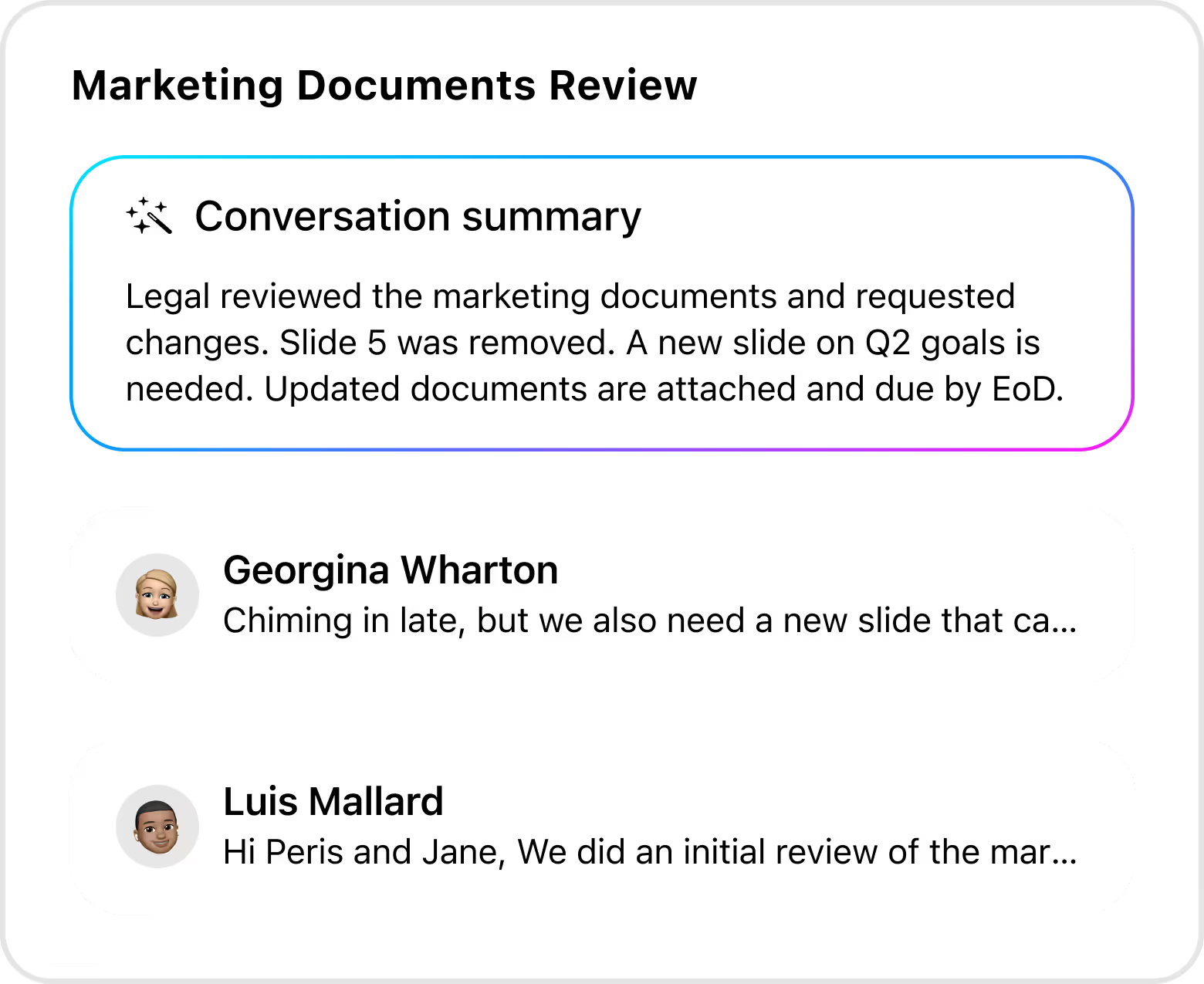
AI features for drafting and summarizing emails.
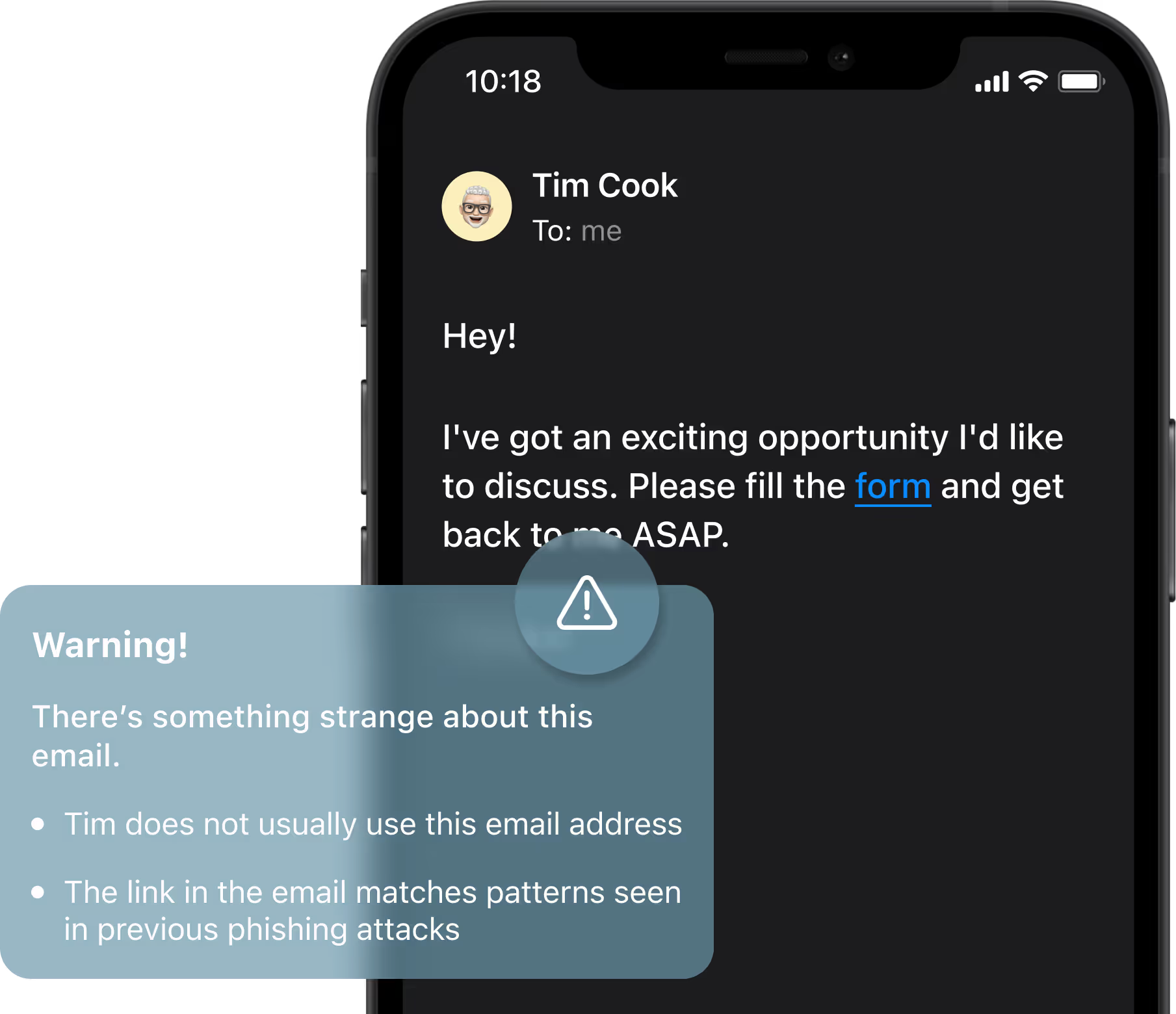
Privacy-first email with built-in security and encryption.
Collaboration-ready with shared inbox support for small teams.
It's available on macOS, iOS, Windows, and Android and works with your existing email provider without changing where your email is hosted.
What Canary Mail is not
To avoid confusion, here are a few common misunderstandings:
Not an email provider - does not create or host email accounts rather connects to existing services.
Does not replace Gmail, Outlook, or iCloud as a service – replaces the email app you use, not the provider behind your account.
Does not create a new email address – sign in with your existing accounts.
Not AI only - AI features are optional and can be disabled at any time.
Not a full helpdesk platform - mainly built for individuals and small teams.