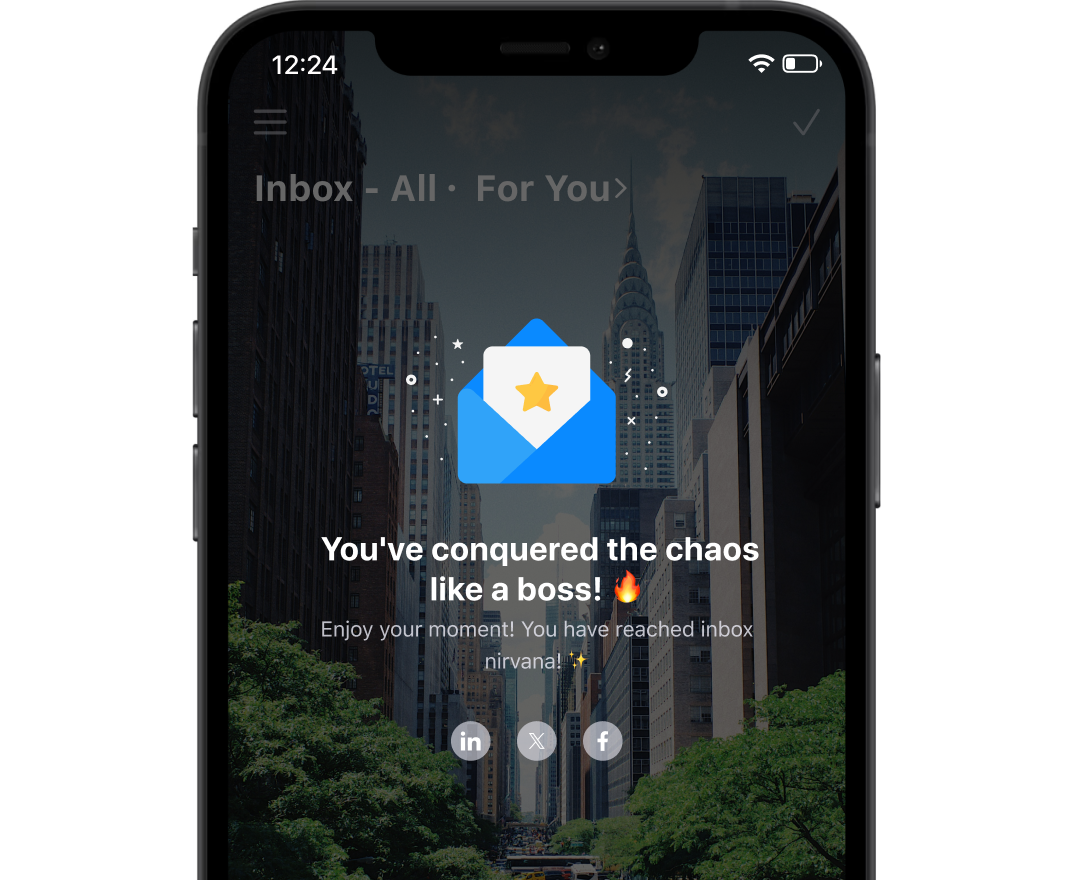
Inbox Zero is not about having literally zero emails forever. It is about reducing inbox stress with a smart inbox that ensures nothing is silently waiting on your attention.

You reply to what matters now.
You close loops quickly.
You stop re-reading the same threads.
You keep your inbox focused, not noisy.

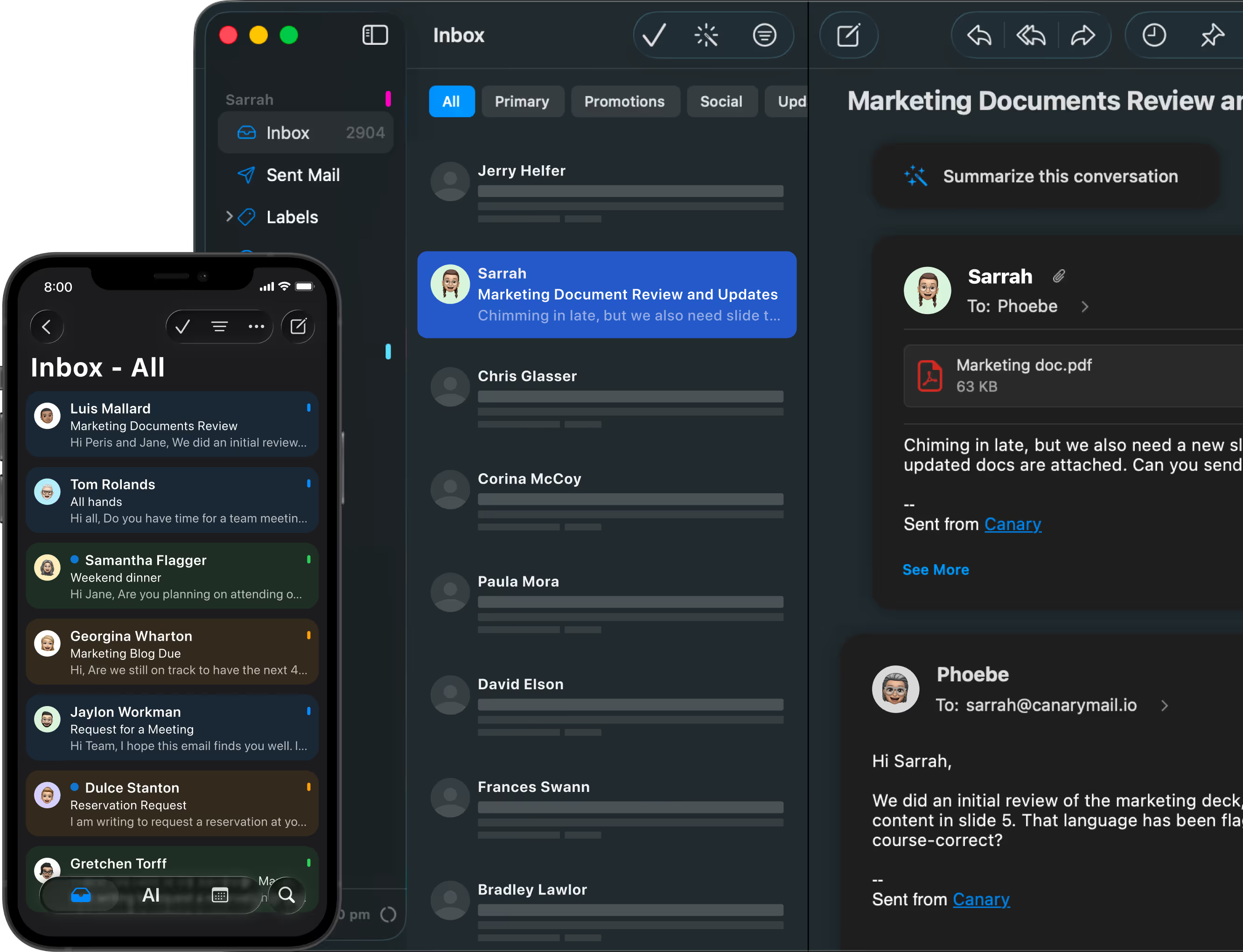
AI triage highlights what needs action so you can focus on the emails that actually matter.
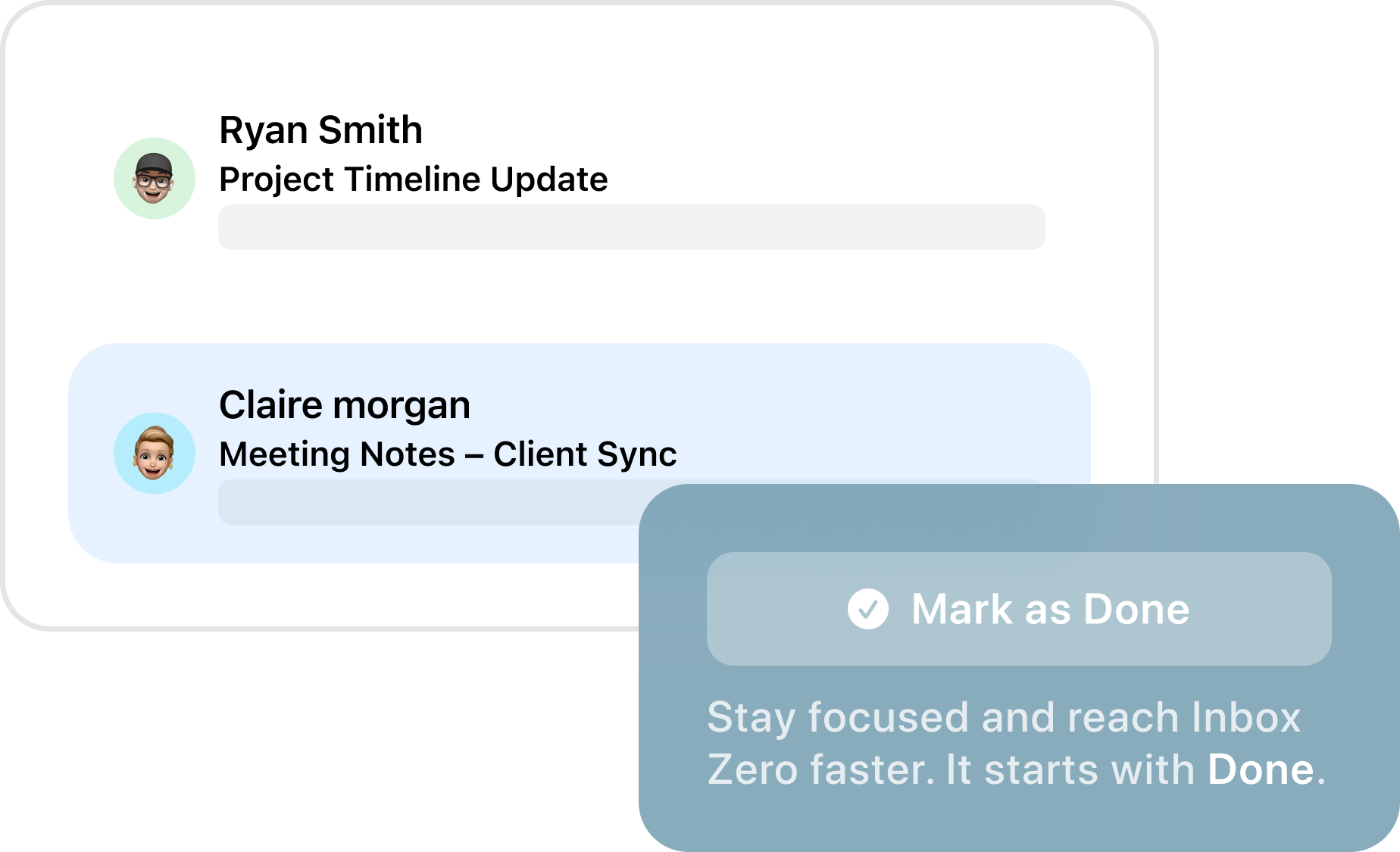
Mark as Done clears messages in one tap once they are handled.
AI summaries shorten long threads into a few clear bullet points.
Smart search finds the right email instantly across accounts, attachments, and links.
Unified Inbox supports multiple accounts so work and personal stay manageable.
Privacy and encryption stay built-in so productivity does not cost you control.
Open your smart inbox and let AI triage surface what needs a reply, follow-up, or decision.
Explore AI triage and summaries on AI Email Features.
Handle quick replies, then tap Mark as Done to clear the message from your active attention.
If you want a step-by-step walkthrough, see Achieve Inbox Zero with Canary Mail: The Ultimate Guide.
Stop scrolling. Use AI summaries to extract decisions, next steps, and context in seconds.
Use smart search to pull up invoices, threads, attachments, or specific conversations across all connected accounts.
Inbox Zero gets harder with volume. Use collaboration tools to assign ownership and keep replies consistent.
See Collaboration Tools.
Inbox Zero should not require exposing your messages. Keep productivity high with privacy-first protection.
See Security Features.
Turn inbox chaos into a clear action queue. Triage what matters, complete what is done, and keep attention on execution.
Stay responsive without living in your inbox. Use summaries for long threads, then mark messages done as you close loops.
Use AI Email Features to draft faster and avoid context switching.
Summarize long conversations instantly and keep follow-ups from slipping through the cracks.

Inbox Zero is a workflow for keeping your inbox from becoming mental clutter. The goal is that every email has a next action, or it is cleared from your active attention.
No. Inbox Zero is not about deleting everything. It is about deciding what matters, handling it, and keeping the rest out of your way.
Mark as Done lets you clear emails that are fully handled, so your inbox reflects what still needs attention, not what you already finished.
Yes. Inbox Zero works best when you can manage everything together. Canary Mail supports multiple accounts so you can process email in one place. Your settings and progress are maintained through cross-device sync and licensing, ensuring a consistent experience on Mac, iOS, Windows, and Android.
Yes. You can use the Inbox Zero workflow across devices, so your inbox stays consistent whether you are at your desk or on the go. Download Canary Mail for iPhone Canary Mail for iPhone to maintain your flow anywhere.
No. Canary Mail is built around privacy-first AI and security features, so you can move faster without sacrificing control. See why Canary is the top Inbox Zero email app for busy executives.
Last updated: March 20, 2026




.svg)


.svg)


