Short answer: Postbox is gone. eM Client bought it in October 2024 and stopped selling and developing it, so it gets no new features or fixes. The closest replacement is eM Client itself, which can import your Postbox accounts, folders, filters and signatures. If you want free, Thunderbird is the app Postbox was originally based on. On a Mac with an iPhone, Canary Mail (ours), Airmail and Spark give you the same inbox on both.
Disclosure: we make Canary Mail, one of the apps below. Prices and features were checked on each vendor's own site or App Store listing on October 16, 2026.
What happened to Postbox?
Postbox was a paid desktop email app for Mac and Windows, popular with people who lived in their inbox: it had a Quick Bar for keyboard-driven actions, a theme editor, pinned messages and strong search. On October 22, 2024, Postbox announced that eM Client had acquired it and that Postbox "will no longer be sold or developed". Support for existing customers ended on December 22, 2024, and the Postbox Help Center closed a year later. The discount Postbox users were offered on eM Client ran until January 31, 2025 and has expired.
Your copy of Postbox may still open, and Postbox said you can keep using it. But an email app that no longer gets updates will fall behind as Gmail, Microsoft and the operating systems change their sign-in and security requirements, so it's worth moving now rather than when it breaks.
Postbox alternatives compared
| App | Best for | Runs on | Free option | Paid price |
|---|---|---|---|---|
| eM Client | The official successor, with a Postbox importer | Windows, Mac; free iPhone and Android apps | 2 accounts, home use | $24.95/year or $39.95 once |
| Thunderbird | Free and open source, the app Postbox started from | Windows, Mac, Linux, Android | Free | None (donations) |
| Canary Mail | Mac, iPhone and Windows with AI and PGP | Mac, Windows, iPhone, iPad, Android | Unlimited accounts, 2 devices | Growth $36/year; Pro+ $100/year |
| Airmail | Mac and iPhone power users | Mac, iPhone, iPad | 1 account | Pro $49.99/year on Mac |
| Spark | A smart inbox and small teams | Mac, Windows, iPhone, iPad, Android | Unlimited accounts | Plus $99/year; Pro $199/year |
| Mailspring | A clean, free desktop app, Linux too | Windows, Mac, Linux | Unlimited accounts | Pro $8/month or $85/year |
| Outlook | Windows users and Microsoft 365 | Windows, Mac, iPhone, Android, web | Yes, with ads | Microsoft 365 Basic $19.99/year |
The 7 best Postbox alternatives in 2026
1. eM Client: Best direct replacement
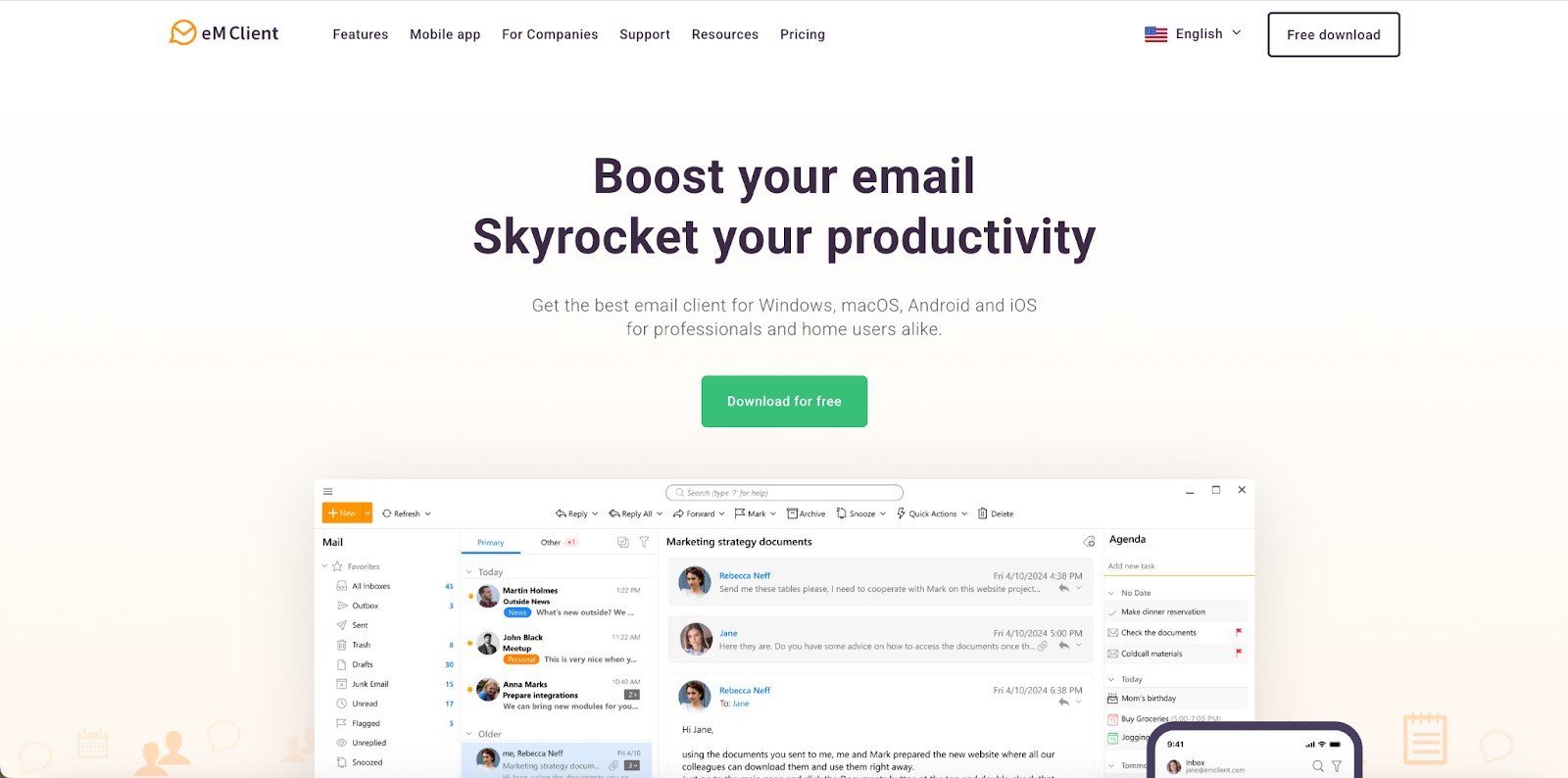
eM Client is where Postbox's owners point you, and it's the only app here with a dedicated Postbox importer that brings over accounts, folders, messages, address book, filters, tags and signatures. It's a bigger app than Postbox was, with calendar, contacts, tasks, notes and chat in one window. Version 11 (October 2026) added built-in AI, and PGP and S/MIME are included on every plan.
- Who it's for: Postbox users on Windows or Mac who want the smoothest move
- Price: free for 2 accounts, home use only; Personal $24.95/year or $39.95 once (3 devices); Business $29.95/year or $44.95 once per device
- Platforms: Windows, Mac; free iPhone and Android apps
- Downside: it feels busier than Postbox, and the one-time licence doesn't include future major versions or AI.
More: eM Client alternatives and Canary Mail vs eM Client.
2. Thunderbird: Best free replacement
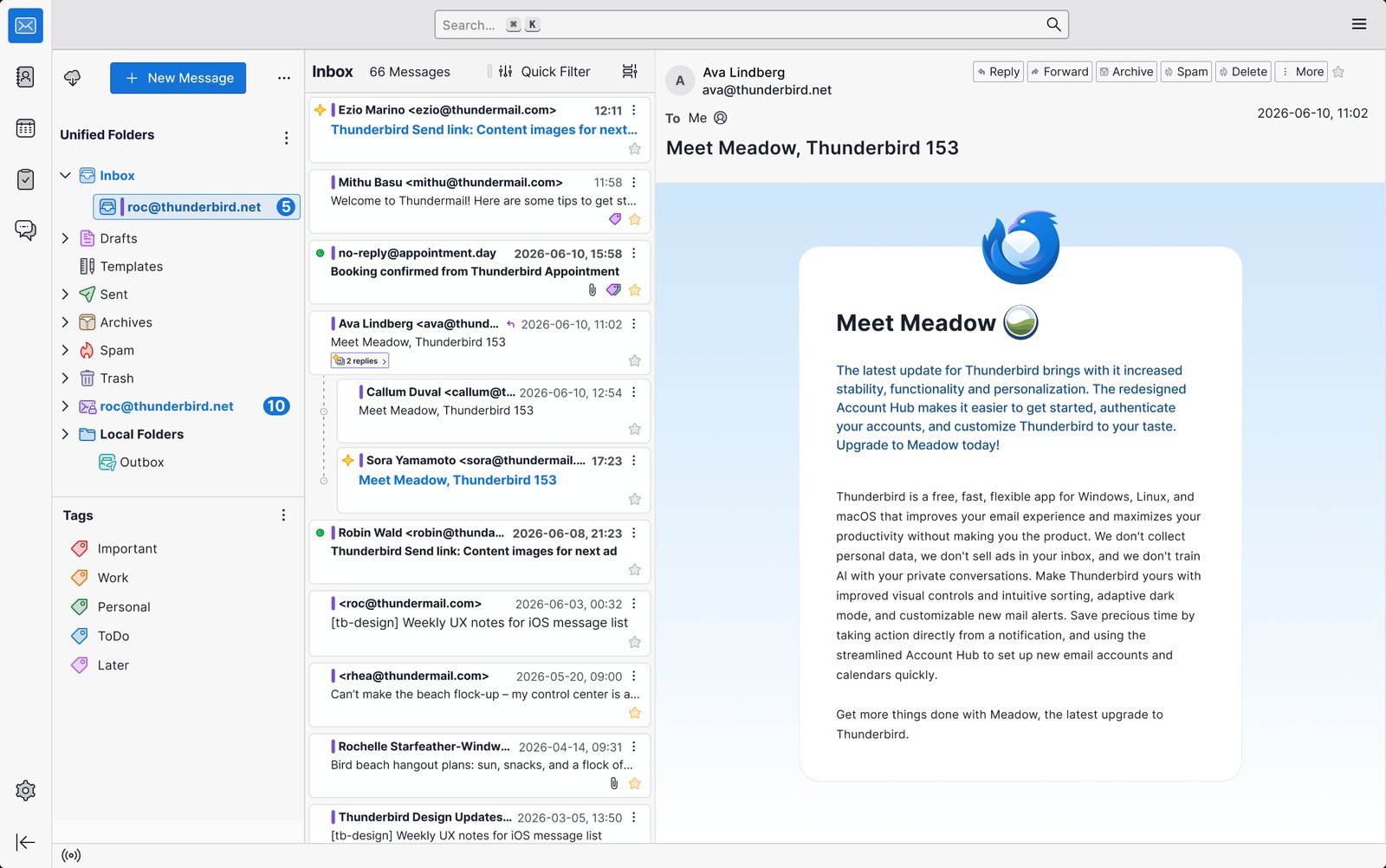
Postbox was originally based on Thunderbird, so much of it will feel familiar: tabs, filters, tags, saved searches and add-ons. Thunderbird is free, open source and actively developed, with a calendar, contacts, tasks and OpenPGP built in. There's an Android app, and an iPhone app in public beta on TestFlight. If you miss Postbox's extra polish, Betterbird is a free, fine-tuned version of Thunderbird for Windows, Mac and Linux.
- Who it's for: anyone who wants a free, full-featured desktop client
- Price: free
- Platforms: Windows, Mac, Linux, Android
- Downside: it looks more dated than Postbox did, and its iPhone app is only an early TestFlight beta.
More: Canary Mail vs Thunderbird.
3. Canary Mail: Best for Mac and iPhone with AI and encryption
Disclosure: we make Canary Mail.
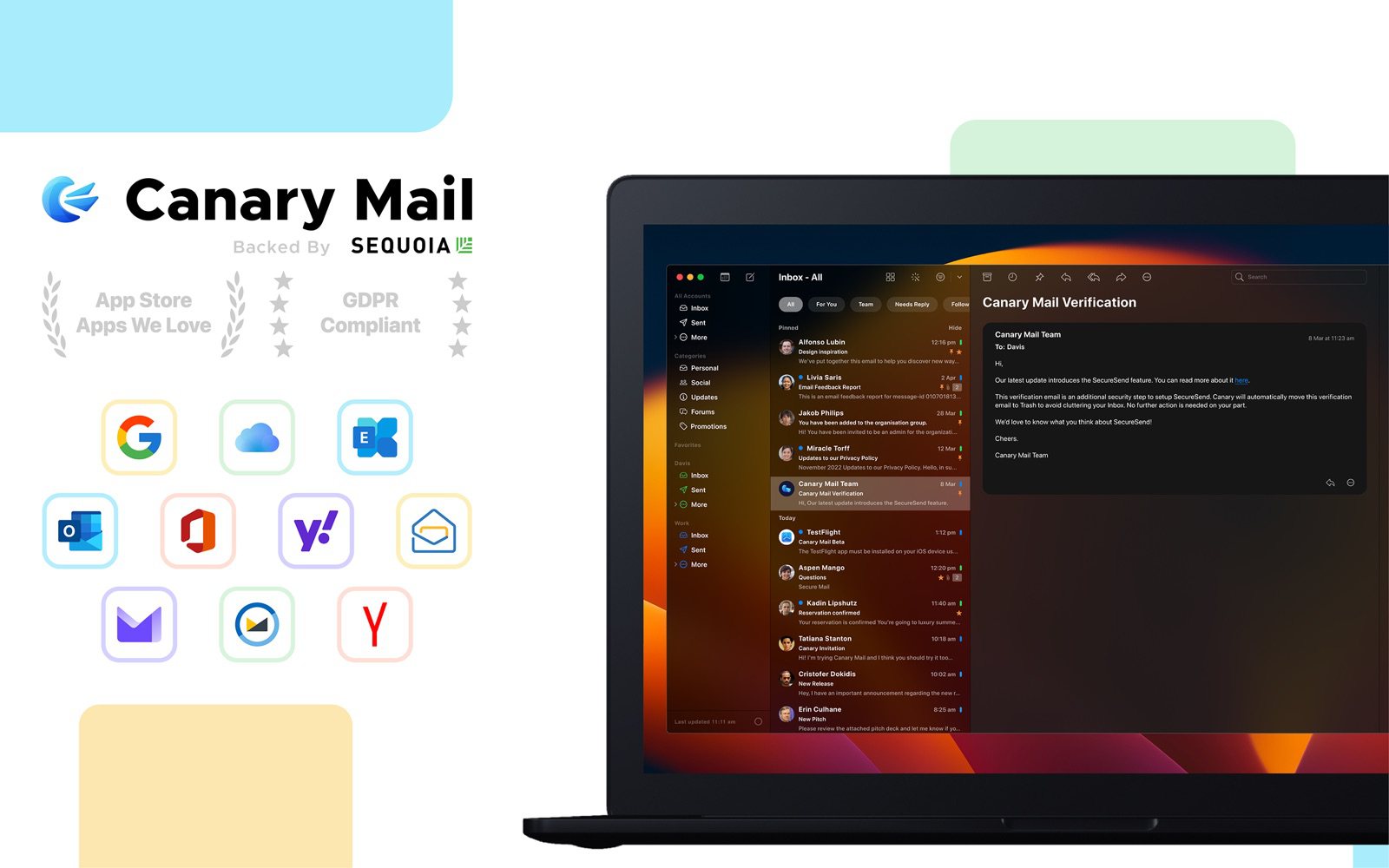
Postbox only ran on Mac and Windows. Canary covers Mac and Windows plus iPhone, iPad and Android, with one licence for all of them. It works with Gmail, Outlook and Microsoft 365, Exchange, iCloud, Yahoo and any IMAP account. AI sorts your inbox on every plan, Growth adds AI writing, summaries, read receipts and send later, and Pro+ adds PGP. Tracker blocking is on by default. More than 2 million people use it, and Apple has featured it on the App Store and Mac App Store.
- Who it's for: Postbox users who want the same inbox on their phone, with AI and encryption
- Price: free for unlimited accounts on 2 devices; Growth $36/year; Pro+ $100/year; lifetime $100 or $300
- Platforms: Mac, Windows, iPhone, iPad, Android
- Downside: no Linux version, and AI writing and PGP are on paid plans, which are yearly or lifetime only.
4. Airmail: Best for Mac and iPhone power users
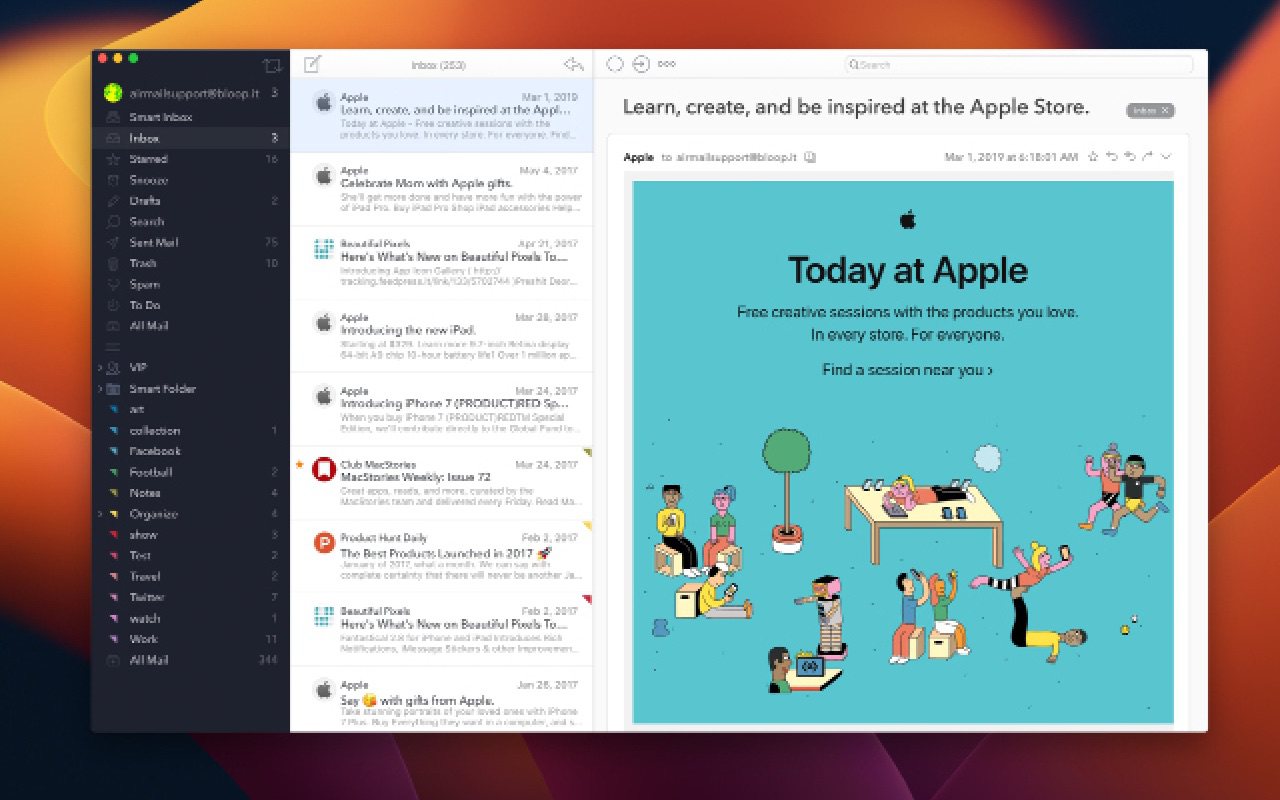
Airmail suits the kind of person who loved Postbox's Quick Bar: it's built around custom actions, keyboard shortcuts, smart folders, send later and snooze, with integrations for task and calendar apps and AppleScript support. It runs only on Apple devices.
- Who it's for: Mac and iPhone users who want a highly customizable app
- Price: free for one account; Airmail Pro $7.99/month or $49.99/year on the Mac App Store
- Platforms: Mac, iPhone, iPad
- Downside: no Windows version, and the free version covers just one account.
Postbox vs Airmail: Postbox ran on Mac and Windows only; Airmail runs on Mac, iPhone and iPad, with its Pro features sold as a subscription. If you used Postbox on a Mac and wanted a phone app, Airmail is a natural fit. If you used it on Windows, look at eM Client or Thunderbird instead.
5. Spark: Best for a smart inbox and small teams
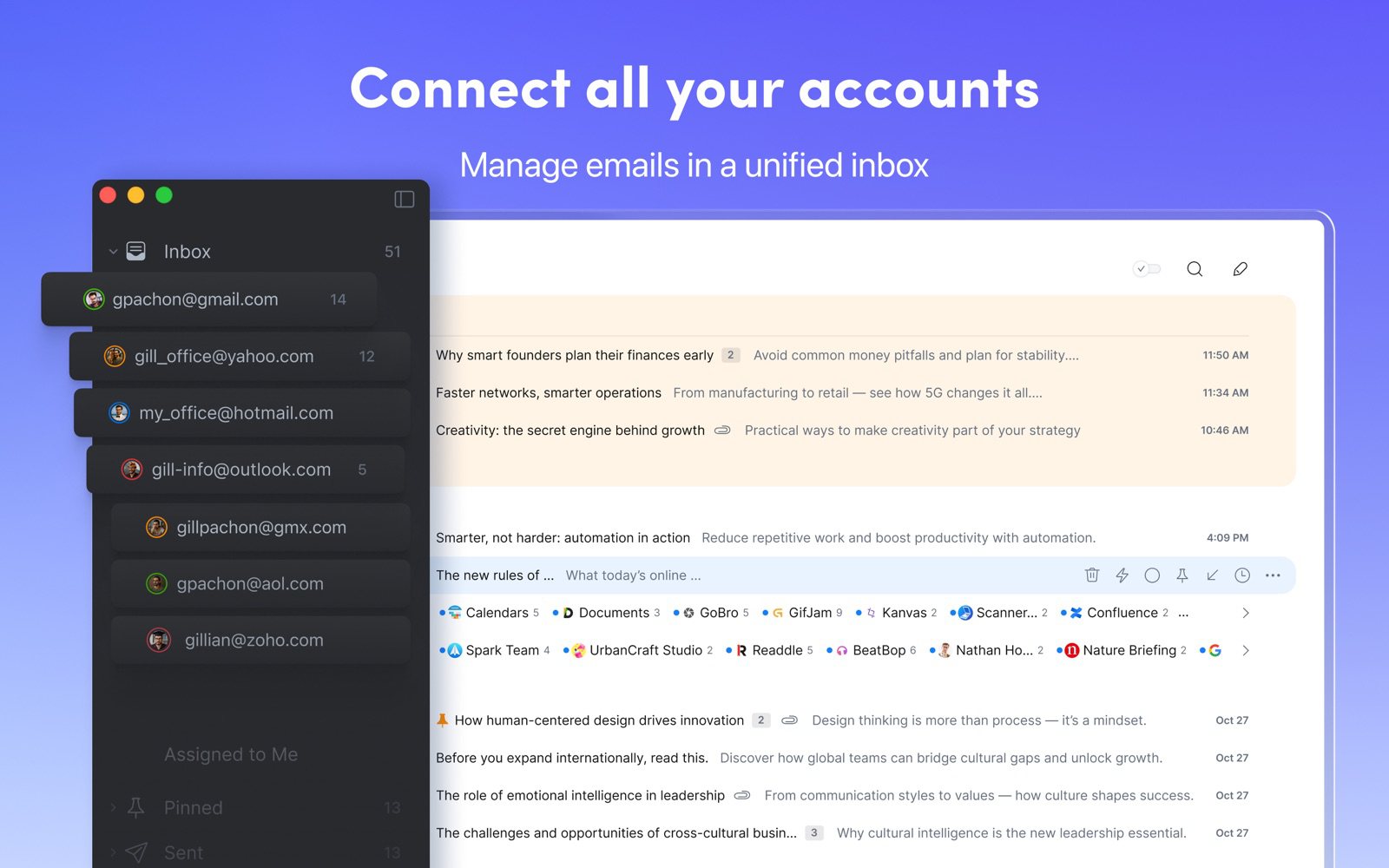
Spark's Smart Inbox puts mail from people above newsletters and notifications, Gatekeeper screens new senders, and teams can write drafts together and comment on emails. Snooze, send later and a calendar are free.
- Who it's for: people who want a sorted inbox on desktop and phone, and small teams
- Price: free for unlimited accounts; Plus $10/month or $99/year; Pro $20/month or $199/year, per user
- Platforms: Mac, Windows, iPhone, iPad, Android
- Downside: the desktop app is built with Electron, some mail is processed on Readdle's servers, and AI is on paid plans.
More: Canary Mail vs Spark.
6. Mailspring: Best clean, free desktop app
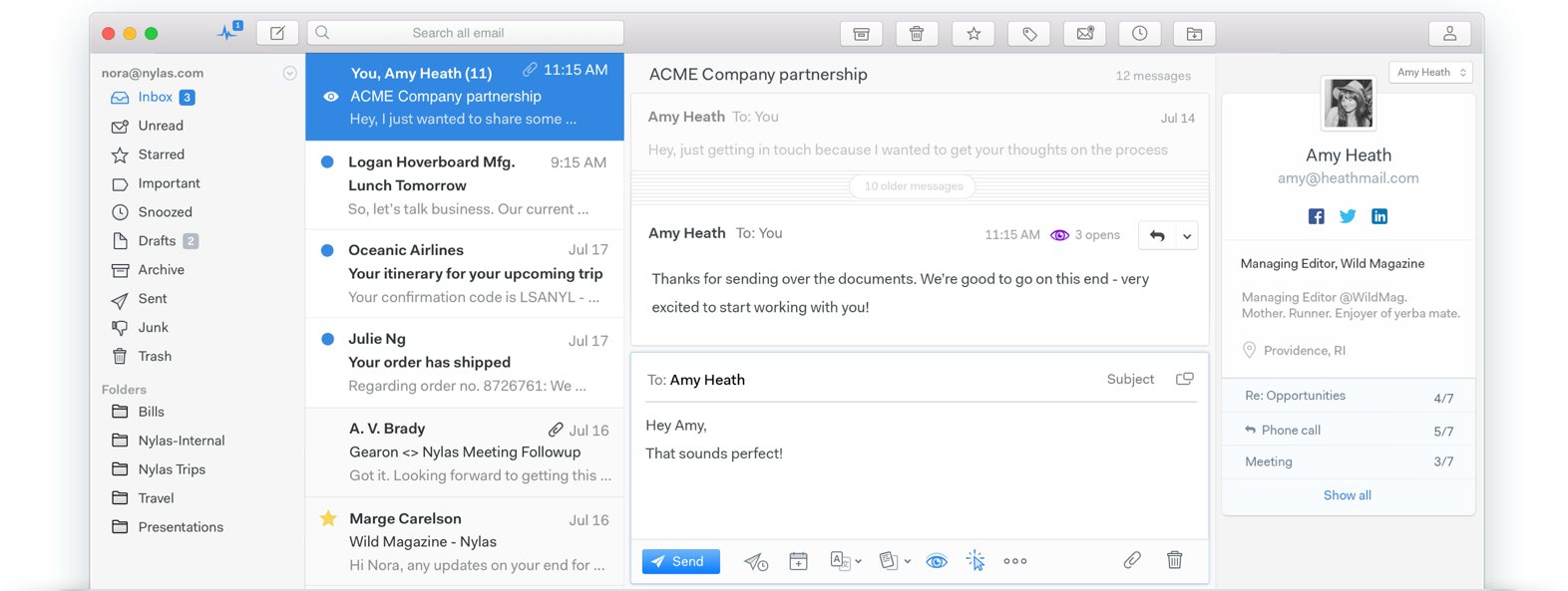
Mailspring has a tidy unified inbox, fast search across accounts, themes and a signature editor, and it's free and open source. Pro adds unlimited read receipts, link tracking, send later, snooze and reminders.
- Who it's for: people who want a light, free app on Windows, Mac or Linux
- Price: free for unlimited accounts; Pro $8/month or $85/year
- Platforms: Windows, Mac, Linux
- Downside: no mobile app, no POP or Exchange protocols, and the calendar is still a preview.
More: Mailspring alternatives.
7. Microsoft Outlook: Best if you're on Windows and Microsoft 365
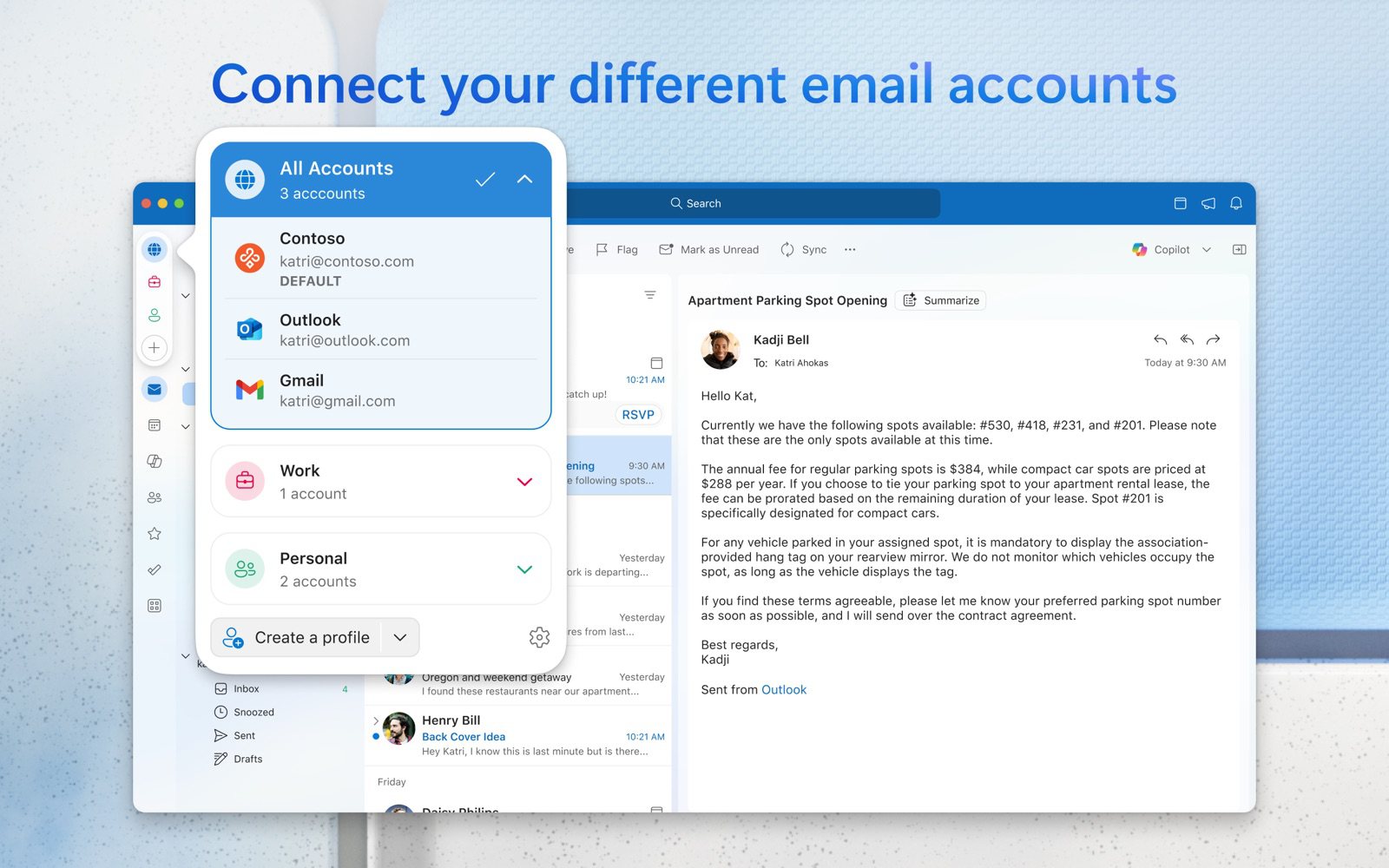
The new Outlook comes free with Windows and also runs on Mac, phones and the web. It handles Outlook.com, Microsoft 365, Gmail, iCloud, Yahoo and IMAP accounts, with a full calendar and Focused Inbox.
- Who it's for: Windows users and anyone on Microsoft 365
- Price: free with ads; Microsoft 365 Basic ($19.99/year) removes them; Copilot needs Microsoft 365 Personal ($99.99/year)
- Platforms: Windows, Mac, iPhone, Android, web
- Downside: ads in the free version, and none of Postbox's keyboard-first speed.
More: Canary Mail vs Outlook.
On a Mac, Apple Mail is also worth a look: it's free, already installed and syncs with your iPhone, though it has none of Postbox's power-user extras. See our best email clients for Mac and best email clients for Windows for more options.
How to move off Postbox
- Check how your accounts are set up. If they use IMAP (Gmail, Outlook.com, iCloud, Yahoo and most others do), your mail lives on the server and will appear in any new app once you add the account.
- Save local mail first. Anything in Postbox's local folders, or downloaded with POP, exists only on your computer. eM Client's importer can bring it across; otherwise copy it into an IMAP folder before you switch.
- Recreate signatures, filters and templates. eM Client imports filters, tags and signatures; with other apps you'll set them up again by hand.
- Keep Postbox installed for a while until you're sure everything came across, then uninstall it.
Frequently asked questions
What happened to Postbox?
eM Client acquired Postbox in October 2024. Postbox is no longer sold or developed, support ended in December 2024, and the help center closed in December 2025.
Can I still use Postbox?
Postbox said existing users can keep using it, but it gets no updates or support. Over time it's likely to run into sign-in and compatibility problems, so plan a move.
Who owns Postbox?
The makers of the eM Client email app, who bought Postbox Inc. in October 2024.
What is the best replacement for Postbox?
eM Client is the closest, with a built-in Postbox importer. Thunderbird is the best free option. Canary Mail, Airmail and Spark suit people who also want an iPhone app.
Is Airmail better than Postbox?
Airmail is still developed and has an iPhone app, while Postbox ran only on Mac and Windows, but it's Mac and iPhone only and sold by subscription. For Windows, eM Client or Thunderbird are better replacements.
Did Postbox have a calendar?
No. Postbox focused on email. eM Client and Thunderbird both include a calendar, and Canary has a full calendar on Mac, iPhone and iPad.
Is the Postbox app on Google Play the same Postbox?
No. The Postbox email client on Google Play comes from a different developer. The original Postbox only ever ran on Mac and Windows.
Sources
- Postbox: Postbox has been acquired by eM Client
- eM Client: eM Client acquires Postbox Inc.
- eM Client release history (Postbox importer, version 11)
- eM Client pricing
- Michael Tsai: Postbox discontinued
- Wikipedia: Postbox (email client)
- Thunderbird
- Betterbird
- Airmail on the Mac App Store
- Spark pricing
- Mailspring: How much does Mailspring cost?
- Microsoft 365 Basic
- Canary Mail pricing