Short answer: if you want to keep your Gmail address, change the app, not the account. Canary Mail adds AI writing, summaries, tracker blocking and PGP encryption on top of Gmail, Apple Mail is the free choice on Apple devices, and Thunderbird suits you if you'd rather have no AI at all. If you want Google out of your email completely, move to Proton Mail for end-to-end encryption with an AI writer that can run on your own device, Tuta for encryption without AI, or Fastmail for a private, ad-free paid mailbox.
Disclosure: we make Canary Mail, and it's one of the options below. Prices were checked on each company's own site on October 16, 2026.
What Gmail does with AI and your data
Gmail is a good email service, and plenty of people who search for an alternative mostly want a different app on top of it. Before you move, it helps to know what Google does and doesn't do:
- AI is built in, and the best of it costs extra. Personal accounts in the US get Help me write, AI Overviews of threads and suggested replies at no charge. AI Inbox, AI Overviews in search and the other Gemini features come with a Google AI plan: AI Plus is $4.99 a month, AI Pro $19.99 and AI Ultra starts at $99.99.
- Google doesn't scan your mail for ads, but it does use it. Google says it doesn't read Gmail messages to show you ads. Personal accounts still see ads in the Promotions and Social tabs, based on what you do while signed in to Google. Your mail does power smart features such as inbox categories, Smart Compose and spam filtering. You can turn smart features off, but then those features go too.
- Personal Gmail isn't end-to-end encrypted. Messages travel over TLS, but S/MIME is for work and school accounts, and client-side encryption is limited to top Workspace editions. Confidential mode can expire a message or block forwarding, yet recipients can still take screenshots, so it's access control rather than encryption.
- Other accounts are leaving Gmail on the web. You can no longer add a third-party account to Gmail in a browser, and from January 2027 Gmailify and POP import from other accounts end. The Gmail mobile apps keep working with Outlook, iCloud and Yahoo accounts.
So work out which part bothers you. If it's the app (clutter, one inbox per account, AI that only sees Google mail), keep Gmail and change the app. If it's Google holding and processing your mail, you need a new email service.
Gmail alternatives compared
| Option | What changes | AI | Privacy | Price | Platforms |
|---|---|---|---|---|---|
| Canary Mail (ours) | The app; you keep Gmail | Writing, summaries, inbox sorting | Tracker blocking on by default; PGP on Pro+; mail not used to train AI | Free; Growth $36/year | Mac, iPhone, iPad, Windows, Android |
| Apple Mail | The app; you keep Gmail | Apple Intelligence on supported devices | Mail Privacy Protection | Free | Mac, iPhone, iPad |
| Thunderbird | The app; you keep Gmail | None built in | Open source; no ads; no data collection | Free | Windows, Mac, Linux, Android |
| Proton Mail | Your address and provider | Proton Scribe writing assistant | End-to-end encryption | Free; Mail Plus $4.99/month | Web, iPhone, Android, Mac, Windows, Linux |
| Tuta | Your address and provider | None | End-to-end encryption, subject lines included | Free; Revolutionary 3 euros/month | Web, iPhone, Android, desktop apps |
| Fastmail | Your address and provider | None | No ads; EU or US data storage | From $5/month (yearly) | Web, iPhone, Android |
For a wider look at encrypted services and apps, see our guide to the best secure email apps.
Keep your Gmail address, change the app
These apps sign in to your Gmail account, so your address, contacts and history stay where they are. The privacy gain happens on your device: tracking pixels blocked, AI that doesn't run through Google. Google still stores your mail.
1. Canary Mail: Best for AI and privacy on top of Gmail
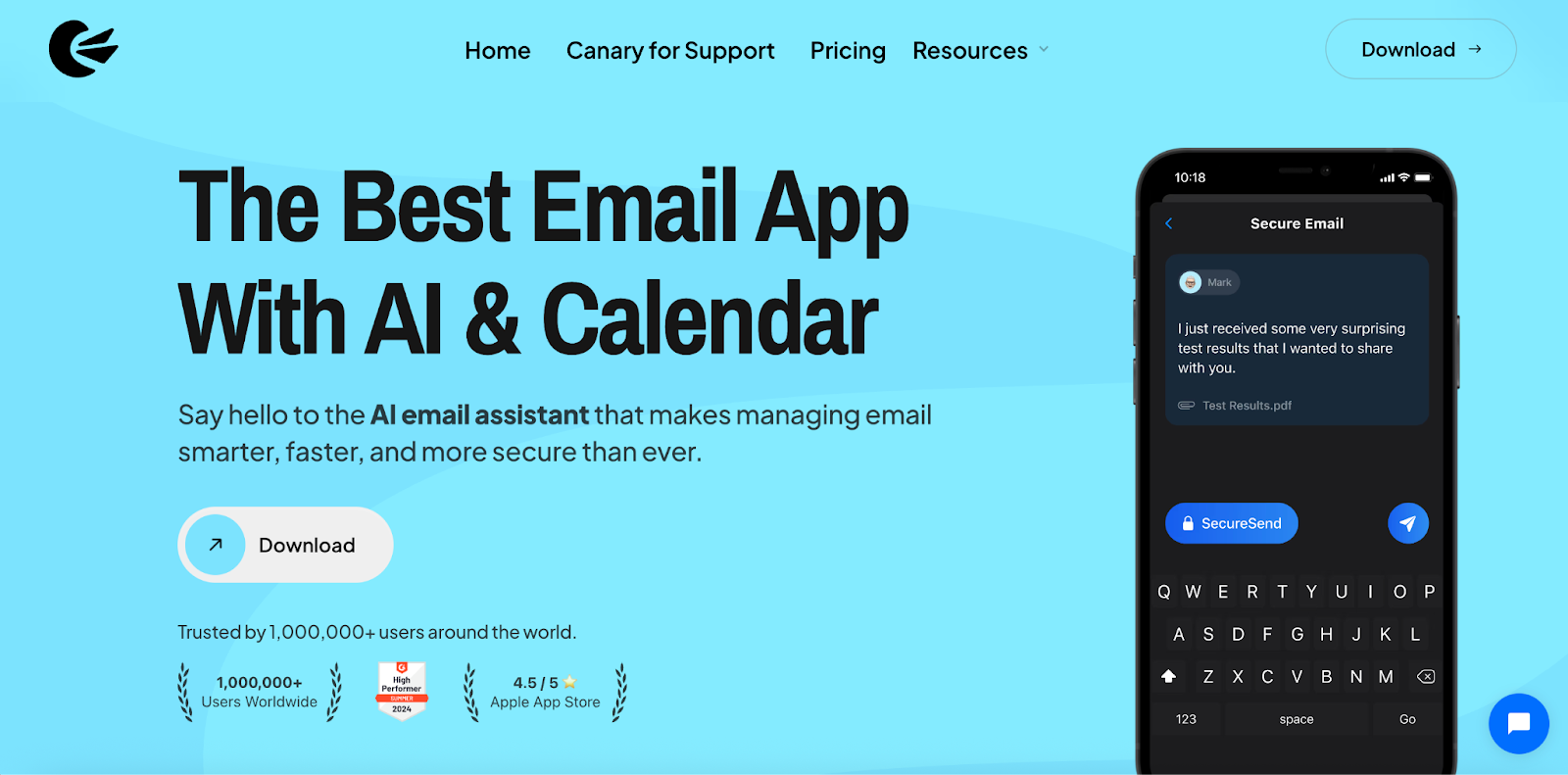
Disclosure: we make Canary Mail. Canary connects to Gmail and puts it in one inbox with your Outlook, iCloud, Yahoo, Exchange and IMAP accounts. AI sorts the inbox, drafts replies and summarizes long threads, and it works on every account you add, Google or not. Inbox triage runs on your device, your email isn't used to train AI, and tracker blocking is on by default. More than 2 million people use it, and Apple has featured it on the App Store and the Mac App Store.
- Who it's for: people who want Gemini-style help across all their accounts, plus real encryption, without a new address
- Price: free for unlimited accounts on 2 devices, with AI inbox sorting and basic read receipts; Growth $36 a year adds AI writing and summaries, read receipts, send later and calendar on 5 devices; Pro+ $100 a year adds PGP, SecureSend and phishing and impersonation detection; lifetime licenses $100 and $300; 7-day trial
- Platforms: Mac, iPhone, iPad, Windows, Android
- Compared with Gmail: AI on every account, PGP and password-protected SecureSend instead of Confidential mode, no ads in the app
- Downside: AI writing, summaries and encryption are on paid plans, and since it's an app, Google still stores your Gmail.
2. Apple Mail: Best free app on Apple devices
Apple Mail is already on your Mac, iPhone and iPad, and adding Gmail takes a minute. Mail Privacy Protection hides your IP address and loads remote content privately, which stops most open tracking. On devices that support Apple Intelligence you also get writing tools, message summaries, smart replies and priority messages. Inbox categories sort mail on the device.
- Who it's for: Apple users who want a clean, private app at no cost
- Price: free
- Platforms: Mac, iPhone, iPad
- Downside: Apple devices only, the AI features need recent hardware, and there's no PGP (S/MIME only).
3. Thunderbird: Best if you want email without AI
Not everyone who leaves Gmail wants smarter AI. Some want none. Thunderbird is free, open source and funded by donations, and its makers say they don't collect personal data, sell ads in your inbox or train AI on your messages. It handles several accounts and filters, and the Android app grew out of K-9 Mail.
- Who it's for: people who want a free, private desktop client and no AI features
- Price: free
- Platforms: Windows, Mac, Linux, Android; an iPhone and iPad app is in development
- Downside: no AI at all, and no iPhone app yet.
More options: Thunderbird alternatives.
Or switch email service
These replace Gmail itself, so you get a new address. The privacy gain is on the server: with end-to-end encryption, the provider can't read your stored mail. Expect to move old messages over and update your address with contacts and accounts.
4. Proton Mail: Best for end-to-end encryption with private AI
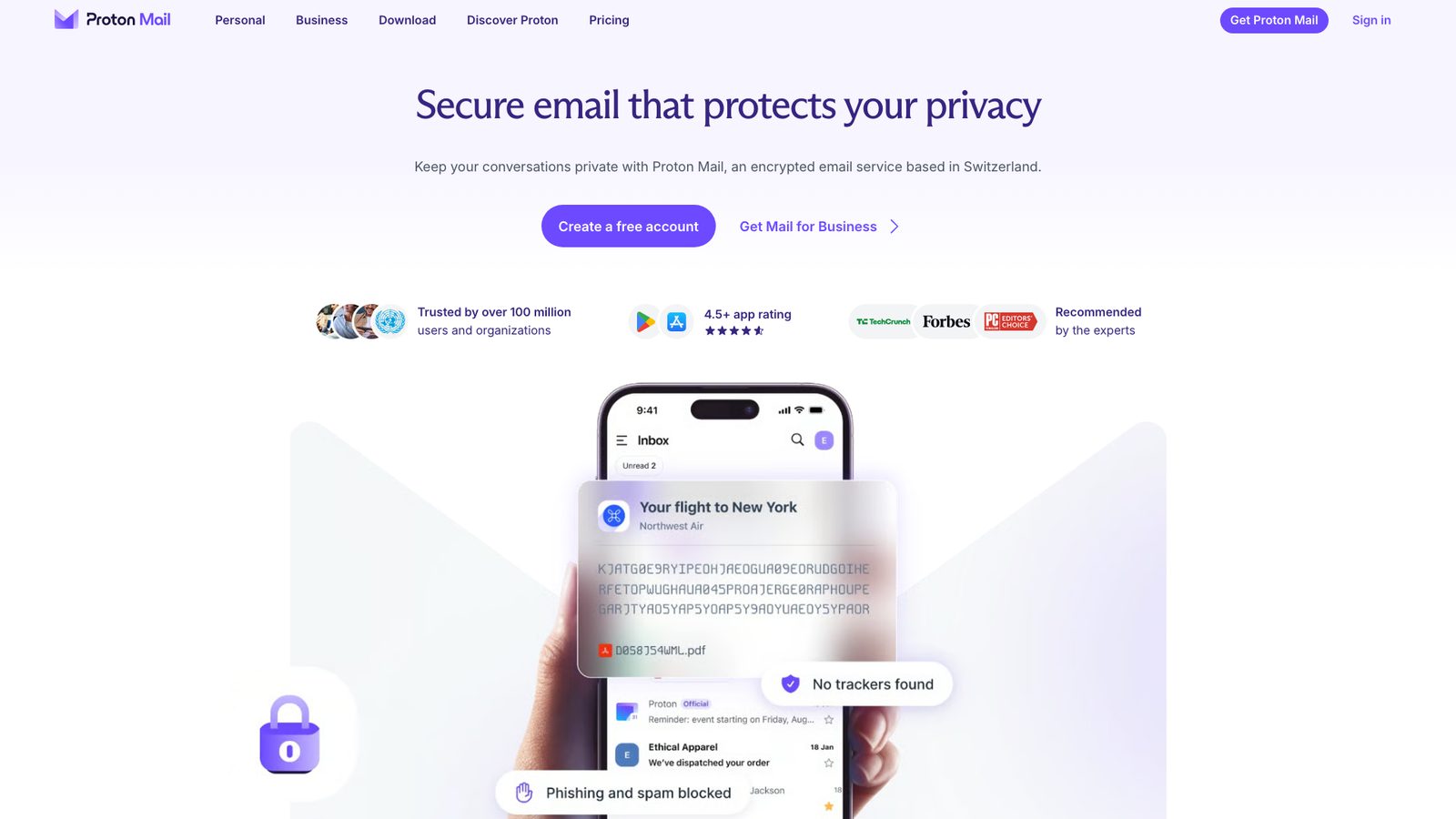
Proton Mail is the best-known private Gmail replacement. Mail between Proton users is end-to-end encrypted, and stored mail is encrypted so Proton can't read it. Its AI writing assistant, Proton Scribe, either runs on Proton's servers (prompts encrypted in transit and deleted after use) or downloads a model and runs entirely on your device. Easy Switch imports your Gmail folders and messages.
- Who it's for: people who want Google out of their email and still want some AI help
- Price: free with 500 MB, raised to 1 GB by finishing setup steps; Mail Plus $4.99 a month or $47.88 a year; Unlimited $12.99 a month or $119.88 a year; Scribe is included in the Duo, Family and Visionary bundles and is an add-on with a free trial elsewhere
- Platforms: web, iPhone, Android, Mac, Windows, Linux
- Downside: the free plan is small and capped at 150 messages a day, and using other email apps needs Proton Mail Bridge on a paid plan.
See how it compares with an app-based setup in Canary Mail vs Proton Mail.
5. Tuta: Best for encrypted email without AI
Tuta (formerly Tutanota) encrypts your mail, contacts and calendar end to end, including subject lines, with what it calls quantum-safe encryption. It's a paid company with no ads, based in Germany, and the free plan is usable for everyday mail.
- Who it's for: privacy-first users who don't want AI and are happy in Tuta's own apps
- Price: free with 1 GB; Revolutionary 3 euros a month paid yearly (20 GB, custom domains); Legend 8 euros a month (500 GB); prices are in euros
- Platforms: web, iPhone, Android, Windows, Mac, Linux
- Downside: no IMAP, so you can't use Tuta in other email apps, and imports from Gmail go through EML or MBOX files in the desktop app.
6. Fastmail: Best private mailbox that works with any app
Fastmail is a paid email service with no ads and no data mining. You can choose to keep your data in the EU or the US, and on the Individual plan it works with any email app over standard protocols, which Proton and Tuta don't make easy. It has migration tools for mail, calendars and contacts.
- Who it's for: people who want a fast, ad-free mailbox and their choice of app
- Price: Individual $5 a month billed yearly or $6 monthly; Duo $96 a year; Family $132 a year; free trial of up to 30 days, no free plan
- Platforms: web, iPhone, Android, plus any IMAP app
- Downside: no end-to-end encryption in Fastmail's own apps (you can add PGP in a third-party app), and it's an Australian company subject to Australian law.
More: Fastmail alternatives.
Canary Mail vs Gmail with Gemini
Gemini lives inside Gmail and works on Google mail. Canary's AI works across every account in the app, so one summary or one search covers your Gmail, Outlook and iCloud mail together. On privacy, Gmail's answer is Confidential mode; Canary's is PGP encryption and SecureSend password-protected messages on Pro+, plus tracker blocking for everyone. On price, Gmail is free and the Gemini extras run $4.99 to $19.99 a month through a Google AI plan, while Canary is free and its AI writing comes with Growth at $36 a year.
For long conversations, both summarize threads; Canary's summaries work in a unified inbox that mixes providers. If you live entirely inside Google Workspace and pay for it already, Gemini is the simpler choice. Our full Canary Mail vs Gmail comparison goes feature by feature.
How to switch without losing email
Keeping Gmail: install the app, choose Google, sign in and allow access. Your mail syncs in the background and stays in Gmail, so you can keep using Gmail in a browser alongside it while you decide. Nothing to export, and you can stop at any time.
Moving to a new service:
- Create the new account and use its import tool (Proton's Easy Switch, Fastmail's migration, or an MBOX export from Google Takeout for Tuta).
- Turn on forwarding in Gmail so new mail reaches the new address while people catch up.
- Change your email on important accounts first: bank, Apple or Microsoft account, password manager.
- Tell contacts, and keep the Gmail account for a while rather than deleting it.
If you're juggling several accounts during the move, our list of the best email apps for multiple accounts helps, and Mac and iPhone users can compare the best Gmail apps for Mac and iPhone.
Frequently asked questions
Why are people leaving Gmail?
Usually for one of four reasons: ads in the Promotions and Social tabs, unease about Google using mail for smart features and AI, wanting end-to-end encryption, or losing the option to pull other accounts into Gmail on the web. The first three can be eased with a different app; full encryption needs a different service.
What is the best free private email?
Proton Mail Free and Tuta Free are the strongest free options with end-to-end encryption. Proton gives you 500 MB to start (1 GB after setup steps) and works with its Scribe AI on paid plans; Tuta gives 1 GB and has no AI. If you want to keep Gmail for free, Thunderbird or Apple Mail add privacy on the app side.
What is the downside of Proton Mail?
The free plan is small, sending is capped at 150 messages a day, and using Proton in Outlook, Apple Mail or another app needs Proton Mail Bridge on a paid plan. Search inside encrypted mail also works differently from Gmail's.
Which email gets hacked the least?
No provider is unhackable, and most breaches start with a stolen password, not a broken server. Turn on two-step verification or passkeys wherever you are. End-to-end encrypted services like Proton and Tuta add a layer: even if their servers were breached, stored mail stays encrypted.
Can I turn off AI in Gmail?
Partly. Turning off smart features in Gmail, Chat and Meet stops Gmail using your content for those features, and switches off things like Smart Compose and inbox categories with it.
Does Canary Mail replace my Gmail account?
No. Canary is an email app. Your Gmail account, address and storage stay with Google, and you can still use Gmail in a browser. Canary changes how you read, sort and send that mail.
Will Google still process my email if I use Canary?
Yes. Gmail is still your provider, so Google stores your messages. What changes is the app: Canary's triage runs on your device, it doesn't use your email to train AI, and it blocks trackers. To take Google out completely, switch to a service like Proton Mail or Tuta.
Sources
- Google: Gemini in Gmail features and plans
- Google AI plans (US prices)
- Google: Smart features and controls
- Google: How Gmail ads work
- Google: Email encryption in transit
- Google: Confidential mode
- Google: Changes to third-party accounts in Gmail
- Apple: Protect your privacy in Mail
- Thunderbird
- Proton Mail pricing
- Proton Scribe writing assistant
- Tuta pricing
- Fastmail pricing
- Fastmail security
- Canary Mail pricing