Short answer: if you like Thunderbird but want fixes and extras, try Betterbird, a tuned version of Thunderbird that can use your existing profile. For an Outlook-style app with mail, calendar and tasks, eM Client is the best paid pick. Canary Mail (ours) adds AI and phone apps, the free new Outlook and Apple Mail are already on Windows and Mac, and Evolution is the strongest all-in-one choice on Linux.
Disclosure: we make Canary Mail, one of the apps below. Prices and features were checked on each vendor's own site or app store listing on October 16, 2026.
Why look for a Thunderbird alternative?
Thunderbird is not going away. It's free, open source, funded by donations and actively developed: version 158 shipped in October 2026, it now connects to Microsoft 365 mail, and Thunderbird for Android is available. Still, people switch for a few common reasons:
- They want an app on their phone too, and Thunderbird's iPhone app is still an early TestFlight beta. (See Thunderbird for iPhone and the best alternatives.)
- They use Microsoft 365 at work, and Thunderbird's support covers email only, not the Microsoft 365 calendar and contacts.
- They want built-in AI, a sorted inbox or features like scheduled sending without installing add-ons.
- They find the interface busy and want something simpler.
What alternatives offer that Thunderbird doesn't
- AI writing and summaries: Canary Mail, eM Client (yearly plans) and Spark (paid plans) draft replies and summarize threads. Thunderbird has no built-in AI.
- Apps on every device: Canary Mail and Spark run on Windows, Mac, iPhone and Android with the same inbox. eM Client's mobile apps are free.
- Full Microsoft 365 support: Outlook handles Microsoft 365 mail, calendar and contacts together.
- Send later and read receipts out of the box: Canary Mail (Growth) and Mailspring Pro include them; Thunderbird needs an add-on to schedule mail.
- A sorted inbox: Spark's Smart Inbox and Canary's AI inbox sorting separate mail from people from newsletters and notifications.
What you can lose: Thunderbird's price (free), its built-in OpenPGP, its add-ons and its Linux support. Only a few apps below match all four.
Thunderbird alternatives compared
| App | Best for | Price | Runs on | Open source |
|---|---|---|---|---|
| Betterbird | Thunderbird with extra fixes | Free (donations) | Windows, Mac, Linux | Yes |
| eM Client | Outlook-style suite | Free for 2 accounts; $24.95/year | Windows, Mac; free mobile apps | No |
| Canary Mail | AI and encryption on desktop and phone | Free plan; Growth $36/year | Windows, Mac, iPhone, iPad, Android | No |
| Microsoft Outlook | Windows and Microsoft 365 | Free with ads; Basic $19.99/year | Windows, Mac, iPhone, Android, web | No |
| Apple Mail | Mac users | Free | Mac, iPhone, iPad | No |
| Mailspring | A clean, simple app | Free; Pro $8/month | Windows, Mac, Linux | Yes |
| Evolution | Linux mail and calendar | Free | Linux | Yes |
| Spark | A sorted inbox | Free; Plus $99/year | Windows, Mac, iPhone, iPad, Android | No |
| Mailbird | App integrations on Windows | Free for 1 account; Premium varies by region | Windows, Mac | No |
The 9 best Thunderbird alternatives in 2026
1. Betterbird: Best if you want Thunderbird, improved
Betterbird is a fine-tuned version of Thunderbird with its own features and bug fixes, some of which Thunderbird may ship later. It follows Thunderbird's extended-support releases (the current build is based on 153.5) and can run alongside Thunderbird on the same profile, so you can try it and go back without moving anything. Its changes are published on GitHub.
- Who it's for: Thunderbird users who are happy with how it works but tired of specific bugs
- Price: free, funded by donations
- Platforms: Windows (including a portable version), Linux, Mac
- Downside: it's a small project, and the Mac build is English-only unless you add a language pack.
More: free email clients.
2. eM Client: Best Outlook-style suite
eM Client puts mail, calendar, contacts, tasks, notes and chat in one window, much like Outlook. PGP and S/MIME are included on every plan, so Thunderbird's encryption users don't lose anything. Version 11 (October 2026) added built-in AI on yearly plans and Microsoft Graph support for Microsoft 365, and its iPhone and Android apps are free.
- Who it's for: people who want an all-in-one desktop app with encryption
- Price: free for 2 accounts, home use on one device; Personal $24.95/year or $39.95 once (3 devices); Business $29.95/year or $44.95 once per device
- Platforms: Windows, Mac; free iPhone and Android apps
- Downside: no Linux version, the free plan stops at two accounts, and the interface is busy.
More: eM Client alternatives.
3. Canary Mail: Best for AI and encryption on desktop and phone
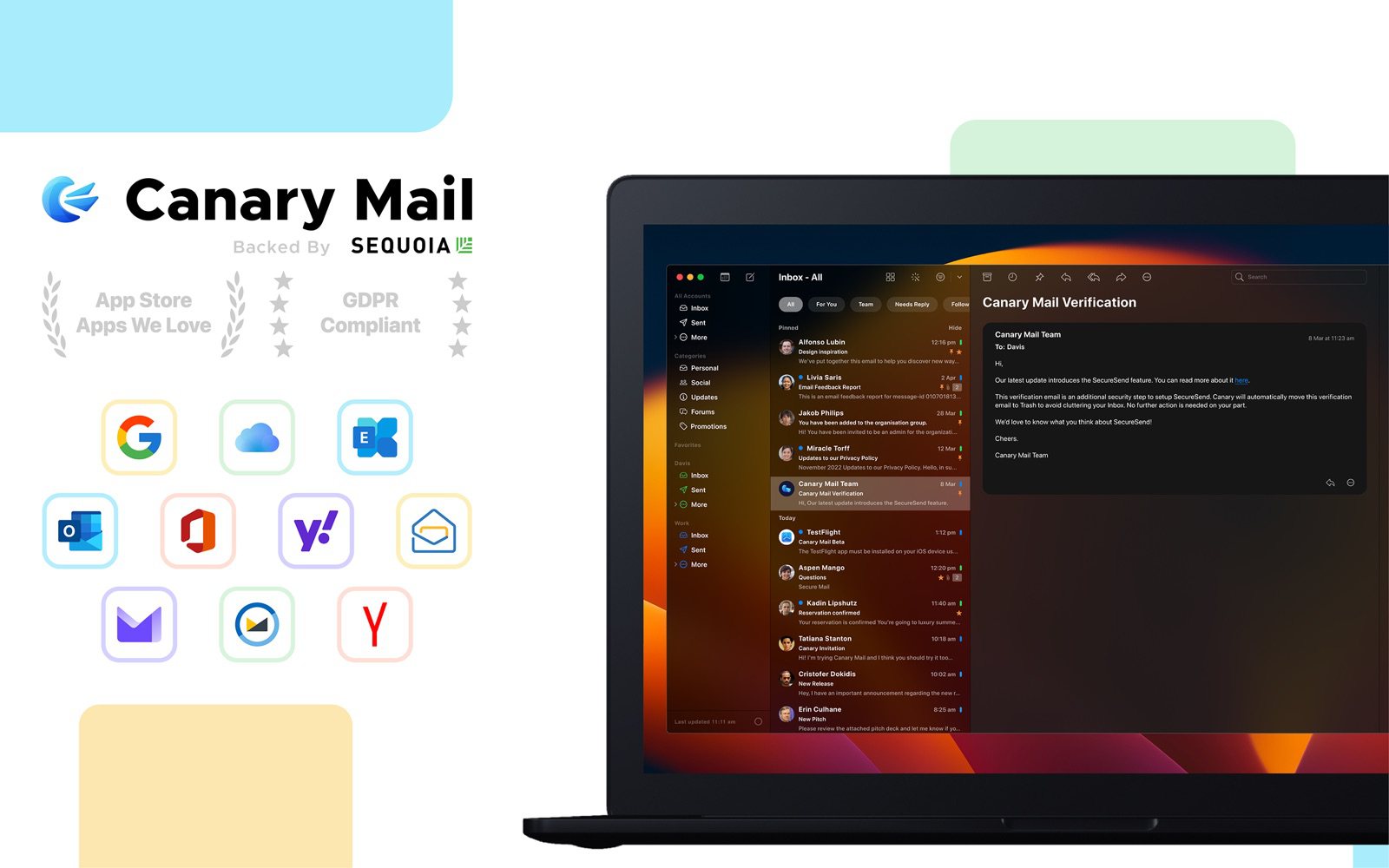
Disclosure: we make Canary Mail.
Canary covers what people miss in Thunderbird: the same inbox on Windows, Mac, iPhone, iPad and Android, AI that drafts replies and summarizes threads, and read receipts and send later without add-ons. It works with Gmail, Outlook, iCloud, Yahoo, Exchange and IMAP accounts. Tracker blocking is on by default, inbox sorting runs on your device, and the Pro+ plan adds PGP, SecureSend and phishing and impersonation detection. More than 2 million people use it.
- Who it's for: people who want one modern app across computer and phone
- Price: free for unlimited accounts on 2 devices; Growth $36/year; Pro+ $100/year; lifetime $100 and $300; 7-day trial
- Platforms: Windows, Mac, iPhone, iPad, Android
- Downside: it isn't free or open source like Thunderbird: AI and PGP are on paid plans, and there's no Linux version.
4. Microsoft Outlook: Best for Windows and Microsoft 365
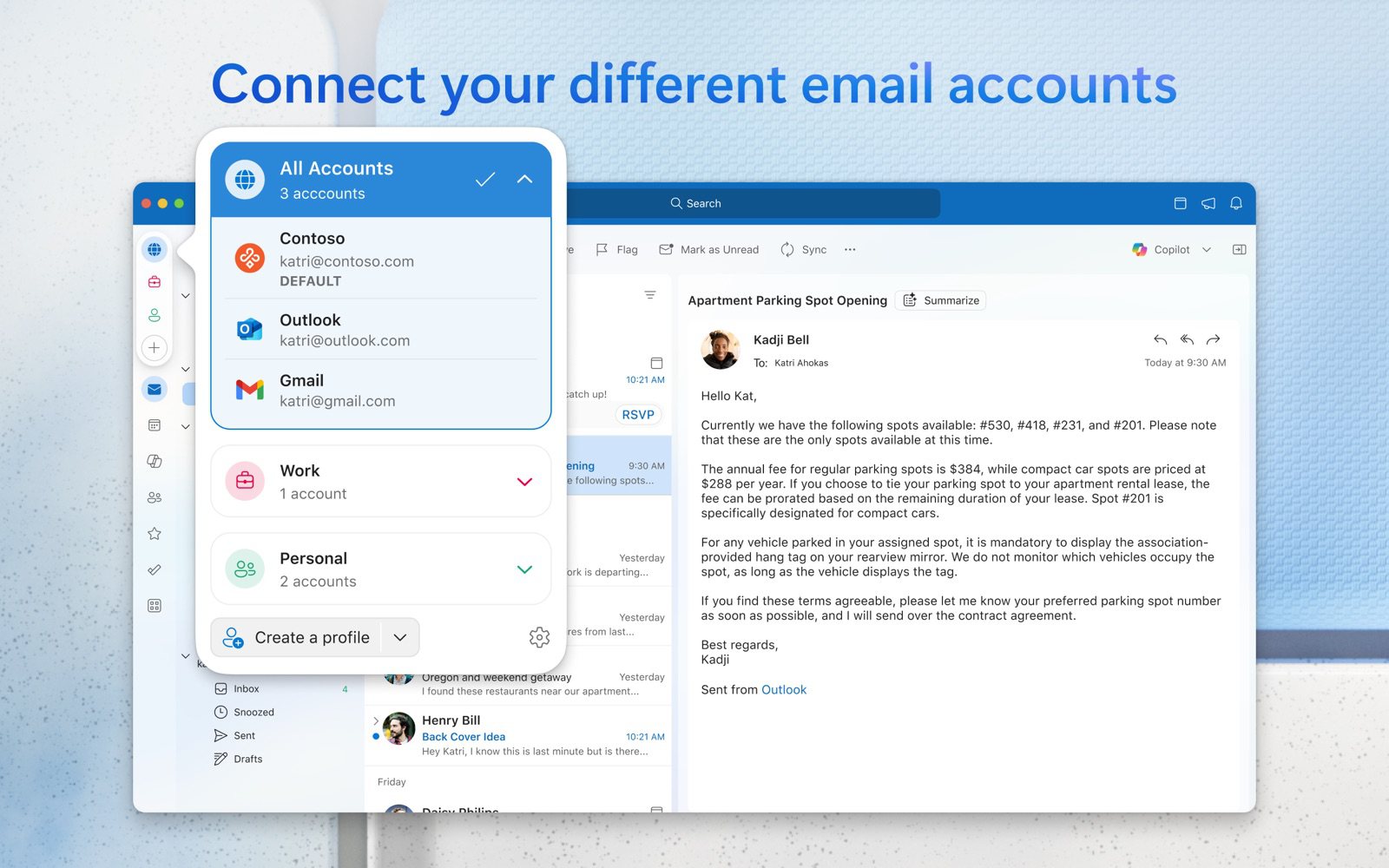
The new Outlook replaced Windows Mail and Calendar at the end of 2024, so it's already on most Windows PCs. It's free, works with Outlook.com, Gmail, iCloud, Yahoo and IMAP accounts, and handles Microsoft 365 mail, calendar and contacts together, which Thunderbird can't yet.
- Who it's for: Windows users and anyone whose work runs on Microsoft 365
- Price: free with ads; Microsoft 365 Basic ($1.99/month or $19.99/year) removes them; Copilot needs Personal or higher
- Platforms: Windows, Mac, iPhone, Android, web
- Downside: ads in the free version, no PGP, and non-Microsoft accounts may sync through Microsoft's cloud.
More: best email clients for Windows.
5. Apple Mail: Best on a Mac
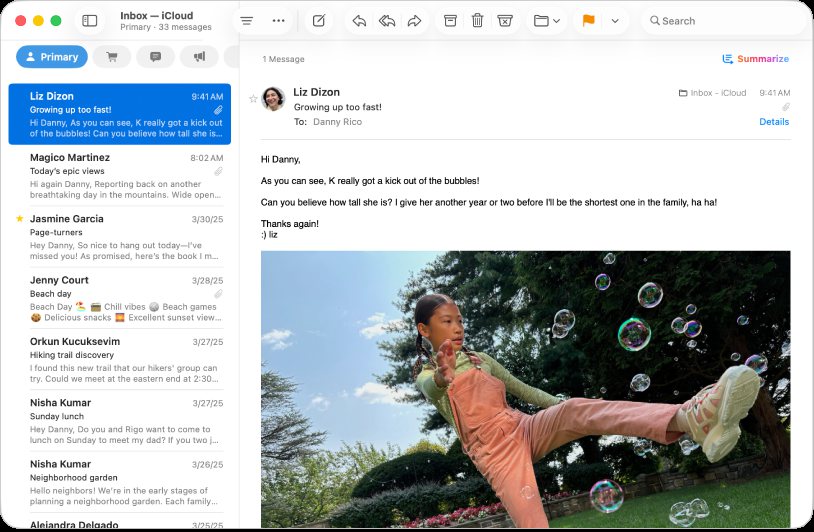
On a Mac, Apple Mail is the simplest swap: free, built in, and synced with your iPhone. It has categories, Send Later, Undo Send, smart mailboxes, S/MIME and Mail Privacy Protection, and Apple Intelligence features on Apple silicon Macs.
- Who it's for: Mac and iPhone users who want less to manage
- Price: free
- Platforms: Mac, iPhone, iPad
- Downside: no PGP, no add-ons, and Apple devices only.
More: Apple Mail vs Thunderbird.
6. Mailspring: Best clean, simple app
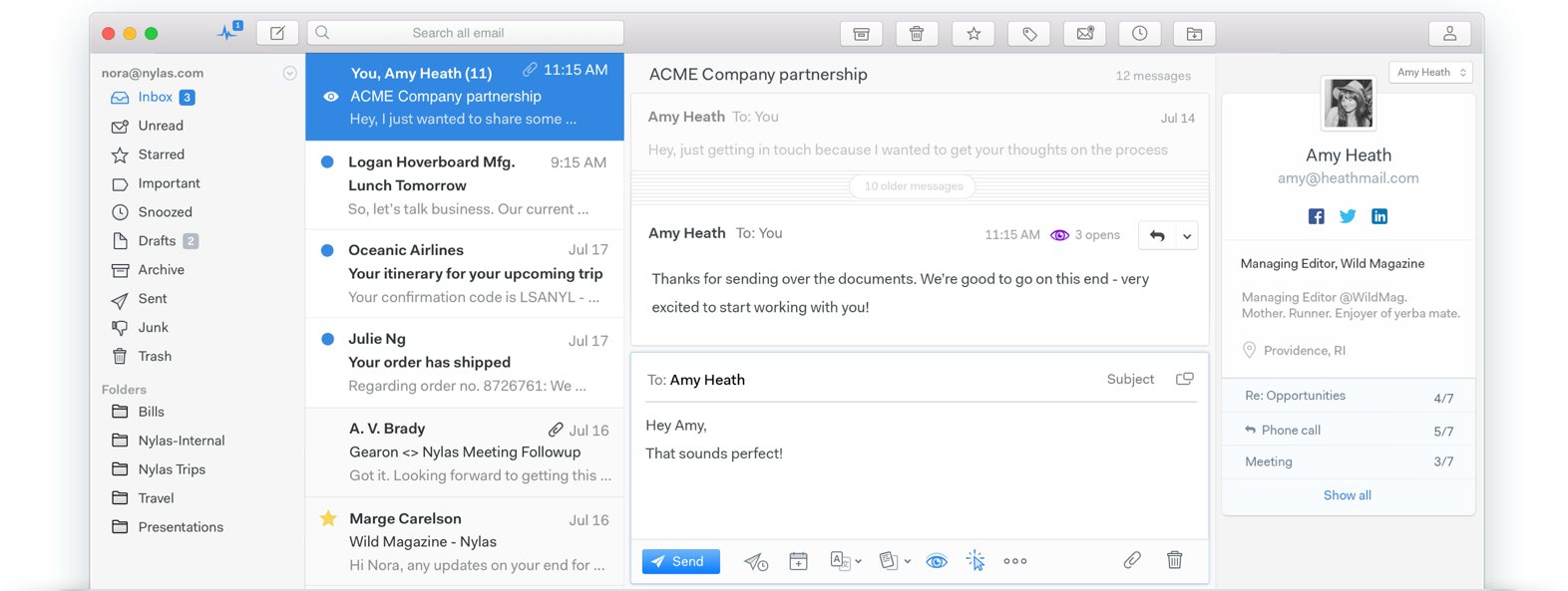
Mailspring is free and open source with unlimited accounts, a unified inbox and fast search, and it runs on Linux as well as Windows and Mac. Pro adds read receipts, link tracking, send later, snooze and templates.
- Who it's for: people who find Thunderbird cluttered
- Price: free; Pro $8/month
- Platforms: Windows, Mac, Linux
- Downside: built on Electron, no POP or Exchange protocols, and no mobile app.
More: Mailspring alternatives.
7. Evolution: Best for Linux
Evolution is the GNOME desktop's personal information manager, with mail, calendar, address book and tasks in one app. It is free, open source and actively maintained, and most Linux distributions package it.
- Who it's for: Linux users who want an all-in-one app that isn't Thunderbird
- Price: free
- Platforms: Linux
- Downside: Linux only, and it fits best on the GNOME desktop.
8. Spark: Best for a sorted inbox
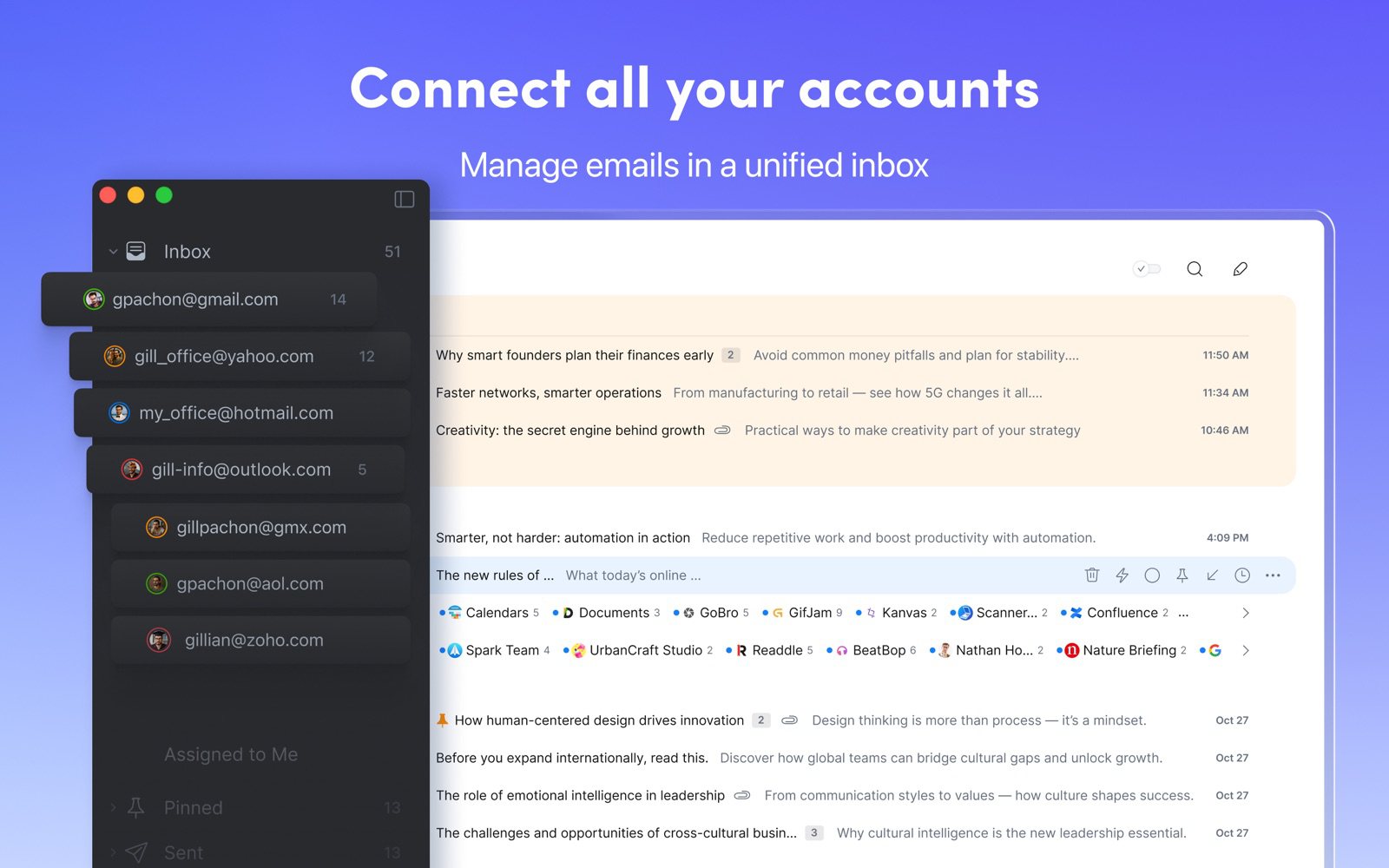
Spark's Smart Inbox groups mail from people above newsletters and notifications, Gatekeeper screens new senders, and teams can share drafts. The free plan covers unlimited accounts on every major platform.
- Who it's for: people who want the app to triage mail for them
- Price: free; Plus $10/month or $99/year; Pro $20/month or $199/year, per user
- Platforms: Windows, Mac, iPhone, iPad, Android
- Downside: some mail is processed on Readdle's servers, a big change if you chose Thunderbird for privacy, and AI is on paid plans.
More: Canary Mail vs Spark.
9. Mailbird: Best for app integrations on Windows
Mailbird puts many accounts in one inbox and connects calendars, chat and other apps in a sidebar. It started on Windows and now has a Mac app.
- Who it's for: Windows users who want email and their other apps side by side
- Price: free for one account; Premium yearly or one-time, priced by region (on the US Mac App Store, $34.49/year or $159 once)
- Platforms: Windows, Mac; Android in beta
- Downside: the free plan covers one account, Microsoft 365 needs Premium, and Mailbird 2 stops getting updates at the end of 2026.
More: Mailbird alternatives.
Postbox, a paid app once built on Thunderbird, was bought by eM Client and is no longer developed, so we no longer list it. For phones, see the best email apps for Android, where Thunderbird for Android is one of the picks.
How to switch from Thunderbird
- Check each account's type in Thunderbird's account settings. IMAP accounts keep mail on the server, so it will appear in the new app once you sign in.
- Move anything in Local Folders, or from POP accounts, into an IMAP folder first, or export it, because it only exists on your computer.
- Recreate your message filters, preferably on your provider's website so they run all the time.
- If you use OpenPGP, export your keys and import them into an app that supports PGP (Betterbird, eM Client or Canary Mail Pro+).
- Calendars and contacts on a CalDAV or CardDAV server can be added to most of these apps directly.
Frequently asked questions
Is Mozilla Thunderbird discontinued?
No. Thunderbird is actively developed: version 158 came out in October 2026, Thunderbird for Android is available, and an iPhone app is in public beta on TestFlight (not yet on the App Store).
What is the best alternative to Thunderbird?
Betterbird if you want Thunderbird with extra fixes; eM Client for an Outlook-style suite with encryption; Canary Mail for AI and apps on every device; Evolution on Linux.
What features do alternatives offer that Thunderbird does not?
Mainly built-in AI writing and summaries, the same app on iPhone and Android, full Microsoft 365 calendar and contacts support (in Outlook), and send later or read receipts without add-ons.
What is the best free email client for Windows 11?
The new Outlook is free and already installed, but shows ads. Thunderbird and Betterbird are free without ads, and Mailspring is free with unlimited accounts.
Is there an open-source alternative to Thunderbird?
Yes: Betterbird (Windows, Mac, Linux), Mailspring (Windows, Mac, Linux) and Evolution (Linux).
What replaced Thunderbird?
Nothing has replaced it on the desktop. On Android, K-9 Mail became Thunderbird for Android.
Sources
- Thunderbird
- Thunderbird release versions
- Thunderbird: Microsoft Graph support
- Thunderbird for iOS: a first look
- Betterbird
- Betterbird FAQ
- eM Client pricing
- Canary Mail pricing
- Microsoft: the future of Mail and Calendar on Windows
- Microsoft 365 Basic
- Mailspring Pro
- Evolution on Flathub
- Spark on the App Store
- Mailbird on the Mac App Store