Short answer: Free business email on your own domain is rare. Zoho Mail Forever Free is the main real option: one domain, up to 5 users and 5 GB each, used in Zoho's own web and mobile apps, and only in some regions. Some domain registrars add a free mailbox, and Cloudflare can forward mail from your domain for free, but it can't send. If you can pay a little, Zoho Mail Lite costs $1 per user a month and Google Workspace and Microsoft 365 start at $7. A free Gmail or Outlook.com address costs nothing, but it doesn't use your domain.
Disclosure: we make Canary Mail and Dove, two email apps mentioned near the end. Neither is an email provider, so neither gives you a business address. Prices were checked on each provider's own site on October 18, 2026, in US dollars unless we say otherwise.
Free business email options compared
A business email address usually means an address on your own domain, such as name@yourcompany.com. That part is what costs money. Here is what you can get for free, and what each free option leaves out.
| Option | Your own domain | Price | Users | Storage | Main limit |
|---|---|---|---|---|---|
| Zoho Mail Forever Free | Yes | Free | Up to 5 | 5 GB per user | Zoho apps only, some regions |
| Dynadot free email | Yes, Dynadot domains | Free with a domain | 1 address | 1 GB | 25 sent emails a day |
| Cloudflare Email Routing | Yes | Free | Unlimited addresses | None (forwarding) | Receives only, can't send |
| Gmail | No | Free | 1 | 15 GB shared | Ads in some tabs |
| Outlook.com | No | Free | 1 | 15 GB | Ads |
| Proton Mail Free | No | Free | 1 | Up to 1 GB | 150 messages a day |
| mail.com | No, 100+ shared domains | Free | 1 | 65 GB | Ads, no IMAP on free |
The cheapest paid plans on your own domain are compared further down.
Free business email with your own domain
Only a few services host email on your domain without charging. Each one has a real limit, so check it against how you work before you set up your domain.
1. Zoho Mail Forever Free: Best truly free business email
Zoho is the only large provider that still hosts a custom domain for free. The Forever Free plan covers one domain and up to 5 users, each with 5 GB of mail storage, and it has no ads. Zoho says the free plan has web-only access and is available only in selected data centers, so it may not be offered where you sign up. In that case you get a 15-day trial and then need a paid plan.
- Who it's for: a freelancer, family business or small team that wants name@yourcompany.com at no cost
- Price: free for up to 5 users on one domain; Mail Lite $1 per user a month billed yearly (5 GB) or $1.25 (10 GB)
- Platforms: web and Zoho's own apps
- Downside: the free plan has no IMAP, POP or ActiveSync, so you can't use Outlook, Apple Mail or any other email app with it, and there is no email forwarding.
More: Zoho Mail alternatives.
2. Email from your domain registrar: Best if you are buying a domain anyway
Some domain registrars include a small mailbox with the domain. Dynadot, for example, gives every domain it registers one free email address with 1 GB of storage, IMAP and webmail, and no ads. Its Pro plan costs $30 a year for up to 25 mailboxes. Before you buy a domain anywhere, check what email comes with it.
- Who it's for: one person who needs a single address and sends little mail
- Price: Dynadot: free with a Dynadot domain; Pro $30 a year
- Platforms: webmail and any IMAP email app
- Downside: the free Dynadot mailbox can send only 25 emails a day and holds 1 GB, which is too small for most businesses.
3. Cloudflare Email Routing: Best free way to receive mail at your domain
If your domain uses Cloudflare, Email Routing lets you create addresses such as hello@yourcompany.com and forward them to an inbox you already have, for free. Cloudflare doesn't store the messages. It is forwarding only: you can't send mail as your domain from a normal inbox.
Many guides pair it with the Gmail setting that lets you send from another address. Google is ending that option for non-Google addresses in January 2027 and may block new setups before then. Google's own advice for businesses is to use a mail app with IMAP and SMTP, the provider's own interface, or Google Workspace.
- Who it's for: people who only need to receive mail at their domain, for now
- Price: free
- Platforms: any inbox you forward to
- Downside: you still need a real mailbox that can send from your domain, so it is a stopgap, not a business email service.
The cheapest business email on your own domain
If free doesn't cover what you need, paid business email is cheaper than most people expect. These prices are per user per month on a yearly plan.
| Provider | Cheapest plan | Price | Storage | Works in other email apps | Trial |
|---|---|---|---|---|---|
| Zoho Mail | Mail Lite | $1 | 5 GB | Yes | 15 days |
| IONOS | Mail Basic 1 | $1.10 for 3 years, then $2 | 2 GB | Yes | Not listed |
| Fastmail | Basic | $3 | 5 GB | No, needs Standard ($5) | Up to 30 days |
| Microsoft | Exchange Online Plan 1 | $4 | 50 GB | Yes | Not listed |
| Proton Mail | Mail Essentials | $6.99 | 15 GB | Through Proton Mail Bridge | 14 days |
| Tuta | Essential | €6 (euros only) | 50 GB | No, Tuta apps only | Not listed |
| Google Workspace | Business Starter | $7 | 30 GB pooled | Yes | 14 days |
| Microsoft 365 | Business Basic | $7 | 100 GB | Yes | Free trial |
4. Zoho Mail Lite: Best low-cost upgrade
Zoho's paid plans add what the free plan leaves out: IMAP and ActiveSync, so you can use any email app, plus email forwarding. Mail Lite is the cheapest business email from a major provider. Workplace Standard ($3 a user) adds Zoho's office apps and 30 GB.
- Price: Mail Lite $1 per user a month billed yearly (5 GB) or $1.25 (10 GB); Mail Premium $4; no monthly billing on Mail Lite
- Platforms: web, Zoho apps for iPhone, Android, Mac, Windows and Linux, any IMAP app
- Downside: storage on Mail Lite is small, and the admin console takes some learning.
5. IONOS: Best for one person on a budget
IONOS sells email with a free domain included, which makes it one of the cheapest ways to get started from nothing. Mail Basic 1 gives one 2 GB mailbox; Mail Basic 25 gives 25 mailboxes of 2 GB each.
- Price: Mail Basic 1 $1.10 a month on a 3-year term, then $2 a month; Mail Basic 25 from $2 a month; Mail Business from $3 a month
- Platforms: webmail and any IMAP app
- Downside: the low price needs a 3-year term, and 2 GB fills up quickly.
6. Proton Mail: Best for privacy
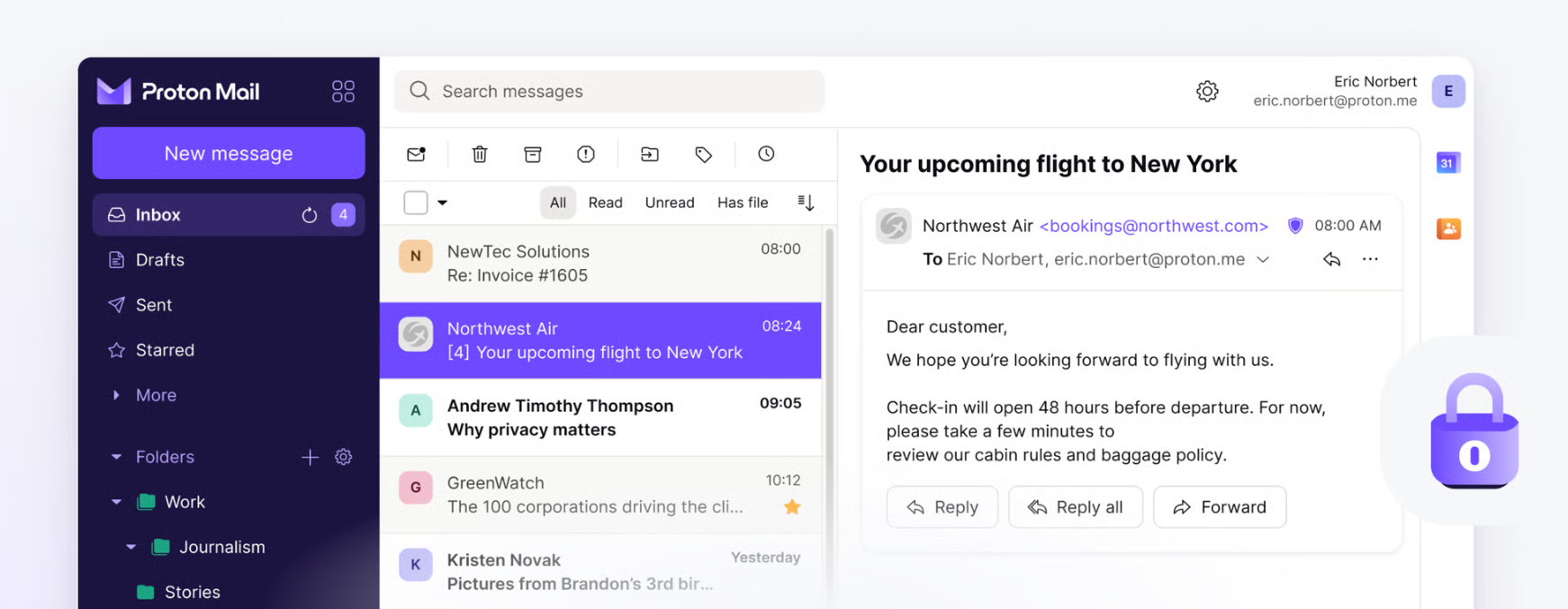
Proton is based in Switzerland, and mail between Proton users is end-to-end encrypted. A solo business can use Mail Plus, a personal plan that includes one custom domain. Teams need Mail Essentials, which allows 3 domains.
- Price: Mail Plus $3.99 a month billed yearly (1 domain, 15 GB); Mail Essentials $6.99 per user a month billed yearly; free plan without a custom domain
- Platforms: web, iPhone, Android, Mac, Windows, Linux
- Downside: other email apps work only through Proton Mail Bridge, and it costs more than Zoho or Microsoft's mail-only plan.
More: Proton Mail alternatives.
7. Fastmail: Best fast, ad-free mail
Fastmail is an independent, ad-free provider with quick search and good filtering. Business plans start low, but the Basic plan can't be used in other email apps.
- Price: Basic $3 per user a month billed yearly; Standard $5; Professional $9; trial of up to 30 days
- Platforms: web, iPhone, Android, and other apps over IMAP on Standard and up
- Downside: no free plan, and no end-to-end encryption.
More: Fastmail alternatives.
8. Tuta: Best cheap encrypted email
Tuta, based in Germany, encrypts emails, subject lines, calendars and contacts. Its personal Revolutionary plan (€3 a month billed yearly) already includes 3 custom domains, which can be enough for a one-person business.
- Price: Revolutionary €3 a month; business plans from €6 per user a month billed yearly, excluding tax; prices are in euros only
- Platforms: web, iPhone, Android, Windows, Mac, Linux
- Downside: no IMAP, so you can use only Tuta's own apps.
More: Tuta Mail alternatives.
9. Microsoft 365 and Exchange Online: Best if your team uses Outlook and Office
Exchange Online Plan 1 is Microsoft's mail-only plan: a 50 GB mailbox on your domain for $4 per user a month. Business Basic ($7) adds Teams, OneDrive and the web and mobile Office apps, with a 100 GB mailbox.
- Price: Exchange Online Plan 1 $4 per user a month paid yearly; Business Basic $7 ($5.40 without Teams); Business Standard $23.50
- Platforms: Outlook on every platform, web, and most other email apps
- Downside: the admin center is complex for a two-person company, and prices rose in 2026.
More: Outlook alternatives.
10. Google Workspace: Best if you already live in Gmail
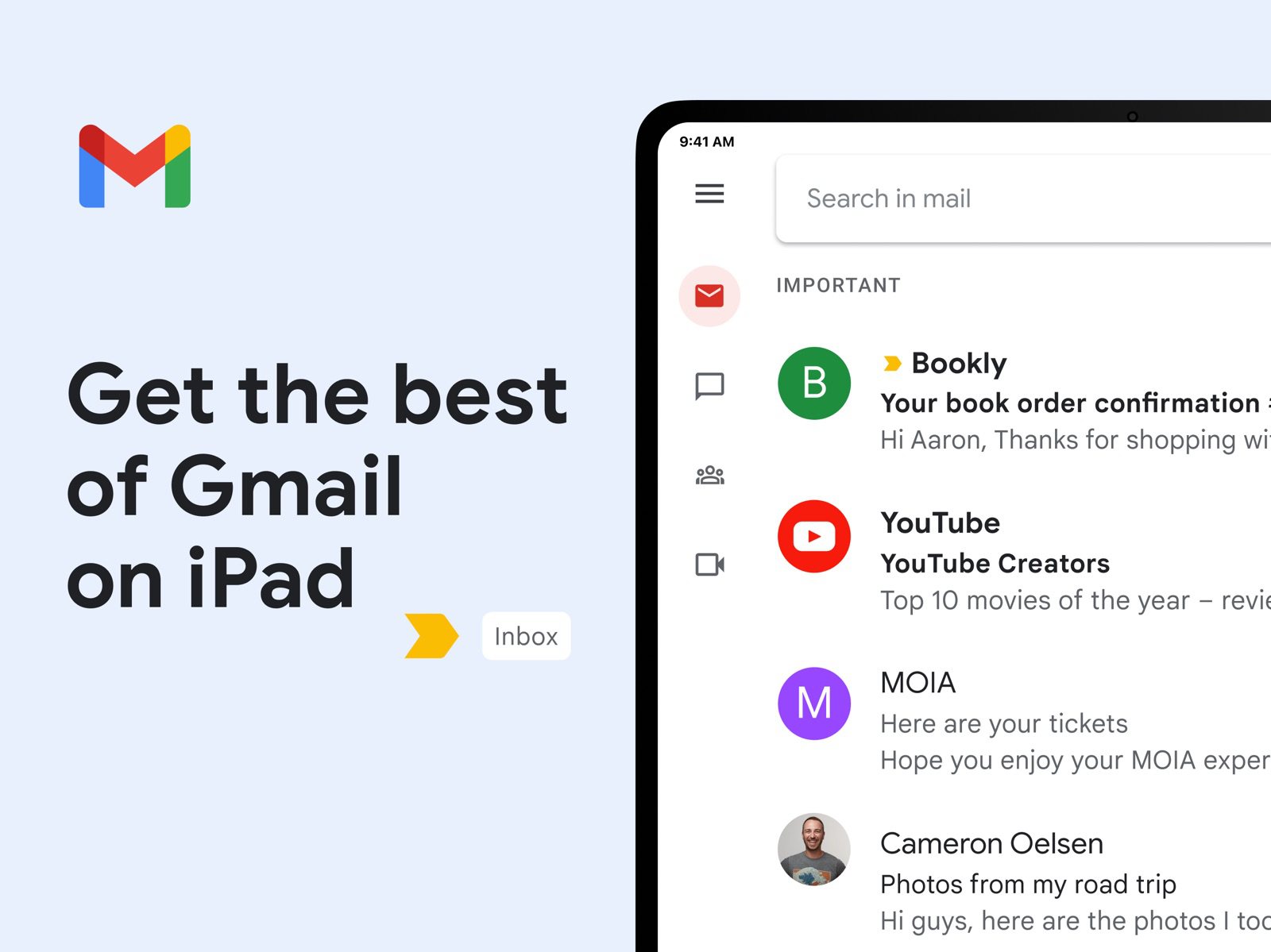
Workspace is Gmail on your own domain, with Drive, Docs, Meet and Gemini in Gmail, and no ads. Business Starter includes 30 GB of pooled storage per user and works with any email app.
- Price: Business Starter $7 per user a month with a one-year commitment; new customers may get a discount for the first months; 14-day trial
- Platforms: web, Gmail apps for iPhone and Android, any IMAP app
- Downside: it costs seven times as much as Zoho Mail Lite if you only need email.
More: Canary Mail vs Gmail.
Free email for business without a custom domain
If you are just starting and don't have a domain yet, a free address from a big provider works. It looks less professional than your own domain, and most free plans show ads.
- Gmail: 15 GB shared with Drive and Photos. Personal accounts show ads in the Promotions and Social tabs.
- Outlook.com: 15 GB of mail storage, with ads. Microsoft 365 Basic ($1.99 a month) removes them and adds 100 GB.
- Yahoo Mail: 20 GB in the US, with ads. Yahoo Mail Plus ($5 a month) is ad-free with 200 GB.
- Proton Mail Free: encrypted, up to 1 GB and 150 messages a day.
- mail.com: more than 100 shared domains such as @consultant.com or @engineer.com, 65 GB, with ads. Other email apps need its Premium plan.
Compare them in Yahoo Mail vs Gmail, Yahoo Mail alternatives and Mail.com alternatives.
How to choose
- You want your own domain and pay nothing: Zoho Mail Forever Free, if it's offered in your region.
- You want your own domain for about $1 a month: Zoho Mail Lite or IONOS.
- Your team already uses Gmail or Google Docs: Google Workspace.
- Your team uses Outlook, Word and Excel: Exchange Online or Microsoft 365 Business Basic.
- Privacy matters most: Proton Mail or Tuta.
- You only need to receive mail at your domain for now: Cloudflare Email Routing.
How to set up a free business email address
The steps are much the same with any provider:
- Register a domain, or use one you already own.
- Sign up with the provider and add your domain.
- Prove you own the domain, usually by adding a TXT record at your registrar.
- Add the provider's MX records so mail for your domain reaches it.
- Add the SPF and DKIM records the provider gives you, so your mail doesn't land in spam.
- Create an address for each person, plus shared ones such as info@ or support@.
Apps for managing business email
A provider hosts your mail; an email app is where you read and answer it. If your provider supports IMAP, you can keep the provider and change the app. Note that Zoho Mail Forever Free doesn't support IMAP, so it only works in Zoho's apps.
Canary Mail: Best app for business mail on Mac, iPhone and Windows
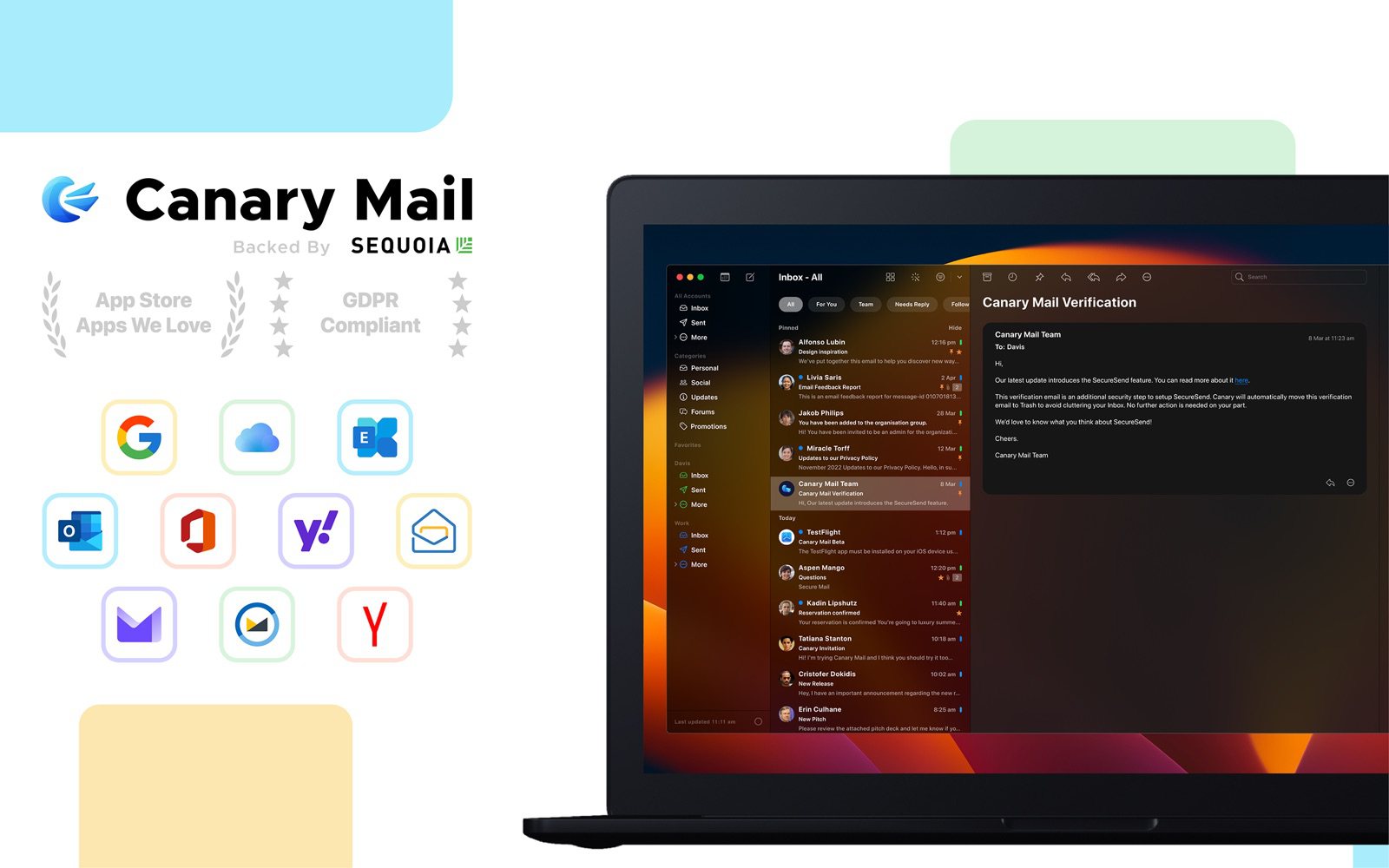
Disclosure: we make Canary Mail. Canary is an email app for Mac, iPhone, iPad, Windows and Android. It works with Google Workspace, Microsoft 365 and Exchange, Zoho's paid plans and any other IMAP account, as well as Gmail, Outlook, iCloud and Yahoo. It sorts your inbox with AI, blocks tracking pixels by default and doesn't use your email to train AI. More than 2 million people use it, and Apple has featured it on the App Store and the Mac App Store.
- Price: free for unlimited accounts on 2 devices; Growth $36 a year (AI writing and summaries, read receipts, send later); Pro+ $100 a year (PGP encryption, phishing and impersonation detection)
- Downside: it doesn't host email, so you still need a provider, and AI writing is on paid plans.
Shared Inbox by Canary: Best for teams sharing info@ or support@
From the same company, Shared Inbox by Canary lets a team work from one shared address, with assignments so everyone can see who is handling what. It costs from $10 per user a month, with a 14-day free trial.
Dove: Best for an AI inbox that sorts mail for you
Dove is a newer AI email app from the makers of Canary Mail, for Mac, iPhone, Android, Windows and the web. It works with Gmail, Google Workspace, Outlook, Microsoft 365 and any IMAP provider, and keeps low-priority mail out of the way. Dove costs $20 a month or $200 a year after a 7-day trial; the free plan includes the core inbox and 10 AI actions a day.
For more apps, see the best email apps for multiple accounts and the best secure email apps.
Frequently asked questions
Can I get a business email for free?
Yes, but with limits. Zoho Mail Forever Free hosts one domain for up to 5 users at no cost in the regions where it is offered. Some registrars, such as Dynadot, include one small free mailbox with a domain. You still pay for the domain itself.
Does Gmail do free business emails?
Not on your own domain. A free Gmail address ends in @gmail.com. For name@yourcompany.com in Gmail you need Google Workspace, from $7 per user a month on a yearly plan. Gmail's option to send from non-Google addresses ends in January 2027.
How do I create an email address for my LLC?
Register a domain for the company, choose a provider such as Zoho Mail, Google Workspace or Microsoft 365, add the domain and its MX, SPF and DKIM records, then create an address for each person. Many owners also add shared addresses such as info@ and billing@.
Can I get a business email without a domain?
You can use a free address from Gmail, Outlook.com or Proton, or a profession-style address from mail.com such as @consultant.com. None of them is unique to your company, so a domain is worth it once you have clients.
What is the cheapest business email?
Zoho Mail Lite at $1 per user a month billed yearly, and IONOS Mail Basic at $1.10 a month on a 3-year term, which includes a domain. Microsoft's Exchange Online Plan 1 costs $4.
What is the most hacked email service?
No provider publishes comparable figures, so there's no reliable ranking. On any service, a unique password, two-step verification or a passkey, and care with phishing emails protect you most.
Sources
- Zoho Mail pricing
- Zoho Mail: subscription plans and free plan availability
- Dynadot free custom email
- Cloudflare Email Routing
- Cloudflare Email Service pricing
- Google: changes to third-party email account support in Gmail
- Google Workspace pricing
- Microsoft 365 business plans and pricing
- Exchange Online plans and pricing
- IONOS email plans
- Proton business plans
- Proton Mail pricing
- Fastmail pricing (US)
- Tuta pricing
- mail.com business email
- Yahoo Mail Plus
- Microsoft 365 Basic
- Canary Mail pricing
- Dove pricing