Short answer: the best free Airmail alternative is Apple Mail, which is already on your Mac and iPhone and handles every account Airmail does. If you need Windows or Android too, Canary Mail (ours) and Spark run everywhere and have free plans with unlimited accounts. Outlook suits Microsoft 365 users, and Mimestream is the pick for Gmail-only Mac users. Nothing matches Airmail's custom actions exactly, so if those are why you use it, it may still be worth $49.99 a year.
Disclosure: we make Canary Mail, one of the apps below. Prices and features were checked on each vendor's own site or App Store listing on October 16, 2026.
Is Airmail free? Airmail pricing explained
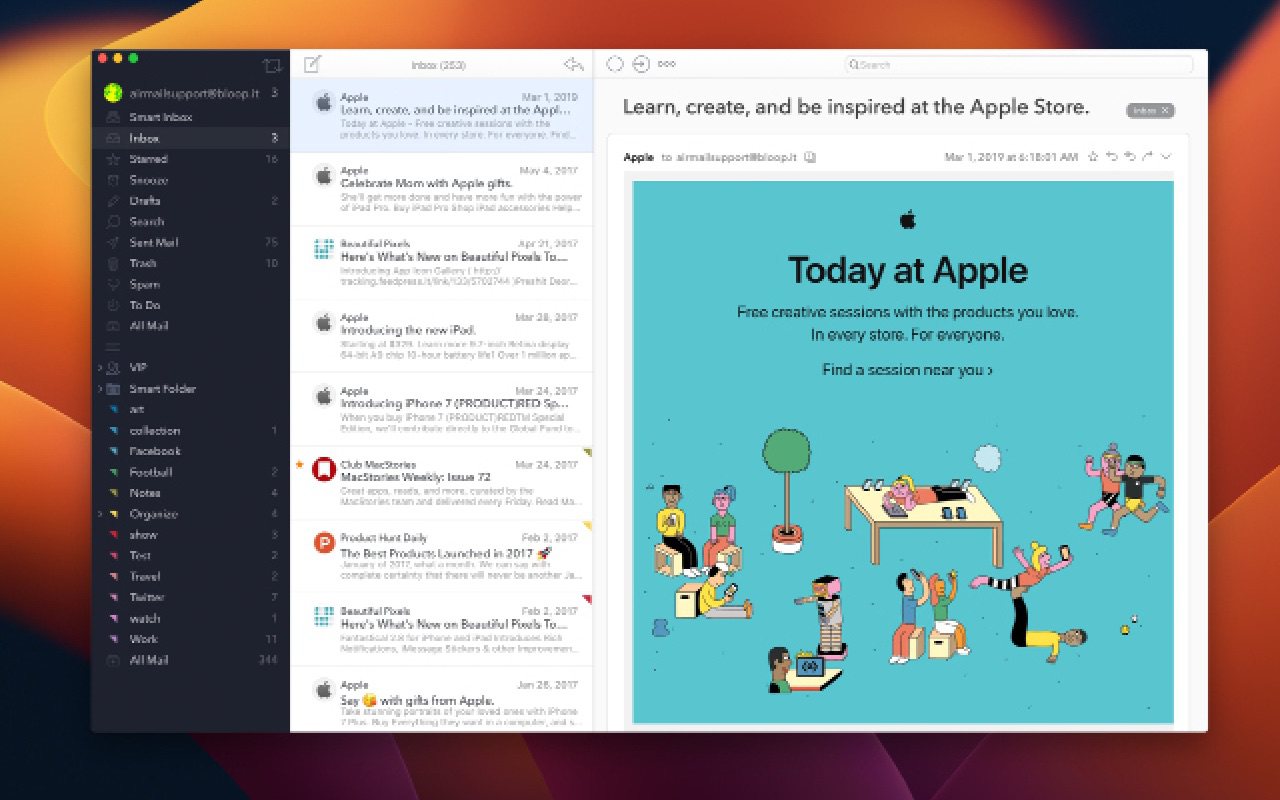
Airmail, made by Bloop, is free to download on the Mac App Store and the iPhone and iPad App Store, but the free version is limited to one account and fewer features. Adding more accounts and the Pro features (the newer design, Smart Box, custom actions, customizable layout and new search) needs an Airmail Pro subscription. Prices vary by country and promotion; these are the US App Store prices:
| Free | Airmail Pro | |
|---|---|---|
| Accounts | 1 | Unlimited |
| Mac App Store | Free | $7.99/month or $49.99/year |
| iPhone and iPad App Store | Free | $7.99/month or $39.99/year |
| AI Composer (Mac add-on) | Sold separately | Sold separately: $4.99, or $14.99/month |
Airmail's own FAQ quotes about $9 a month or $49 a year and says to check the exact price in the app under Settings > Airmail Pro. Purchases go through Apple, so Family Sharing works and refunds are handled by Apple. A separate app, Airmail for Business, is a one-time purchase for organizations and doesn't include push notifications.
Why people look for an Airmail alternative
- It's Apple only. Airmail's FAQ says there is no Windows version and no Android version planned.
- The free version handles a single account, so most people end up paying for Pro.
- Read receipts work only on the Mac, through a plugin, and not on iPhone.
- Encryption needs extra plugins (S/MIME or GPG) on the Mac.
- All the customization can feel busy if you just want a simple inbox.
Airmail alternatives compared
| App | Best for | Runs on | Free plan | Paid price |
|---|---|---|---|---|
| Canary Mail | AI and encryption on every device | Mac, iPhone, iPad, Windows, Android | Unlimited accounts, 2 devices | Growth $36/year; Pro+ $100/year |
| Apple Mail | Free, on Apple devices | Mac, iPhone, iPad, Apple Vision Pro | Free | None |
| Spark | A free smart inbox and small teams | Mac, iPhone, iPad, Windows, Android | Unlimited accounts | Plus $99/year; Pro $199/year (per user) |
| Outlook | Microsoft 365 and a built-in calendar | Mac, Windows, iPhone, Android, web | Yes, with ads | Microsoft 365 Basic $19.99/year removes ads |
| Mimestream | Gmail on a Mac | Mac; iPhone in beta | 14-day trial | $4.99/month or $49.99/year |
| Thunderbird | Free and open source | Windows, Mac, Linux, Android | Free | None (donations) |
| Mailspring | A clean desktop app, Linux included | Mac, Windows, Linux | Unlimited accounts | Pro $8/month |
| Airmail (for reference) | Customizing everything | Mac, iPhone, iPad, Apple Watch, Vision Pro | 1 account | Pro $49.99/year on Mac |
The 7 best Airmail alternatives in 2026
1. Canary Mail: Best for AI and encryption on every device
Disclosure: we make Canary Mail.
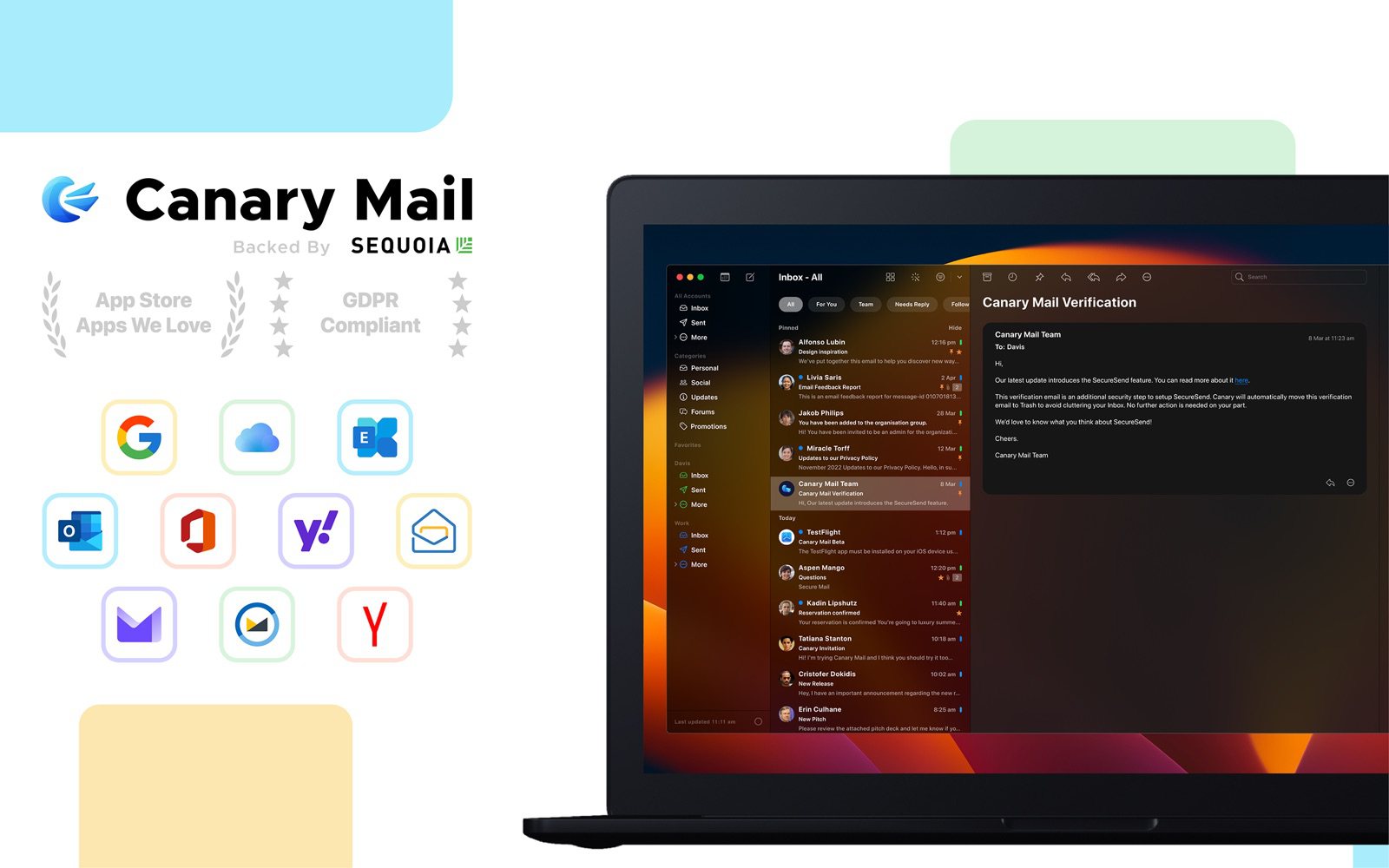
Canary covers the accounts Airmail does (Gmail, Outlook, Exchange, iCloud, Yahoo and any IMAP account) and adds apps for Windows and Android, so you're not tied to Apple hardware. AI sorts your inbox on every plan, and Growth adds AI writing and summaries, read receipts, send later and a calendar. Pro+ builds in PGP and SecureSend without plugins. Tracker blocking is on by default, and more than 2 million people use it.
- Who it's for: Airmail users who want more than one free account, a Windows or Android app, or built-in encryption
- Price: free for unlimited accounts on 2 devices; Growth $36/year; Pro+ $100/year; lifetime licenses $100 and $300
- Platforms: Mac, iPhone, iPad, Windows, Android
- Downside: it has far fewer custom actions and app integrations than Airmail, and paid plans are yearly or lifetime only.
More: Canary Mail vs Airmail.
2. Apple Mail: Best free alternative on Apple devices
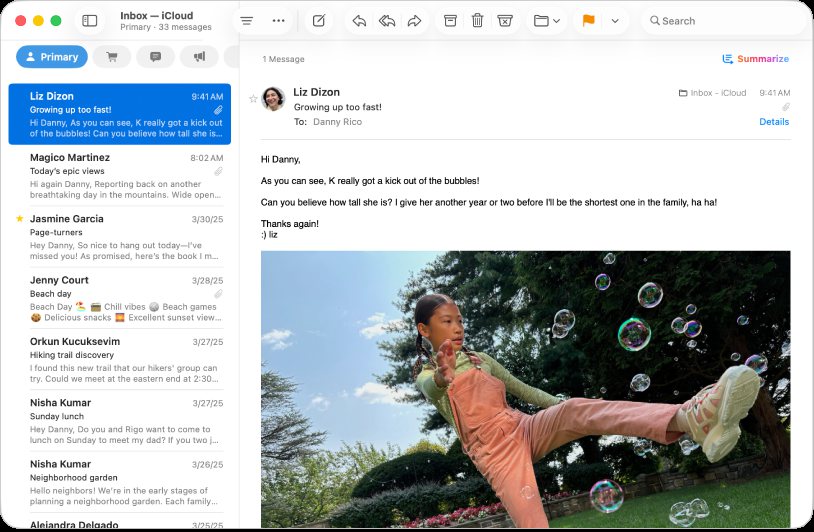
Apple Mail takes iCloud, Gmail, Exchange, Yahoo and any IMAP or POP account in one inbox, for free, and syncs with Contacts and Calendar. On Apple silicon Macs and recent iPhones it has Apple Intelligence for rewriting, summaries and Priority Messages. Send Later, Undo Send, categories and Mail Privacy Protection are built in.
- Who it's for: Airmail users who only use Apple devices and want to stop paying
- Price: free
- Platforms: Mac, iPhone, iPad, Apple Vision Pro
- Downside: no custom actions or send-to-app integrations, and Apple Intelligence needs recent hardware.
3. Spark: Best free smart inbox on every major platform
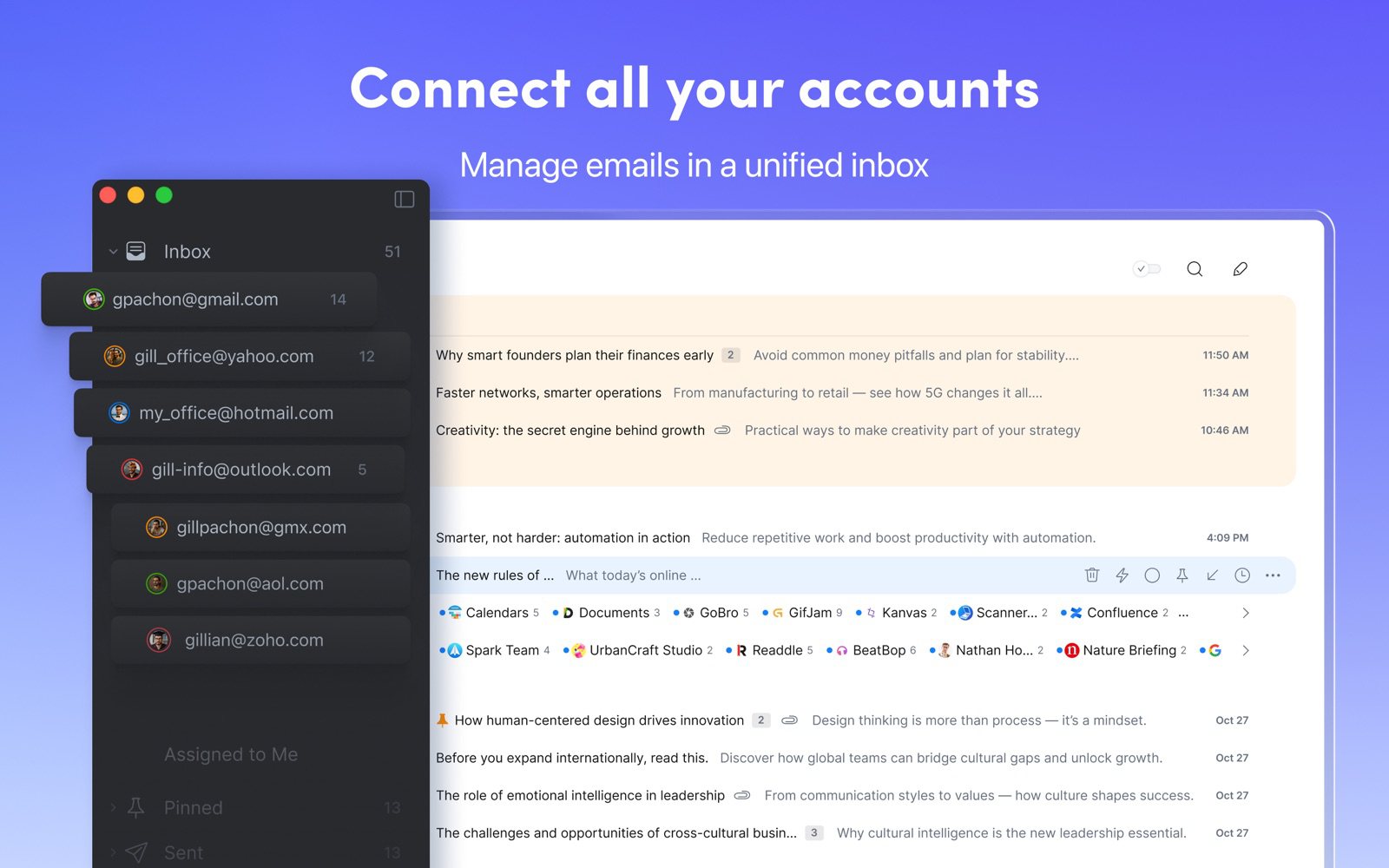
Spark is the app most often compared with Airmail. Its Smart Inbox puts people above newsletters, Gatekeeper screens new senders, and you get snooze, send later and follow-up reminders. Unlike Airmail it has a free plan with unlimited accounts, apps for Windows and Android, and team features like shared drafts and comments.
- Who it's for: people who want a sorted inbox on every device without paying, and small teams
- Price: free; Plus $10/month or $99/year; Pro $20/month or $199/year, per user
- Platforms: Mac, iPhone, iPad, Windows, Android
- Downside: the Mac app is built with Electron, and some mail is processed on Readdle's servers.
More: Spark alternatives.
4. Microsoft Outlook: Best for Microsoft 365 and a built-in calendar
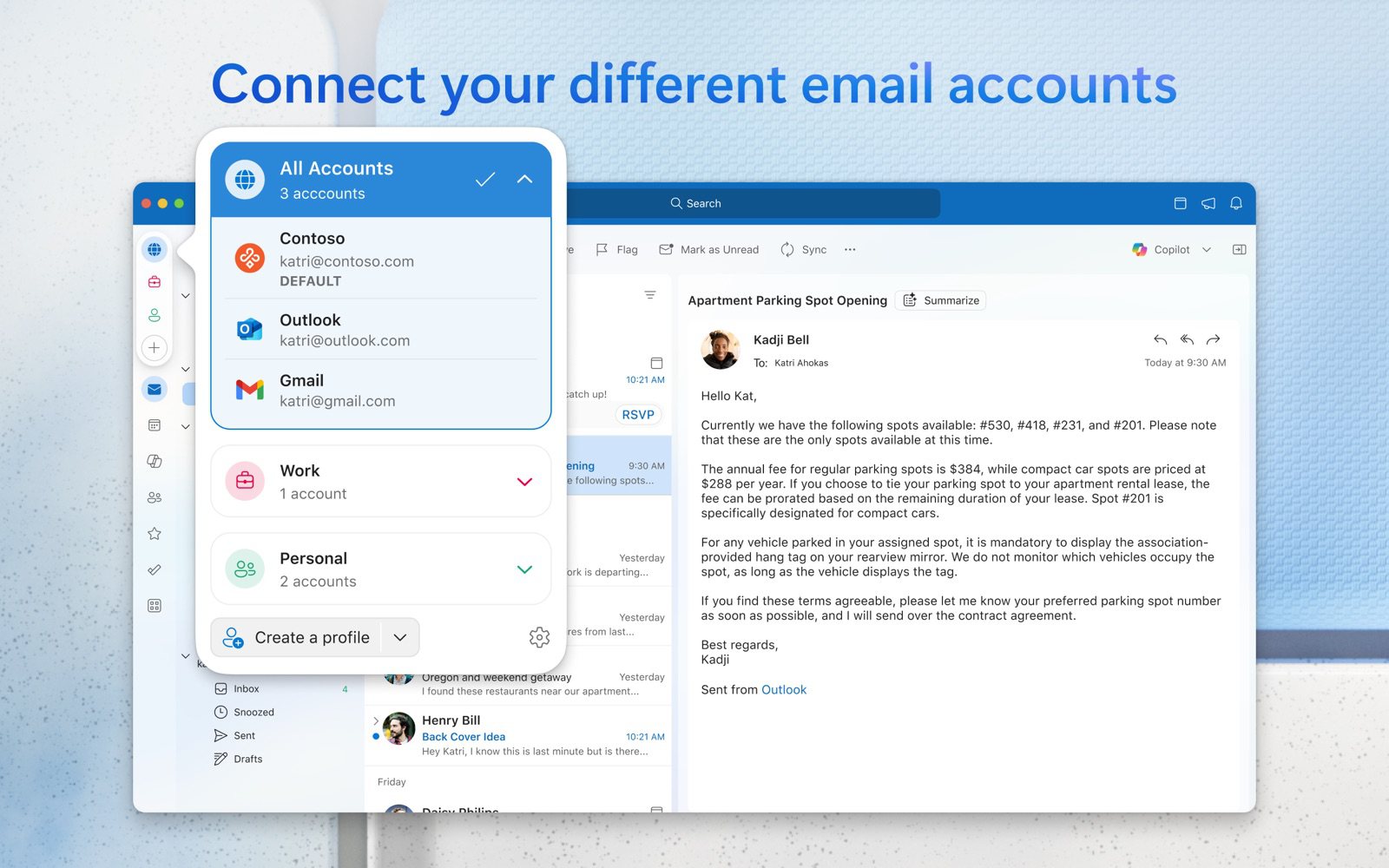
Outlook is free on Mac, Windows, iPhone, Android and the web, and it adds Gmail, iCloud, Yahoo and IMAP accounts next to Outlook.com and Microsoft 365. Mail and a full calendar live in one app, Focused Inbox sorts important mail, and Copilot comes with Microsoft 365 Personal and higher.
- Who it's for: people on Microsoft 365, or anyone who wants mail and calendar together on Mac and Windows
- Price: free with ads; Microsoft 365 Basic ($1.99/month or $19.99/year) removes them
- Platforms: Mac, Windows, iPhone, Android, web
- Downside: the free version shows ads, send later and read receipts on the Mac need Microsoft 365, and non-Microsoft accounts can sync through Microsoft's cloud.
More: Apple Mail vs Outlook.
5. Mimestream: Best for Gmail-only Mac users
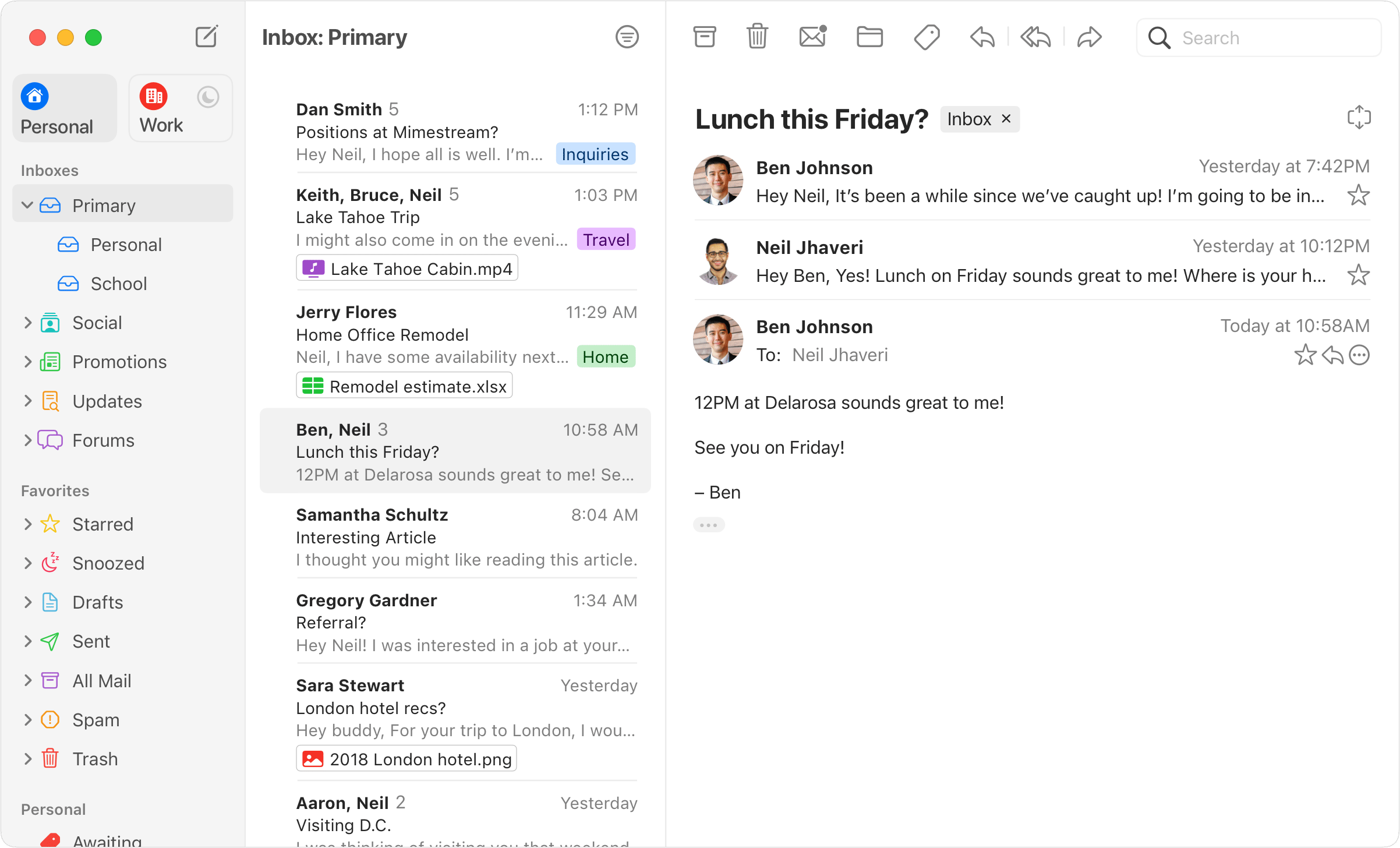
If all your accounts are Gmail or Google Workspace, Mimestream is a native Mac app that uses the Gmail API, so labels, categories, filters and search work exactly as in Gmail. It also has profiles, templates and tracker blocking, and keeps your data on your Mac.
- Who it's for: Gmail users who spend their day on a Mac
- Price: 14-day free trial, then $4.99/month or $49.99/year
- Platforms: Mac; an iPhone and iPad app is in TestFlight beta
- Downside: Gmail only, Mac only for now, and no free plan.
More: Mimestream alternatives.
6. Thunderbird: Best free, open-source alternative
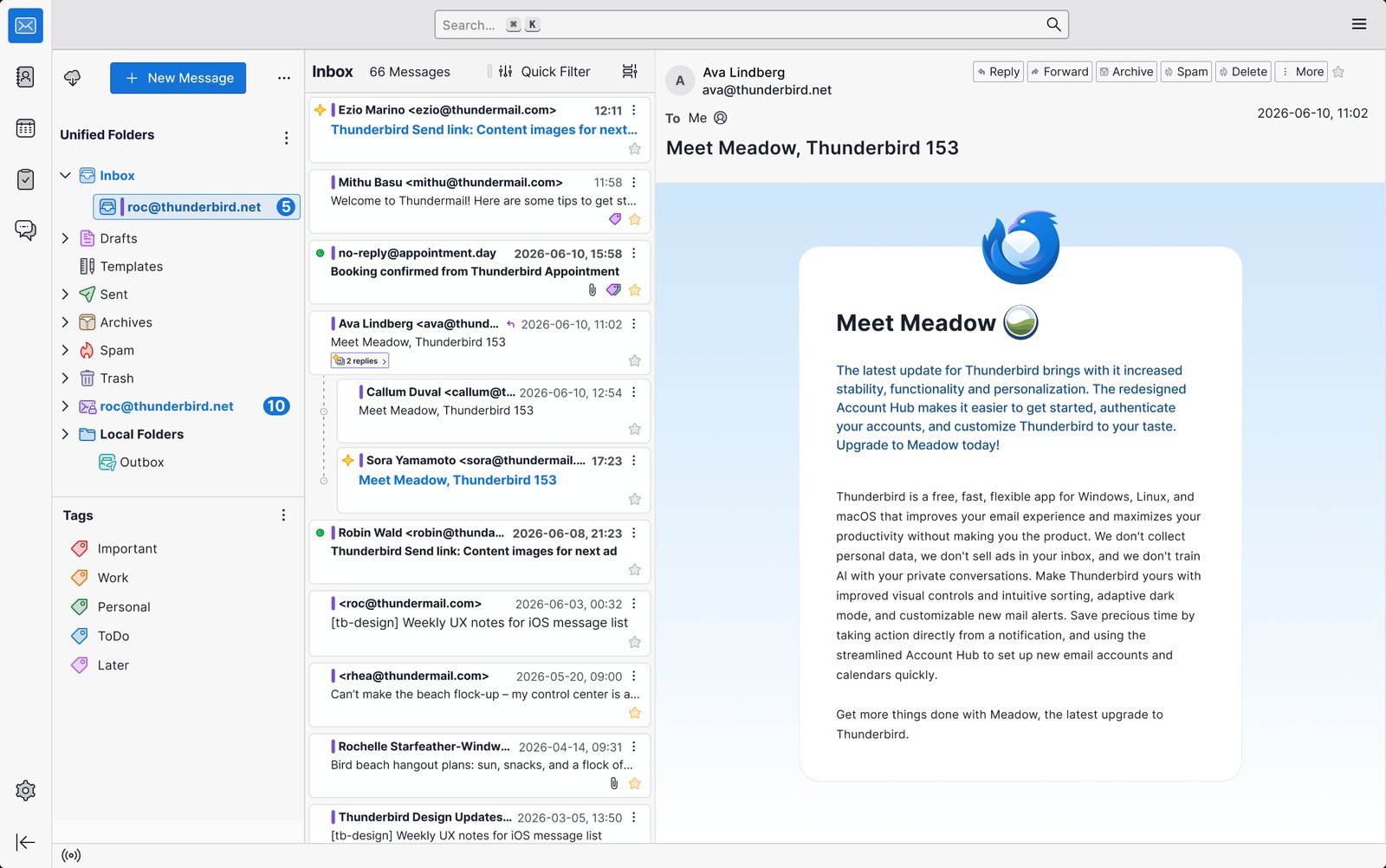
Thunderbird is free, open source and supported by donations. Like Airmail it's very customizable, through add-ons, and it builds in a calendar, contacts and OpenPGP encryption. It runs on Windows, Mac and Linux, and Thunderbird for Android is available.
- Who it's for: people who want a free, extensible desktop client on any system
- Price: free
- Platforms: Windows, Mac, Linux, Android; an iPhone app in public beta on TestFlight
- Downside: it looks dated next to Airmail, and its iPhone app is only an early TestFlight beta.
More: Apple Mail vs Thunderbird.
7. Mailspring: Best clean desktop app, including Linux
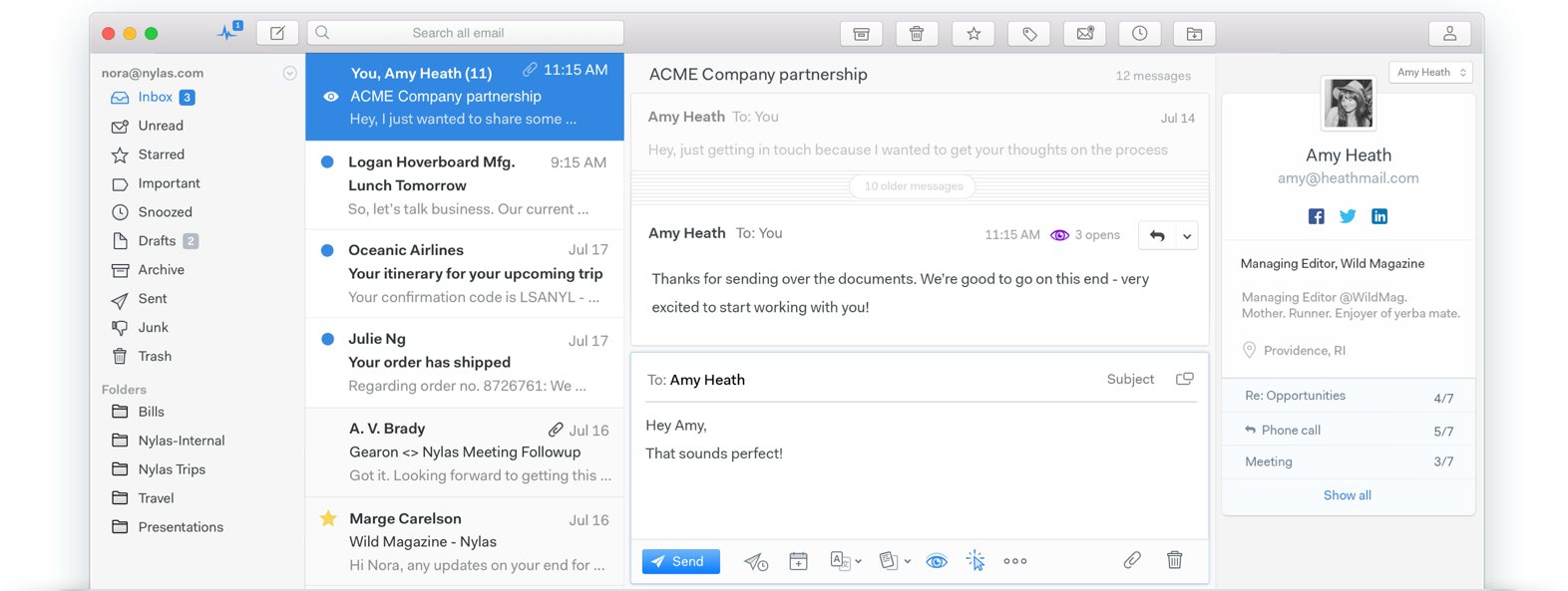
Mailspring is free and open source, with a tidy unified inbox, fast search and themes. Pro adds read receipts, link tracking, send later, snooze, templates and contact profiles.
- Who it's for: desktop users who want a simple, good-looking app on Mac, Windows or Linux
- Price: free for unlimited accounts; Pro $8/month
- Platforms: Mac, Windows, Linux
- Downside: no phone app, no Exchange protocols, and it's built on Electron.
Apple Mail vs Airmail
Most people who search for an Airmail alternative on a Mac are really choosing between Airmail and the app that came with it. Here's how they compare.
| Apple Mail | Airmail | |
|---|---|---|
| Price | Free | Free for 1 account; Pro $7.99/month or $49.99/year (Mac) |
| Accounts | iCloud, Gmail, Exchange, Yahoo, IMAP, POP | iCloud, Gmail, Exchange, Office 365, Outlook.com, Yahoo, AOL, IMAP, POP |
| Platforms | Mac, iPhone, iPad, Apple Vision Pro | Mac, iPhone, iPad, Apple Watch, Apple Vision Pro |
| Inbox sorting | Categories and Priority Messages | Smart Inbox, part of Pro |
| AI | Apple Intelligence on supported devices | AI Composer, a paid add-on |
| Customization | Rules and Smart Mailboxes | Custom actions, themes, custom shortcuts, AppleScript |
| Other apps | Works with Apple's own apps | Send to OmniFocus, Things, Todoist, Fantastical and more |
| Send later and snooze | Send Later; Remind Me on iPhone | Send Later and Snooze |
| Encryption | S/MIME built in | S/MIME or GPG through plugins on Mac |
| Privacy | Mail Privacy Protection | Privacy Mode processes data on your device and blocks tracking pixels |
| Read receipts | No | Mac only, through a plugin |
Features and customization. Airmail is built for people who like to tune their tools. You can combine several steps (label, forward, archive) into one custom action, assign your own shortcuts, use Gmail's shortcuts, pick themes and send any email to a task manager or calendar app. Apple Mail keeps it simple: rules, Smart Mailboxes, flags and VIPs.
AI and sorting. Apple Mail's categories and Apple Intelligence (summaries, Writing Tools, Priority Messages) are free on supported hardware. Airmail's Smart Inbox needs Pro, and its AI Composer is sold separately.
Security and privacy. An older version of this comparison said Apple Mail supports PGP; it doesn't. Apple Mail has S/MIME built in, while Airmail supports S/MIME and GPG through plugins on the Mac. Both protect you from tracking pixels: Apple with Mail Privacy Protection, Airmail with its Privacy Mode.
Verdict: Apple Mail if you want free and simple. Airmail if custom actions and app integrations save you real time.
Airmail vs Outlook
Outlook is free (with ads), runs on Windows and Android as well as Apple devices, and puts a full calendar next to your mail; Copilot is available with Microsoft 365. Airmail is Apple only, but it's far more customizable, connects to task apps, and its Privacy Mode keeps processing on your device, whereas Outlook for Mac can sync non-Microsoft accounts through Microsoft's cloud. Both handle Outlook.com and Microsoft 365 accounts.
Verdict: Outlook for Microsoft 365, Windows or a built-in calendar; Airmail for customization on Apple devices.
Airmail vs Spark
Both have a smart inbox, snooze and send later. Spark is free for unlimited accounts, runs on Windows and Android, and adds team features, though its AI needs the $99-a-year Plus plan, its Mac app is built with Electron and some mail is processed on its servers. Airmail is a native Apple app with deeper customization and local processing in Privacy Mode, but it's free for only one account and has no Windows or Android app.
Verdict: Spark for a free, cross-platform inbox or a team; Airmail for a native, customizable app on Apple devices.
Comparing Spark with Apple's app instead? See Apple Mail vs Spark. For the wider field, see the best email clients for Mac and the best email apps for iPhone.
Frequently asked questions
Can you use Airmail for free?
Yes, with one email account and a limited feature set. More accounts and the Pro features need Airmail Pro, at $7.99 a month or $49.99 a year on the Mac App Store in the US.
How much is Airmail Pro?
On the US App Store it's $7.99 a month or $49.99 a year on the Mac, and $7.99 a month or $39.99 a year on the iPhone and iPad listing. Prices vary by country.
What is the difference between Airmail and Airmail Pro?
The free version works with one account and limited features. Pro adds unlimited accounts, the Smart Box, custom actions, the customizable layout, new search and themes.
Is Airmail available for Windows or Android?
No. Airmail runs only on Apple devices, and its FAQ says no Android version is planned. Canary Mail, Spark, Outlook and Thunderbird have Windows apps.
Do people still use Airmail?
Yes. Airmail is still updated (version 27 arrived in October 2026) and has thousands of ratings on the App Store, mostly from people who value its customization.
Is Airmail better than Apple Mail?
For customization and app integrations, yes. For price, simplicity and built-in AI, Apple Mail is better, and it's free.
Sources
- Airmail on the Mac App Store
- Airmail on the App Store (iPhone and iPad)
- Airmail FAQ
- Airmail website
- Apple Mail User Guide: Automatically sort incoming emails
- Apple: Apple Intelligence requirements
- Apple Mail User Guide: Protect your privacy in Mail
- Apple: Use S/MIME with Apple email clients
- Apple Mail User Guide: Schedule and undo emails
- Spark pricing
- Readdle: the new Spark desktop app (Electron)
- Spark: email privacy
- Microsoft: How licensing works in Outlook for Mac
- Microsoft 365 Basic
- Mimestream pricing and FAQ
- Mimestream: iOS TestFlight access
- Thunderbird
- Mailspring Pro
- Canary Mail pricing