Disclosure: we make Canary Mail. We've tried to compare it with Airmail as fairly as we would two apps we don't make, and we say where Airmail is the better choice. Airmail's prices and features were checked on its App Store listings and its FAQ on October 16, 2026.
Short answer: pick Airmail if you only use Apple devices and want to customize everything, with custom actions, your own shortcuts and send-to-app integrations for OmniFocus, Things or Todoist. Pick Canary Mail if you want more than one account for free, apps for Windows and Android too, AI writing, or built-in PGP encryption. Canary's Growth plan is $36 a year against $49.99 for Airmail Pro on the Mac.
Canary Mail vs Airmail at a glance
| Canary Mail | Airmail | |
|---|---|---|
| Price | Free; Growth $36/year; Pro+ $100/year; lifetime $100 or $300 | Free for 1 account; Pro $7.99/month or $49.99/year (Mac), $39.99/year (iPhone listing) |
| Free plan | Unlimited accounts on 2 devices, AI inbox sorting | 1 account, limited features |
| Accounts | Gmail, Outlook, iCloud, Yahoo, Exchange, any IMAP | Gmail, iCloud, Exchange, Office 365, Outlook.com, Yahoo, AOL, IMAP, POP |
| Platforms | Mac, iPhone, iPad, Windows, Android | Mac, iPhone, iPad, Apple Watch, Apple Vision Pro |
| AI | AI sorting (free); AI writing and summaries (Growth) | AI Composer, a paid add-on on Mac |
| Encryption | PGP and SecureSend built into Pro+ | S/MIME or GPG through plugins on Mac |
| Read receipts | Yes (Growth); basic on free | Mac only, through a plugin |
| Customization | Templates, snooze, unified inbox | Custom actions, themes, custom shortcuts, AppleScript, app integrations |
Customization and workflow
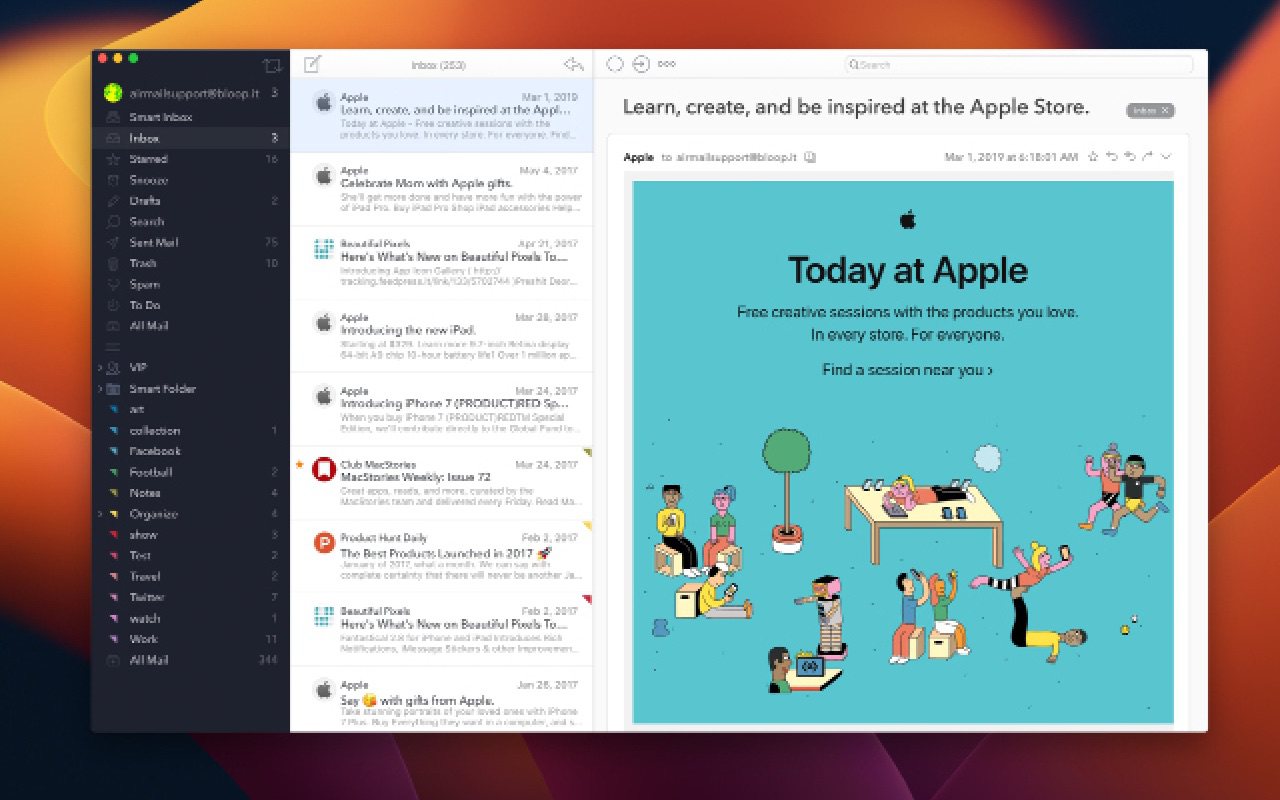
This is Airmail's home ground. You can chain steps into custom actions (label, forward and archive in one click), set your own keyboard shortcuts or use Gmail's, choose themes and layouts, script it with AppleScript, and send any email to OmniFocus, Things, Todoist, Fantastical, Reminders and other apps. Snooze, send later and a to-do folder are built in.
Canary is simpler: a unified inbox for all your accounts, snooze, templates and one-click unsubscribe, with AI doing more of the sorting so there's less to set up.
Verdict: Airmail, clearly, if you like to shape your tools.
Platforms and accounts
Both handle Gmail, iCloud, Exchange, Outlook and IMAP accounts. Airmail adds POP and AOL, plus apps for Apple Watch and Apple Vision Pro, but it's Apple only: its FAQ says there's no Windows version and no Android version planned. Canary runs on Mac, iPhone, iPad, Windows and Android, so your inbox follows you to a work PC or an Android phone.
Verdict: Canary Mail if you use anything other than Apple devices; a tie if you don't.
AI features
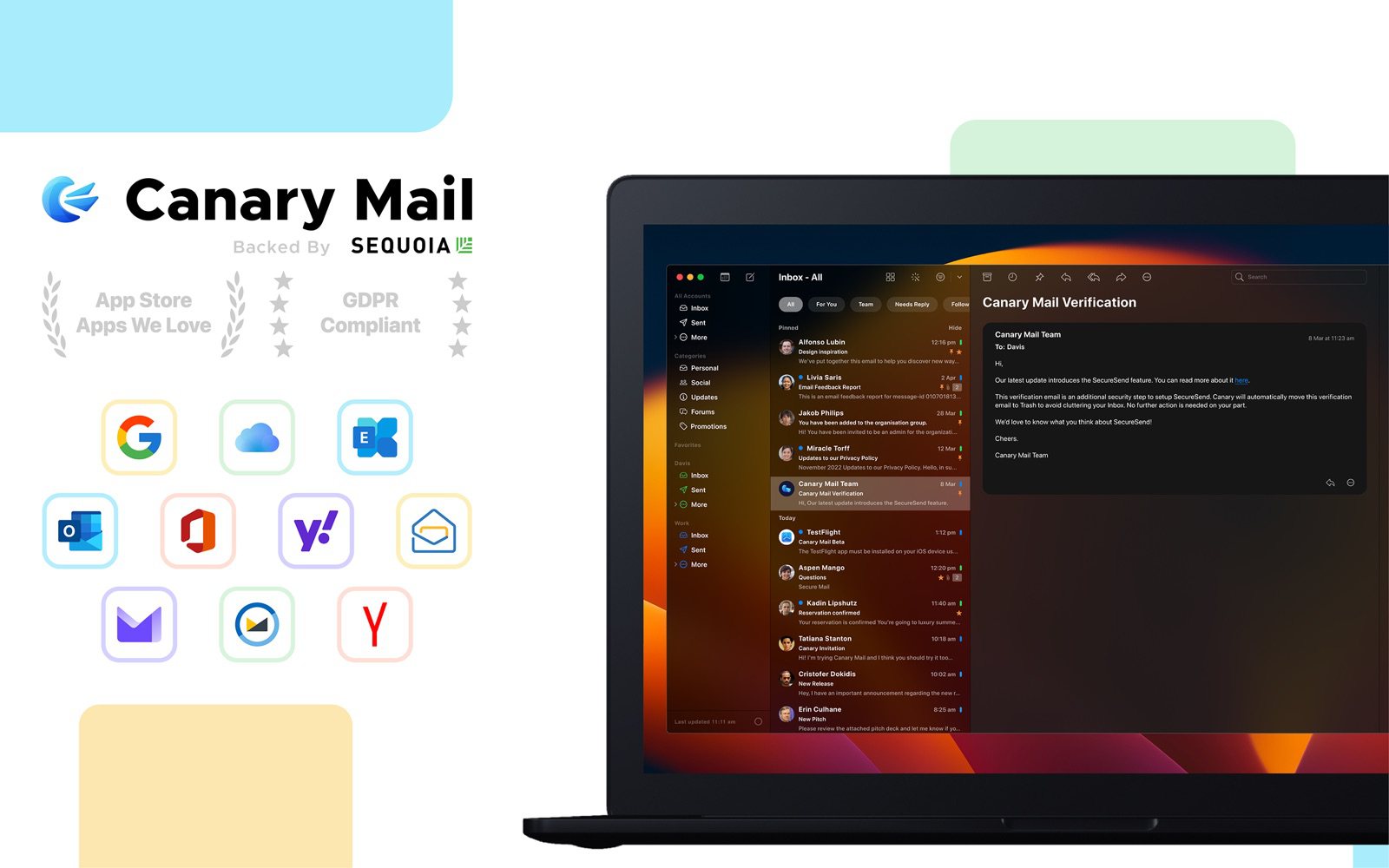
Canary sorts incoming mail with AI on every plan, including the free one. Growth ($36 a year) adds AI that drafts replies, rewrites and summarizes long threads. Triage runs on your device, and your email isn't used to train AI.
Airmail sells an AI Composer add-on on the Mac App Store ($4.99, or $14.99 a month), separate from Airmail Pro.
Verdict: Canary Mail: AI is part of the plan rather than an extra purchase.
Privacy and security
Airmail's Privacy Mode processes everything on your device, blocks tracking pixels and stops images loading automatically. For encryption you install S/MIME or GPG plugins on the Mac. Canary blocks tracking pixels by default, and its Pro+ plan ($100 a year) builds in PGP, SecureSend for encrypted mail to people who don't use PGP, and phishing and impersonation detection. See our guide to PGP encryption.
Verdict: Canary Mail for encryption; both are good on tracking protection.
Price
Airmail is free for one account. Airmail Pro, which adds more accounts and the Pro features, is $7.99 a month or $49.99 a year on the US Mac App Store, and the iPhone and iPad listing shows $39.99 a year; prices vary by country. You can pay monthly, and Family Sharing is supported.
Canary is free for unlimited accounts on two devices. Growth is $36 a year (or $100 once) and Pro+ is $100 a year (or $300 once), with a 7-day trial. There's no monthly option.
Verdict: Canary Mail for most people; Airmail if you want to pay month to month.
Which should you choose?
- Choose Airmail if you're all-in on Apple devices and custom actions, shortcuts and app integrations are how you get through email.
- Choose Canary Mail if you have several accounts and don't want to pay to add them, need Windows or Android, or want AI writing, read receipts or PGP built in.
Still comparing? Our list of the best Airmail alternatives covers Apple Mail, Spark, Outlook and more, including Apple Mail vs Airmail. See also Canary Mail vs Spark and Canary Mail vs Apple Mail.
Frequently asked questions
Is Canary Mail better than Airmail?
For cross-platform use, AI and encryption, yes. For customization and integrations with task apps on Apple devices, Airmail is better. (We make Canary.)
Is Airmail free?
Only for one account with limited features. More accounts need Airmail Pro, at $7.99 a month or $49.99 a year on the US Mac App Store.
Does Airmail work on Windows?
No. Airmail is only for Apple devices. Canary Mail runs on Windows and Android as well as Mac, iPhone and iPad.
Does Canary Mail support PGP?
Yes. PGP and SecureSend are built into the Pro+ plan. Airmail supports GPG and S/MIME through plugins on the Mac.
Is Canary Mail free?
Yes, for unlimited accounts on up to two devices, with AI inbox sorting and basic read receipts.