Short answer: Mimestream is a Gmail-only app for the Mac, so the right alternative depends on what you're missing. For one app across Gmail, Outlook and iCloud on Mac, iPhone and Windows, try Canary Mail (ours) or Spark, which both have free plans. Apple Mail is the best free option if you only use Apple devices. Superhuman is the premium pick for keyboard speed, and Airmail suits people who want to customize everything.
Disclosure: we make Canary Mail, one of the apps below. Prices and features were checked on each vendor's own site or App Store listing on October 16, 2026.
Why people look for a Mimestream alternative
Mimestream is a well-made native Mac app that talks to Gmail through the Gmail API, so labels, categories and filters behave as they do in Gmail. People who leave it usually give one of these reasons:
- It only works with Gmail and Google Workspace, so an Outlook, iCloud or work Exchange account needs a second app.
- It's Mac only. An iPhone and iPad app has been in TestFlight beta since July 2026, but only for paying customers who qualify, and there's no Windows, Android or web version.
- It's a subscription ($4.99 a month or $49.99 a year) with no free plan and no lifetime license.
- Future updates will need macOS 14 or newer, which leaves older Macs behind.
- It has no AI of its own beyond Apple's Writing Tools.
If you are still deciding whether Mimestream beats the free option, read our Apple Mail vs Mimestream review first.
Mimestream alternatives compared
| App | Best for | Runs on | Accounts | Free plan | Paid price |
|---|---|---|---|---|---|
| Canary Mail | One app for every account and device | Mac, iPhone, iPad, Windows, Android | Gmail, Outlook, iCloud, Yahoo, Exchange, IMAP | Unlimited accounts, 2 devices | Growth $36/year; Pro+ $100/year |
| Apple Mail | Free, on Apple devices only | Mac, iPhone, iPad | iCloud, Gmail, Exchange, Yahoo, IMAP | Free | None |
| Spark | A free smart inbox and small teams | Mac, iPhone, iPad, Windows, Android | Gmail, Outlook, iCloud, Yahoo, IMAP | Unlimited accounts | Plus $99/year; Pro $199/year |
| Superhuman | Keyboard speed and heavy AI | Mac, Windows, web, iPhone, Android | Gmail and Microsoft 365 only | No | From $25/month billed yearly |
| Airmail | Customizing everything on Apple devices | Mac, iPhone, iPad | Gmail, iCloud, Exchange, Outlook.com, Yahoo, IMAP | 1 account | Pro $49.99/year on Mac |
| Thunderbird | Free and open source, including Windows and Linux | Windows, Mac, Linux, Android | Any IMAP or POP account | Free | None (donations) |
| Outlook | Windows users and Microsoft 365 | Mac, Windows, iPhone, Android, web | Outlook.com, Gmail, iCloud, Yahoo, IMAP | Yes, with ads | Microsoft 365 Basic $19.99/year removes ads |
| Mimestream (for reference) | Gmail on a Mac | Mac; iPhone beta | Gmail only | 14-day trial | $4.99/month or $49.99/year |
The 7 best Mimestream alternatives in 2026
1. Canary Mail: Best for one app across every account and device
Disclosure: we make Canary Mail.
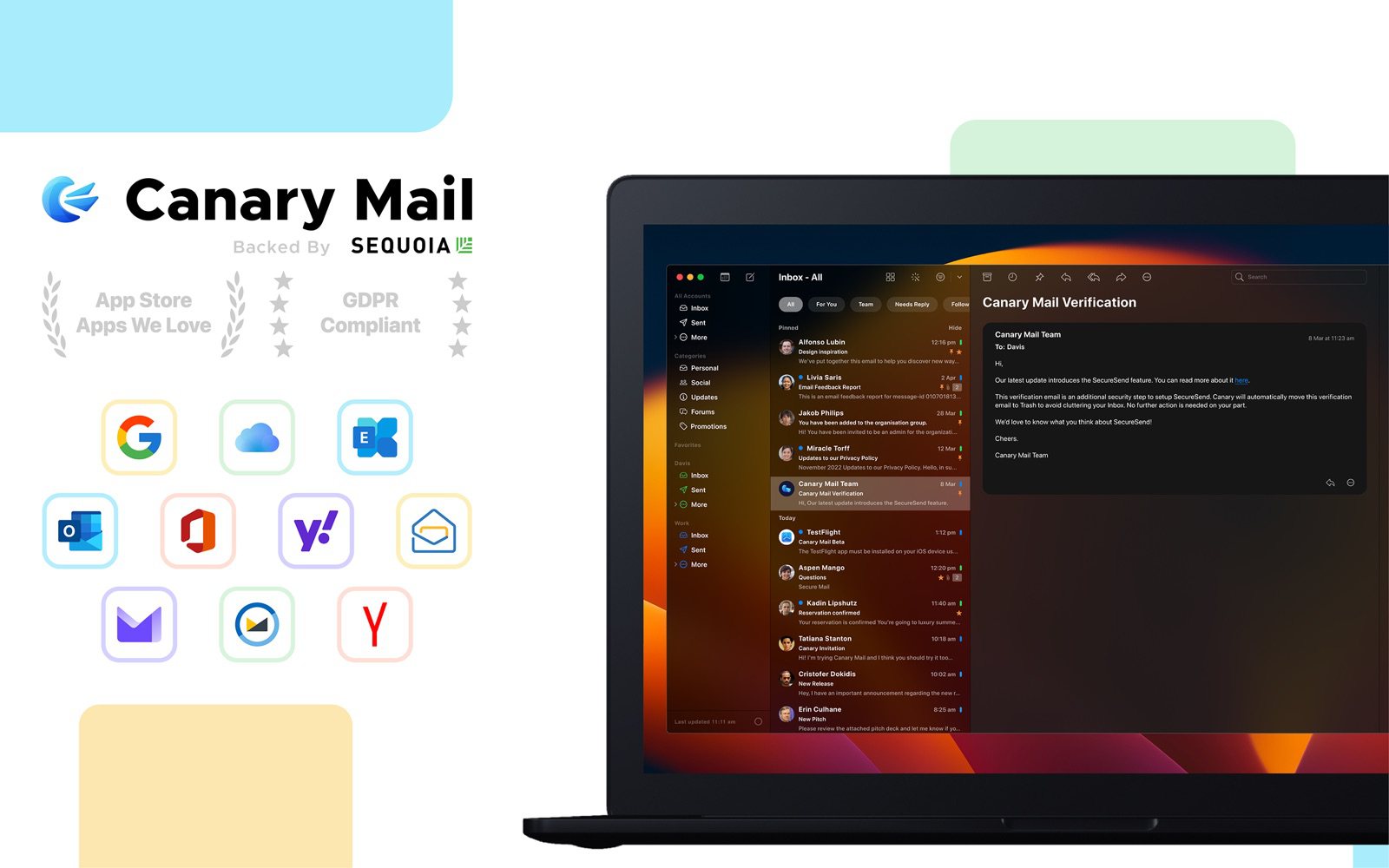
Canary fixes Mimestream's two big limits at once. It works with Gmail and Google Workspace alongside Outlook, iCloud, Yahoo, Exchange and any IMAP account, and it runs on Mac, iPhone, iPad, Windows and Android. AI sorts your inbox on every plan, including the free one, and the Growth plan adds AI writing and summaries, read receipts and send later. Tracker blocking is on by default, triage runs on your device, and your email isn't used to train AI. Pro+ adds PGP encryption. More than 2 million people use it.
- Who it's for: Mimestream users who have more than Gmail, or who want the same inbox on their phone or a Windows PC
- Price: free for unlimited accounts on 2 devices; Growth $36/year; Pro+ $100/year; lifetime licenses $100 and $300
- Platforms: Mac, iPhone, iPad, Windows, Android
- Downside: AI writing and the advanced features are on paid plans, which are yearly or lifetime only, and Mimestream remains the more Gmail-like app if you rely on Gmail's own filters and categories.
More: Canary Mail vs Mimestream, a head-to-head of the two.
2. Apple Mail: Best free option on Apple devices
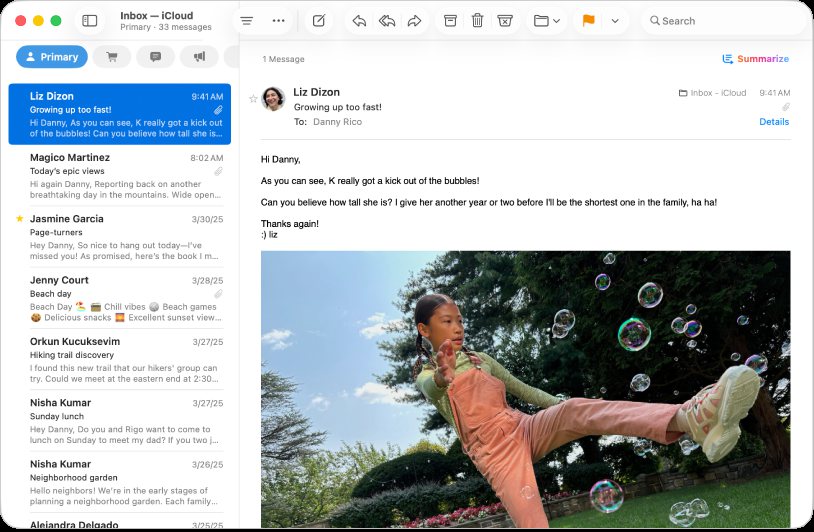
Apple Mail is free, native, and already on your Mac, iPhone and iPad. It handles Gmail next to iCloud, Exchange, Yahoo and any IMAP account, and on Apple silicon Macs it has Apple Intelligence for rewriting, summaries, Smart Reply and Priority Messages. Send Later, Undo Send and Follow Up suggestions are built in, and Mail Privacy Protection hides when you open mail.
- Who it's for: Mac and iPhone users who don't want another subscription
- Price: free
- Platforms: Mac, iPhone, iPad, Apple Vision Pro
- Downside: Gmail works over IMAP, so labels show up as folders and Gmail's categories and server filters aren't there; Apple Intelligence needs an Apple silicon Mac.
More: Apple Mail vs Gmail.
3. Spark: Best free smart inbox and for small teams
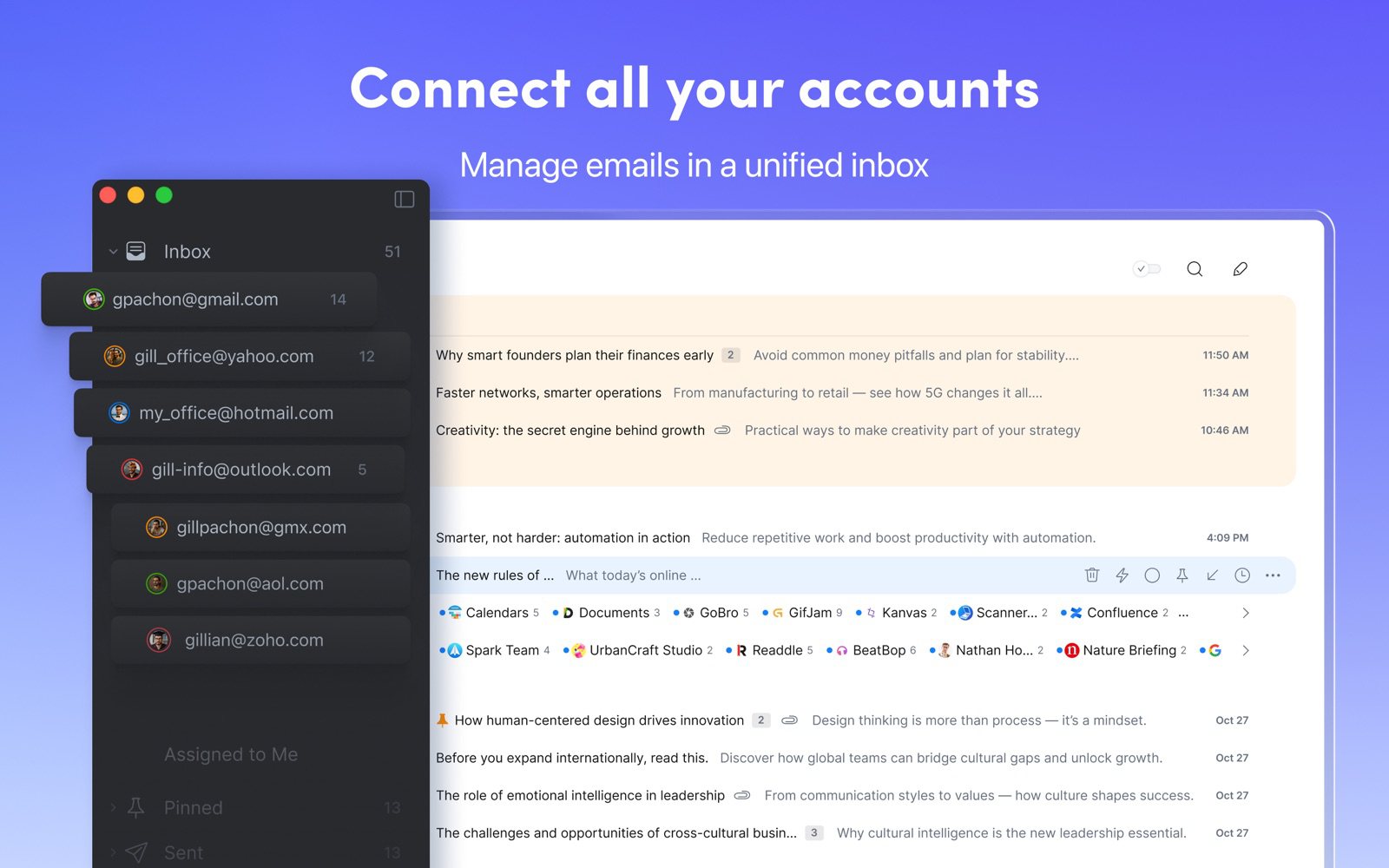
Spark's Smart Inbox puts mail from people above newsletters and notifications, Gatekeeper screens first-time senders, and teams can share drafts and comment on emails. The free plan has unlimited accounts and a calendar, and Spark +AI writing and the AI Assistant are on Plus. It covers every major provider and platform, so it solves both the Gmail-only and the Mac-only problem.
- Who it's for: people who want a free, sorted inbox on every device, and small teams
- Price: free; Plus $10/month or $99/year; Pro $20/month or $199/year, per user
- Platforms: Mac, iPhone, iPad, Windows, Android
- Downside: the Mac app is built with Electron rather than as a native app, and some mail (notification previews, scheduled messages, shared threads) is processed on Readdle's servers.
More: Spark alternatives.
4. Superhuman: Best for keyboard speed and AI, if price is no object
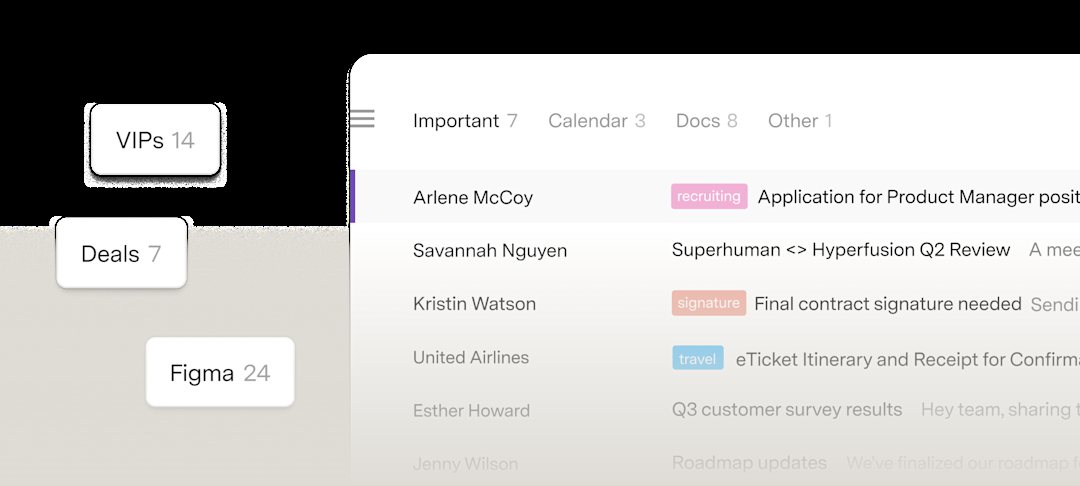
Superhuman is the premium choice for people who live on the keyboard. Split Inbox, Send Later, reminders and Undo Send are standard, and AI writes replies, summarizes threads and labels mail automatically; the Business plan adds Auto Drafts and Ask AI. It works with Gmail and Microsoft 365 accounts and runs on Mac, Windows, the web, iPhone and Android.
- Who it's for: professionals who handle a lot of email and want speed and AI more than a low price
- Price: Starter $25/month billed yearly ($30 month to month); Business $33/month billed yearly ($40 month to month); no free plan
- Platforms: Mac, Windows, web, iPhone, iPad, Android
- Downside: it costs about six times as much as Mimestream, and it won't take iCloud, Yahoo or other IMAP accounts.
More: Superhuman alternatives.
5. Airmail: Best for customizing everything on Mac and iPhone
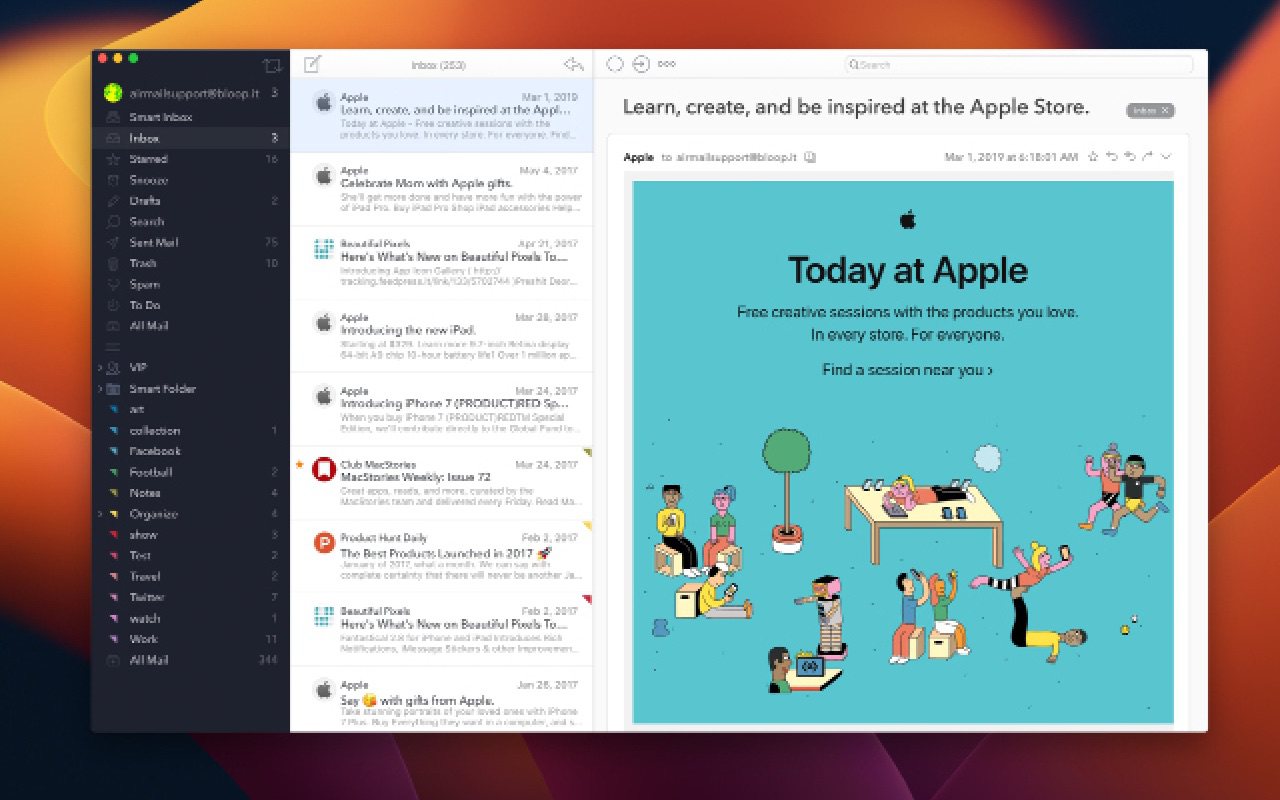
Airmail won an Apple Design Award in 2017 and is still one of the most configurable email apps on Apple devices. You can build custom actions, use Gmail keyboard shortcuts, send emails to OmniFocus, Things, Todoist or Fantastical, and turn on Privacy Mode to keep processing on your device. Unlike Mimestream it takes iCloud, Exchange, Outlook.com, Yahoo and IMAP accounts as well as Gmail.
- Who it's for: Apple users who want to shape their email workflow and connect it to other apps
- Price: free for one account; Airmail Pro $7.99/month or $49.99/year on the Mac App Store ($39.99/year on the iPhone listing); prices vary by country
- Platforms: Mac, iPhone, iPad, Apple Watch, Apple Vision Pro
- Downside: no Windows or Android app, and the free version is limited to one account.
More: Airmail alternatives.
6. Thunderbird: Best free, open-source option, including Windows
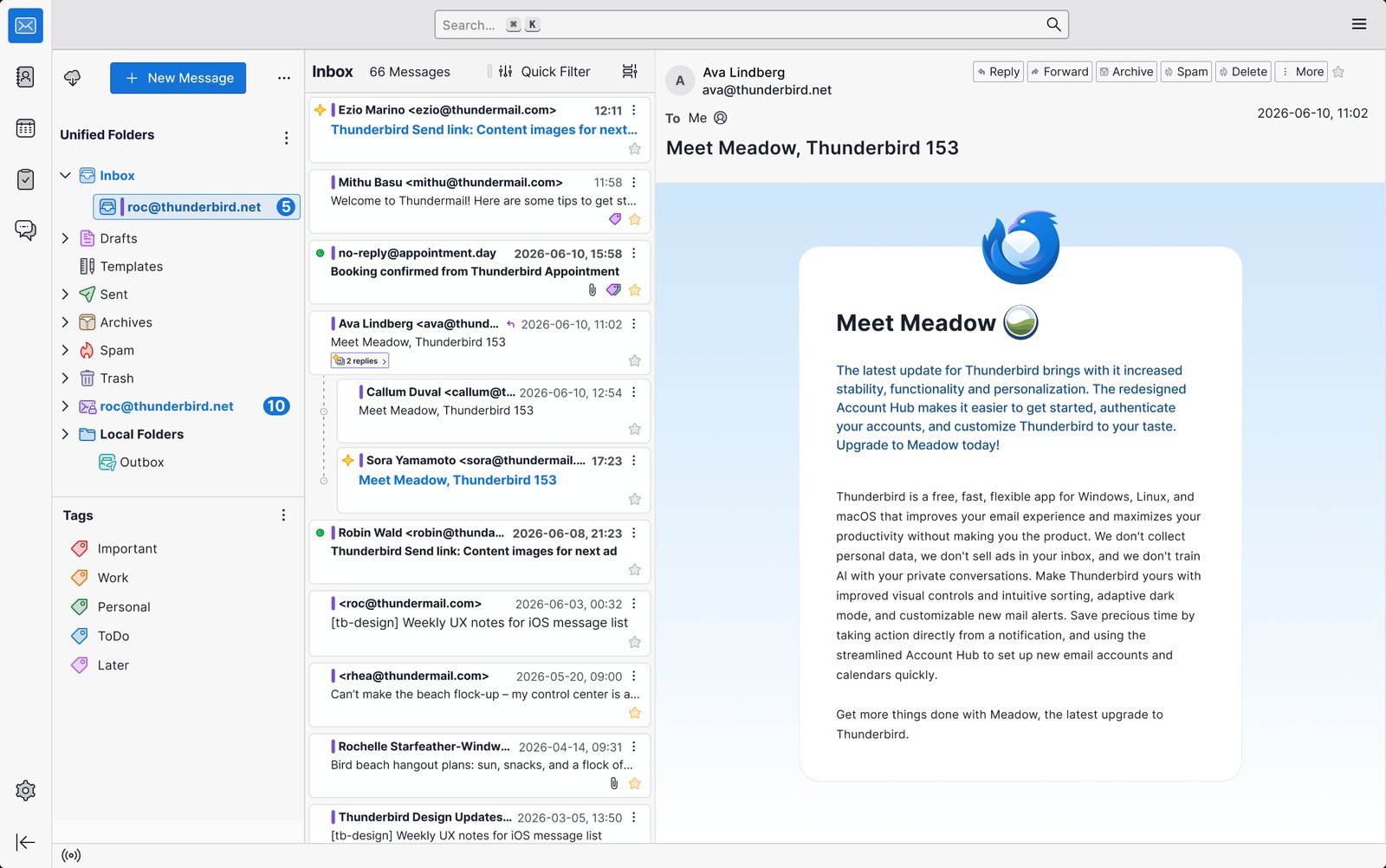
Thunderbird is free, open source and funded by donations. It adds Gmail with Google sign-in alongside any IMAP or POP account, and it has a calendar, contacts and OpenPGP encryption built in. It runs on Windows, Mac and Linux, and Thunderbird for Android is available, which makes it a good answer for people searching for Mimestream on Windows.
- Who it's for: people who want a free desktop client on any operating system
- Price: free
- Platforms: Windows, Mac, Linux, Android; an iPhone app in public beta on TestFlight
- Downside: it looks less polished than Mimestream, Gmail labels appear as folders, and its iPhone app is only an early TestFlight beta.
More: Apple Mail vs Thunderbird.
7. Microsoft Outlook: Best for Windows users and Microsoft 365
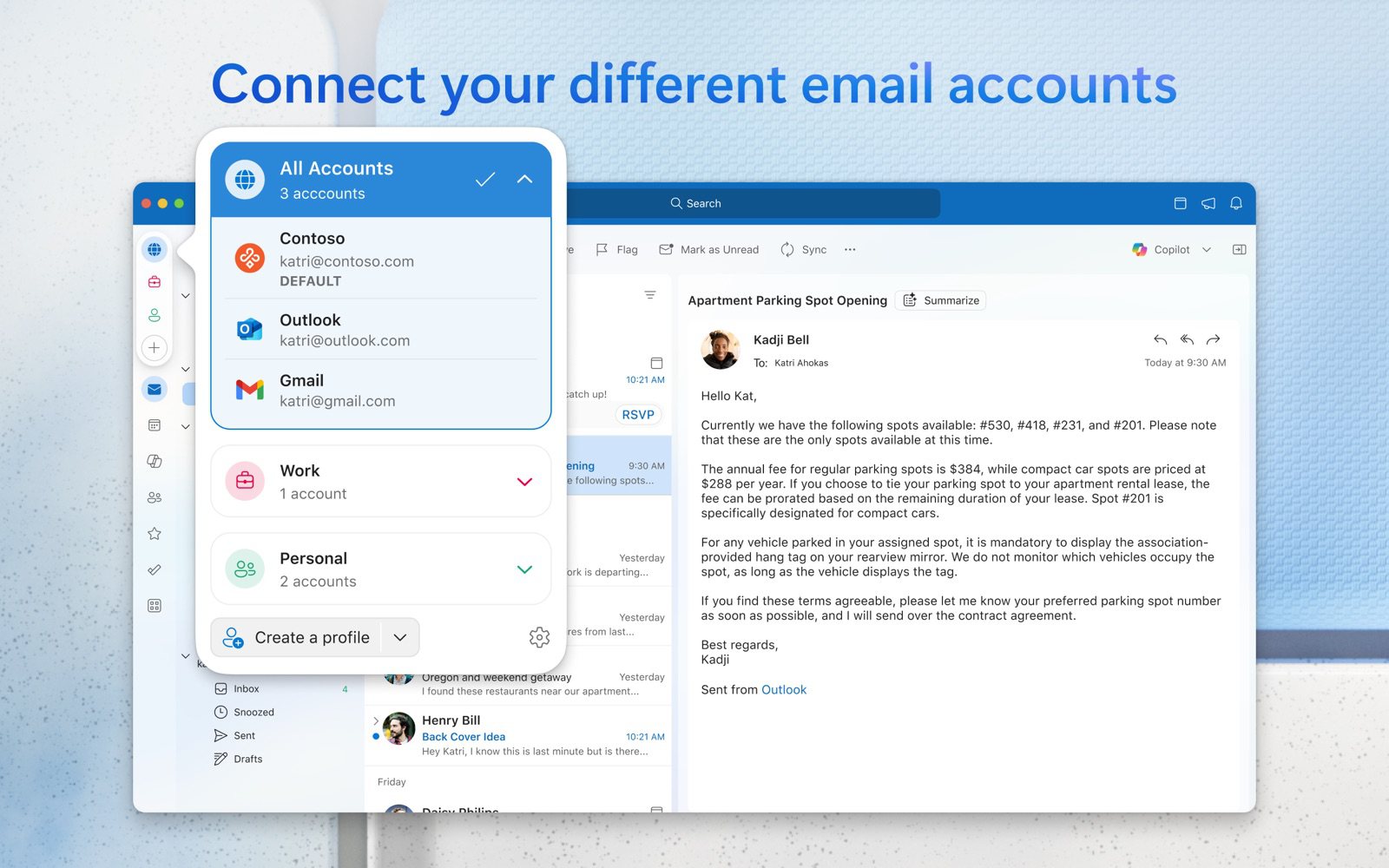
Outlook is free on Mac, Windows, phones and the web, and it handles Gmail, iCloud, Yahoo and IMAP accounts as well as Outlook.com. It has a full calendar and Focused Inbox, and Copilot is available with Microsoft 365 Personal and higher plans.
- Who it's for: people who switch between a Mac and a Windows PC, or who already pay for Microsoft 365
- Price: free with ads; Microsoft 365 Basic ($19.99/year) removes them
- Platforms: Mac, Windows, iPhone, Android, web
- Downside: the free version shows ads, and on a Mac non-Microsoft accounts can sync through Microsoft's cloud.
More: Outlook alternatives.
Mimestream vs Spark
These two are often compared, and they suit different people. Mimestream is a native Mac app for Gmail only, with Gmail's labels, categories and filters intact, your mail and tokens kept on your Mac, and a $49.99 yearly subscription. Spark is free to start, takes almost any account, runs on every major platform and has team features, but its Mac app is built with Electron, its AI needs the $99-a-year Plus plan, and some mail passes through Readdle's servers.
Choose Mimestream if you only use Gmail on a Mac and want it to feel native and private. Choose Spark if you need your inbox on a phone or a Windows PC, have more than Gmail, or want to start free. See also Apple Mail vs Spark.
Mimestream vs Superhuman
Both are built for speed and keyboard shortcuts, but they're priced worlds apart. Superhuman starts at $25 a month billed yearly against Mimestream's $4.99, and for that you get Microsoft 365 support, apps for Windows, iPhone and Android, and a lot more AI: automatic labels, summaries, instant replies and, on Business, drafts written for you. Mimestream is the lighter, Mac-native choice that stays close to Gmail and keeps your data on your device.
Choose Superhuman if email is most of your job and AI that drafts and sorts for you is worth around $300 a year. Choose Mimestream if you want a fast, native Gmail app and don't need AI or mobile apps.
Is there a Mimestream for Windows, Android or iPhone?
Not for Windows, Android or the web, and Mimestream hasn't announced plans for them. On Windows, Canary Mail, Spark, Superhuman, Thunderbird and Outlook all handle Gmail; our guide to the best email clients for Windows compares them. On iPhone and iPad, Mimestream is in a TestFlight beta for qualifying customers (iOS 26 or later), with no App Store date yet. Until then, see the best email apps for iPhone or the Gmail app itself.
How to choose
- You only use Gmail and only use a Mac: stay with Mimestream, or use Apple Mail if you'd rather not pay.
- You have Gmail plus other accounts, or need iPhone and Windows: Canary Mail or Spark.
- You want the most AI and the fastest keyboard workflow: Superhuman.
- You want to customize every action on Apple devices: Airmail.
- You want free and open source, or use Linux: Thunderbird.
For a wider view, see our best email clients for Mac and the best Gmail apps for Mac and iPhone.
Frequently asked questions
What is the best alternative to Mimestream?
For most people it's an app that keeps Mimestream's Mac feel but adds other accounts and devices: Canary Mail (ours) or Spark. If you only use Apple devices and don't want to pay, Apple Mail is the best free choice.
Is there a free alternative to Mimestream?
Yes. Apple Mail and Thunderbird are completely free, and Spark and Canary Mail have free plans with unlimited accounts. Mimestream itself has only a 14-day trial.
Is Mimestream free to use?
No. After a 14-day trial with no credit card, it costs $4.99 a month or $49.99 a year, covering all your Google accounts on up to five devices.
Is Mimestream better than Spark?
For Gmail on a Mac, Mimestream is more faithful to Gmail and keeps your data on your device. Spark is better if you need other accounts, mobile or Windows apps, team features or a free plan.
Is Mimestream available on Windows or Android?
No. Mimestream is Mac only; an iPhone and iPad app is in TestFlight beta. Canary Mail, Spark, Superhuman, Thunderbird and Outlook run on Windows and Android.
What are the key differences between Apple Mail and Mimestream?
Apple Mail is free and works with any provider on all Apple devices. Mimestream is a paid, Gmail-only Mac app that uses the Gmail API, so labels, categories and filters match Gmail.
Sources
- Mimestream: home page and feature list
- Mimestream pricing and FAQ
- Mimestream: iOS TestFlight access
- Mimestream: future updates will require macOS 14
- Spark pricing
- Readdle: the new Spark desktop app (Electron)
- Spark: email privacy
- Superhuman Mail plans
- Airmail on the Mac App Store
- Airmail on the App Store (iPhone and iPad)
- Airmail FAQ
- Thunderbird
- Thunderbird for iOS: a first look
- Microsoft: How licensing works in Outlook for Mac
- Microsoft 365 Basic
- Apple: Apple Intelligence requirements
- Google: Add Gmail to another email client
- Canary Mail pricing