
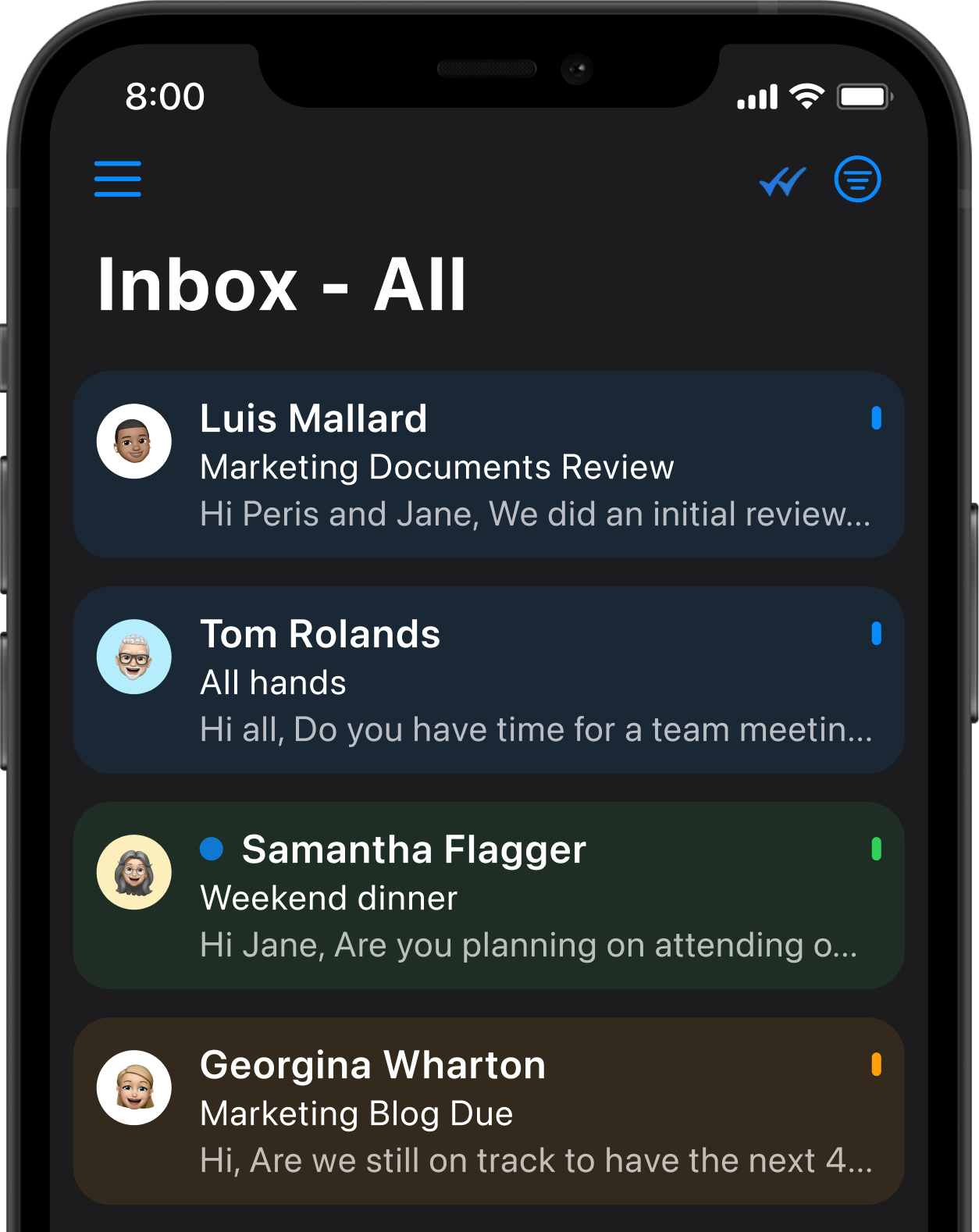
Manage Gmail, Outlook, iCloud, IMAP, and Exchange in one place.
See all important conversations in one workflow.
Search across all connected inboxes in one place.
Reduce constant context-switching between accounts.
A stronger upgrade path from Apple Mail and other default clients.
Most inboxes are built around one account at a time. That is fine for simple setups, but it breaks down fast when your day spans multiple accounts, providers, and devices.
One Gmail account for personal email.
One Outlook account for work.
One iCloud address for Apple devices.
One IMAP inbox you still need to monitor.
One Exchange account tied to a team or institution.
At that point, email becomes less about reading messages and more about switching views, hunting for threads, and trying not to miss something important.
Canary Mail helps reduce that friction by giving you one place to work across accounts, with AI when you need it and a familiar workflow.
Managing multiple accounts should not mean managing multiple workflows. Canary Mail brings everything together in one place so you can focus on what matters.
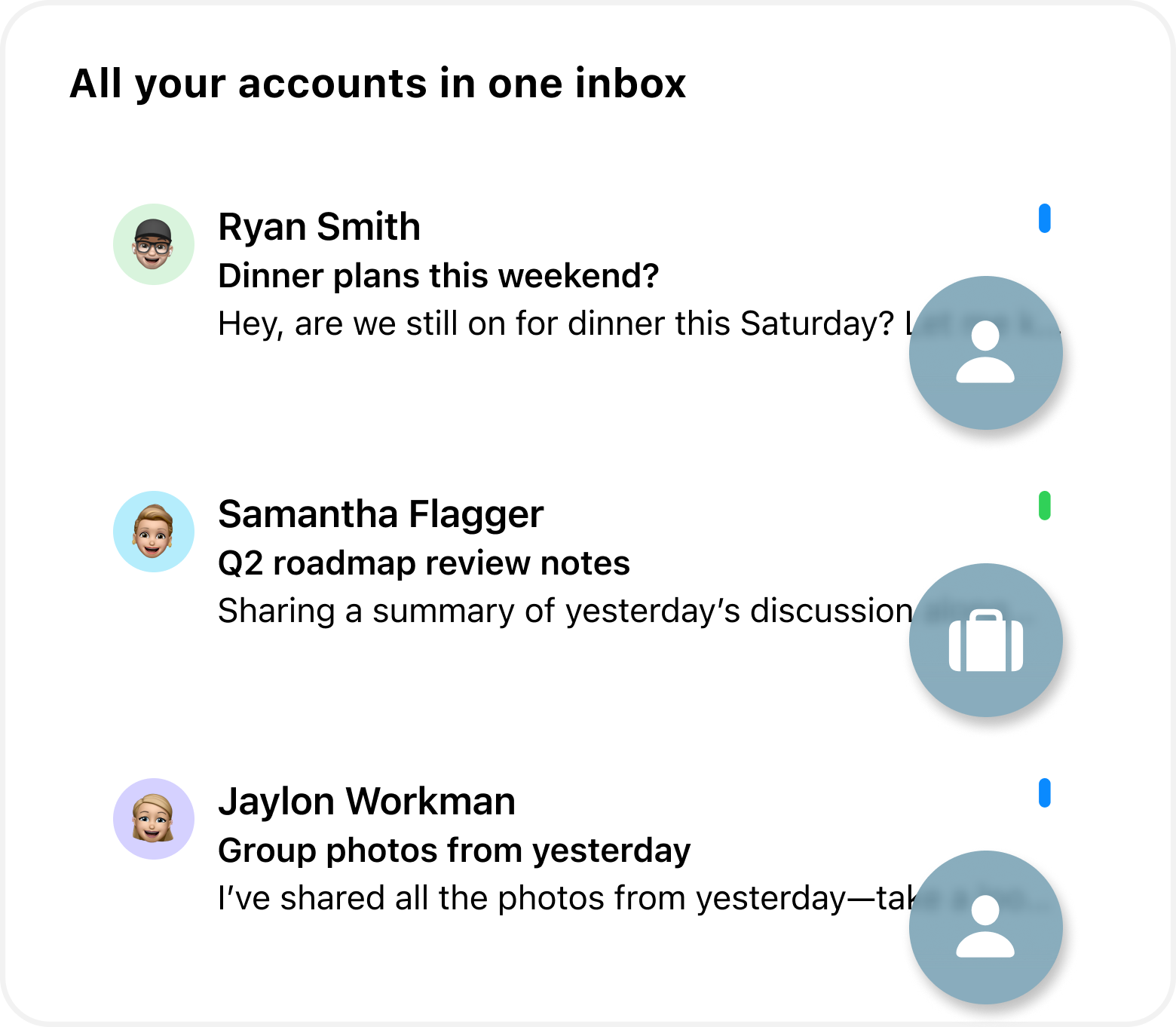
View and manage multiple accounts in one place.
Find messages across all inboxes without switching apps.
Catch up faster with AI summaries and triage.
Mark emails as Done, separate newsletters, and stay focused.
Stay in control with privacy-first design and smart prioritization.

I used to juggle three different apps for three accounts. Canary Mail's Unified Inbox changed everything - one place, zero chaos.
- Recruiter
When multiple accounts flow into one place, the biggest risk is burying what matters. Canary Mail helps bring important email forward so your inbox stays usable, even at high volume.
Newsletters and promotions create noise, especially across several accounts. Canary Mail helps organize lower-priority messages separately so your main workflow stays clearer.
Instead of remembering which account a message belongs to, search across connected inboxes in one workflow - especially when your day spans work, personal, client, and admin email.
With tools like Mark as Done, Canary Mail helps you move through messages faster without turning every decision into archive, delete, or keep forever.
AI becomes more useful when it works across accounts, not just inside a single provider.

Summarizes long threads across your unified inbox.
Drafts replies faster across all your accounts.
Searches naturally across Gmail, Outlook, iCloud, IMAP, and Exchange.
Triages email efficiently so nothing important gets missed.
Keeps one workflow without locking your email into a single ecosystem.
Some users want AI summaries and drafting every day. Others want a cleaner inbox with less noise.
Canary Mail supports both. AI is there when it helps, but it does not have to become the center of your workflow.
Canary Mail feels familiar enough for Apple Mail users to adopt quickly, while adding stronger tools for real multi-account work.
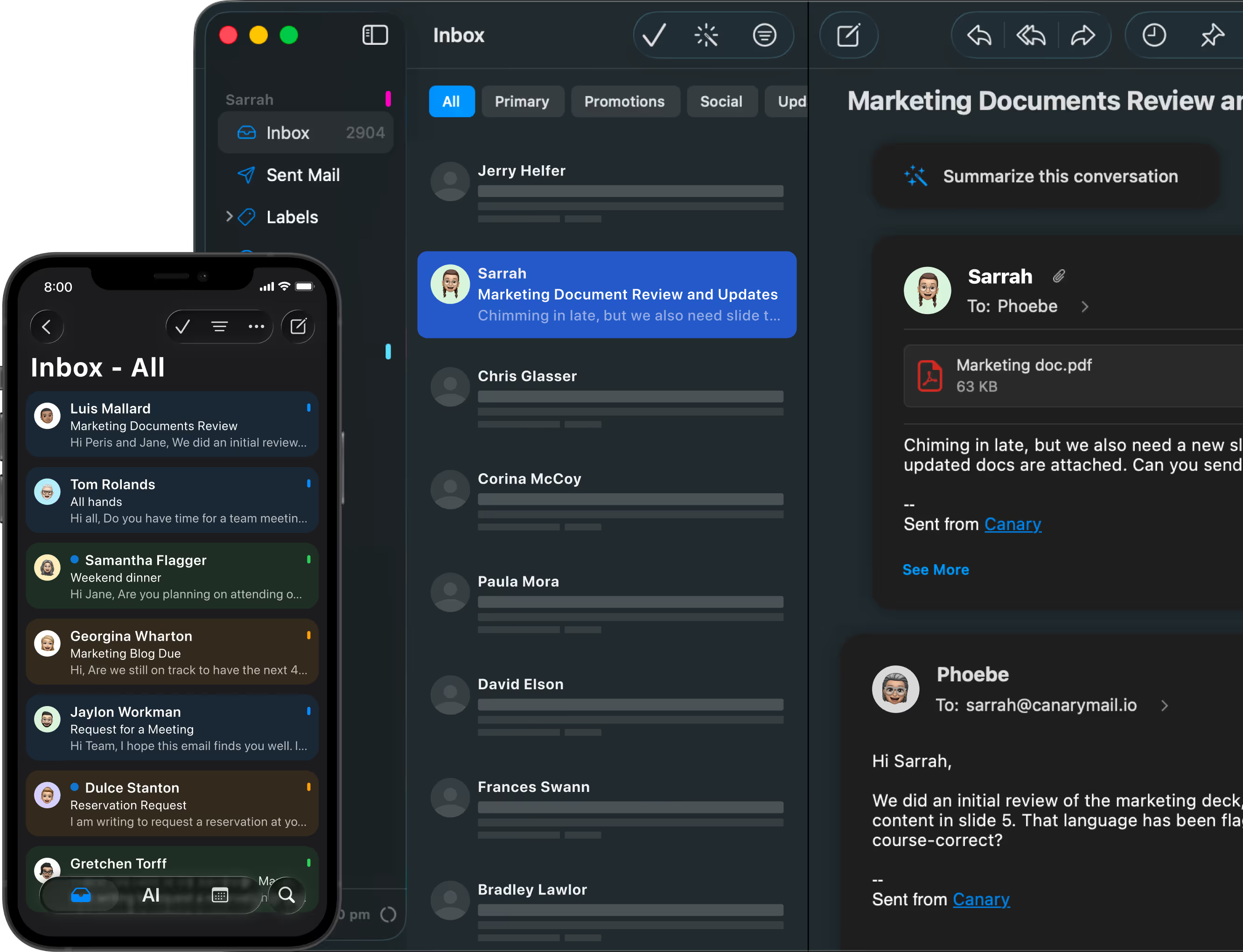
Brings all your accounts into one unified inbox.
Delivers stronger search across every connected account.
Offers AI summaries and drafting on demand.
Gives you more control over inbox clutter.
Works across Mac, iPhone, iPad, Windows, and Android.
Designed for people managing email across multiple devices and accounts:
macOS
iPhone
iPad
Windows
Android
Canary Mail works across macOS, Windows, iPhone, iPad, and Android - especially strong for Apple users who want more privacy, control, and AI.
Keep your work inbox, personal inbox, and side-project email in one app without constantly switching context.
Manage Outlook, Gmail, and IMAP inboxes together even when different clients or teams use different providers.
Stay comfortable on Mac and iPhone while still keeping access to Windows or Android devices when real life requires both.
Use one email client across providers without giving up privacy or moving into one vendor's ecosystem.
Stay consistent across Mac, iPhone, iPad, Windows, and Android with the same unified inbox experience.
Keep stronger privacy and control in the story instead of trading everything for convenience.
A strong fit for Apple Mail switchers who want more capability without more friction.
Use Gmail, Outlook, iCloud, IMAP, and Exchange together in one secure inbox without changing your existing setup.
Summarize, draft, search, and triage across a broader workflow, not just one provider.

A unified inbox lets you view and manage messages from multiple email accounts in one place. Instead of switching between separate inboxes, everything comes into a single, organized view.
Canary Mail supports connected accounts such as Gmail, Outlook, iCloud, IMAP, and Exchange, so you can manage multiple providers in one workflow.
Yes. Canary Mail gives you the option to view accounts together or separately. A unified inbox is there when you want it, not forced on you.
No. The unified inbox works independently of AI. AI features in Canary Mail are fully optional and can be used separately for tasks like summarizing, drafting, and triaging emails when you choose to enable them.
No. Canary Mail works on macOS, iPhone, iPad, Windows, and Android. It is a strong fit for Apple users, but it is built as a secure cross-platform email client.
Gmail is tied to a single Google account and Apple Mail is the default macOS and iOS email client. Canary Mail works across your existing accounts regardless of provider, and adds AI, privacy-focused controls, and a consistent unified workflow across all of them.
Last updated: April 16, 2026




.svg)


.svg)


