Short answer: If you want to keep HEY's Screener but use your existing Gmail, Outlook or iCloud address, Spark's Gatekeeper is the closest match and its free plan is generous. SaneBox adds a screener to any email account and any app. If you want a new paid email service like HEY but with IMAP and your own domain, Fastmail is the usual landing spot, and Proton Mail is the pick for encryption. Canary Mail (ours) suits people who want AI sorting across several accounts.
Disclosure: we make Canary Mail, one of the apps below. Prices and features were checked on each company's own site on October 16, 2026.
What makes HEY different, and why people leave
HEY is a paid email service from 37signals, the company behind Basecamp. The first time someone writes to you, their email lands in the Screener and you decide whether you ever hear from them again. Approved mail goes to the Imbox, newsletters to the Feed and receipts to the Paper Trail, and push notifications are off unless you turn them on. HEY for You costs $99 a year with a @hey.com address, 100 GB and apps for web, Mac, Windows, Linux, iPhone and Android.
The reasons people look elsewhere are consistent:
- It's a closed system. HEY doesn't support IMAP or POP, so you can't read HEY mail in Apple Mail or Outlook, and you can't check your other accounts inside HEY; you can only forward them in.
- Price and billing. $99 a year, billed yearly and only in US dollars. Your own domain needs HEY for Domains at $12 per user a month (the first user is $10).
- It isn't end-to-end encrypted. HEY says so plainly: it holds the keys.
- The Screener isn't for everyone. It's one more place to check, and an important first email can sit there unseen.
HEY alternatives compared
| Option | Type | Screens new senders | Works with your current address | Free plan | Paid from |
|---|---|---|---|---|---|
| HEY (for reference) | Email service | Yes, the Screener | No (forwarding only) | No (30-day trial) | $99/year |
| Spark | Email app | Yes, Gatekeeper | Yes | Yes | Plus $99/year |
| SaneBox | Add-on for any account | Yes, SaneScreener | Yes | No (7-day trial) | $2.42/month billed yearly |
| Fastmail | Email service | No (rules and filters) | Imports; new address or your domain | No (30-day trial) | $5/month billed yearly |
| Canary Mail | Email app | No (AI sorting) | Yes | Yes | Growth $36/year |
| Proton Mail | Email service | No (filters) | New address; Gmail can be connected | Yes | $3.99/month billed yearly |
| Superhuman Mail | Email app | No (Split Inbox, Auto Labels) | Gmail and Outlook only | No | $25/month billed yearly |
| Gmail | Email service | No (inbox tabs) | New address | Yes | Free (15 GB) |
The 7 best HEY alternatives in 2026
1. Spark: Best HEY-style screener for your existing email
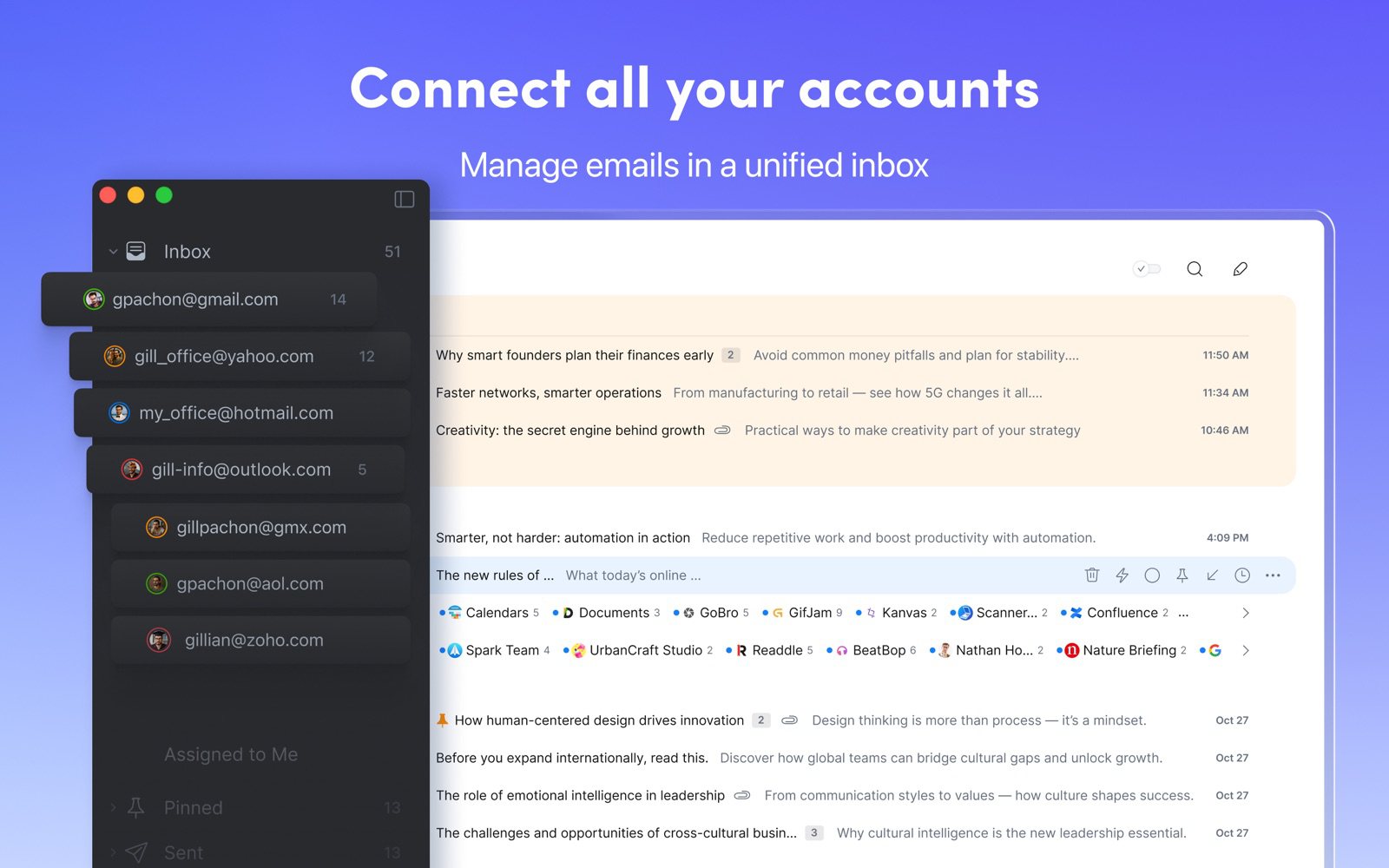
Spark comes closest to HEY's workflow without making you change address. Its Gatekeeper screens the first email from any new sender so you can accept or block them, and its Smart Inbox separates mail from people from newsletters and notifications, much like the Imbox and Feed. It works with Gmail, Outlook, iCloud, Yahoo and IMAP accounts, all in one inbox.
- Who it's for: HEY fans who want the Screener idea on the address they already have
- Price: free for unlimited accounts with Smart Inbox; Plus $10 a month or $99 a year (AI and team features); Pro $20 a month or $199 a year
- Platforms: Mac, iPhone, iPad, Windows, Android
- Downside: the Mac app is built with Electron, some mail is processed on Readdle's servers, and the AI features are on paid plans.
More: Canary Mail vs Spark and Spark alternatives.
2. SaneBox: Best screener that works with any app
SaneBox isn't an email app. It works on the server side of your existing account, so its folders show up in whatever app you use, on every device. SaneScreener holds mail from new senders for you to approve, SaneLater moves low-priority mail out of your inbox, and SaneBlackHole makes a sender disappear for good: the HEY workflow, rebuilt as an add-on.
- Who it's for: people who like their email app but want HEY's screening on top
- Price: Snack $3.49 a month (1 account, 2 features), Lunch $5.99, Dinner $16.99; about 30% less billed yearly (Snack $2.42 a month); 7-day free trial
- Platforms: any email app; SaneBox also has iPhone and Android apps
- Downside: a third party gets access to your mailbox, the cheapest plan lets you pick only two features, and costs add up across accounts.
3. Fastmail: Best paid email service to move to
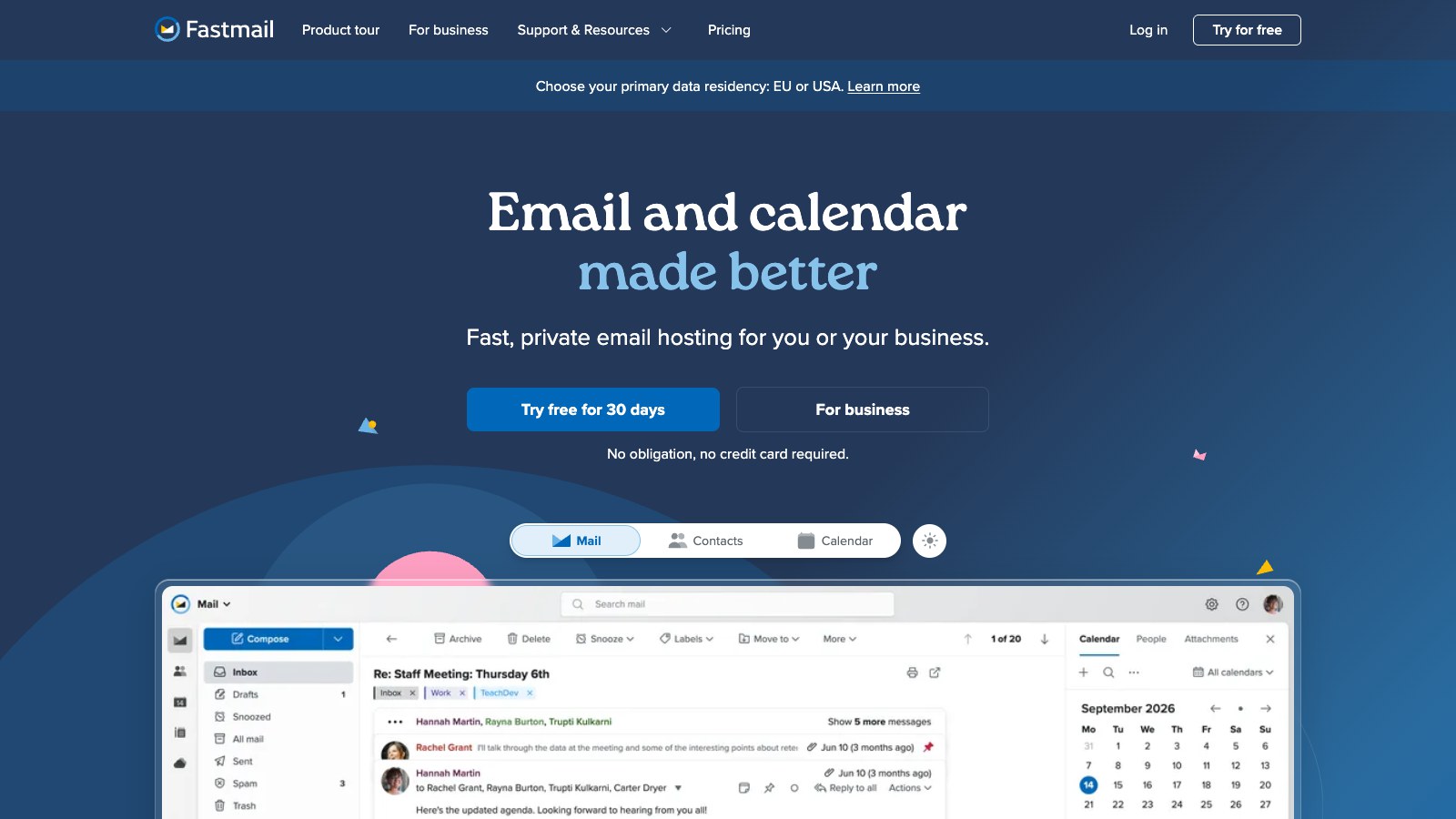
Fastmail is where many people land when they leave HEY but still want to pay for ad-free email. It supports IMAP, so it works in any app, plus custom domains on personal plans, Masked Email addresses, calendar and contacts. It even publishes a guide to moving from HEY: you export your mail as MBOX files and upload them. Fastmail openly doesn't believe in screeners, so you get rules, filters and a strong spam filter instead.
- Who it's for: people who want HEY's paid, ad-free model without the lock-in
- Price: Individual $6 a month or $60 a year; Duo $96 a year; Family $132 a year; 30-day trial
- Platforms: web, iPhone, Android, plus any IMAP app
- Downside: no Screener, Feed or Paper Trail, and no end-to-end encryption.
More: Fastmail alternatives.
4. Canary Mail: Best for AI sorting across several accounts
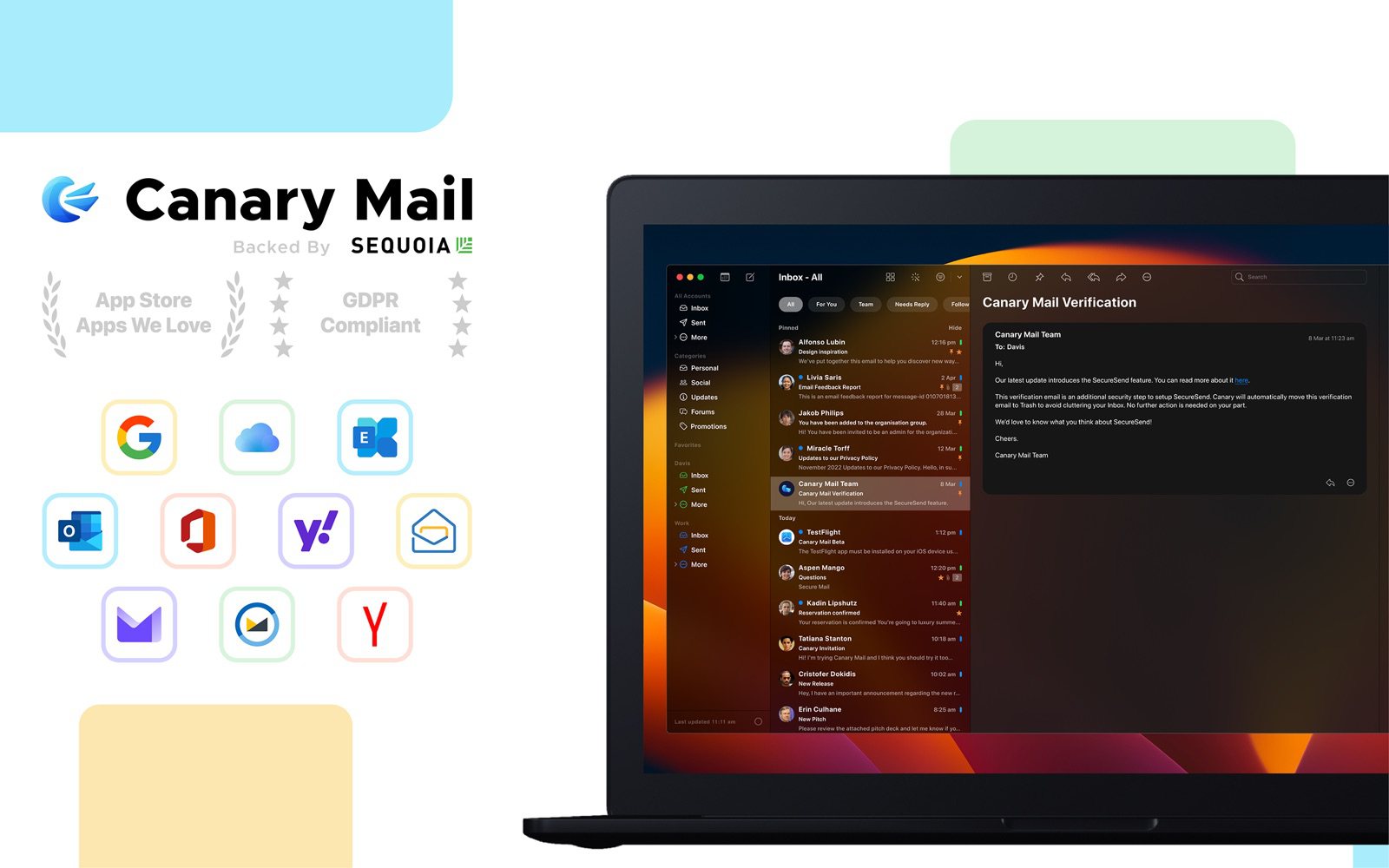
Disclosure: we make Canary Mail. Canary doesn't have a screener. What it does is sort incoming mail with AI on every plan, including the free one, across Gmail, Outlook, iCloud, Yahoo, Exchange and IMAP accounts in one inbox, which HEY can't do at all. It blocks tracking pixels by default, as HEY does, and the Growth plan adds AI writing, thread summaries, read receipts and send later. More than 2 million people use it.
- Who it's for: people with several accounts who want an inbox that sorts itself
- Price: free for unlimited accounts on 2 devices; Growth $36 a year; Pro+ $100 a year (adds PGP encryption); lifetime licenses $100 and $300
- Platforms: Mac, iPhone, iPad, Windows, Android
- Downside: no Screener-style approval step, and AI writing and summaries need a paid plan.
More: best email apps for multiple accounts.
5. Proton Mail: Best for privacy
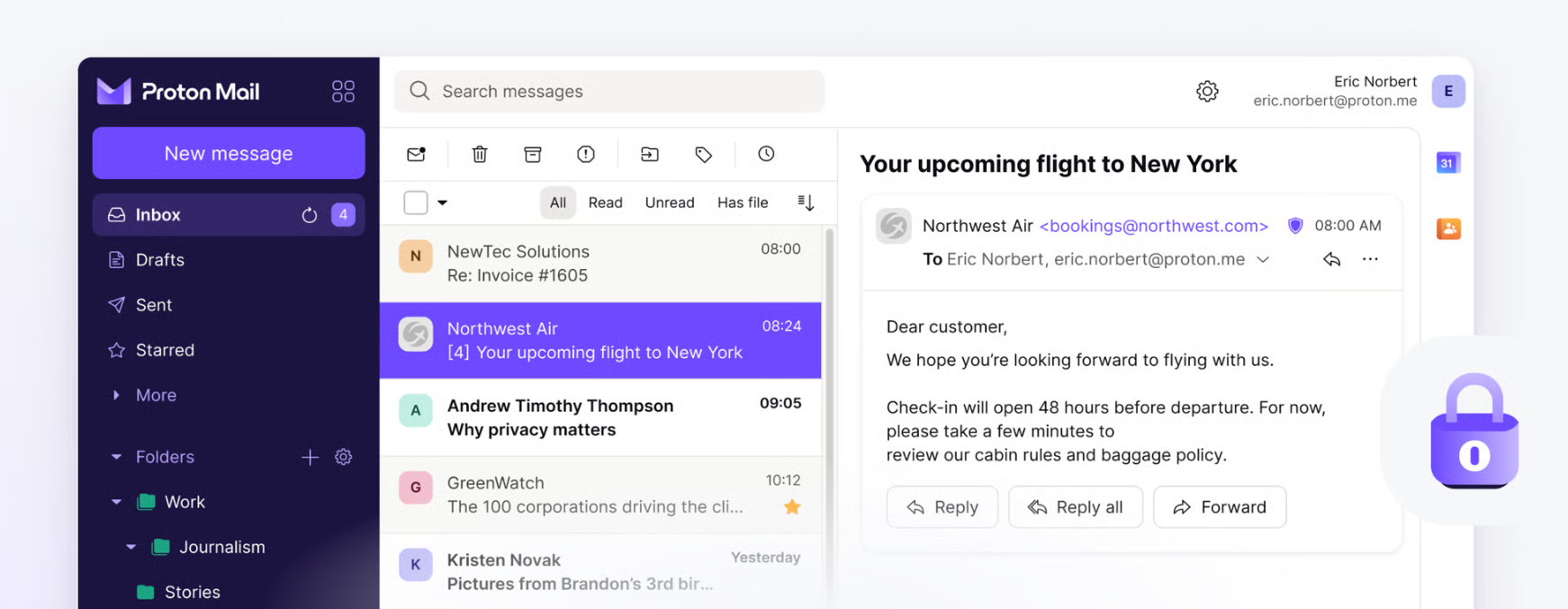
If what drew you to HEY was its stance against tracking and ad-funded email, Proton takes privacy further: your mailbox is encrypted so Proton can't read it, and mail between Proton users is end-to-end encrypted. It has a free plan and apps on every platform, and it can connect a Gmail address so you can send and receive it from Proton.
- Who it's for: people who want a private, paid-for email service with encryption HEY doesn't have
- Price: free (up to 1 GB); Mail Plus $4.99 a month or $47.88 a year; Unlimited $12.99 a month or $119.88 a year
- Platforms: web, iPhone, Android, Mac, Windows, Linux
- Downside: no screener, and other email apps only work through Proton Mail Bridge on a paid plan.
More: Canary Mail vs Proton Mail.
6. Superhuman Mail: Best for speed with Gmail or Outlook
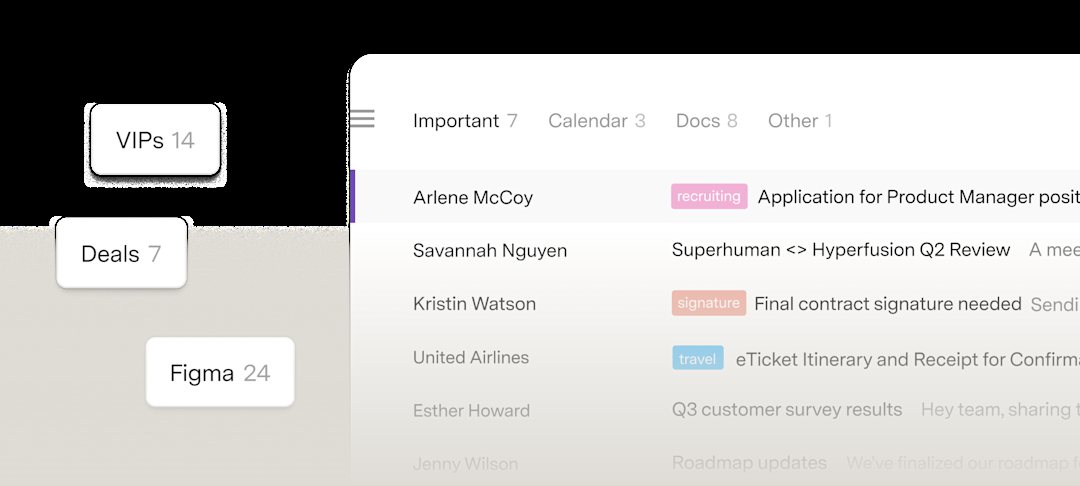
Superhuman shares HEY's opinionated approach but aims it at speed: keyboard shortcuts for everything, a Split Inbox that separates important mail from the rest, and AI that labels, summarizes and drafts. It works on top of Gmail and Outlook accounts.
- Who it's for: busy professionals on Google or Microsoft accounts who live in their inbox
- Price: Starter $25 a month and Business $33 a month per member, billed yearly
- Platforms: Mac, Windows, web, iPhone, Android
- Downside: it's the most expensive option here, and only Gmail and Outlook accounts work.
More: Superhuman alternatives and Canary Mail vs Superhuman.
7. Gmail: Best free option
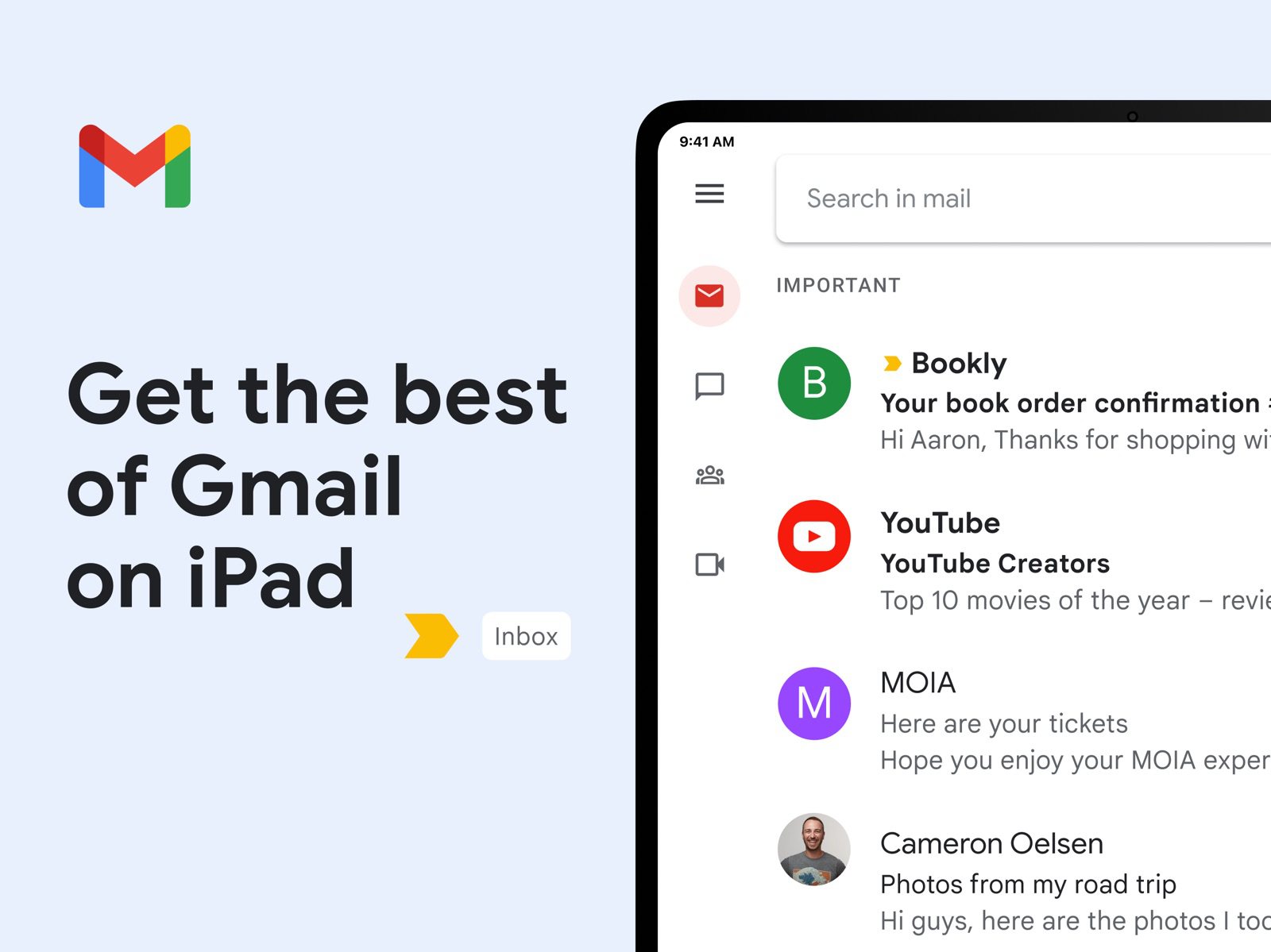
Gmail's inbox tabs do a rough version of HEY's sorting for free, splitting Promotions, Social and Updates from your Primary inbox, and you can block or unsubscribe from senders in a couple of taps. You get 15 GB of storage shared with Google Drive and Photos.
- Who it's for: people who left HEY over price
- Price: free; more storage with Google One
- Platforms: web, iPhone, Android; any IMAP app
- Downside: ads appear in the Promotions and Social tabs of personal accounts, there's no screener, and it's the opposite of HEY's privacy pitch.
How to move off HEY
- Export your email and contacts from HEY. HEY has no IMAP, so providers can't pull mail across directly; you upload the export instead, as Fastmail's guide describes.
- If you're a paying customer, set up forwarding from your @hey.com address when you cancel, so mail sent to it still reaches you.
- Tell your important contacts and update the address on accounts you care about. If you used HEY for Domains, point your domain's MX records at the new provider.
How to choose
- You want the Screener on your current address: Spark, or SaneBox if you don't want to change apps.
- You want a new paid service that works with any app: Fastmail.
- You want encryption: Proton Mail.
- You have several accounts and want one sorted inbox: Canary Mail.
- Want more options? See the best email apps for iPhone and the best email clients for Mac.
Frequently asked questions
What are some alternatives to HEY email?
Spark and SaneBox give you a HEY-style screener on your existing address. Fastmail and Proton Mail are paid email services you can move to, Canary Mail sorts several accounts with AI, Superhuman is built for speed on Gmail and Outlook, and Gmail is the free option.
Is Hey.com a valid email?
Yes. HEY is a real, paid email service from 37signals, and @hey.com addresses send and receive email with any other provider. It costs $99 a year after a 30-day free trial.
Can I use HEY with Apple Mail or Outlook?
No. HEY doesn't support IMAP or POP, so it only works in HEY's own apps, and you can't add other accounts to HEY except by forwarding them in.
Is HEY email encrypted?
HEY encrypts its database, but it isn't end-to-end encrypted, because HEY holds the keys. Proton Mail and Tuta offer end-to-end encryption.
Does Gmail have a screener like HEY?
Not exactly. Gmail has inbox tabs, blocking and unsubscribe, but no step where you approve new senders. Spark's Gatekeeper or SaneBox's SaneScreener add that to a Gmail account.
What is the most hacked email provider?
No provider publishes comparable figures, so there's no reliable ranking. A unique password, two-step verification or a passkey, and care with phishing emails protect you on any service.