Short answer: SaneBox is the best Clean Email alternative if you want new mail sorted automatically, and Mailstrom is the closest match for bulk-deleting old mail. For free unsubscribing, Cleanfox and Unroll.Me work, but both are owned by a market research company that uses data from your commercial emails. Trimbox keeps your email data on your device. And the unsubscribe tools now built into Gmail, Apple Mail and Canary Mail (ours) may be all you need.
Disclosure: we make Canary Mail, which is in this list. Prices and data practices were checked on each vendor's own site or App Store listing on October 16, 2026.
What Clean Email does, and why people look elsewhere
Clean Email is an inbox cleaner. It connects to your mailbox, groups messages by sender and type, and lets you delete, archive or label thousands at once. Its other tools include Unsubscriber, Auto Clean rules for new mail, Screener for first-time senders, Read Later, Cleaning Suggestions and a Privacy Monitor that checks your address against data breaches. It works with Gmail, Outlook, Yahoo, iCloud, AOL and other IMAP accounts, on the web, Mac, iPhone, iPad and Android, alongside whatever email app you already use.
Clean Email says it only analyzes email headers and metadata, never reads message content, and doesn't sell your data. The reasons people look for something else are mostly about price and fit:
- The free account stops at 1,000 emails. After that you need a subscription.
- It's a monthly or yearly bill. Prices start at $9.99 a month for one account, with yearly plans that cost much less per month and options for 5 or 10 accounts.
- It cleans up rather than sorts. If your real problem is new mail arriving faster than you can read it, an automatic filter like SaneBox may suit you better.
- You may not need a separate tool. Gmail, Apple Mail and several email apps now unsubscribe in one tap.
Clean Email alternatives compared
| Tool | Best for | Price | Free option | How it handles your data |
|---|---|---|---|---|
| SaneBox | Sorting new mail automatically | From $3.49/month or $29/year | 7-day trial | Works on the server, does not store your mail |
| Mailstrom | Bulk-deleting old mail | From $9/month or $59.95/year | Free trial | Web app connected to your mailbox |
| Cleanfox | Free mass unsubscribing | Free | Free | Owned by NielsenIQ, a market research company |
| Unroll.Me | A daily digest of newsletters | Free | Free | Shares data from commercial emails with clients |
| Trimbox | Private unsubscribing in Gmail | Free, with paid upgrades | Free version | Email data stays on your device |
| Leave Me Alone | Paying only when you need it | $19 for a 7-day pass | 10 free unsubscribes | Paid service, priced up front |
| Canary Mail (ours) | Unsubscribing inside your email app | Free; Growth $36/year | Free plan | Email not used to train AI |
| Built-in tools | Not adding another app | Free | Free | Stays with your provider |
The 8 best Clean Email alternatives in 2026
1. SaneBox: Best for sorting new mail automatically
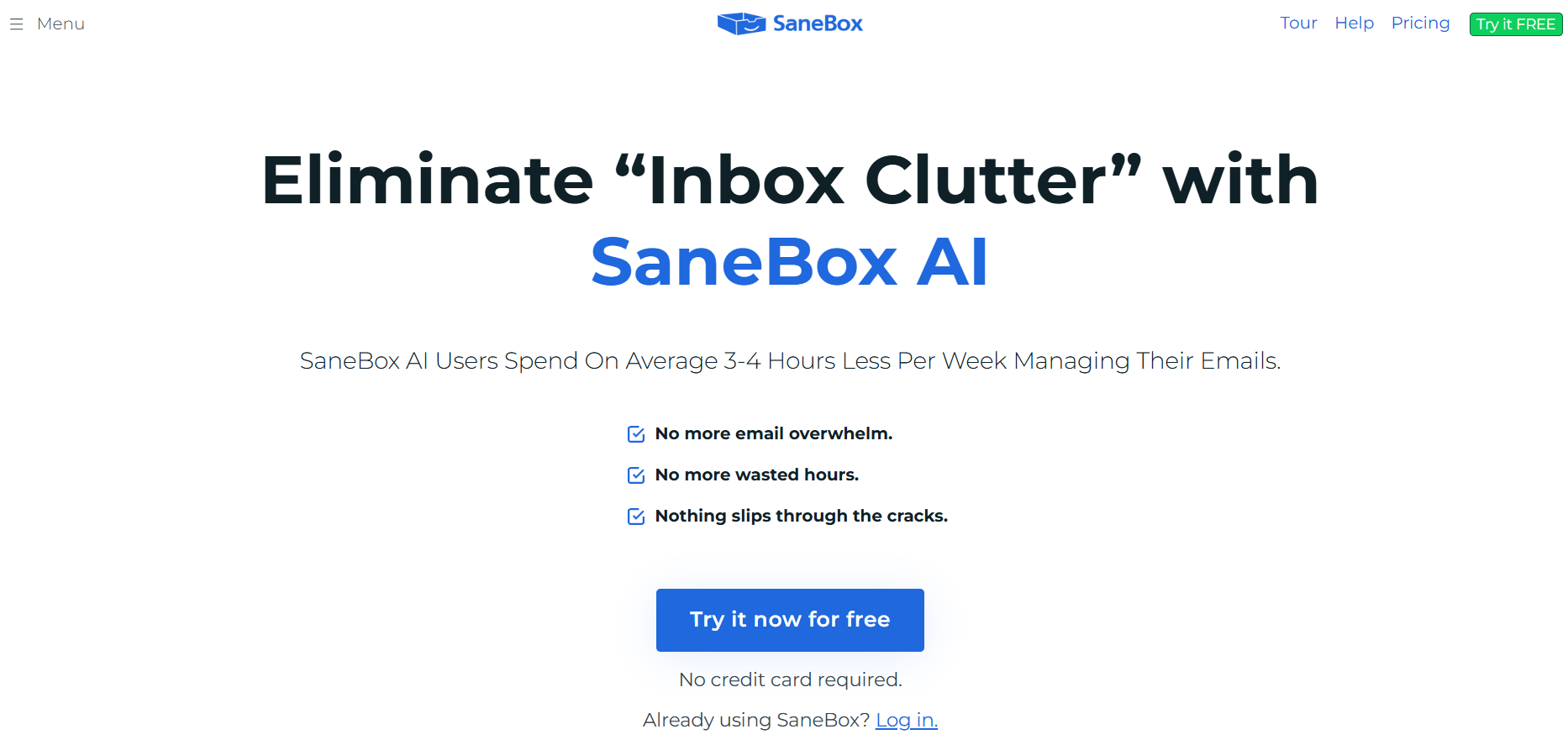
SaneBox works on your mail server. It learns who matters to you and moves everything else into a SaneLater folder that shows up in any app. SaneBlackHole gets rid of a sender for good, and there are follow-up reminders, snooze and a daily digest. SaneBox says it never takes possession of or stores your messages.
- Who it's for: people whose inbox fills up faster than they can clean it
- Price: Snack $3.49 a month or $29 a year; Lunch $5.99 or $49; Dinner $16.99 or $139; 7-day trial
- Works with: Gmail, Microsoft 365, iCloud, Yahoo, Fastmail and any IMAP or Exchange server, in any email app
- Downside: it doesn't bulk-delete years of old mail the way Clean Email does, and the cheapest plan covers one account and two features.
2. Mailstrom: Best for bulk-deleting old mail
Mailstrom is the closest like-for-like replacement. It finds bundles of related mail so you can act on hundreds or thousands of emails at once, unsubscribes in one click, and its Chill, Expire and Block tools deal with senders and subjects you don't want to see. With Gmail, Outlook and Yahoo it connects through OAuth, so it never has your password.
- Who it's for: people clearing out a huge backlog
- Price: Basic $9 a month or $59.95 a year (1 account, up to 10,000 emails); Plus $14 or $99.95 (3 accounts, up to 250,000 emails); Pro $29.95 or $199.95 (20 accounts); free trial
- Works with: Gmail, Outlook, Yahoo and other IMAP providers, through the web
- Downside: the Basic plan caps you at 10,000 emails, so a big mailbox needs Plus.
3. Cleanfox: Best free mass unsubscriber
Cleanfox finds your newsletters and lets you unsubscribe from or delete them with one tap, across Gmail, Outlook, Yahoo, Hotmail, iCloud and AOL. It's completely free. It's published by NielsenIQ, which describes itself as specializing in e-commerce market research; Cleanfox says it never reads or sells your personal emails.
- Who it's for: people who want a free cleanup and are comfortable with the business model
- Price: free
- Platforms: iPhone and iPad
- Downside: the service is paid for by its owner's market research business, not by you.
4. Unroll.Me: Best for a daily digest of newsletters
Unroll.Me shows all your subscriptions in one list so you can keep, block or roll them up into a single daily digest. It's free and supports Gmail, iCloud, Yahoo, AOL and Outlook. Be clear about the trade: Unroll.Me is owned by NielsenIQ, and its own data page says it uses your commercial emails, such as receipts and shipping confirmations, to build advertising and measurement products, and shares that information with clients including data brokers.
- Who it's for: people who like the digest and accept the data trade
- Price: free
- Platforms: web, iPhone, Android
- Downside: your receipts and other commercial emails become market research data.
5. Trimbox: Best private unsubscriber
Trimbox scans your inbox for mailing lists, unsubscribes in one click without opening the email, and deletes every past email from a sender at once. It says your email data never leaves your device and that it doesn't share or sell it.
- Who it's for: privacy-minded people who mainly want to unsubscribe
- Price: free version; paid in-app upgrades unlock unlimited use
- Platforms: Gmail browser extension, iPhone, iPad
- Downside: it's built around unsubscribing and deleting, without rules for new mail like SaneBox or Clean Email's Auto Clean.
6. Leave Me Alone: Best if you only need a one-off cleanup
Leave Me Alone is a paid unsubscribe service with a screener for new senders, a spam blocker, rollups and a do-not-disturb mode. You can unsubscribe from 10 emails for free, then buy a 7-day pass or a subscription.
- Who it's for: people who want to clean up once and stop paying
- Price: 10 free unsubscribes; Seven Day Pass $19 (2 accounts, unlimited unsubscribes for 7 days); monthly and yearly plans; 14-day money-back guarantee
- Platforms: web
- Downside: a one-week pass is pricey compared with the free options if you only have a few lists to remove.
7. Canary Mail: Best for unsubscribing inside your email app
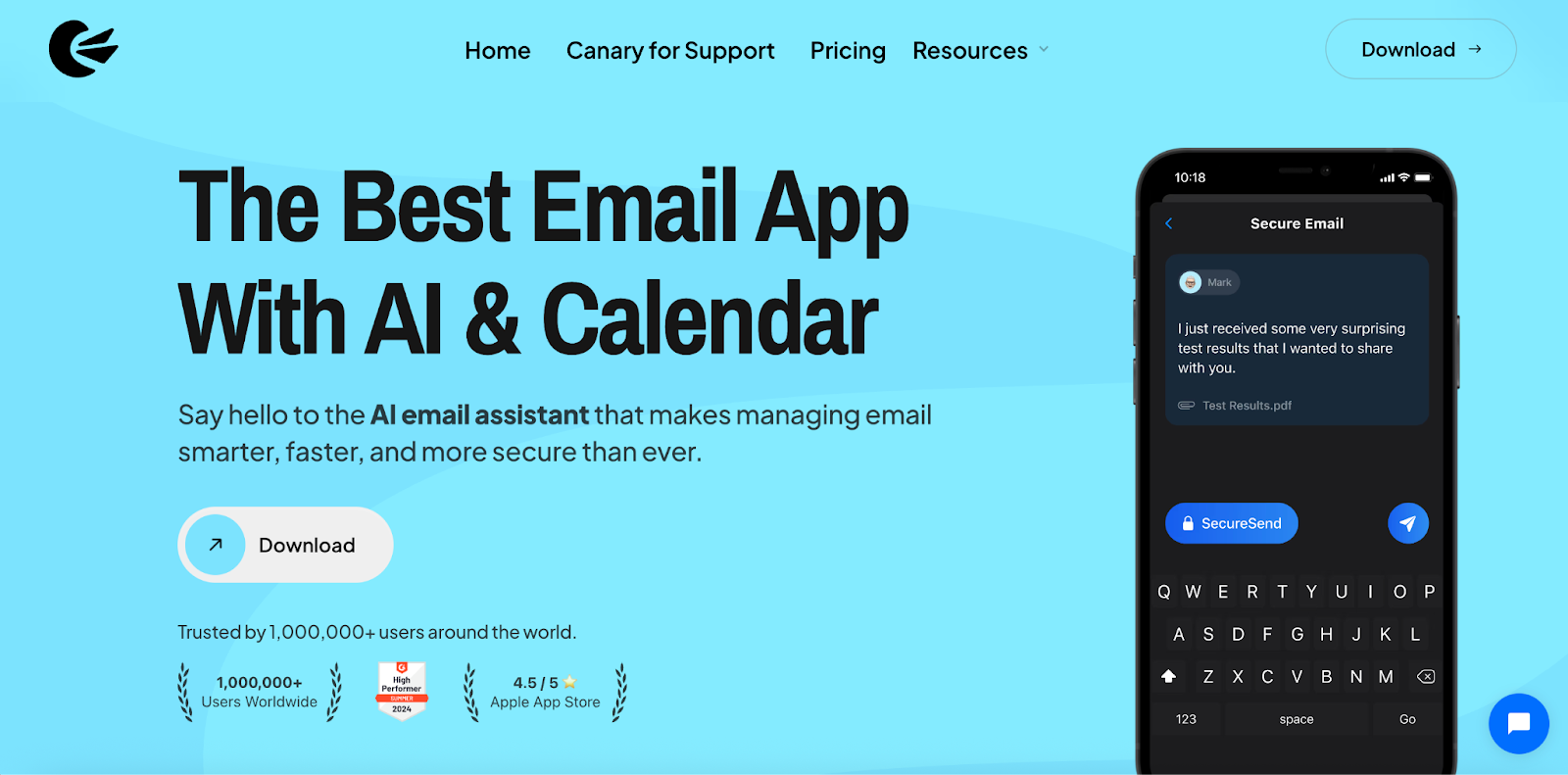
Disclosure: we make Canary Mail. If you'd rather not give a separate service access to your mailbox, you can clean up inside the app you read mail in. Canary has one-click unsubscribe on every plan, including the free one, and its Growth plan adds an inbox cleaner and a gray mail cleaner. AI sorts the inbox on the free plan, tracker blocking is on by default, and your email isn't used to train AI. It works with Gmail, Outlook, iCloud, Yahoo, Exchange and IMAP on Mac, iPhone, iPad, Windows and Android.
- Who it's for: people who want cleanup tools in their everyday email app
- Price: free for unlimited accounts on 2 devices; Growth $36 a year; Pro+ $100 a year
- Platforms: Mac, iPhone, iPad, Windows, Android
- Downside: it's an email app, not a dedicated cleaner, so it won't match Clean Email or Mailstrom for deleting tens of thousands of old messages in one go.
8. Gmail and Apple Mail unsubscribe tools: Best free option you already have
Gmail now has Manage subscriptions (under More on the web, and in the app menu), which lists your senders and unsubscribes in one click, plus an Unsubscribe link next to the sender's name. Apple Mail shows an Unsubscribe banner on mailing-list emails. Neither bulk-deletes old mail as well as a dedicated cleaner, but for stopping new junk they're free and need no extra access to your account.
- Who it's for: anyone who wants to try the free route first
- Price: free
- Works with: your Gmail account or the accounts in Apple Mail
- Downside: cleanup is manual, and there are no rules that tidy new mail automatically.
Step-by-step guides: how to unsubscribe from emails on Gmail, how to unsubscribe in Apple Mail on Mac and how to delete emails in Gmail in bulk.
How to clean your inbox without an app
You can get most of the way with a free afternoon and your email app's own tools:
- Purge the obvious first. Search for your biggest senders and old promotions, select all and delete or archive them in one go.
- Unsubscribe as you go. Every newsletter you no longer read is clutter you'll have to clean again next month.
- Use a few folders or labels. Group mail by project, client or type rather than building dozens of folders you'll never maintain.
- Let filters do the sorting. Rules can send receipts, notifications and newsletters past the inbox automatically. See how to create rules in Gmail.
- Check email at set times. When you open a message, act on it: reply, delete, file or snooze.
- Schedule a monthly cleanup. Ten minutes archiving old threads and clearing junk keeps the backlog from coming back.
Our guide on how to organize your email inbox covers each step in Gmail, Outlook and Apple Mail.
Is it safe to give an inbox cleaner access to your email?
Any cleaner needs permission to read and change your mailbox, so check how it pays for itself. Paid tools like Clean Email, SaneBox and Mailstrom charge you directly. Free tools are funded some other way: Unroll.Me says plainly that it uses data from your commercial emails for market research. Trimbox keeps data on your device. Whichever you choose, you can remove its access later from your Google or Microsoft account's security settings.
Frequently asked questions
What is the best alternative to Clean Email?
SaneBox if you want new mail sorted automatically, Mailstrom if you want to bulk-delete old mail, and Trimbox if you mainly want to unsubscribe privately. Gmail and Apple Mail also have free unsubscribe tools built in.
Is Clean Email free?
Partly. A free account lets you clean up to 1,000 emails. After that, plans start at $9.99 a month for one account, with cheaper yearly options.
Is Clean Email trustworthy?
Clean Email says it only analyzes headers and metadata, never reads message content, and doesn't sell your data. It charges a subscription, which is how it pays for itself.
Does Clean Email actually unsubscribe?
Yes. Its Unsubscriber stops mail from the senders you choose, and Auto Clean rules can keep handling new mail from them.
Which is better, Clean Email or Mailstrom?
They do similar jobs. Mailstrom's Basic plan is cheaper on a yearly plan but caps you at 10,000 emails; Clean Email has more automation, such as Auto Clean and Screener, and mobile apps.
Is there a free Clean Email alternative?
Cleanfox and Unroll.Me are free, but both are owned by NielsenIQ and funded by market research. Trimbox has a free version, and Gmail's Manage subscriptions is free.
What is the easiest way to clean my email?
Delete or archive your largest senders in bulk, unsubscribe from lists you don't read, and set up a few filters so new clutter skips the inbox.