Short answer: Spark is the closest match to Spike: a free app with unlimited accounts, a sorted inbox and team chat on threads. Canary Mail (ours) is the pick if you want AI and privacy across Gmail, Outlook, iCloud and Yahoo, and Missive if your team liked Spike's mix of email and chat. If you only need AI in the inbox you already use, Gmail and Outlook now have it built in.
Disclosure: we make Canary Mail, and Dove comes from the same company. Both are in this list and marked as ours. Prices and features were checked on each vendor's own site on October 16, 2026.
Why people look for a Spike alternative
Spike shows email as chat: it turns threads into a chat-like view and sorts conversations by person, like a messaging app. It also has a smart inbox that puts important mail first. Around that it has team spaces with channels, group chats, video calls and shared docs, plus Spike AI for writing and summaries. It runs on iPhone, Android, Mac, Windows and the web. People who leave usually mention one of these:
- The free plan covers one address. A unified inbox needs Pro ($6 per user a month billed yearly, or $8 monthly) for up to 3 addresses, or Ultimate ($12 yearly, $16 monthly) for unlimited addresses.
- Search stops at 60 days on the free plan.
- The chat view. Some people love it; others find long threads and formal email harder to read that way.
- Two products in one. Spike now sells team spaces (free for up to 3 members, then $4 or $8 per member a month) alongside the email app, which is more than many people need.
Spike alternatives compared
| App | Best for | Free plan | Paid price | Platforms |
|---|---|---|---|---|
| Canary Mail (ours) | AI and privacy across every account | Unlimited accounts, 2 devices | Growth $36/year | Mac, iPhone, iPad, Windows, Android |
| Dove (ours) | An AI-sorted inbox | Yes, 10 AI actions a day | $20/month or $200/year | Mac, Windows, iPhone, Android, web |
| Spark | The closest free match | Unlimited accounts | Plus $99/year | Mac, Windows, iPhone, iPad, Android |
| Missive | Teams that want email plus chat | No, 30-day trial | From $14 per user/month (yearly) | Web, Mac, Windows, iPhone, Android |
| Superhuman | Speed in Gmail or Microsoft 365 | No | $30/month or $300/year | Mac, Windows, web, iPhone, Android |
| Shortwave | AI for Gmail | Yes, with limits | Pro $18/month | Mac, Windows, iPhone, Android, web |
| Gmail or Outlook apps | Staying with what you have | Yes | AI on paid plans | Web, phones, desktop |
The 7 best Spike email alternatives in 2026
1. Canary Mail: Best for AI and privacy across every account
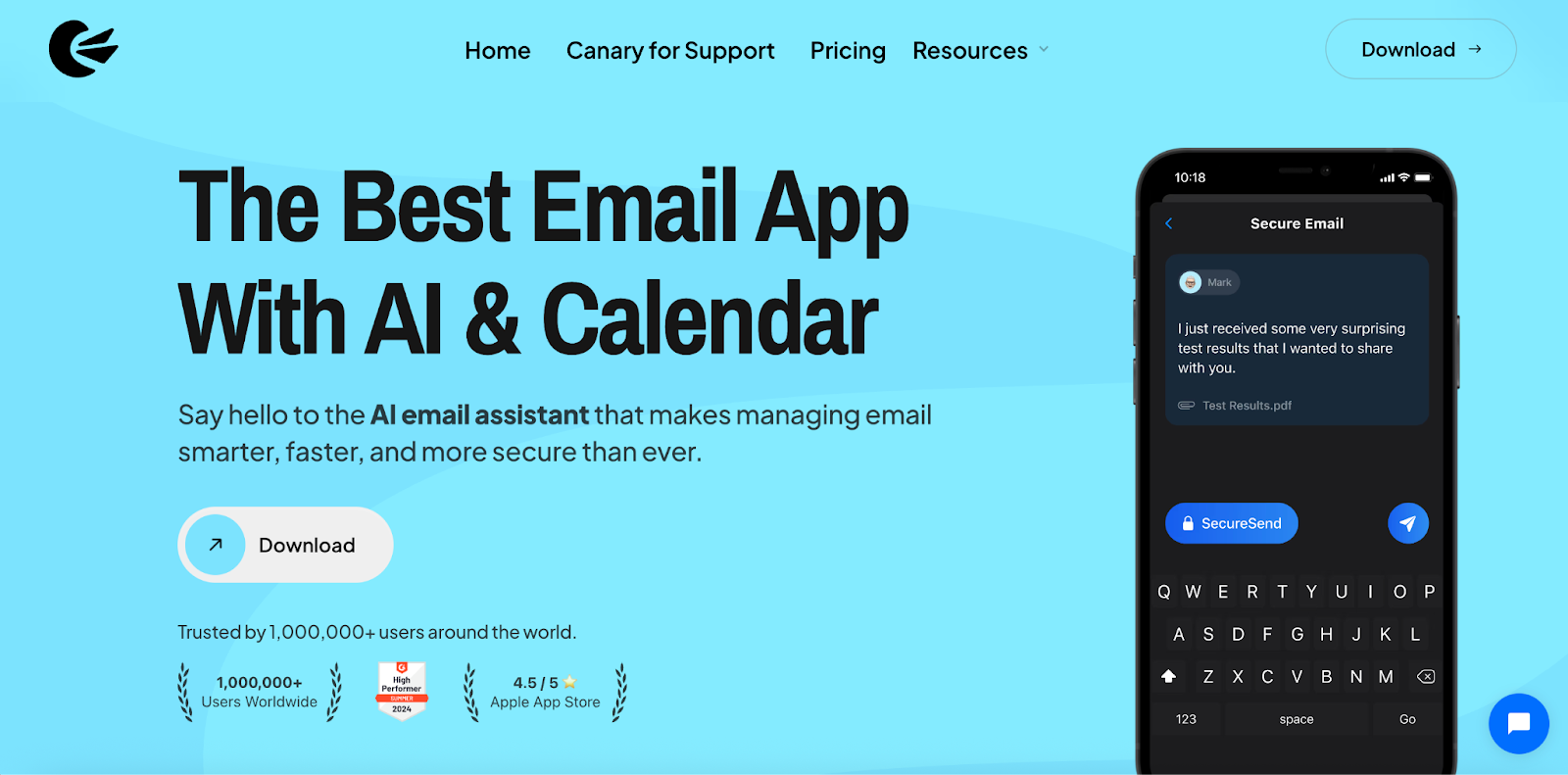
Disclosure: we make Canary Mail. Canary's free plan puts unlimited Gmail, Outlook, iCloud, Yahoo, Exchange and IMAP accounts in one inbox, which Spike only does on paid plans. AI sorts the inbox on the free plan; the Growth plan adds AI writing and summaries, read receipts, send later and a calendar. Triage runs on your device, your email isn't used to train AI, and tracker blocking is on by default. Pro+ adds PGP encryption and SecureSend. More than 2 million people use it, and Apple has featured it on the App Store and the Mac App Store.
- Who it's for: people with several accounts who want AI help without giving up privacy
- Price: free for unlimited accounts on 2 devices; Growth $36 a year; Pro+ $100 a year; lifetime licenses $100 and $300; 7-day trial
- Platforms: Mac, iPhone, iPad, Windows, Android
- Downside: it shows email as email, not chat, and there are no built-in video calls or team channels. Paid plans are yearly or lifetime only.
2. Dove: Best for an AI-sorted inbox
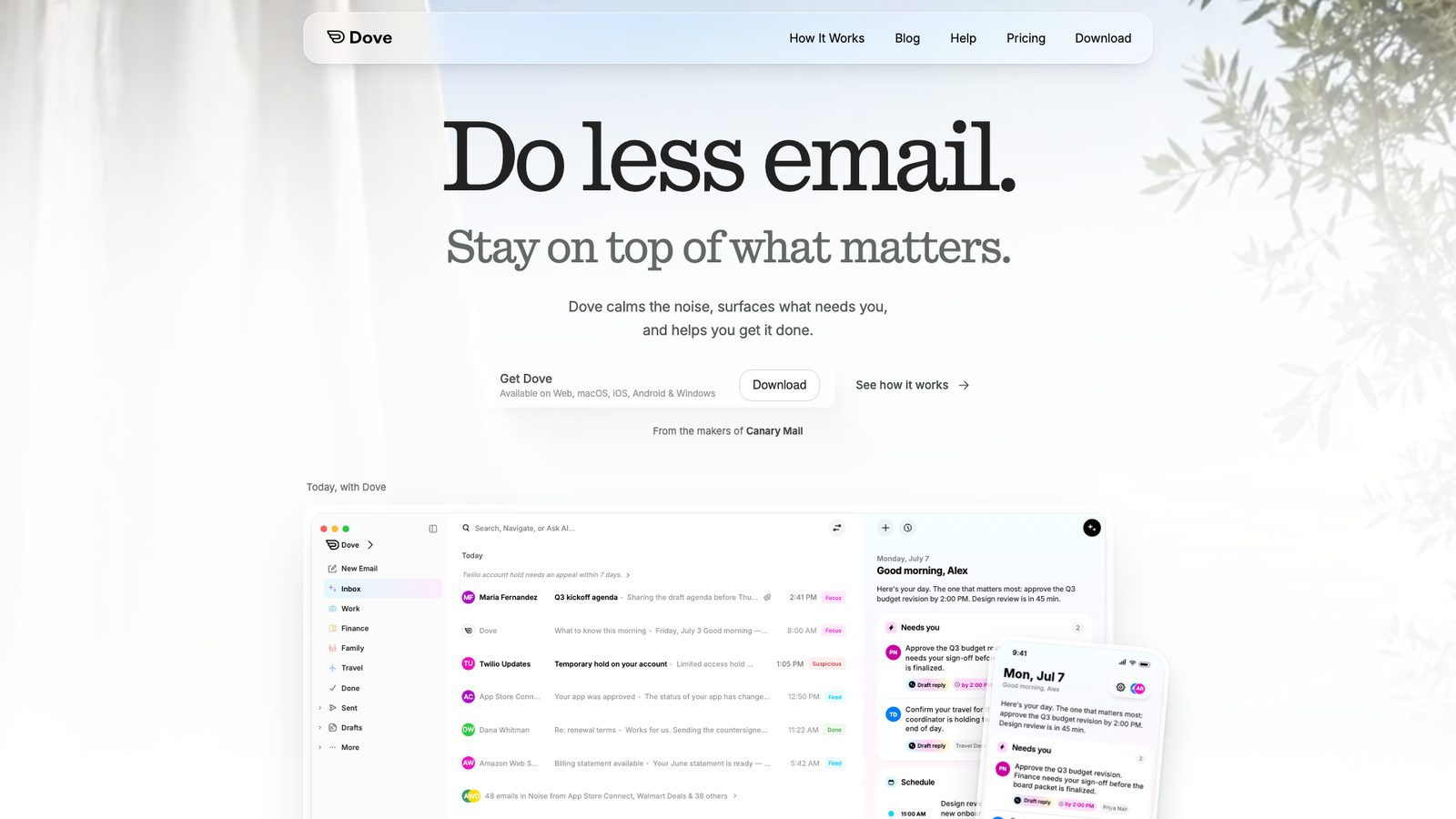
Disclosure: Dove comes from the same company as Canary Mail. Dove sorts incoming mail by what needs your attention, drafts replies, finds tasks and meetings in your email, and lets you ask questions about your inbox. It works with Gmail, Microsoft and IMAP accounts.
- Who it's for: people who want AI to do most of the triage
- Price: free plan with 10 AI actions a day; Pro $20 a month or $200 a year with unlimited AI; 7-day trial
- Platforms: Mac, Windows, iPhone, Android, web
- Downside: the free AI allowance goes quickly on a busy day, and Pro costs more than Spike's paid plans.
3. Spark: Best free match for Spike
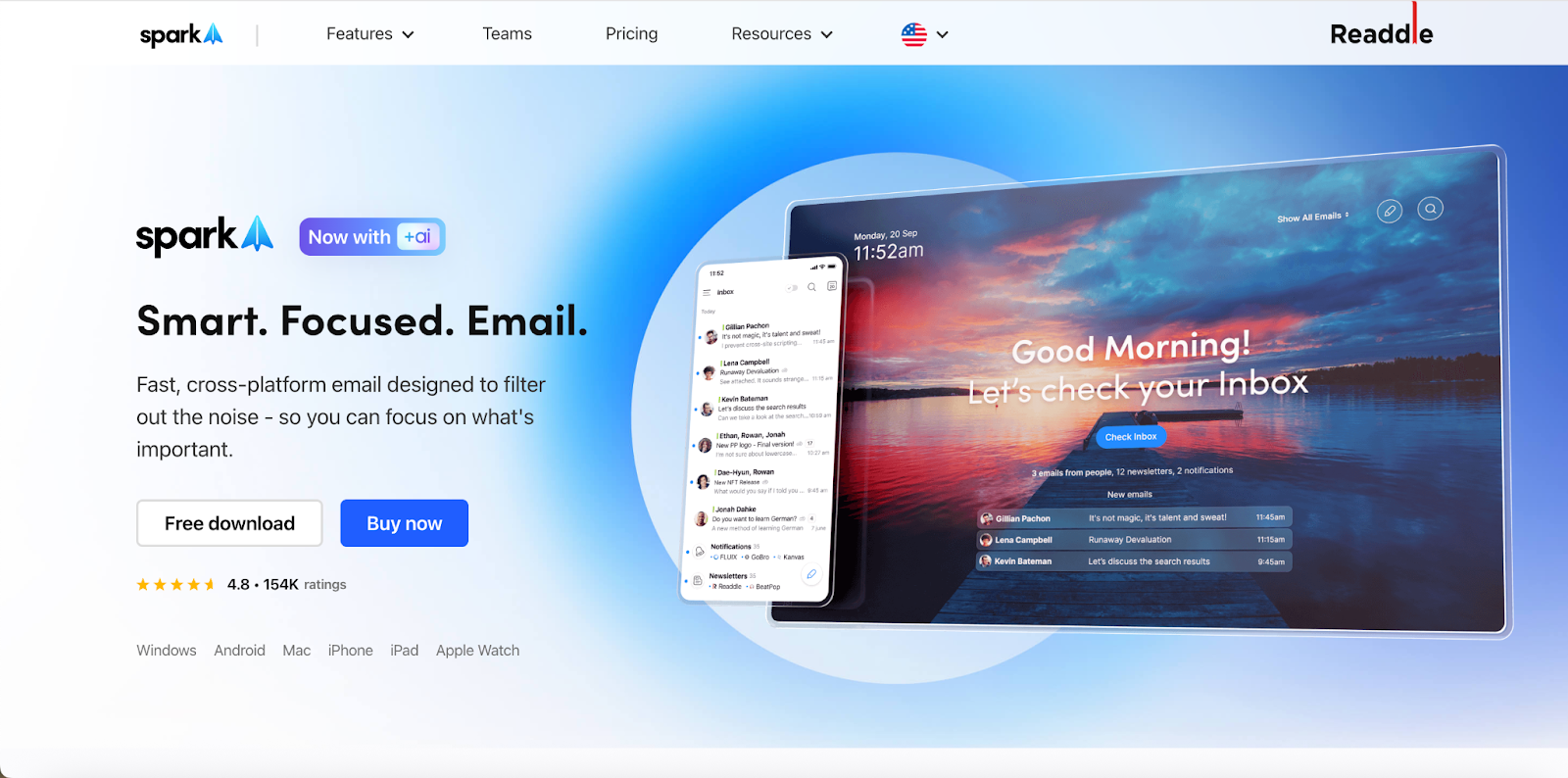
Spark covers most of what Spike does, for free: unlimited accounts in a unified inbox, a Smart Inbox that puts people above newsletters, smart notifications, a calendar, and team features such as shared threads, private comments and shared drafts. Paid plans add AI writing and summaries and more collaboration.
- Who it's for: Spike users who want a unified inbox and light teamwork without paying
- Price: free; Plus $10 per user a month or $99 a year; Pro $20 a month or $199 a year
- Platforms: Mac, Windows, iPhone, iPad, Android
- Downside: the desktop app is built with Electron, some mail is processed on Readdle's servers, and AI is on paid plans.
More: Canary Mail vs Spark and Spark alternatives.
4. Missive: Best for teams that want email and chat together

If your team used Spike for its mix of email and chat, Missive is the closest grown-up version: shared inboxes, internal chat inside every conversation, drafts you write together, assignments and tasks. It also handles SMS, WhatsApp and social accounts.
- Who it's for: small teams that handle email together
- Price: Starter $14, Productive $24, Business $36 per user a month billed yearly ($18, $30, $45 monthly); 30-day trial; no free plan
- Platforms: web, Mac, Windows, iPhone, Android
- Downside: it costs more than Spike per person, and rules, integrations and AI start on Productive.
More: Missive alternatives.
5. Superhuman: Best for speed in Gmail or Microsoft 365
Superhuman is built for getting through a lot of mail fast from the keyboard, with a Split Inbox, reminders, AI writing and summaries, and shared conversations for teams.
- Who it's for: heavy Gmail or Microsoft 365 users who will pay for speed
- Price: Starter $30 a month, or $25 a month billed yearly; Business $40, or $33 billed yearly; no free plan
- Platforms: Mac, Windows, web, iPhone, Android
- Downside: it's the most expensive option here, and it only works with Google and Microsoft 365 accounts.
More: Superhuman alternatives.
6. Shortwave: Best AI email client for Gmail
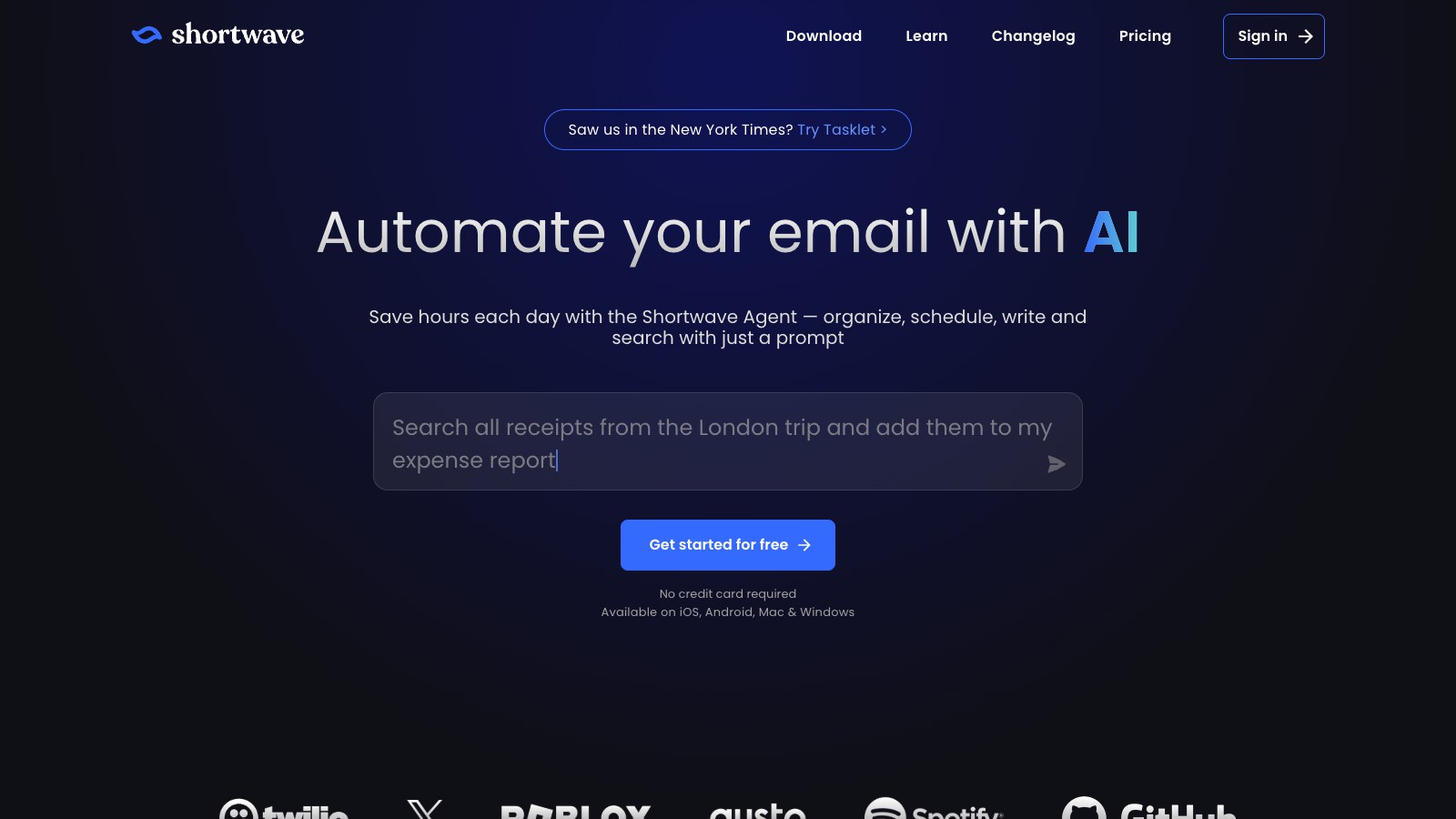
Shortwave is an AI-first Gmail client. Its assistant writes in your style, searches and summarizes your mail and organizes the inbox, and Bundles group newsletters and promotions together.
- Who it's for: Gmail and Google Workspace users who want the most AI
- Price: free plan; Pro $18 a month; Business $30 per seat a month; 14-day trial
- Platforms: Mac, Windows, iPhone, Android, web
- Downside: Gmail only; Microsoft 365 and Exchange aren't supported, and other providers only work by forwarding into Gmail.
More: Shortwave alternatives.
7. Gmail or Outlook with built-in AI: Best if you would rather not switch apps
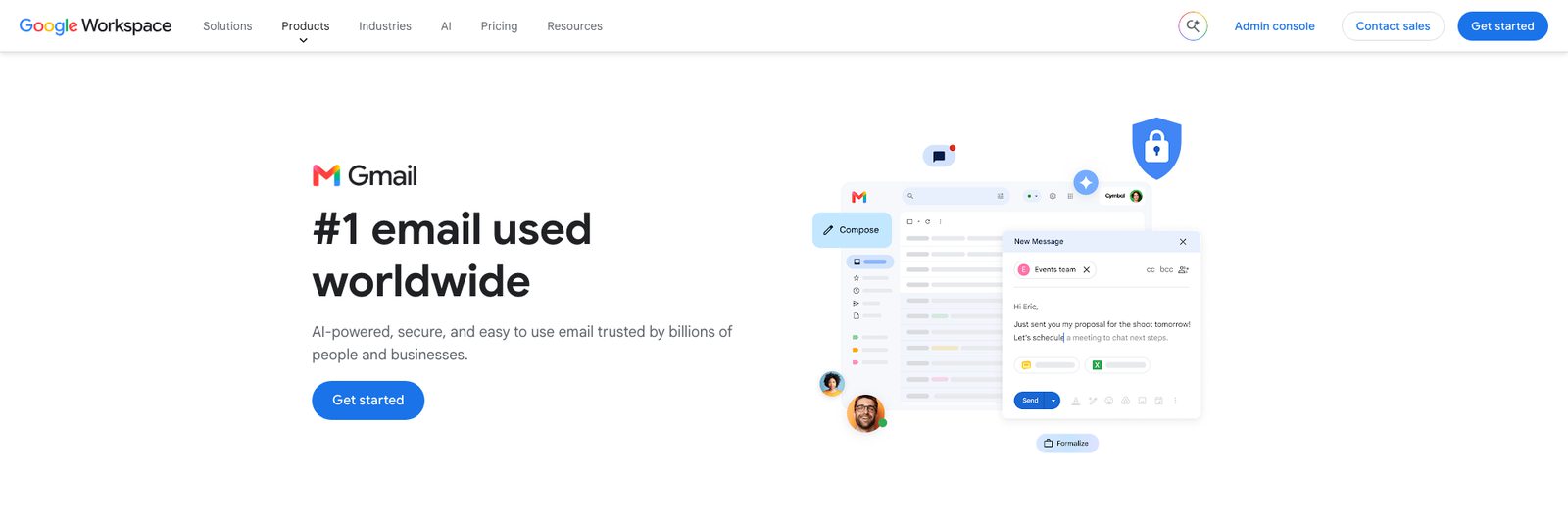
The free Gmail and Outlook apps both show several accounts together (All inboxes in the Gmail app, All Accounts in Outlook mobile), and both now have AI. Personal Gmail accounts in the US get Help me write, thread summaries and suggested replies for free. Microsoft 365 Personal ($9.99 a month) includes Copilot in Outlook, which also works on Gmail, Yahoo and iCloud accounts you add.
- Who it's for: people who mainly wanted Spike's AI and are happy with a standard inbox
- Price: free; Google AI plans from $4.99 a month; Microsoft 365 Personal $9.99 a month
- Platforms: web, phones and desktop
- Downside: no chat view or team spaces, and the free versions show ads.
How we chose
We looked for apps that replace the reasons people use Spike: one inbox for several accounts, AI help, or email and team chat together. Every price was checked on the vendor's own site on October 16, 2026. For a broader list, see the best email apps for multiple accounts and our guide to the best AI email assistants.
How to switch from Spike
If you connected an existing Gmail, Outlook, iCloud or other IMAP account to Spike, your mail is still on that provider's server. Add the same accounts to the new app and everything shows up. Notes, tasks, docs and team channels live in Spike, so copy out anything you need first. If you use an address Spike hosts for you, such as a custom domain on a Spike team plan, sort out where that mail will go before you cancel.
Frequently asked questions
What is the best alternative to Spike email?
Spark is the closest free match, with unlimited accounts, a sorted inbox and shared threads. Canary Mail suits people who want AI and privacy across every account, and Missive suits teams that want email and chat in one place.
Is Spike email free?
Spike has a free plan, but it covers one email address and 60 days of search history. Pro costs $6 per user a month billed yearly ($8 monthly) for up to 3 addresses, and Ultimate $12 ($16 monthly) for unlimited addresses.
Is Spike email safe and legit?
Spike is a real, long-running app on the App Store and Google Play. Like any email app that syncs your accounts, it needs access to your mailbox, so read its privacy policy before connecting a work account.
Which email apps show email like chat?
Spike is the best-known one. Missive puts internal chat next to every email conversation, and Spark lets teams comment on threads, but both keep a standard email layout.
What is the best free alternative to Spike?
Spark and Canary Mail both have free plans with unlimited accounts. The Gmail and Outlook apps are also free and can show several accounts together.