Short answer: Notion Mail closed on September 22, 2026, but your email is still in Gmail. To get back what made it useful, AI labels and custom views on top of Gmail, look at Shortwave or Superhuman. If you want one inbox for several accounts, which Notion Mail never had, try Canary Mail (ours) or Spark. Or go back to Gmail, which now has some AI built in.
Disclosure: we make Canary Mail, and Dove comes from the same company. Both are in this list and marked as ours. Details were checked on October 5, 2026.
What happened to Notion Mail
Notion announced on June 25, 2026 that it was "winding down the Notion Mail inbox across web, desktop, and iOS on September 22." Its reason: more than half of Notion Mail users were already handling email through Notion's AI agents without opening the inbox, so the company is putting its effort into agents instead.
Notion Mail was a free app on top of Gmail and Google Workspace, available on the web, Mac and iPhone. It never came to Windows or Android, and it didn't have a unified inbox: each address needed its own account.
What you kept
- All your email. Notion Mail synced both ways with Gmail, so every message you sent or received is still in Gmail.
- Mail blocks you'd added to Notion pages keep working.
- Notion's Gmail connections. The Gmail AI connector and Notion agents that work with Gmail aren't affected.
What's gone
- Anything saved only in Notion Mail. Drafts, scheduled emails, snippets and auto-label instructions had to be exported by September 21; Notion said anything not saved would be permanently deleted.
- Your custom views, sorting and email reminders. Notion said these couldn't be moved to another app.
- New mail in synced databases. Mail databases in Notion keep the email already synced, but nothing new arrives after September 22.
Quick picks
- Closest replacement for Gmail users: Shortwave, an AI-first Gmail app with a free plan.
- Best for several accounts: Canary Mail, which also handles Outlook, iCloud and Yahoo.
- Best for AI labels and split views: Superhuman, if you're happy to pay for it.
- Best free all-rounder: Spark.
- Nothing to install: Gmail itself.
Notion Mail alternatives compared
| App | Price | AI labels or sorting | Accounts | Platforms |
|---|---|---|---|---|
| Shortwave | Free; Pro $18/month; Business $30/seat | AI filters on Business and above | Gmail and Google Workspace | Mac, Windows, iPhone, Android, web |
| Canary Mail (ours) | Free; from $36/year | AI inbox tabs on the free plan | Gmail, Outlook, Microsoft 365, Exchange, iCloud, Yahoo, IMAP | Mac, iPhone, iPad, Windows, Android |
| Superhuman | $30/month or $300/year | Auto Labels on every plan | Google and Microsoft 365 | Mac, Windows, web, iPhone, Android |
| Spark | Free; Plus $10/month or $99/year | Smart Inbox groups mail by type | Gmail, Outlook, Exchange, iCloud, Yahoo, IMAP | Mac, Windows, iPhone, iPad, Android |
| Dove (ours) | Free; Pro $20/month or $200/year | AI sorting on the free plan | Gmail, Outlook, Microsoft 365, IMAP | Mac, Windows, iPhone, Android, web |
| Gmail | Free; Google AI plans from $4.99/month | Inbox categories; Gemini features | Gmail | Web, iPhone, Android |
| Mimestream | $49.99/year or $4.99/month | Gmail labels and filters | Gmail and Google Workspace | Mac |
The best Notion Mail alternatives
1. Shortwave: Closest replacement for Gmail users
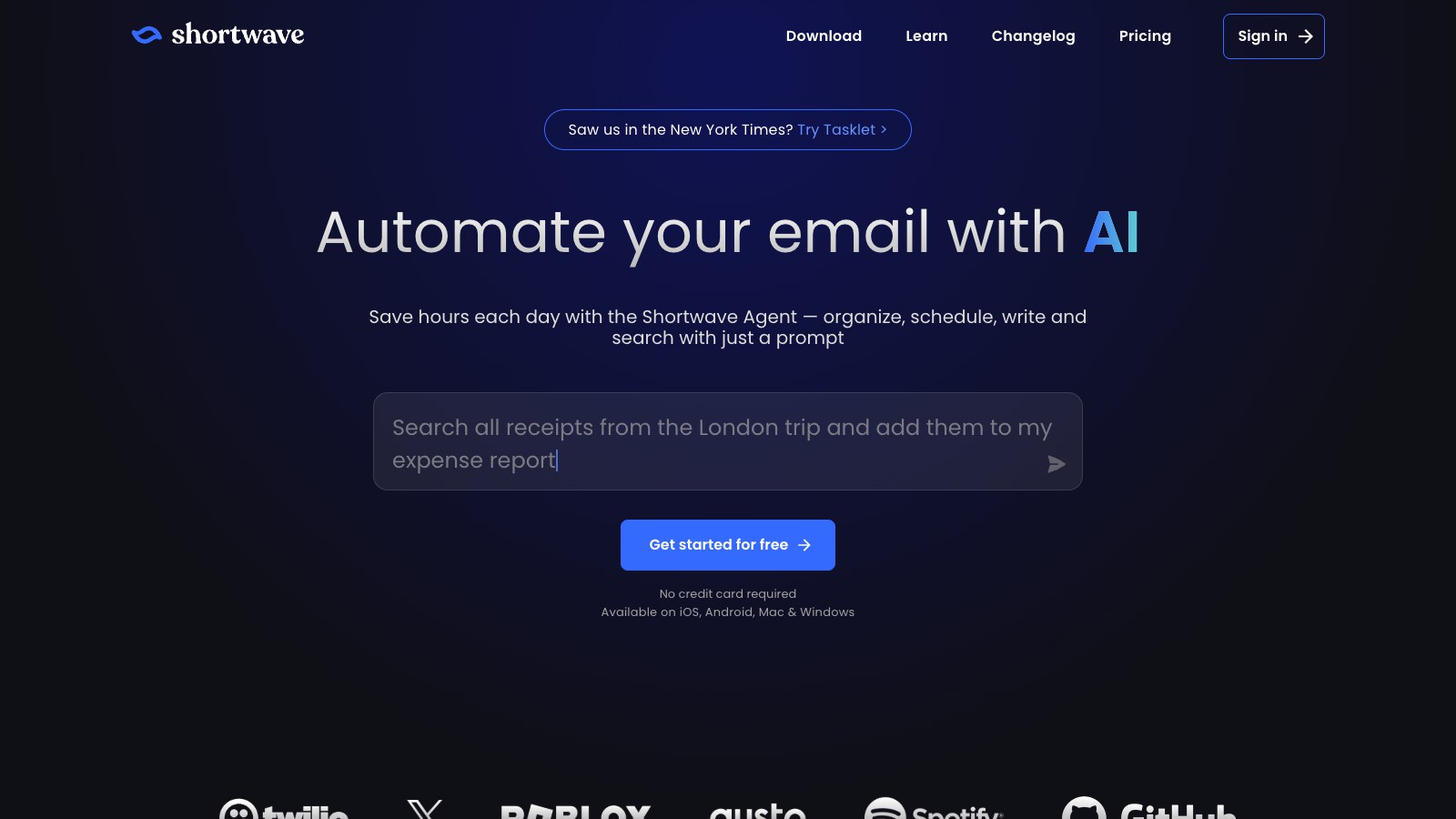
Shortwave is the app most like Notion Mail in spirit: a Gmail client built around AI, with Splits that divide the inbox into tabs and an AI assistant that writes in your style, searches your mail and summarizes threads. Its AI filters label and sort mail from a plain-language description, much like Notion Mail's auto labels, but they're on the Business plan and above.
- Who it's for: Gmail users who want an AI-first inbox with custom splits
- Price: free plan; Pro $18 a month; Business $30 a seat a month (needed for AI filters); 14-day trial
- Platforms: Mac, Windows, iPhone, Android, web, so it covers the Windows and Android users Notion Mail never reached
- Rating: 4.7 on the US App Store (746 ratings) and 4.4 on Google Play (1,260 reviews), as of October 16, 2026
- Downside: Gmail only, and AI auto-labeling costs $30 a month on Business.
2. Canary Mail: Best for several accounts

Disclosure: we make Canary Mail. Canary gives you what Notion Mail didn't: one inbox for all your accounts, including Outlook, iCloud, Yahoo and Exchange alongside Gmail, on every device. The free plan sorts your inbox into AI tabs and includes templates; Growth adds AI writing and summaries, send later and a calendar. Triage runs on your device, and your email is never used to train generalized AI models. Canary has more than 2 million users and has been featured by Apple.
- Who it's for: people with more than one kind of account who want AI without paying monthly
- Price: free plan with unlimited accounts on up to 2 devices; Growth $36 a year; Pro+ $100 a year
- Platforms: Mac, iPhone, iPad, Windows, Android
- Rating: 4.5 on the US App Store (8,786 ratings) and 4.3 on Google Play (7,706 reviews), as of October 16, 2026
- Downside: AI writing and summaries are on the paid plans, which are yearly or lifetime, with no monthly option.
3. Superhuman: Best for AI labels and split views
Superhuman has the two features Notion Mail users miss most: Auto Labels, which sort mail into categories automatically, and a Split Inbox that separates mail into groups you choose. Custom AI labels you describe yourself are on the Business plan. It's built for speed, with keyboard shortcuts for almost everything.
- Who it's for: heavy Gmail or Microsoft 365 users who want automatic labels and views and don't mind the price
- Price: Starter $30 a month or $300 a year; Business $40 a month or $396 a year; no free plan
- Platforms: Mac, Windows, web, iPhone, Android
- Rating: 4.6 on the US App Store (3,702 ratings) and 4.5 on Google Play (725 reviews), as of October 16, 2026
- Downside: expensive, and it can't add iCloud, Yahoo or other IMAP accounts. See our list of Superhuman alternatives if the price is too high.
4. Spark: Best free all-rounder

Spark's free plan covers unlimited accounts, a Smart Inbox that groups mail by type, send later, snooze and a calendar. It works with Gmail and every other common provider, and runs on Windows and Android as well as Apple devices.
- Who it's for: people who want a free, organized inbox on every device
- Price: free; Plus $10 a month or $99 a year; Pro $20 a month or $199 a year
- Platforms: Mac, Windows, iPhone, iPad, Android
- Rating: 4.6 on the US App Store (82,668 ratings) and 4.1 on Google Play (89,371 reviews), as of October 16, 2026
- Downside: AI writing is on the paid plans, and Spark keeps sign-in tokens on its servers to sync your accounts.
5. Dove: Best AI sorting for free
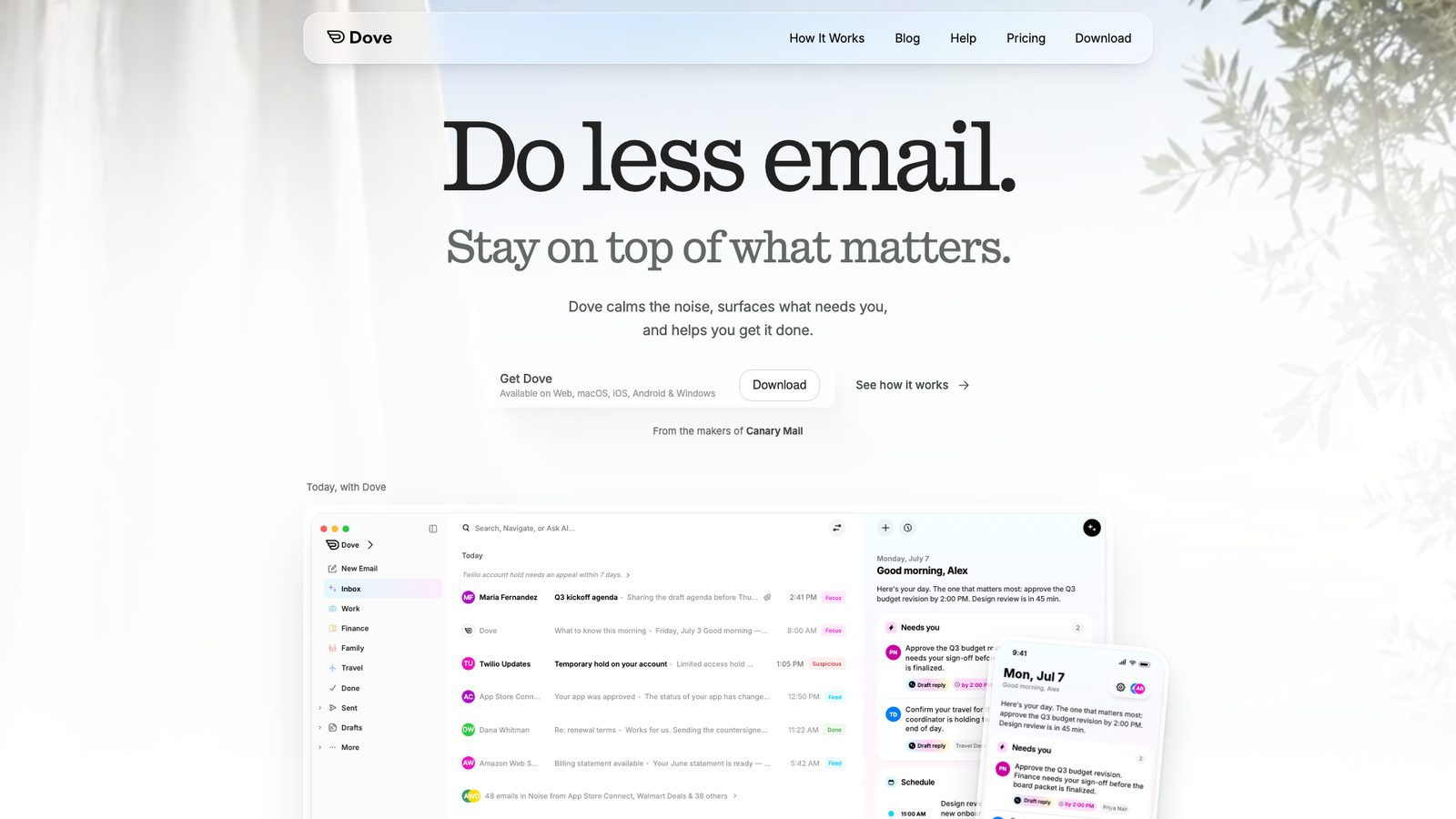
Disclosure: Dove comes from the same company as Canary Mail. Dove sorts incoming mail by what needs your attention, the nearest thing here to Notion Mail's auto labels on a free plan, and lets you ask questions about your inbox. The free plan includes 10 AI actions a day.
- Who it's for: people who liked letting AI decide what's important
- Price: free plan; Pro $20 a month or $200 a year
- Platforms: Mac, Windows, iPhone, Android, web
- Rating: 4.7 on the US App Store (21 ratings) and 4.8 on Google Play (34 reviews), as of October 16, 2026
- Downside: the free AI allowance runs out quickly, and the trial asks for a card.
6. Gmail: Best if you'd rather not install anything
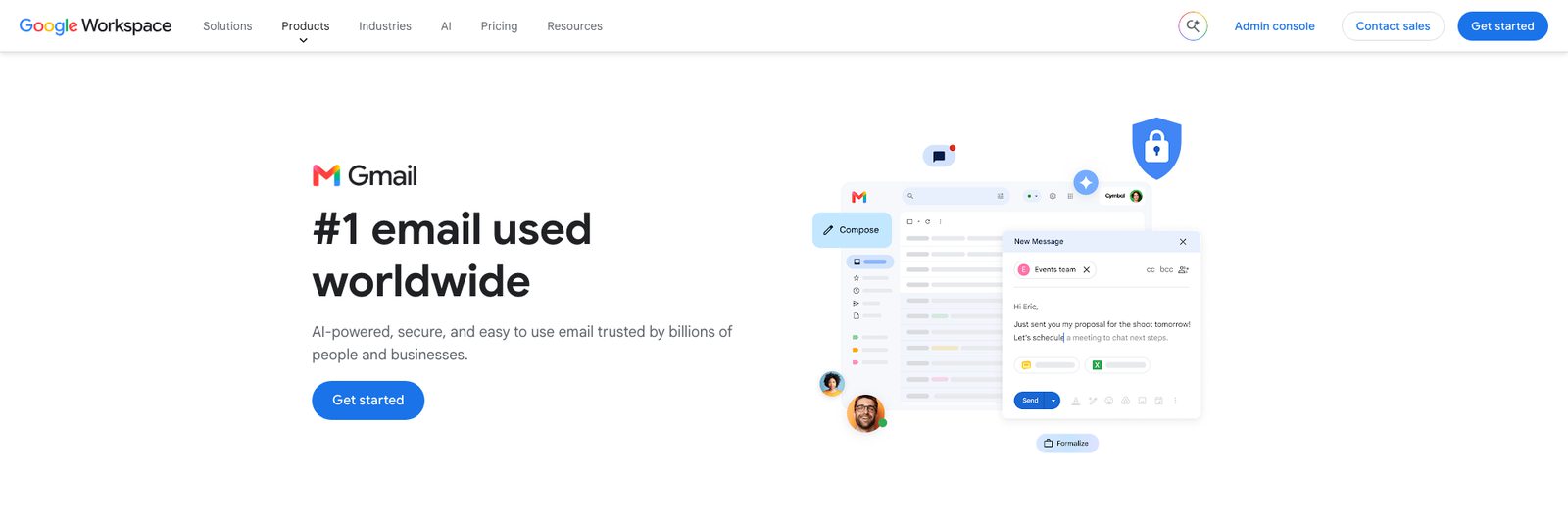
Your mail never left Gmail, so the simplest option is to go back to it. Gmail sorts mail into categories, and in the US, personal accounts get Gemini's Help me write, thread summaries and suggested replies for free. Google AI Plus ($4.99 a month) and Pro ($19.99) add more. If you want AI labeling inside Notion, Notion suggests a Custom Agent with Gmail access.
- Who it's for: people who mostly want their old setup back without a new app
- Price: free; Google AI plans from $4.99 a month
- Platforms: web, iPhone, Android
- Rating: 4.7 on the US App Store (2,445,282 ratings) and 4.1 on Google Play (14,490,594 reviews), as of October 16, 2026
- Downside: no custom views like Notion Mail's, and free Gmail shows ads in the Promotions and Social tabs.
7. Mimestream: Best native Mac app for Gmail
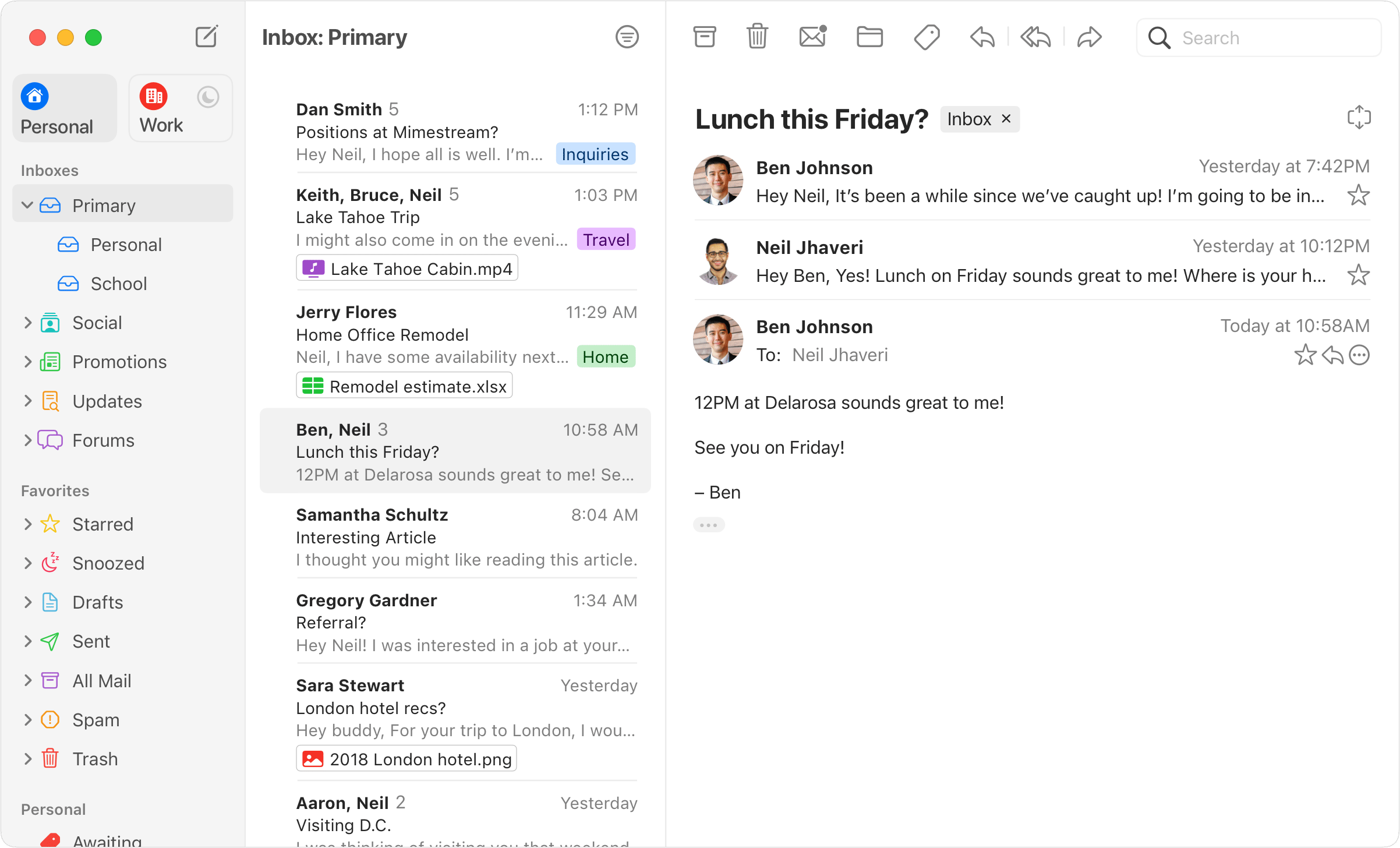
Mimestream is a native Mac app built on the Gmail API. It has a unified inbox for several Google accounts, which Notion Mail lacked, plus Gmail labels and filters, keyboard shortcuts and templates, and it keeps your data on your Mac.
- Who it's for: Mac users who used Notion Mail's desktop app for Gmail
- Price: $49.99 a year or $4.99 a month; 14-day trial
- Platforms: Mac only
- Downside: Gmail only, no AI labeling, and no iPhone app.
Keeping email in Notion
If what you liked was having email next to your Notion pages, part of that still works. Mail blocks already on your pages stay, Notion AI can search your Gmail through its Gmail connector, and Custom Agents can read, label and draft email in Gmail. What's gone is the inbox itself, so you'll still want one of the apps above to read and answer mail.
How we chose
We started from what Notion Mail did well, AI labels and custom views on top of Gmail, and what it lacked, such as Windows and Android apps and a unified inbox. We checked every price and feature on the vendors' own sites, and Notion Mail's shutdown details on Notion's own pages, on October 5, 2026. For more AI tools, see our guide to the best AI email assistants.
Frequently asked questions
Is my email gone now that Notion Mail has shut down?
No. Notion Mail synced with Gmail, so all your email is still in your Gmail account. What's gone is anything saved only in Notion Mail: unsent drafts, scheduled emails, snippets and auto-label instructions that weren't exported by September 21, plus your custom views and reminders.
When did Notion Mail shut down?
On September 22, 2026, across web, desktop and iOS. Notion announced it on June 25, 2026.
What is the best free alternative to Notion Mail?
Shortwave if you only use Gmail, or Spark and Canary Mail if you have other accounts too. All three have free plans. Gmail itself is free and has some Gemini features built in.
Which app has AI labels like Notion Mail?
Superhuman includes Auto Labels on every plan. Shortwave's AI filters work the same way but need its Business plan. Dove and Canary sort mail with AI on their free plans.
Notion Mail vs Superhuman: which was better?
Notion Mail was free and tied into Notion, while Superhuman costs $30 a month and is built for speed. If you want something like Notion Mail now, Superhuman is the closest match on features, and Shortwave is the closest on price.
Can I still use email inside Notion?
Partly. Mail blocks on your pages keep working, and Notion AI and Custom Agents can work with Gmail. There's no longer a Notion inbox for reading and answering mail.
Sources
- Notion Mail announcement on X (June 25, 2026)
- Notion: Notion Mail inbox is going away (archived August 28, 2026)
- Notion: Get started with Notion Mail (archived May 12, 2026)
- Notion: Connect Mail to Custom Agents
- Shortwave pricing
- Superhuman Mail plans
- Spark pricing
- Google: Gemini in Gmail
- Mimestream pricing
- Canary Mail pricing
- Dove pricing
- App Store and Google Play ratings: each app's US store listing, checked October 16, 2026