Short answer: if your team lives in Gmail, Hiver, Gmelius and Drag add a shared inbox without leaving it, and Drag is the cheapest at $12 per user a month. Front and Help Scout are full standalone support tools with collision detection, and Missive suits small teams that want email and chat in one app. Shared Inbox by Canary (ours) is the budget AI option at $10. If you only need the basics, Google Workspace and Microsoft 365 already include a free shared inbox.
Disclosure: Shared Inbox by Canary is made by the team behind Canary Mail, the publisher of this blog. We've listed its limits too. Prices are per user per month in US dollars, checked on each vendor's own site in October 2026.
What a shared inbox tool does
A shared inbox lets several people work from one address, like support@ or sales@, without stepping on each other. The features that matter most:
- Assignment: every email has one owner, so nothing is answered twice or missed.
- Collision detection: you see when a teammate is already viewing or replying.
- Internal notes and @mentions: discuss an email next to it, not in a separate chat.
- Rules and automation: route mail by sender, keyword or topic.
- Reporting: response times and workload by person.
Shared inbox tools compared
| Tool | Works in | From (per user/month, yearly) | Free plan or trial | Collision detection | Best for |
|---|---|---|---|---|---|
| Shared Inbox by Canary | Web app and Canary Mail apps | $10 | 14-day trial | Not listed | AI on a budget |
| Front | Separate app | $25 (Starter, up to 10 seats) | 14-day trial | Yes | Omnichannel support teams |
| Hiver | Inside Gmail (Outlook via Hiver Omni) | $25 (min. 2 seats) | 7-day trial | Yes | Gmail teams that want help desk features |
| Help Scout | Separate app | $25 | Free plan (5 users) | Yes | Customer support with a knowledge base |
| Missive | Separate app | $14 | 30-day trial | Not listed | Small teams, email plus chat |
| Gmelius | Inside Gmail | $25 (Growth) | 7-day trial | Yes | Gmail teams that like kanban boards |
| Drag | Inside Gmail | $12 | 7-day trial | Yes | Cheapest Gmail option |
The best shared inbox tools in 2026
1. Shared Inbox by Canary: Best for AI on a budget
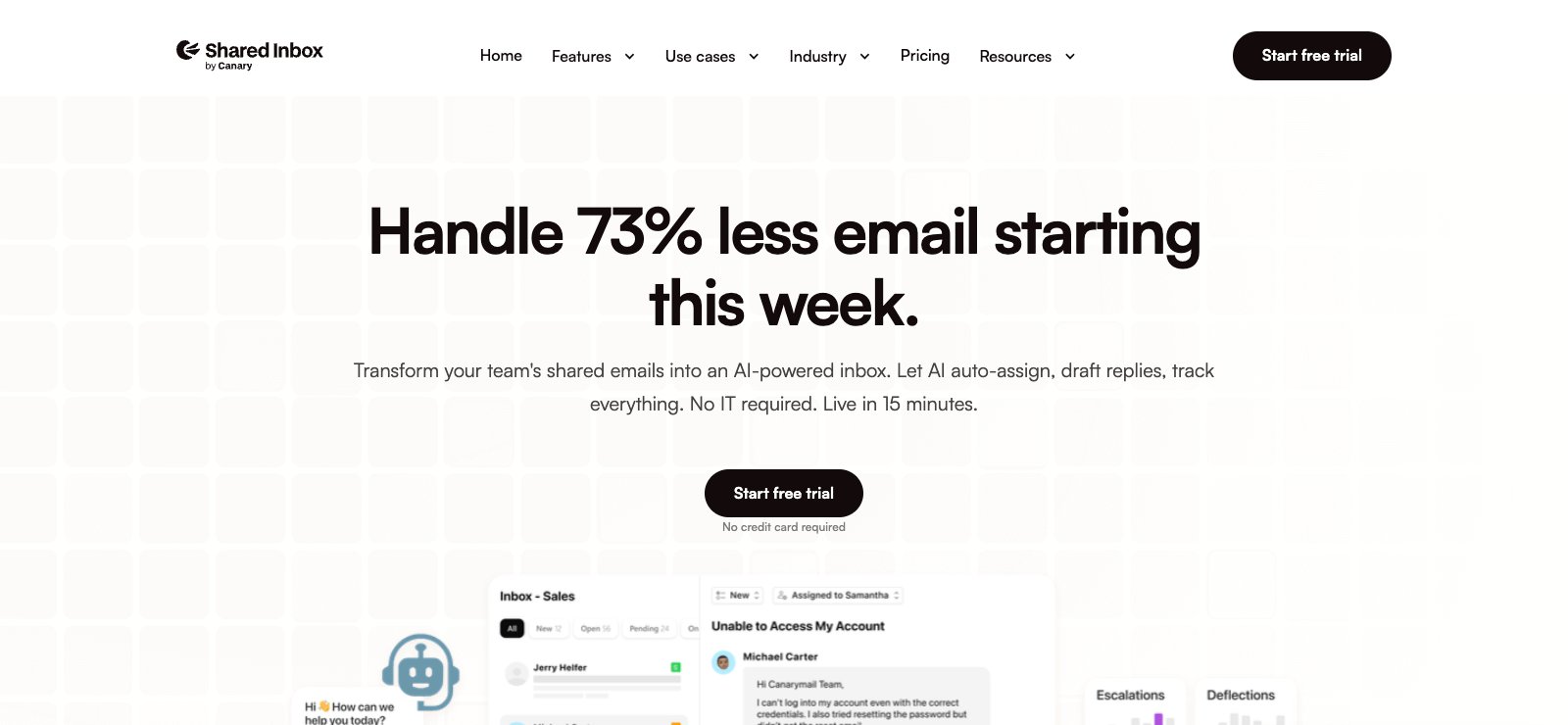
Shared Inbox by Canary (ours) turns support@ or sales@ into an AI-powered team inbox. It connects Gmail, Microsoft 365 and IMAP accounts, assigns emails to an owner, keeps internal notes and @mentions next to the conversation, and adds a helpdesk with ticket status, shared templates and automatic follow-ups. An AI chatbot trained on your docs and past tickets answers repeat questions on your website, and AI can draft replies and route mail to the right person.
- Price: Starter $10, Business $20, Scale $30 per user a month; 14-day free trial, no card; no minimum seats
- Shared inboxes: 1 on Starter, 5 on Business, 10 on Scale
- Works in: web app, plus the Canary Mail apps for Mac, Windows and iPhone (Android coming)
- Downside: integrations, API access and SSO are still marked "coming soon", and there's no free plan.
2. Front: Best for omnichannel support teams

Front is a standalone app for teams that answer email, SMS, chat and social messages in one place. It has assignments, internal comments, shared drafts and collision detection (you see when a teammate is replying), plus a knowledge base and ticketing. AI compose, translate and summarize come with every plan; Copilot is a $20 add-on on Starter and Professional.
- Price: Starter $25 a seat yearly or $35 monthly (up to 10 seats, one channel type); Professional $65 or $85; Enterprise $105, yearly only
- Trial: 14 days, no card
- Works with: Gmail, Office 365 and other email; web, Mac, Windows, iPhone and Android apps
- Downside: the cheapest plan is limited to 10 seats and one channel type, and costs add up quickly.
3. Hiver: Best for Gmail teams that want help desk features
Hiver adds a shared inbox inside Gmail as a Chrome extension, so your team keeps working in Gmail. It has notes with @mentions, shared drafts, collision detection and AI drafts and summaries; SLAs, CSAT and CRM integrations start on Pro. For Outlook and other providers, Hiver sells a separate standalone product, Hiver Omni, at the same prices.
- Price: Growth $25 a user yearly or $35 monthly; Pro $55 or $65; Elite $85 or $95; plans start at 2 seats
- Trial: 7 days, no card; no free plan
- Integrations: Salesforce, HubSpot, Zoho CRM, Pipedrive, Slack, Jira, Asana and more
- Downside: seats are sold in steps (2, 5, then multiples of 5), and the Gmail version needs Google Workspace.
4. Help Scout: Best for customer support with a knowledge base
Help Scout is a standalone support inbox with a Docs knowledge base and Beacon, an embeddable help widget. Collision detection is on every plan: you see a yellow marker when someone is viewing and red when they're replying. AI drafts and summaries come with Plus and Pro, and AI Answers costs $0.75 per resolution.
- Price: free plan for 5 users and 100 contacts a month; Standard $25 a user yearly or $30 monthly; Plus $45 or $54; Pro $75 or $90 (minimum 10 users)
- Trial: 15 days on Standard or Plus, no card
- Integrations: Salesforce, HubSpot and Jira on Plus and up
- Downside: it's built for customer support, so it's more than an internal team needs.
5. Missive: Best for small teams that want email and chat together

Missive combines team inboxes with internal chat inside each conversation, collaborative drafting and multiple assignees. It connects Gmail, Outlook, Exchange, iCloud and IMAP, plus SMS, WhatsApp and Instagram, and runs on web, Mac, Windows, iPhone and Android. Rules, integrations, the API and AI start on Productive.
- Price: Starter $14 a user yearly or $18 monthly (up to 5 users); Productive $24 or $30; Business $36 or $45
- Trial: 30 days of Productive, no card; no free plan
- Downside: Starter has no rules or AI, and it's capped at five users.
6. Gmelius: Best for Gmail teams that like kanban boards

Gmelius works inside Gmail and turns shared inboxes and labels into kanban boards. It has shared drafts, collision detection, notes and @mentions, automation rules and SLA analytics; CRM integrations with HubSpot and Salesforce come with Pro.
- Price: Growth $25 a user yearly or $33 monthly (the first plan with shared inboxes); Pro $40 or $50; the $19 Meli plan is the AI assistant only
- Trial: 7 days; no free plan
- Works with: Gmail and Google Workspace only
- Downside: it only works with Gmail, and the cheapest plan doesn't include team features.
7. Drag: Cheapest Gmail option
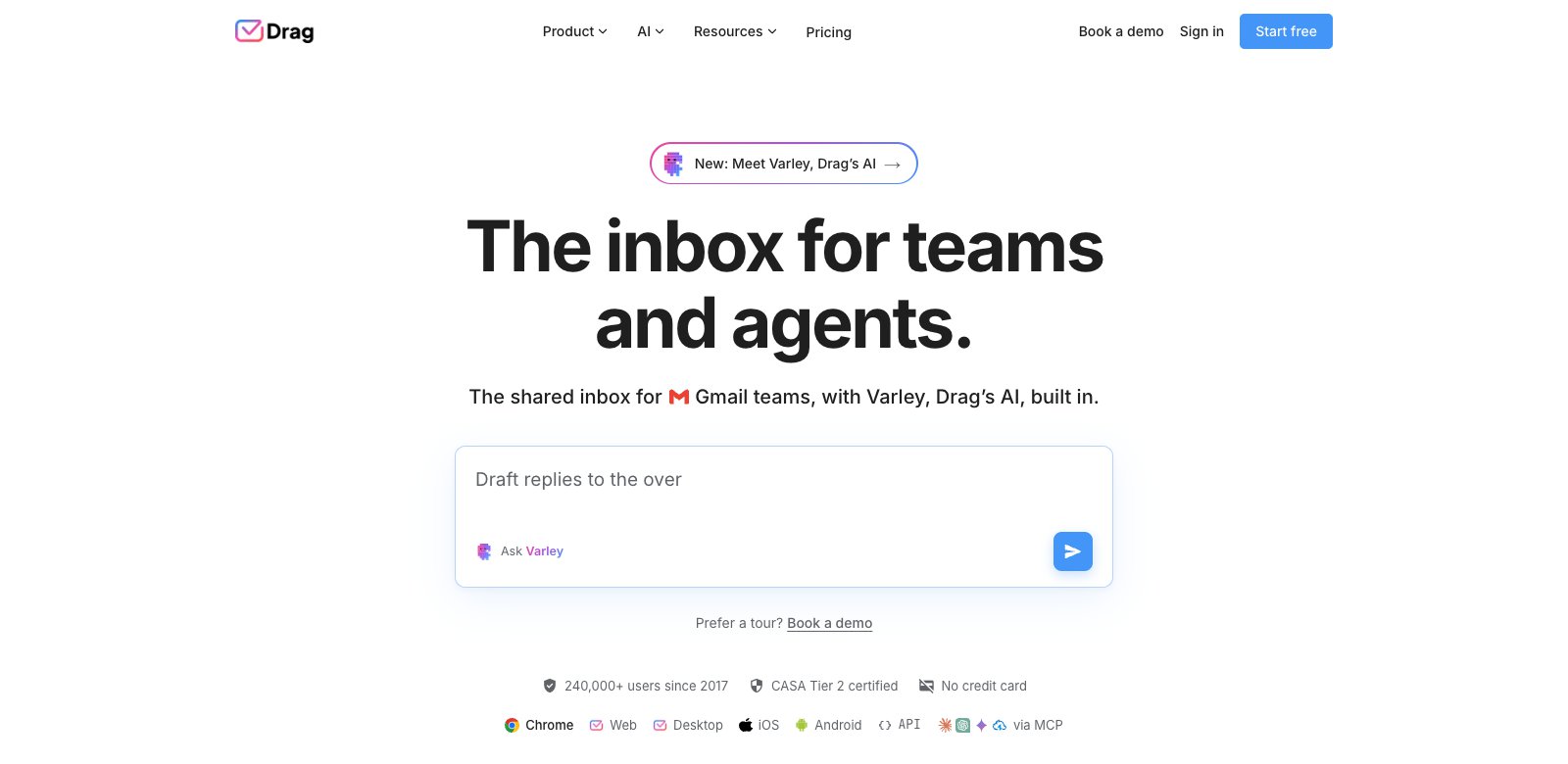
Drag turns Gmail into a shared inbox with kanban boards, assignments, @mentions, notes, shared drafts and collision detection on every plan, and your emails stay in Gmail. Its AI, Varley, is included from Plus.
- Price: Starter $12 a user yearly or $16 monthly; Plus $18 or $22; Pro $24 or $30; no seat minimums
- Trial: 7 days, no card; no free plan
- Works in: Chrome extension, web, desktop, iPhone and Android
- Downside: Gmail only, no native CRM integrations, and Starter has no AI included.
Free shared inboxes you may already have
Google Groups Collaborative Inbox (with Google Workspace): turn a group into a shared inbox where members can take or assign conversations and mark them complete, duplicate or no action needed. There's no collision detection, notes or shared drafts.
Microsoft 365 shared mailbox: a shared address that up to 25 people can open in Outlook, with no extra licence for up to 50 GB. It has no built-in assignment or collision detection, and people outside your organization can't use it.
These work for a small team with light volume. Once you need to know who owns each email, a dedicated tool pays off.
Shared inbox or help desk?
A shared inbox keeps the feel of email: conversations, not tickets. A help desk turns each email into a ticket with statuses, SLAs and a customer portal. If you handle a high volume of customer requests across many channels, a help desk like Zendesk (Support Team from $19 per agent a month yearly) or Freshdesk (Growth from $19 per agent a month yearly) may suit you better. Tools like Front, Hiver, Help Scout and Shared Inbox by Canary sit in between, with ticket-style features on top of a shared inbox.
How to choose
- Your team lives in Gmail: Drag (cheapest), Hiver (most help desk features) or Gmelius (kanban).
- You use Outlook or several providers: Front, Help Scout, Missive or Shared Inbox by Canary.
- You need SMS, WhatsApp and social too: Front or Missive.
- You want it free: Help Scout's free plan, or the shared inbox in Google Workspace or Microsoft 365.
For tips on running one, see our shared inbox best practices, or compare Front alternatives and Missive alternatives.
Frequently asked questions
What is the best way to manage a shared inbox?
Give every email one owner, use internal notes instead of forwarding, agree on shared templates for common replies, and set rules that route mail to the right person. A shared inbox tool with assignment and collision detection makes this much easier than a shared password.
How do I access a shared inbox?
In Microsoft 365, a shared mailbox appears in Outlook once your admin adds you. In Google Workspace, you open a Collaborative Inbox in Google Groups. Dedicated tools give you access through their own app or a Gmail extension.
Is there a free shared inbox tool?
Help Scout has a free plan for up to 5 users. Google Workspace (Collaborative Inbox) and Microsoft 365 (shared mailbox) include basic shared inboxes at no extra cost.
What is the difference between Google's Collaborative Inbox and a shared inbox tool?
Collaborative Inbox lets members take, assign and resolve conversations in Google Groups. Shared inbox tools add collision detection, internal notes, shared drafts, automation and reporting.
What is the difference between a shared inbox and a help desk?
A shared inbox keeps conversations as email; a help desk turns them into tickets with statuses, SLAs and customer portals. Small teams usually start with a shared inbox.
What is the best program to manage multiple email accounts?
For one person with several accounts, an email app with a unified inbox is enough; see our guide to the best email apps for multiple accounts. Shared inbox tools are for teams sharing one address.
[cta-block:ctablock1,title="Try Shared Inbox by Canary",button="Start free trial",buttonlink="https://shared-inbox.ai/"]