Gmail is widely used, but for those seeking a Gmail alternative with AI and privacy that offers smarter inbox management, managing multiple accounts or busy inboxes can be challenging. Tabs, promotions, and trackers sometimes make it harder to focus on important messages.
Canary Mail is a privacy-focused email client for Gmail and other providers, offering a unified inbox, optional AI Copilot, and privacy features like PGP and tracker blocking.
Privacy-focused AI email clients, like Canary Mail, help by summarizing threads, suggesting replies, and managing multiple accounts in a unified inbox.
[cta-block:ctablock1,title="Looking for an AI-powered Gmail email client with privacy?",button="See Canary Mail",buttonlink="https://canarymail.io"]
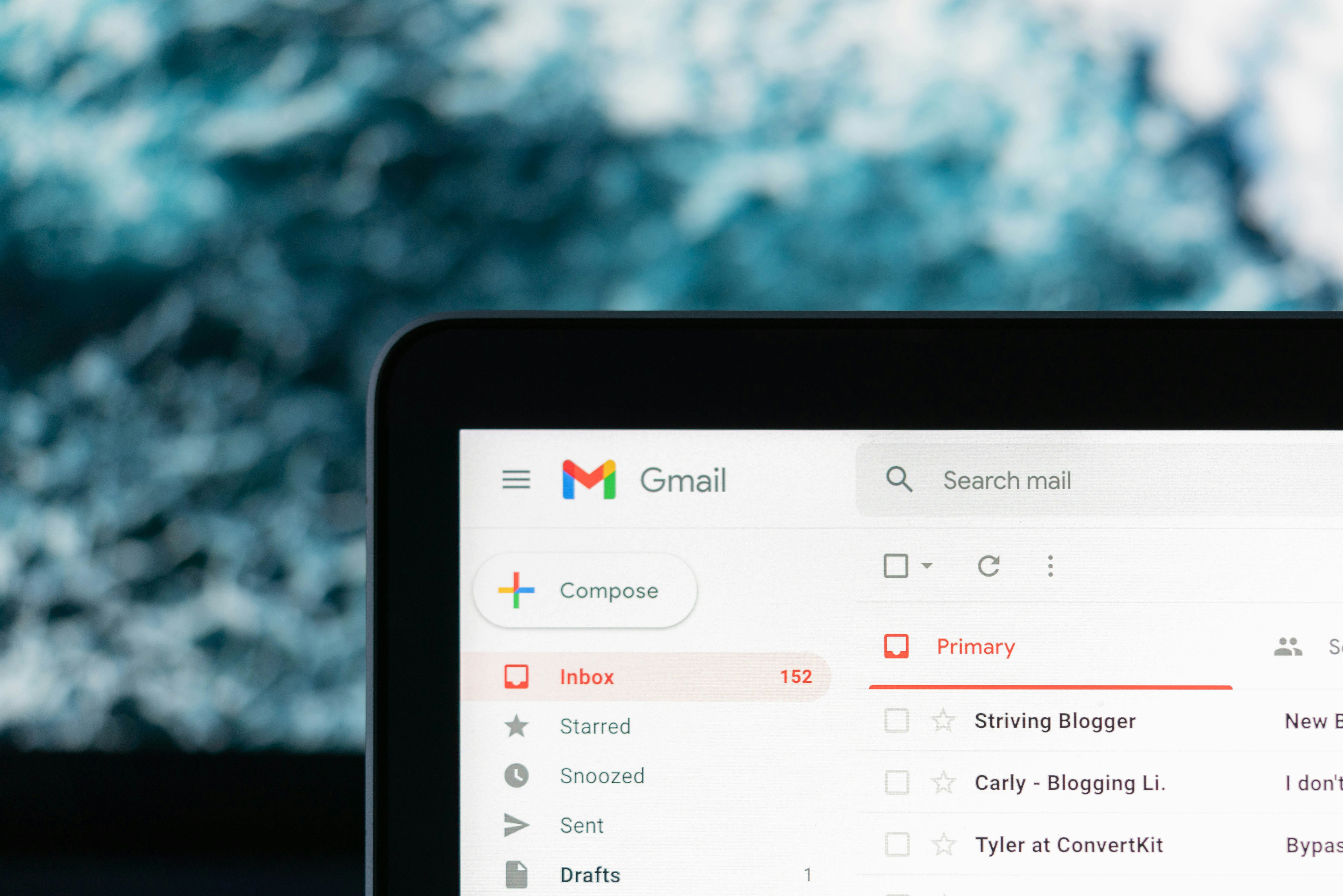
Keep Gmail: Upgrade Your Inbox with Canary Mail
Gmail is one of the most widely used email services, trusted for its reliability and seamless integration with Google Calendar. Its familiar interface makes it easy to manage email for work and personal use.
Still, some users want more control over their inbox:
- Fewer ads, tabs, and distractions
- Better management of multiple email accounts
- Enhanced privacy and encryption options
- AI assistance that works across all connected inboxes
For people who want a secure, app-based solution without switching email addresses, Canary Mail provides a practical way to upgrade their inbox. This privacy-focusedAI email assistant connects to Gmail and other providers to offer a cleaner, faster, and more private interface, helping you focus on the emails that matter.
Gmail vs a Modern AI Email Client: Why Canary Mail Works Better for Privacy & Unified Inbox
Gmail is a popular hosted email service, while Canary Mail is an AI email client designed to improve how you manage your inbox. That distinction matters when you want a more organized and privacy-focused experience.
- Where you read your email
- Gmail primarily runs in a browser or official Gmail apps.
- Canary Mail runs as a native app on macOS, iOS, Windows, and Android, giving a consistent experience across devices.
- Inbox organization
- Gmail relies on tabs, labels, and promotions, which can sometimes hide important messages.
- Canary Mail offers a focused inbox, snooze, follow-ups, and optional smart prioritization to help you stay on top of what matters.
- AI capabilities
- Gmail includes features like Smart Reply, Smart Compose, and Gemini (depending on your plan and region).
- Canary Mail provides an AI Copilot that drafts replies, summarizes threads, and highlights key messages across all connected accounts, making it a practical AI-powered email client for multi-account management.
- Privacy and security
- Gmail is integrated into Google’s ecosystem and uses cloud processing.
- Canary Mail provides privacy features like PGP encryption, SecureSend, tracker blocking, and phishing protection to help protect sensitive communication.
- Managing multiple accounts
- While Gmail supports multiple accounts, they remain largely siloed.
- Canary Mail offers a more complete unified inbox across Gmail, Outlook, iCloud, and any IMAP account, making it easier to manage emails in one place.
Feature Comparison: Gmail vs Canary Mail
Here’s how Gmail and Canary Mail, a modern AI-powered email client, compare across key features:
Short answer: The best Gmail alternative with AI and privacy depends on what you need. If you want to keep Gmail but add AI, encryption, and a more comprehensive unified inbox across multiple providers, Canary Mail is a practical upgrade.
Gmail’s mobile apps can show messages from multiple accounts in a combined view, but it does not offer a true, cross-provider unified inbox across desktop and mobile like Canary Mail. Gmail proxies images to improve privacy, but this does not fully eliminate email open tracking. Canary Mail blocks trackers by default at the client level.
Gmail offers Confidential Mode, which allows message expiration, revoking access, and optional passcodes. However, it does not provide true end-to-end encryption, and screenshots or forwarding are still possible. Canary Mail’s SecureSend is a product-native secure sharing feature designed for sensitive communication, with password-protected access and stronger client-side privacy controls.
For users who want to keep Gmail but gain more control over organization and privacy, Canary Mail provides a native, cross-platform email client that enhances workflow while your Gmail account runs in the background.
[cta-block:ctablock2,title="Keep Gmail. Upgrade your inbox.",button1="Download Canary Mail",button1link="https://canarymail.io/downloads",button2="See AI Features",button2link="https://canarymail.io/features/ai"]
Gemini vs Canary Mail AI Copilot
Google is gradually introducing Gemini in Gmail, which adds AI features such as draft suggestions and thread summarization for some accounts. Gemini features vary by plan, region, and admin settings.
Canary Mail’s approach is different: AI Copilot is optional, works across multiple providers, and can be turned off anytime.
This flexibility makes Canary Mail a practical Gmail inbox app for users who:
- Manage multiple email accounts effortlessly
- Want AI assistance without switching ecosystems
- Prefer a native app experience over a browser
- Value privacy, encryption, and a secure email client for Gmail
Quick Comparison:
- Gmail Gemini: AI is built into Gmail and Google Workspace, tied to your Google account.
- Canary Mail: AI works across multiple accounts and providers, with a native client experience on macOS and iOS.

Why Users Switch from Gmail
Many users look for a way to use Gmail in a different inbox to address common challenges with the standard Gmail interface.
- Promotions and social tabs can hide important messages
- Inbox clutter that makes it hard to reach zero inbox
- Frequent context switching between multiple accounts
- Limited privacy and encryption options for sensitive emails
- AI features that are helpful but tied only to Gmail or Workspace
Canary Mail provides a solution that works with Gmail, offering a cleaner interface, better privacy controls, encryption options, and AI tools that function across all connected accounts.
If you rely on Gmail conversation history
Gmail users often rely on conversation view to keep related emails together, especially in long threads. While Gmail threads can become cluttered with many replies, Canary Mail enhances threading with:
- Clear conversation view: Messages in a thread are grouped neatly, making it easier to follow long discussions.
- Thread summarization: Canary Mail AI Copilot can summarize long email threads, highlighting key points and action items so you can catch up quickly without reading every message.
- Quick navigation: Jump between new and unread messages in a thread efficiently, even in multi-account unified inboxes.
This makes Canary Mail ideal for users who value Gmail-style conversation history but want a cleaner, more organized view with added AI assistance.
What You Gain by Using Canary Mail with Gmail
Using Canary Mail alongside Gmail allows you to keep your existing account while improving your inbox experience.
- Unified inbox across providers: View Gmail, Outlook, iCloud, and IMAP accounts together in a single inbox, then filter and prioritize messages as needed.
- AI Copilot that works everywhere: Draft replies, summarize long threads, and highlight important emails across all connected accounts. Not just Gmail.
- Built-in privacy and encryption: Enable PGP encryption, send password-protected messages with SecureSend, and block trackers automatically for a more secure email experience.
- A focused, ad-free interface: No ads or promotions tab - just a clean, distraction-free inbox for easier email management.
- One app for work and personal email: Keep separate roles without juggling multiple browser profiles or apps, all in one client.
With Canary Mail, you get a privacy-focused email client that works alongside Gmail, providing privacy, productivity, and a streamlined workflow across all your accounts.
Pricing Comparison: Gmail vs Canary Mail
Gmail is free and included with Google Workspace plans, making it a convenient option for many users.
Canary Mail offers a free plan and paid plans. Paid plans include a 7-day free trial (no credit card required). Because pricing and packaging can change, check the pricing page for the latest details.
Typical setup:
- Keep your free Gmail or Workspace account
- Add Canary Mail to access AI features, encryption, and a unified inbox
- Explore current plans on the pricing page
Before You Buy:
- Works with your existing Gmail account - no new address needed
- Free plan includes: basic email access, unified inbox, tracker blocking
- Paid plans include: AI Copilot, advanced encryption (PGP & SecureSend), a more complete unified inbox, priority support
- Supports Gmail, Outlook, iCloud, and IMAP accounts across all devices
Try it side by side
- Download Canary Mail and connect your Gmail account
- Let your messages sync in the background
- Enable AI Copilot and privacy features to use Gmail in a calmer, more private inbox
[cta-block:ctablock3,title="Add AI and privacy to Gmail",subtitle="Use Canary Mail on top of existing accounts with PGP, SecureSend and AI Copilot.",button1="Start free trial",button1link="https://canarymail.io/downloads",button2="View pricing",button2link="https://canarymail.io/pricing"]
Gmail Alternative FAQ
Does Canary Mail replace my Gmail account?
No. Canary Mail is an email client. Your Gmail account stays the same. You continue using Gmail as usual while managing it through Canary Mail.
Can I still use Gmail in the browser?
Yes. Many users run Gmail in the browser alongside Canary Mail while transitioning, giving you flexibility without losing access.
How is Canary Mail different from Gmail with Gemini?
Gmail’s Gemini adds AI features inside Gmail and Google Workspace. Canary Mail, as a multi-account email client for Gmail, brings AI tools across Gmail, Outlook, iCloud, and IMAP accounts, while also providing stronger privacy controls and encryption options.
Will Google still process my email?
Yes. Gmail remains your email provider. Canary Mail improves how you read, organize, and send emails at the client level without changing Gmail’s processing.
Can I use Canary Mail on Windows and mobile devices?
Yes. Canary Mail is available on macOS, iOS, Windows, and Android, making it easy to manage your inbox across all your devices.