Short answer: a Gmail alternative is either a new email service or a different app for the Gmail account you already have. If you want Google out of your email, switch service: Proton Mail for privacy and encryption, Outlook.com if you live in Microsoft's apps, iCloud Mail on Apple devices, Zoho Mail for a free address on your own domain, Tuta for encryption without AI, or Fastmail for a paid, ad-free mailbox. If you like your address but not the Gmail app, keep the account and change the app. Canary Mail (ours) adds AI, tracker blocking and PGP encryption on top of Gmail, and Apple Mail is the free choice on a Mac or iPhone.
Disclosure: we make Canary Mail and Dove, and both are on this list. Prices and plans were checked on each company's own site on November 12, 2026, unless a line says otherwise.
Two kinds of Gmail alternative
Most "best Gmail alternatives" lists mix two different things, so it's worth deciding which one you need before you compare.
- A new email service replaces Gmail itself. You get a new address, your mail is stored by another company, and you move old messages and update your address on your accounts. This is the only way to stop Google holding your mail.
- A different email app keeps your Gmail account and address but replaces the Gmail app or website. Your mail stays on Google's servers. You get a different inbox, different AI, and often your other accounts in the same place. It takes minutes and you can go back any time.
If the problem is the Gmail app (clutter, one inbox per account, AI that only sees Google mail), change the app. If the problem is Google itself (ads, data use, no end-to-end encryption), change the service. Plenty of people do both: a private service for new mail, and an app that shows it next to the Gmail account they keep for old logins.
Gmail alternatives compared
Tap a name to jump to its entry. Paid prices are the lowest US price per month or year that the company lists; some sites show prices in your local currency instead.
| Option | Type | Keeps your Gmail address? | Free plan | Paid from | Best for |
|---|---|---|---|---|---|
| Canary Mail | App | Yes | Yes, unlimited accounts, 2 devices | $36/year | AI and PGP on top of Gmail |
| Dove | App | Yes | Yes, 10 AI actions a day | $20/month | An AI-first inbox |
| Apple Mail | App | Yes | Free | Free | Apple devices |
| Shortwave | App | Yes (Gmail only) | 14-day trial | $30/month | AI search and triage for Gmail |
| Superhuman | App | Yes | Trial | Paid | Keyboard speed |
| Mailbird | App | Yes | 1 account, 1 device | Paid | Windows desktop |
| Proton Mail | Service | No | 500 MB to 1 GB | $4.99/month | Privacy and encryption |
| Outlook.com | Service | No | Yes, with ads | $1.99/month (ad-free) | Microsoft users |
| iCloud Mail | Service | No | 5 GB | $0.99/month | Apple users |
| Zoho Mail | Service | No | Up to 5 users, own domain | Paid per user | A free custom domain |
| Tuta | Service | No | 1 GB | €3/month | Encryption without AI |
| Fastmail | Service | No | No (free trial) | $5/month | An ad-free mailbox in any app |
Keep your Gmail address: switch the app
These apps connect to your existing Gmail account with Google's own sign-in. Nothing is exported, and Gmail on the web keeps working alongside them.
1. Canary Mail: Best for AI and encryption on top of Gmail
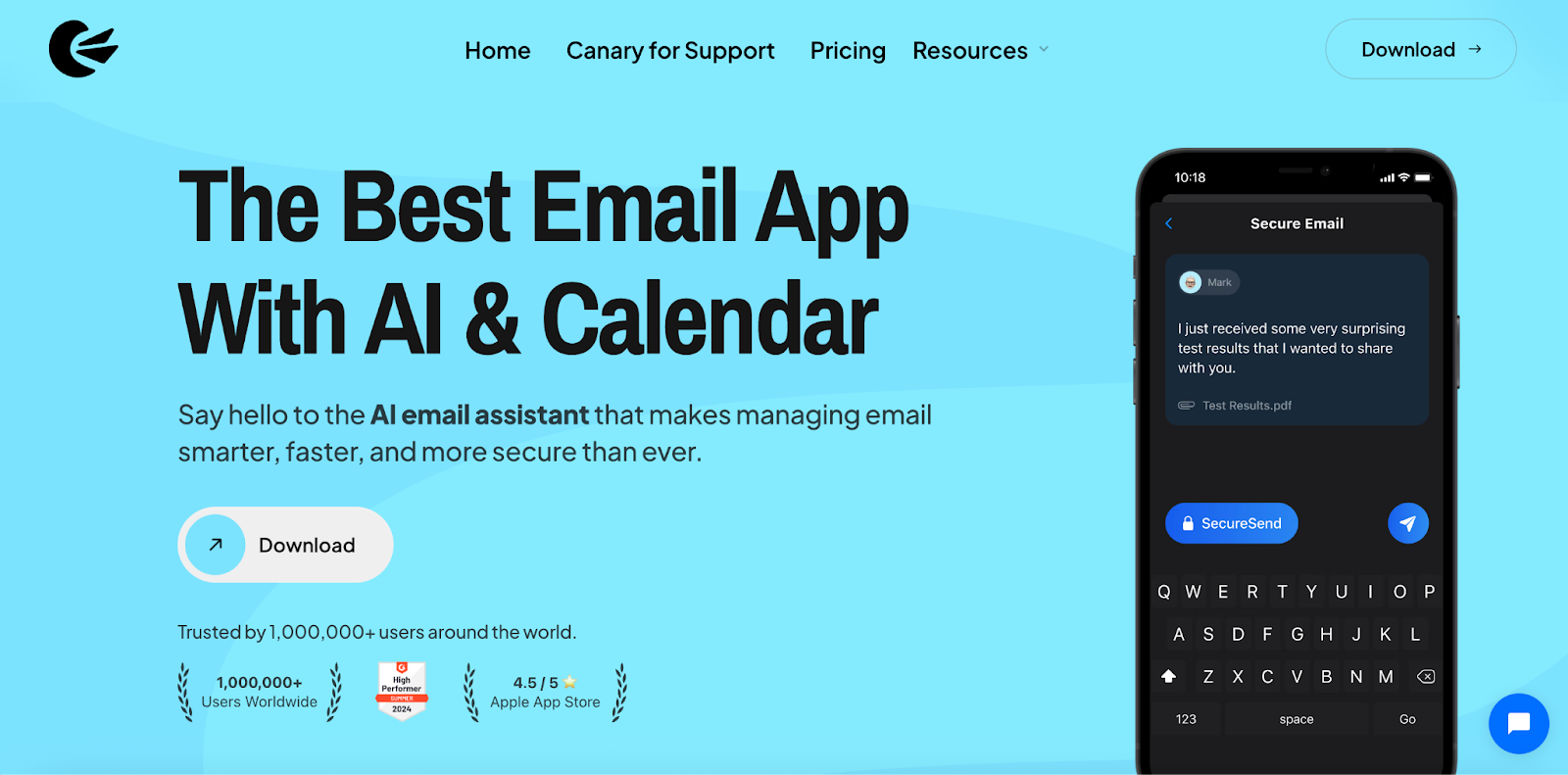
Disclosure: we make Canary Mail.
Canary is an email app for Gmail, Outlook and Microsoft 365, Exchange, iCloud, Yahoo and any IMAP account, all in one inbox. Its AI drafts replies, summarizes long threads and sorts incoming mail, and it does that across every account you add, not only the Google one. Tracker blocking is on by default, and the Pro+ plan adds PGP encryption and SecureSend password-protected messages, which Gmail doesn't offer on personal accounts. More than 2 million people use it, and Apple has featured it on the App Store and the Mac App Store.
- Who it's for: people who want to keep Gmail but get stronger AI, encryption and several accounts in one app
- Price: free for unlimited accounts on 2 devices; Growth $36 a year adds AI writing, read receipts, send later and calendar on 5 devices; Pro+ $100 a year adds PGP, SecureSend and phishing detection; lifetime licenses too; 7-day trial
- Platforms: Mac, iPhone, iPad, Windows, Android
- Downside: AI writing and encryption are on paid plans, and because it's an app, Google still stores your Gmail.
2. Dove: Best for an AI-first inbox
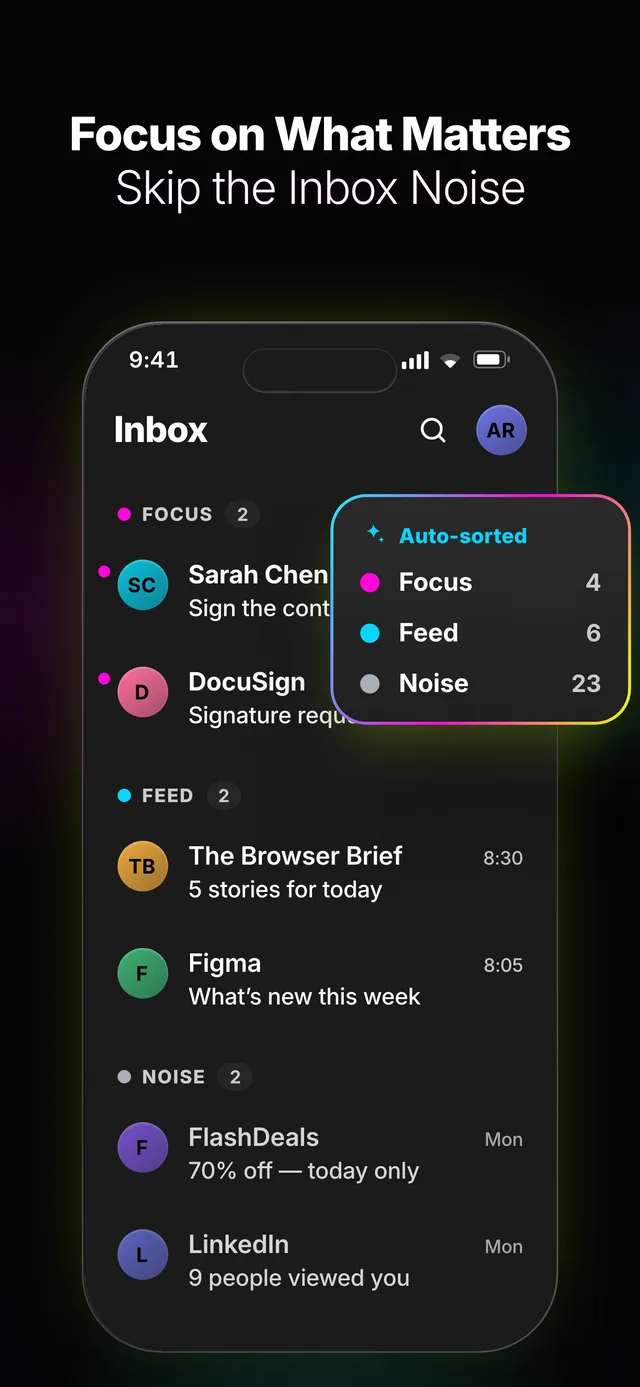
Disclosure: Dove is made by the same company as Canary Mail.
Dove is built around AI rather than adding it to a classic mail app. It sorts mail into what needs you and what doesn't, writes replies and gives you daily summaries, and it works with Gmail and other providers.
- Who it's for: people who want AI to do most of the inbox sorting
- Price: free with unlimited accounts and 10 AI actions a day; Pro $20 a month or $200 a year; 7-day free trial
- Platforms: Mac, iPhone, Android, Windows, web
- Downside: the free plan's AI allowance runs out quickly if you lean on it, and it's a newer app with far fewer reviews.
3. Apple Mail: Best free app on Apple devices
Apple Mail is already on your Mac, iPhone and iPad, and adding Gmail takes a minute. Mail Privacy Protection hides your IP address and loads remote content privately, which stops most open tracking. On devices that support Apple Intelligence you also get writing tools, message summaries and priority messages. Read Apple Mail vs Gmail for a feature-by-feature comparison.
- Who it's for: Apple users who want a clean, private app at no cost
- Price: free
- Platforms: Mac, iPhone, iPad
- Downside: Apple devices only, the AI features need recent hardware, and there's no PGP (S/MIME only).
4. Shortwave: Best AI search and triage for Gmail users

Shortwave is an AI email app made for Gmail and Google Workspace. Its assistant searches your whole mailbox in plain language, summarizes threads and drafts replies, and it groups newsletters and updates into bundles. More options in our Shortwave alternatives.
- Who it's for: heavy Gmail and Workspace users who search a lot
- Price: 14-day free trial; Business $30 per seat a month, Premier $45
- Platforms: web, iPhone, Android, Mac, Windows
- Downside: it only connects to Gmail and Google Workspace, and it's expensive for one person.
5. Superhuman: Best for keyboard speed
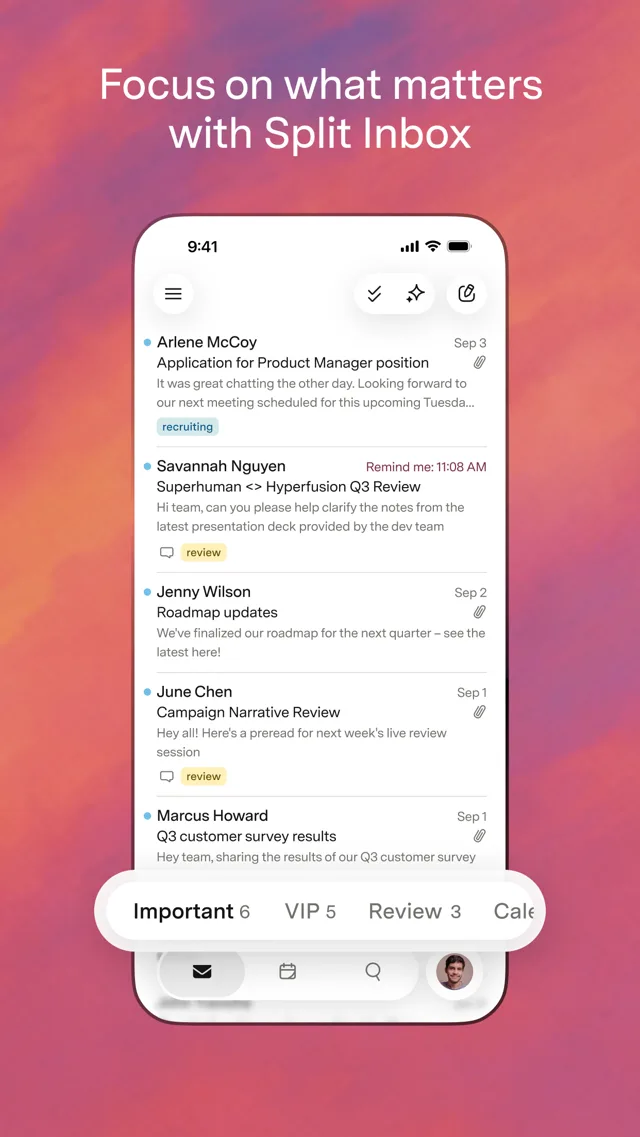
Superhuman is a fast, keyboard-driven email app for Gmail and Outlook accounts, with split inboxes, reminders and AI writing. It's now part of the Superhuman suite that also includes Grammarly. See our Superhuman alternatives if the price puts you off.
- Who it's for: people who live in email all day and like keyboard shortcuts
- Price: paid plans; superhuman.com shows prices in your local currency
- Platforms: Mac, Windows, web, iPhone, Android
- Downside: one of the most expensive email apps, and it only works with Gmail and Outlook accounts.
6. Mailbird: Best for a Windows desktop inbox
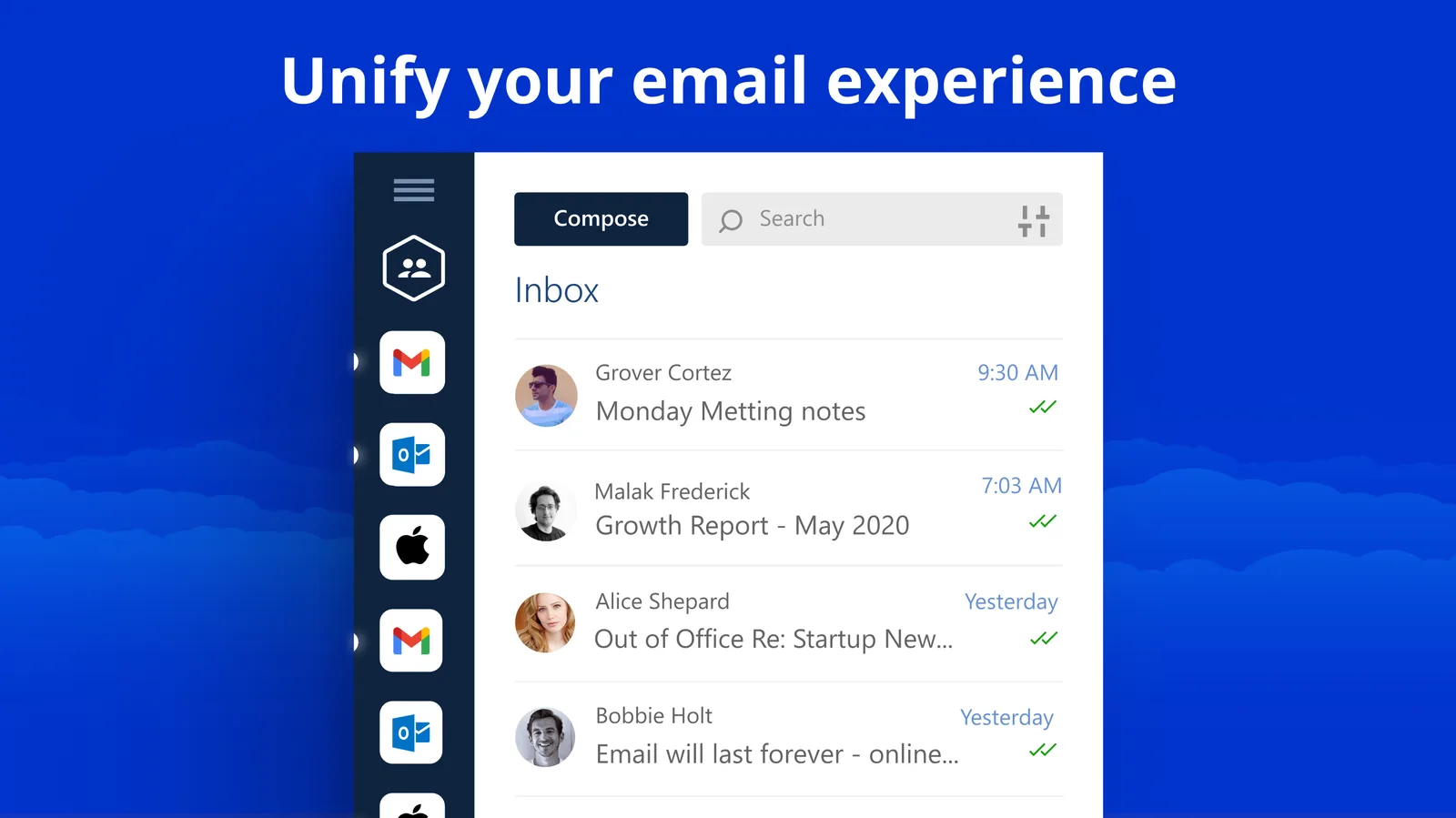
Mailbird is a desktop email app that puts Gmail and your other accounts in one unified inbox, with built-in apps such as calendars and chat in the sidebar. It started on Windows and now also has Mac, iPhone and Android apps. More in Mailbird alternatives.
- Who it's for: Windows users who want Gmail as a desktop app with their other accounts
- Price: free for 1 account on 1 device; paid plans unlock more accounts and features (prices shown in your local currency)
- Platforms: Windows, Mac, iPhone, Android
- Downside: the free plan is limited to one account and leaves out snooze, send later and templates.
Or switch email service
These replace Gmail itself, so you get a new address. The privacy gain is on the server: another company stores your mail, and with end-to-end encryption the provider can't read it. Expect to move old messages over and update your address with contacts and accounts. Outlook.com, iCloud Mail and Fastmail also work in other email apps such as Canary or Apple Mail; Proton needs a paid plan for that, and Tuta and Zoho's free plan don't support it.
7. Proton Mail: Best for privacy and encryption
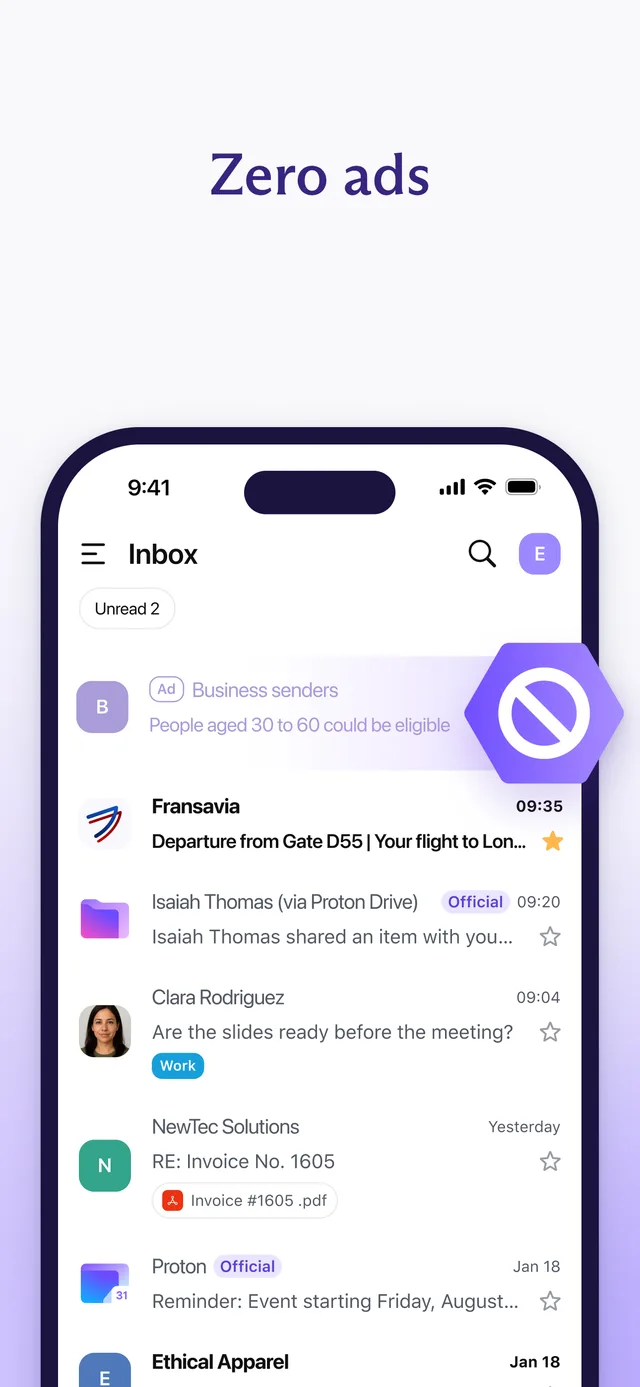
Proton Mail is the best-known private Gmail replacement and appears on almost every Gmail alternatives list. Mail between Proton users is end-to-end encrypted, and stored mail is encrypted so Proton can't read it. Its Easy Switch tool imports your Gmail folders and messages. See Canary Mail vs Proton Mail for how it compares with keeping Gmail and encrypting in the app, or Proton Mail alternatives.
- Who it's for: people who want Google out of their email and encryption by default
- Price: free with 500 MB, raised to 1 GB after setup steps, and 150 messages a day; Mail Plus $4.99 a month or $47.88 a year (first-year offers vary)
- Platforms: web, iPhone, Android, Mac, Windows, Linux
- Downside: the free plan is small, and using Proton in other email apps needs Proton Mail Bridge, which is paid-only.
8. Outlook.com: Best for Microsoft users
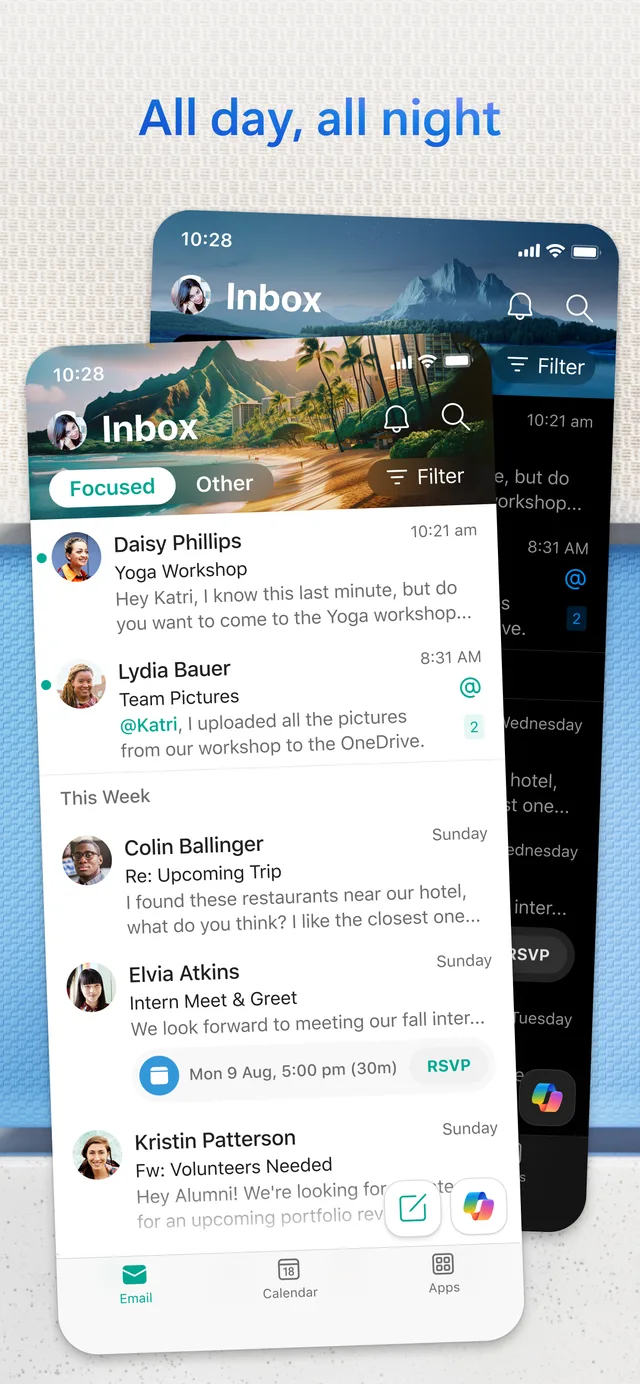
Outlook.com is Microsoft's free email service, and the Outlook apps on Windows, Mac and phones also handle Gmail, iCloud and Yahoo accounts. If you already use Word, Excel or Teams, it's the least disruptive switch. Our Outlook alternatives cover the other direction.
- Who it's for: people who live in Microsoft 365 or Windows
- Price: free with a Microsoft account, with ads; Microsoft 365 Basic $1.99 a month or $19.99 a year removes ads and adds 100 GB; Copilot in Outlook comes with Microsoft 365 Personal ($99.99 a year)
- Platforms: web, Windows, Mac, iPhone, Android
- Downside: the free inbox shows ads, and it's no more private than Gmail: you swap Google for Microsoft.
9. iCloud Mail: Best for Apple users
Every Apple Account comes with a free @icloud.com address, and it works in Apple Mail with no setup. Paying for iCloud+ adds Hide My Email (random forwarding addresses) and lets you use your own domain. The difference between the app and the service trips a lot of people up; Apple Mail vs iCloud Mail explains it.
- Who it's for: iPhone and Mac users who want a free address that isn't Google's
- Price: free with 5 GB of iCloud storage shared with photos and backups; iCloud+ from $0.99 a month for 50 GB
- Platforms: Apple devices, plus icloud.com/mail in any browser
- Downside: the free 5 GB fills up fast, and outside Apple devices you're mostly in a browser or a third-party app.
10. Zoho Mail: Best free email on your own domain

Zoho Mail is an ad-free business email service. Its Forever Free plan hosts email for one domain you own, which is rare. See also Zoho Mail alternatives and our list of the best free business email.
- Who it's for: freelancers and small teams who want you@yourdomain without paying
- Price: Forever Free for up to 5 users on one domain with 5 GB each (in selected regions); paid plans start with Mail Lite, billed per user yearly
- Platforms: web, iPhone, Android, plus desktop apps for Windows, Mac and Linux
- Downside: the free plan has no IMAP, POP or ActiveSync, so you're limited to Zoho's own web and mobile apps.
11. Tuta: Best for encryption without AI

Tuta (formerly Tutanota) encrypts your mail, contacts and calendar end to end, including subject lines. It's a paid company with no ads, based in Germany, and it has no AI features. More in Tutanota alternatives.
- Who it's for: privacy-first users who are happy in Tuta's own apps
- Price: free with 1 GB; Revolutionary €3 a month paid yearly (20 GB, 15 extra addresses); Legend €8 a month (500 GB)
- Platforms: web, iPhone, Android, Windows, Mac, Linux
- Downside: no IMAP, so it doesn't work in other email apps, and Gmail imports go through exported files.
12. Fastmail: Best ad-free mailbox that works in any app
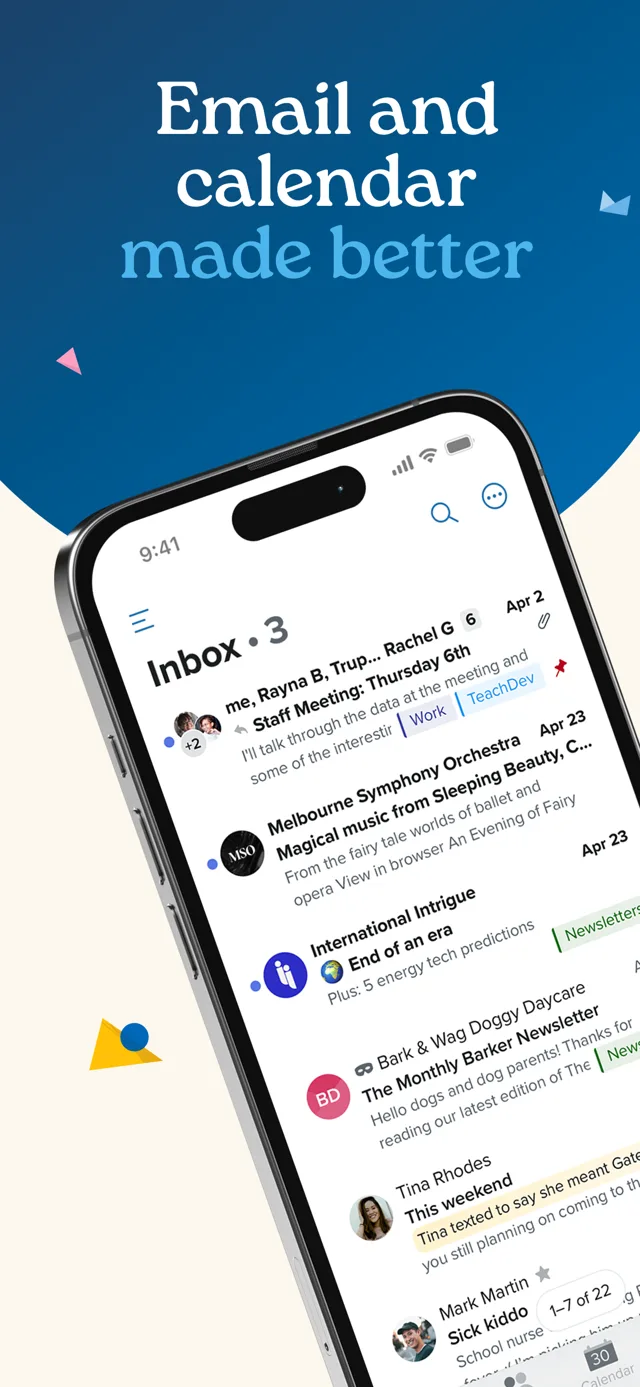
Fastmail is a paid email service with no ads and no data mining. It works with any email app over standard protocols, which Proton and Tuta don't make easy, and it has migration tools for mail, calendars and contacts. More in Fastmail alternatives.
- Who it's for: people who want a fast, ad-free mailbox and their choice of app
- Price: Individual $5 a month billed yearly (checked October 16, 2026); free trial, no free plan; fastmail.com may show your local currency
- Platforms: web, iPhone, Android, plus any IMAP app
- Downside: no end-to-end encryption in Fastmail's own apps, and there's no free plan.
Also worth a look
Thunderbird is the free, open-source desktop app for people who want email without any AI; it handles Gmail well and its Android app grew out of K-9 Mail (see Thunderbird alternatives). Yahoo Mail is still a free service with 20 GB in the US, but it shows ads unless you pay for Mail Plus (Yahoo Mail alternatives). Windows users who only want Gmail on the desktop can also install Gmail as an app, and on a Mac the best email clients for Mac list goes deeper.
Why people look for a Gmail alternative
- AI is built in, and the best of it costs extra. Personal accounts get Help me write, thread summaries and suggested replies, and the fuller Gemini features come with a paid Google AI plan. That AI only sees your Google mail.
- Google doesn't scan your mail for ads, but it does use it. Google says it doesn't read Gmail messages to show you ads, yet personal accounts still see ads in the Promotions and Social tabs, and your mail powers smart features such as categories and Smart Compose. You can turn smart features off, but then those features go too.
- Personal Gmail isn't end-to-end encrypted. Messages travel over TLS, but S/MIME is for work and school accounts, and Confidential mode is access control rather than encryption. Our guide on how to send encrypted email in Gmail compares each option.
- Other accounts are leaving Gmail on the web. You can no longer add a third-party account to Gmail in a browser, and Gmailify and POP import from other accounts end in January 2027. The Gmail mobile apps keep working with Outlook, iCloud and Yahoo accounts. Our Gmail guide covers what still works.
How to switch without losing email
Keeping Gmail: install the app, choose Google, sign in and allow access. Your mail syncs in the background and stays in Gmail, so you can keep using Gmail in a browser while you decide. Nothing to export, and you can stop at any time.
Moving to a new service:
- Create the new account and use its import tool (Proton's Easy Switch, Fastmail's migration, or an MBOX export from Google Takeout for Tuta).
- Turn on forwarding in Gmail so new mail reaches the new address while people catch up.
- Change your email on important accounts first: bank, Apple or Microsoft account, password manager.
- Tell contacts, and keep the Gmail account for a while rather than deleting it.
If you'll be juggling the old and new addresses for a while, our list of the best email apps for multiple accounts helps, and the guide to managing multiple Gmail accounts covers keeping two Gmail addresses side by side.
How we chose
We listed the options that the top-ranking Gmail alternative guides recommend most often, kept the ones a personal user can sign up for (team inbox tools are left out), and split them into apps that keep your Gmail address and services that replace it. Canary and Dove are ours and are marked. Prices, free plans and limits come from each company's own pricing and help pages, checked on November 12, 2026 unless noted. Screenshots come from each app's official store listing.
Frequently asked questions
What is the best Gmail alternative in 2026?
For a new address, Proton Mail is the strongest all-round choice if privacy is the reason you're leaving, Outlook.com if you use Microsoft's apps, and iCloud Mail on Apple devices. If you want to keep your Gmail address, change the app instead: Canary Mail (ours) adds AI and PGP encryption across all your accounts, and Apple Mail is free on Apple devices.
Why are people moving away from Gmail?
Mostly because of ads in the Promotions and Social tabs, unease about Google using mail for smart features and AI, the lack of end-to-end encryption on personal accounts, and Gmail on the web dropping support for other accounts. The first two can be eased with a different app; full encryption needs a different service.
What is the best free email to use?
Outlook.com and iCloud Mail are the easiest free services, Proton Mail Free gives you encryption with 500 MB to 1 GB, Zoho Mail is free on your own domain for up to 5 users, and Yahoo Mail gives 20 GB in the US with ads. If you keep Gmail, Apple Mail and Canary Mail's free plan are free apps for it.
What is the most hacked email provider?
There's no reliable public ranking, and most account takeovers don't come from a provider being broken into. They come from reused passwords and phishing. Whichever service you use, turn on two-step verification or passkeys and use a unique password.
Which email is safer than Gmail?
For privacy from the provider, Proton Mail and Tuta encrypt your stored mail so they can't read it. Gmail's own security against outside attacks is strong, so if you keep it, the biggest gains come from two-step verification and, for sensitive messages, PGP encryption in an app that supports it.
Can I keep my Gmail address and use a different app?
Yes. Apps such as Canary Mail, Apple Mail, Outlook and Thunderbird sign in to Gmail with Google's own login, and your mail stays in your Gmail account. You can stop using the app at any time without losing anything.
What is the downside of Proton Mail?
The free plan is small and capped at 150 messages a day, and using Proton in Outlook, Apple Mail or another app needs Proton Mail Bridge on a paid plan. Search inside encrypted mail also works differently from Gmail's.
Will Google still process my email if I use Canary?
Yes. Canary is an app, so your Gmail stays on Google's servers. What changes is the app layer: Canary's AI, tracker blocking and PGP encryption. To stop Google holding new mail, you need a different email service.
Sources
- Proton Mail pricing
- Proton Mail Bridge
- Microsoft 365 Basic
- Apple: iCloud+ plans and pricing
- Zoho Mail pricing
- Tuta pricing
- Fastmail pricing
- Shortwave pricing
- Superhuman plans
- Mailbird pricing
- Dove pricing
- Canary Mail pricing
- Google: Smart features and controls
- Google: How Gmail ads work
- Google: Confidential mode
- Google: Changes to third-party accounts in Gmail
- Apple: Protect your privacy in Mail