Short answer: the best AI email assistant depends on where you already work: the AI built into Gmail or Outlook if you only use one of them, or an AI email app such as Canary Mail (ours) if you want AI across several accounts. Gemini in Gmail and Copilot in Outlook are the place to start for a single account. Across several accounts, Canary Mail costs from $36 a year, Spark from $99 a year and Superhuman Mail from $25 a month. To keep your current app, an add-on like Fyxer drafts replies inside Gmail or Outlook.
Disclosure: we make Canary Mail, one of the apps below. We've said where it falls short too. Prices and features were checked on each vendor's own site in October 2026.
What an AI email assistant can do
- Write and reply: draft an email from a short prompt, or suggest a reply in your tone.
- Summarize: turn a long thread into a few key points.
- Sort: put important mail first and move newsletters and notifications out of the way.
- Search and answer: find an email or a fact by asking in plain language.
- Act in the background: some tools draft replies or set reminders before you open your inbox.
They come in three forms: email apps with AI built in, the AI inside Gmail, Outlook and Apple Mail, and add-ons that work with the inbox you already use.
AI email assistants compared
| Tool | Type | Works with | Free option | Paid from |
|---|---|---|---|---|
| Canary Mail | Email app | Gmail, Outlook, iCloud, Exchange, IMAP | Free plan (AI inbox sorting) | $36/year |
| Superhuman Mail | Email app | Gmail, Microsoft 365 | No | $25/month yearly ($30 monthly) |
| Shortwave | Email app | Gmail only | Free plan (limited AI) | $18/month |
| Spark | Email app | Most providers | Free plan (no AI writing) | $99/year or $10/month |
| Gemini in Gmail | Built into Gmail | Gmail | Free for US personal accounts | Google AI Plus $4.99/month |
| Copilot in Outlook | Built into Outlook | Outlook, plus Gmail, iCloud and Yahoo added to it | No (personal accounts) | Microsoft 365 Personal $9.99/month |
| Apple Intelligence | Built into Apple Mail | Any account in Apple Mail | Free on supported devices | Free |
| Fyxer | Add-on | Gmail, Outlook | Free plan | $37/month yearly |
| SaneBox | Add-on (filtering) | Most providers | 7-day trial | $29/year |
| Grammarly | Add-on (writing) | Gmail, Outlook, Apple Mail and more | Free plan | $144/year ($30 monthly) |
The best AI email apps
These replace your inbox app and add AI across your accounts.
1. Canary Mail: Best for AI across all your accounts

Canary Mail (ours) puts Gmail, Outlook, iCloud, Exchange and IMAP accounts in one inbox on Mac, iPhone, iPad, Windows and Android. Its AI drafts replies from context, summarizes long threads, switches tone in one click and lets you search your mail in plain language. Sorting and prioritizing run on your device, while drafts and summaries use hosted AI models, and Canary says your emails aren't used to train AI.
- Price: free plan with AI inbox sorting; Growth $36 a year adds AI writing and summaries; Pro+ $100 a year adds PGP encryption; lifetime licences from $100; 7-day free trial
- Accounts: unlimited, including on the free plan
- Platforms: Mac, iPhone, iPad, Windows, Android (free plan: unlimited accounts on up to 2 devices)
- Rating: 4.5 on the US App Store (8,786 ratings) and 4.3 on Google Play (7,706 reviews), as of October 16, 2026
- Downside: AI writing and summaries need Growth, and there's no web app.
2. Superhuman Mail: Best for speed with Gmail or Microsoft 365
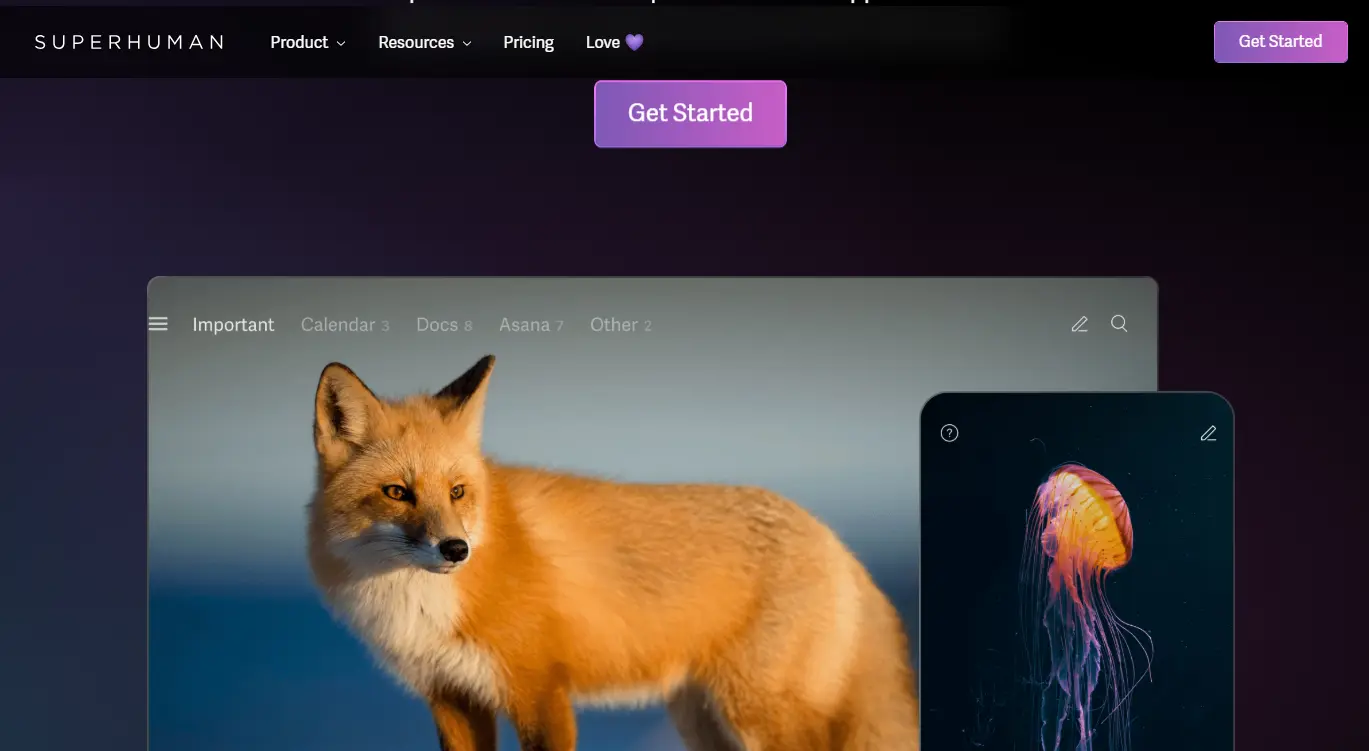
Superhuman Mail (the company formerly called Grammarly renamed itself Superhuman in 2025) is a fast, keyboard-first app for Gmail and Microsoft 365. Every plan writes with AI, auto-summarizes and auto-labels mail; Business adds Auto Drafts, Ask AI across email and calendar, and voice and tone matching.
- Price: Starter $25 a month billed yearly ($30 monthly); Business $33 yearly ($40 monthly); no free plan
- Works with: Gmail and Microsoft 365 only; Mac, Windows, web, iPhone and Android
- Rating: 4.6 on the US App Store (3,702 ratings) and 4.5 on Google Play (725 reviews), as of October 16, 2026
- Downside: it's the most expensive app here, and the best AI features need Business.
3. Shortwave: Best AI assistant for Gmail
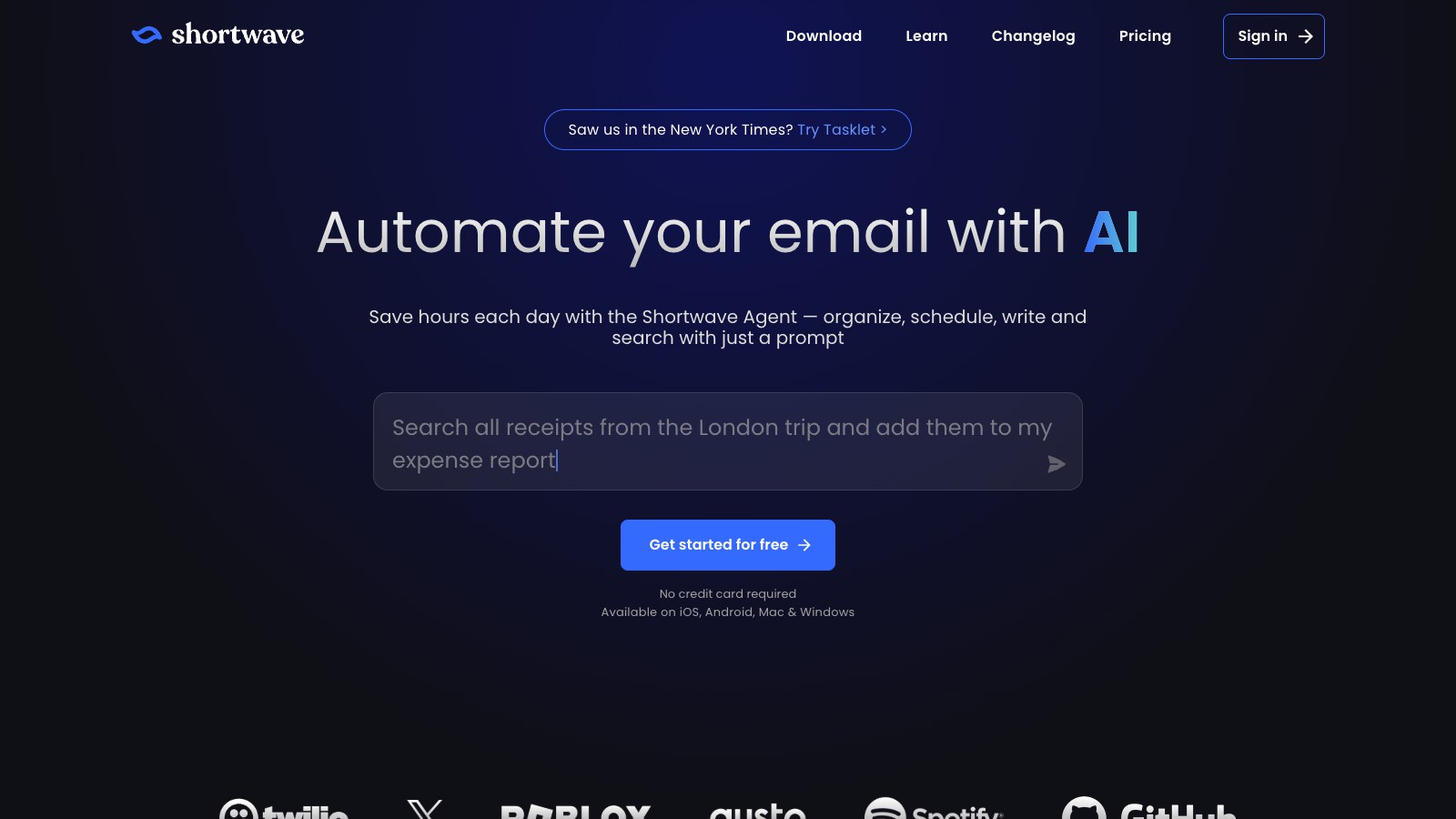
Shortwave is a Gmail app built around an AI assistant that searches your mail, writes in your style, organizes your inbox and summarizes threads. The free plan includes basic AI and 90 days of search history.
- Price: free plan; Pro $18 a month; Business $30
- Works with: Gmail and Google Workspace only; web, Mac, Windows, iPhone and Android
- Free plan: 90 days of search history, a limited AI allowance and a "Sent with Shortwave" signature
- Rating: 4.7 on the US App Store (746 ratings) and 4.4 on Google Play (1,260 reviews), as of October 16, 2026
- Downside: no Outlook or Microsoft 365 support.
4. Spark: Best for a smart inbox with AI on top

Spark sorts mail with its Smart Inbox, and its +AI writes, replies, edits, translates and summarizes, with an AI Assistant that answers questions across your email and calendar. It works with most providers on Mac, Windows, iPhone, iPad and Android. Spark says your content and AI requests aren't used to train its systems.
- Price: free plan (no AI writing); Plus $99 a year or $10 a month; Pro $199 a year or $20 a month
- Trial: 7 days
- Platforms: Mac, iPhone, iPad, Windows, Android
- Rating: 4.6 on the US App Store (82,668 ratings) and 4.1 on Google Play (89,371 reviews), as of October 16, 2026
- Downside: AI needs Plus, and some mail passes through Spark's servers.
AI built into the email you already use
Often the easiest place to start, and sometimes free.
5. Gemini in Gmail: Best free option in the US
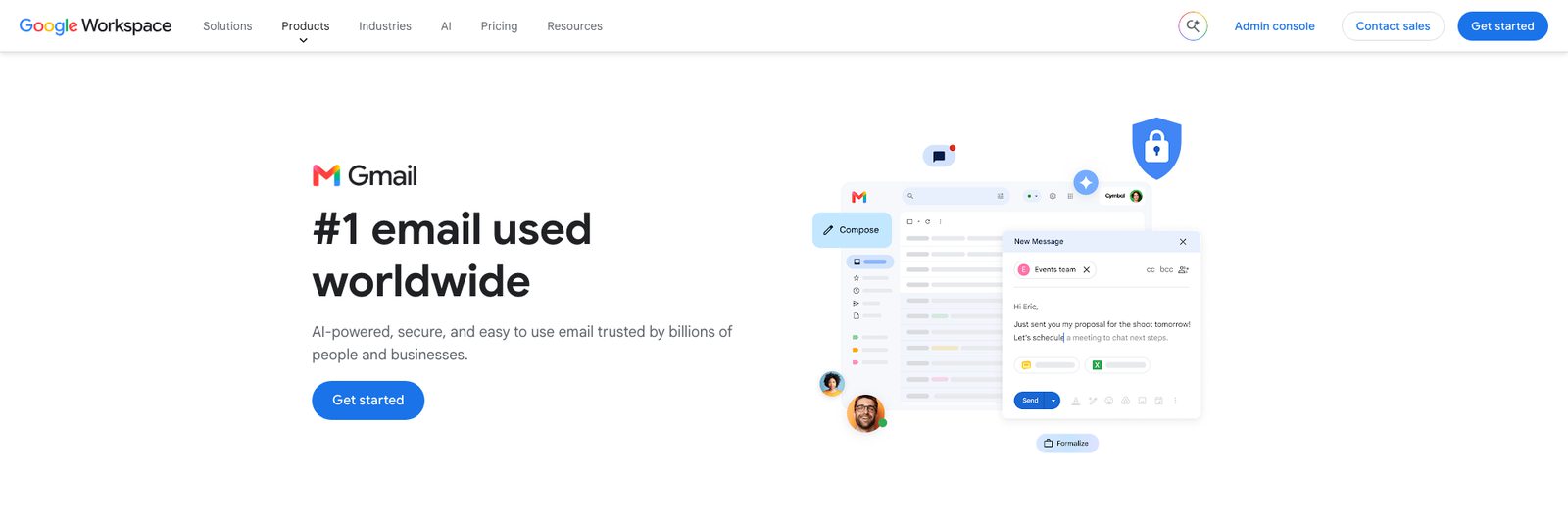
Gmail's built-in AI can write a draft (Help me write), suggest replies and summarize long threads. Personal accounts in the US get these free; elsewhere, Help me write needs a paid plan. Google AI plans add the AI Inbox and, on Pro, AI search.
- Price: free in the US for personal accounts; Google AI Plus $4.99 a month; Pro $19.99; included with Google Workspace from $7 per user
- Works with: Gmail only
- Downside: the free features are US-only, and it only covers Gmail.
6. Copilot in Outlook: Best for Microsoft 365 users

Copilot drafts emails from a prompt, summarizes threads and coaches you on tone and clarity in Outlook on Windows, Mac, iPhone, Android and the web. It also works on Gmail, Yahoo and iCloud accounts you add to Outlook (not in classic Outlook for Windows), and Microsoft says it doesn't train its foundation models on your data.
- Price: with Microsoft 365 Personal ($9.99 a month), Family or Premium; not included in Microsoft 365 Basic or free Outlook
- Works with: Outlook accounts, plus other accounts added to Outlook
- Downside: there's no free Copilot in Outlook for personal accounts.
7. Apple Intelligence in Apple Mail: Best free option on Apple devices
On recent Apple devices, Apple Mail's Writing Tools write, rewrite and proofread, Smart Reply drafts answers, summaries appear under unread emails, and Priority Messages puts urgent mail first. It works with any account you add to Mail, at no extra cost.
- Price: free
- Needs: iPhone 15 Pro, iPhone 16 or later, or an iPad or Mac with M1 or later
- Downside: Apple devices only, and not every feature is in every language or region.
AI add-ons for your current inbox
These work with the email app you already have.
8. Fyxer: Best for AI drafts inside Gmail or Outlook
Fyxer works inside Gmail or Outlook: it organizes your inbox, drafts replies for you to review, takes meeting notes and helps with scheduling.
- Price: free plan; Pro $37 a month billed yearly or $49 monthly; Team $64 or $99; 14-day trial on paid plans
- Free plan: 400 credits a month, without inbox sorting or automatic reply drafts
- Works in: Gmail and Outlook, plus Fyxer's web hub
- Downside: the paid plans cost more than most email apps here.
9. SaneBox: Best for sorting without changing apps
SaneBox filters your mail on the server, so it works with any provider and any email app. It moves unimportant mail to a SaneLater folder, sends a daily digest, blocks senders for good and reminds you to follow up. Only the top Dinner plan drafts replies and summarizes mail.
- Price: Snack $29, Lunch $49, Dinner $139 a year ($3.49, $5.99, $16.99 monthly); 7-day free trial
- Works with: any email app or provider
- Rating: 4.6 on the US App Store (649 ratings), as of October 16, 2026
- Downside: only Dinner adds AI reply drafts and summaries; Snack and Lunch just sort.
10. Grammarly: Best for polishing what you write
Grammarly, now part of Superhuman, checks and rewrites your emails, adjusts tone and drafts replies with AI. It works in Gmail through its browser extension, and in Outlook and Apple Mail through its desktop app.
- Price: free plan; Pro $144 a year ($12 a month) or $30 monthly
- Platforms: browser extension, Mac, Windows, iPhone, Android
- Rating (Grammarly keyboard app): 4.7 on the US App Store (226,239 ratings) and 4.3 on Google Play (264,034 reviews), as of October 16, 2026
- Downside: it helps you write, but doesn't sort or summarize your inbox.
Can ChatGPT write or organize my email?
ChatGPT can draft any email you describe, and you can paste it into your email app. With its official Gmail or Outlook apps connected, it can also search and reference your messages and draft replies, and on Plus, Pro, Business and Enterprise plans it can send email from the chat on the web. What it doesn't do is sort your inbox continuously in the background; it acts when you ask. On Free, Plus and Pro, OpenAI may use information from connected apps to train its models if "Improve the model for everyone" is on. General AI agents like Lindy (from $29.99 a month) go further and can triage and draft in the background.
What to look for, according to email experts
We asked people who work in email what matters when choosing an AI assistant.
"For me, I'd look for something that can prioritize emails and highlight key messages without missing anything critical. Oh, and it has to learn from my habits like who I reply to quickly, my tone, all of that." Oleksii Ianchuk, Product Lead at Mailtrap
"Since emails are often viewed as a more formal and official form of communication, the AI software should be both confident and cautious in its responses." Andre Braga, Senior Product Manager at Tidio
"The most effective strategy is the development of specialized AI agents that go beyond automation, learning and adapting to the unique needs of specific businesses." Dmytro Kudrenko, Founder and CEO of Stripo
"I'm not one to think AI will fully replace the humans and EQ required to take the hands fully off the AI wheel. But it will enhance productivity when leveraged correctly." Scott Cohen, CEO at InboxArmy
In practice, check four things: which accounts it supports, whether the AI you need is on the plan you'd pay for, how it handles your data (and whether it trains on it), and whether it fits the apps you already use.
How to choose
- You use one Gmail or Outlook account: start with Gemini or Copilot, or try Fyxer inside your inbox.
- You have several accounts: an AI email app like Canary Mail or Spark covers them all.
- You live on the keyboard and pay for speed: Superhuman Mail.
- You're on Apple devices: Apple Intelligence in Apple Mail is free.
- You just want less clutter: SaneBox.
For more options, see our list of Superhuman alternatives and our Canary Mail vs Superhuman comparison. Coming from Notion Mail, which shut down on September 22, 2026? Our guide to Notion Mail alternatives covers which apps replace its AI labels and custom views.
Frequently asked questions
What is the best AI email assistant?
For Gmail or Outlook users, the built-in Gemini or Copilot is the easiest start. For AI across several accounts, an email app like Canary Mail or Spark; for speed on Gmail or Microsoft 365, Superhuman Mail.
Can ChatGPT help me write an email?
Yes. Describe what you want and ChatGPT drafts it. With its Gmail or Outlook app connected, it can also read relevant messages and draft replies, and paid plans can send email from the chat on the web.
How much do AI email assistants cost?
From free to about $40 a month. Gemini in Gmail (US personal accounts) and Apple Intelligence are free; Canary Mail's AI starts at $36 a year, Spark's at $99 a year, Copilot needs Microsoft 365 Personal at $9.99 a month, and Superhuman Mail starts at $25 a month.
Is there a free AI email assistant for Outlook?
Not from Microsoft for personal accounts: Copilot in Outlook needs Microsoft 365 Personal or higher. Free alternatives include Canary Mail's free plan (AI inbox sorting) with your Outlook account, Apple Intelligence if you use Apple Mail, and Grammarly's free plan in the Outlook desktop app.
Can ChatGPT organize my emails?
Not continuously. With Gmail or Outlook connected it can find, summarize and draft on request, but it doesn't sort your inbox in the background. Tools like SaneBox, Fyxer or an AI email app do that.
Do AI email assistants read my email?
To summarize or reply, they have to process it. Check each tool's policy: Canary, Spark, Superhuman and Microsoft all say they don't train their models on your email, and Apple runs much of its AI on your device.
Sources
- Canary Mail pricing
- Canary Mail AI
- Superhuman Mail pricing
- Shortwave pricing
- Spark pricing
- Google: Gemini in Gmail
- Google AI plans
- Microsoft: Copilot with other email accounts
- Microsoft 365 plans
- Apple: Apple Intelligence
- Fyxer pricing
- SaneBox pricing
- Grammarly Pro pricing
- Lindy pricing
- App Store and Google Play ratings: each app's US store listing, checked October 16, 2026