Short answer: for most people the best email app for Android is the one that matches their accounts. Gmail is already on your phone and is the easiest choice if you live in Google. Outlook is the pick for work and Microsoft 365. Canary Mail or Spark suit you if you juggle several providers and want AI help, and Thunderbird for Android (the app formerly called K-9 Mail) is the best free, open-source option.
Quick picks by need:
- Zero setup: Gmail, or Samsung Email on a Galaxy phone.
- Work account on Microsoft 365 or Exchange: Microsoft Outlook.
- Several providers plus AI, with the same app on your computer: Canary Mail, Spark or Dove.
- Free and open source: Thunderbird for Android or FairEmail.
- End-to-end encryption and you're willing to change address: Proton Mail.
Disclosure: Canary Mail and Dove are made by our company. They get the same treatment as every other app here, downsides included.
Quick comparison
| App | Best for | Free plan | Paid from | AI | Also on |
|---|---|---|---|---|---|
| Canary Mail | Many accounts, AI, encryption | Unlimited accounts, 2 devices | $36/year | Yes (paid plans) | iPhone/iPad, Mac, Windows |
| Gmail | Google accounts, zero setup | Free, 15 GB shared storage | Google One storage from $1.99/month | Gemini (Google AI plans) | iPhone/iPad, web |
| Microsoft Outlook | Work, Microsoft 365, Exchange | Free, ads on Outlook.com accounts | Microsoft 365 Personal $9.99/month | Copilot (Microsoft 365) | Windows, Mac, iPhone/iPad, web |
| Dove | AI-first inbox | Unlimited accounts, 10 AI actions a day | $20/month or $200/year | Yes, core of the app | iPhone, Mac, Windows, web |
| Spark | Smart triage, small teams | Unlimited accounts | $10/month or $99/year | Spark +AI (paid plans) | iPhone/iPad, Mac, Windows |
| BlueMail | Free all-rounder on every OS | Unlimited accounts | $4.99/month or $35.99/year | GemAI (Plus) | iPhone/iPad, Mac, Windows, Linux |
| Yahoo Mail | Yahoo and AOL users | Free, 20 GB, with ads | Mail Plus $5/month | Not a focus | iPhone/iPad, web |
| Thunderbird for Android | Open source, ex-K-9 users | Everything free | None (donations) | No | Desktop Thunderbird (Windows, Mac, Linux) |
| Edison Mail | Automatic sorting, unsubscribing | Unlimited accounts | Edison Mail+ $14.99/month or $99.99/year | AI Compose, Assistant | iPhone, Mac, Windows |
| Proton Mail | Encrypted email (new address) | 1 GB, 1 address | Mail Plus $4.99/month or $3.99/month yearly | Scribe writer (some plans) | iPhone/iPad, web, desktop app |
The best email apps for Android in 2026
The first nine apps connect to the email address you already have. Proton Mail, at the end, is a different kind of choice: an encrypted email service you move to.
1. Canary Mail: Best for several accounts with AI

Disclosure: we make Canary Mail, so weigh this pick accordingly.
Canary puts Gmail, Outlook, iCloud, Yahoo, Exchange and any IMAP account in one app, with a unified inbox you can switch to a single account in a tap. It's used by more than 2 million people and has been featured by Apple on the App Store and the Mac App Store. On paid plans you get AI that drafts replies in your tone, summarizes long threads and sorts incoming mail. Read receipts, send later and rules are there too, and Pro+ adds PGP encryption, SecureSend and phishing detection. The same app runs on iPhone, Mac and Windows, so your setup follows you from phone to computer.
- Who it's for: people with mail at several providers who want AI help and the same app on phone and computer
- Price: free with unlimited accounts on up to 2 devices; Growth $36/year (AI Copilot, send later, rules, up to 5 devices); Pro+ $100/year (adds PGP, SecureSend and phishing detection). Both paid plans also come as one-time lifetime licenses, with a 7-day trial and no card needed.
- Platforms: Android, iPhone and iPad, Mac, Windows
- Standout features: unified inbox, AI writing and summaries, read receipts, PGP encryption
- Downside: AI and the advanced features are on paid plans, and billing is yearly or lifetime only, with no monthly option.
2. Gmail: Best built-in option for Google accounts
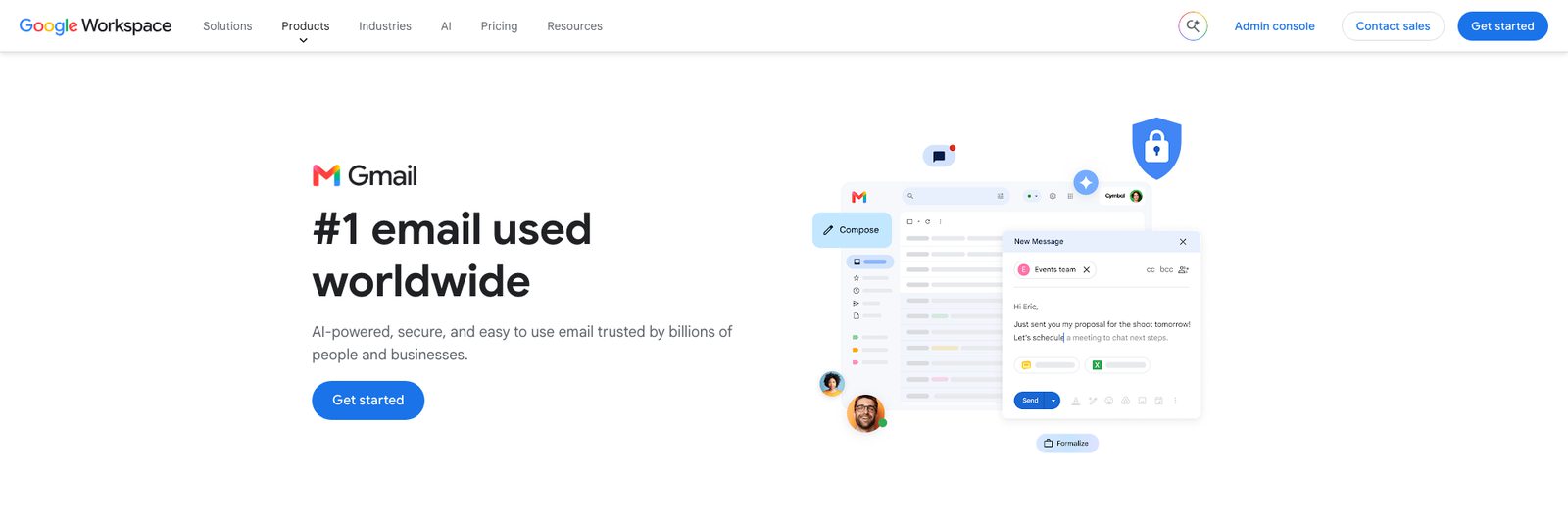
Gmail comes preinstalled on almost every Android phone, so for many people the best email app is the one they already have. It's also not just for Gmail. You can add Outlook, iCloud and Yahoo accounts (or any IMAP account) and see them together by tapping the menu and choosing All inboxes. Google's spam filter, tabbed categories and search are the best reasons to stay. Gemini can summarize threads and help write replies if your Google plan includes Gemini in Gmail.
- Who it's for: anyone whose main address is Gmail or Google Workspace and who wants zero setup
- Price: free with 15 GB of storage shared across Gmail, Drive and Photos. Google One storage plans start at $1.99/month for 100 GB, and Gemini in Gmail comes with Google AI plans.
- Platforms: Android, iPhone and iPad, web (no desktop app)
- Standout features: spam filtering, categories, fast search, All inboxes view
- Downside: non-Google accounts are second-class citizens. They connect over IMAP and don't get Gmail's categories or spam filtering, and ads show up in the Promotions and Social tabs.
3. Microsoft Outlook: Best for work and Microsoft 365

If your job runs on Microsoft 365 or Exchange, Outlook is the safe choice. IT departments approve it, and it handles work mailboxes, shared calendars and Office attachments better than any third-party app. It also takes Gmail, Yahoo, iCloud and IMAP accounts, with a combined inbox and Focused Inbox to separate important mail from the rest. The calendar lives in the same app.
- Who it's for: anyone with a work or school Microsoft account, and Microsoft 365 subscribers
- Price: free. Free Outlook.com accounts show ads; a Microsoft 365 subscription (Personal is $9.99/month or $99.99/year) removes them for Outlook.com addresses and adds Copilot.
- Platforms: Android, iPhone and iPad, Windows, Mac, web
- Standout features: Exchange and Microsoft 365 support, built-in calendar, Focused Inbox
- Downside: Outlook can sync your Gmail, Yahoo, iCloud and IMAP accounts through the Microsoft Cloud, which means a copy of that mail sits in Microsoft's data centers. See Outlook alternatives if that bothers you.
4. Dove: Best AI-first inbox
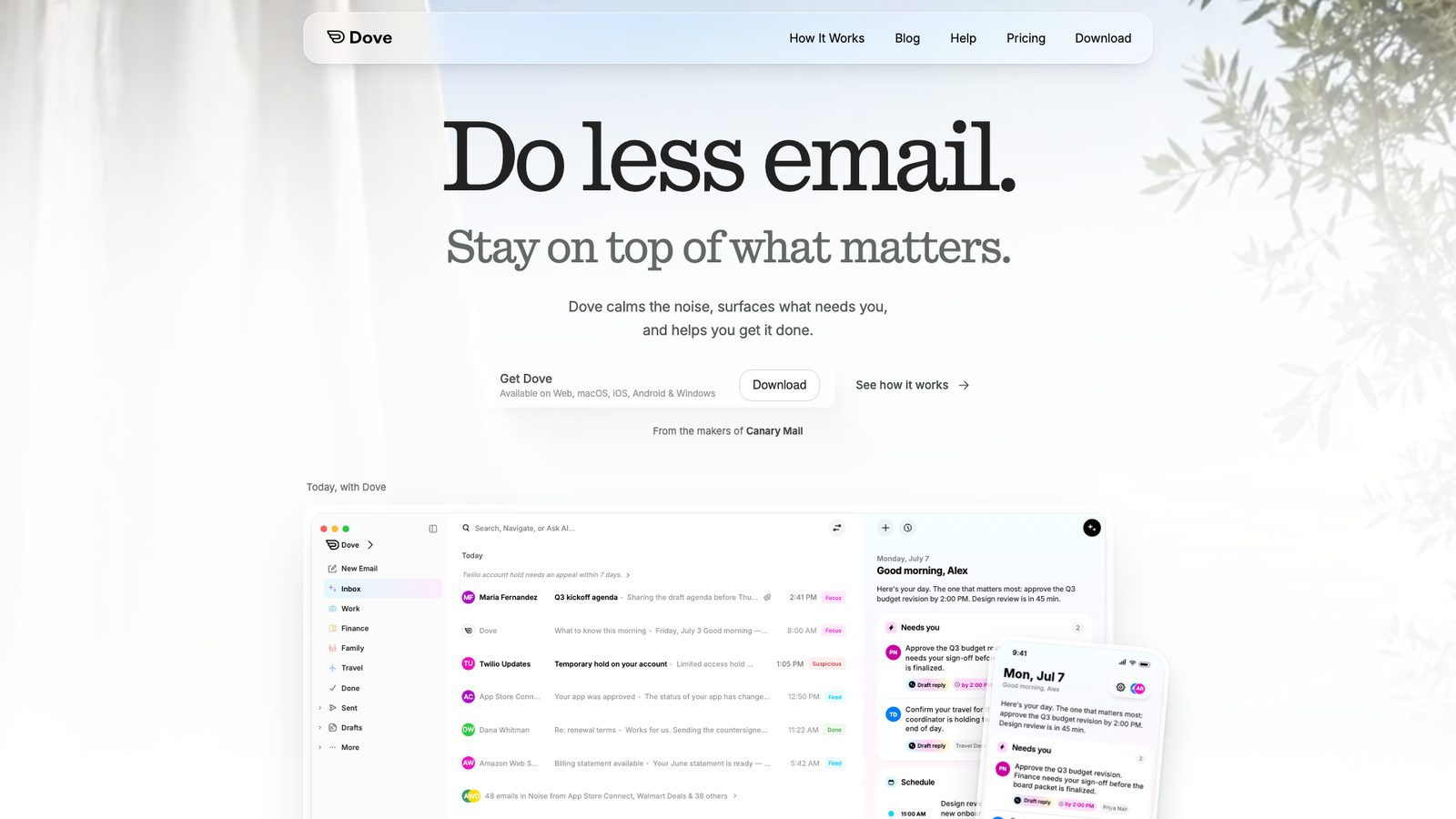
Disclosure: Dove is built by the team behind Canary Mail, our company.
Dove is a newer app that puts AI at the center rather than adding it on. It sorts mail into Focus, Feed and Noise, writes a short "Today" summary of what needs you, and lets you ask your inbox questions in plain language ("What should I know for Lisbon next week?"). You can teach it rules in your own words, and every email gets a risk score for phishing and impersonation. It works with Gmail, Google Workspace, Outlook, Microsoft 365, Yahoo and IMAP accounts.
- Who it's for: people drowning in email who want AI to triage it and tell them what to do next
- Price: free with unlimited accounts and 10 AI actions a day; Pro is $20/month or $200/year with unlimited AI. The 7-day Pro trial asks for a card.
- Platforms: Android, iPhone, Mac, Windows, web
- Standout features: AI triage into Focus, Feed and Noise, daily summary, Ask Dove, plain-language rules
- Downside: it's new, with a small Android user base so far, and Pro costs more than most apps on this list.
5. Spark: Best for smart triage and small teams

Spark's Smart Inbox groups mail into people, notifications and newsletters, so personal messages don't drown under promotions. The free plan takes unlimited accounts, and the paid plans add Spark +AI for writing and summaries plus team tools such as shared drafts and comments. It's one of the more polished Android apps here, and it matches Spark on iPhone, Mac and Windows.
- Who it's for: busy professionals and small teams who want triage done for them
- Price: free; Plus $10/month or $99/year; Pro $20/month or $199/year
- Platforms: Android, iPhone and iPad, Mac, Windows
- Standout features: Smart Inbox, Smart Notifications, team collaboration, Spark +AI
- Downside: some features process your mail on Readdle's servers, and the free plan only gets a limited AI preview. See Spark alternatives for other options.
6. BlueMail: Best free all-rounder across platforms
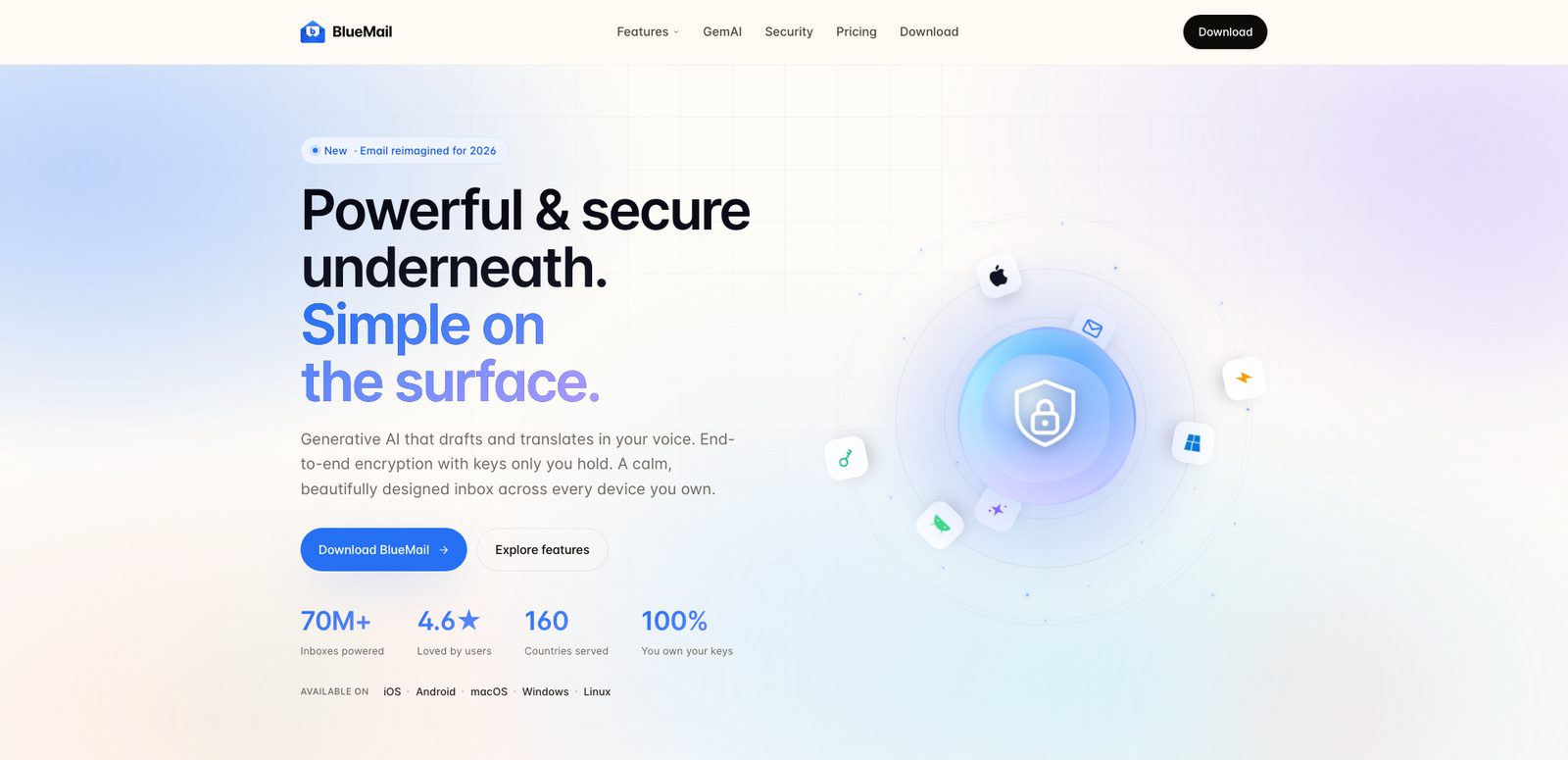
BlueMail's free Personal plan is unusually generous: unlimited accounts, a unified inbox, Clusters that group mail by sender type, and PGP encryption. It runs on more systems than anything else here, Linux included. The Plus plan adds GemAI, its AI assistant, plus premium themes and email backup.
- Who it's for: people with mixed providers who want a free app on every device they own
- Price: free Personal plan; Plus $4.99/month or $35.99/year in the US (a sale price at the time of writing; the regular yearly price is $49). Team is $12 per user per month.
- Platforms: Android, iPhone and iPad, Mac, Windows, Linux
- Standout features: Clusters, PGP, unified inbox, cross-platform
- Downside: the settings are sprawling, and BlueMail's privacy policy has drawn criticism in the past. More picks in BlueMail alternatives.
7. Yahoo Mail: Best for Yahoo and AOL users
If your address ends in yahoo.com or aol.com, the Yahoo Mail app is the most complete way to use it on Android. Free accounts get 20 GB of storage and up to three disposable addresses for sign-ups, and the app can also add Gmail, Outlook and AOL accounts. Mail Plus removes ads and raises the limits.
- Who it's for: Yahoo and AOL users, and anyone who wants disposable addresses built in
- Price: free; Mail Plus $5/month with a 14-day trial (ad-free, 200 GB, up to 500 disposable addresses, auto-forwarding)
- Platforms: Android, iPhone and iPad, web
- Standout features: disposable addresses, large free storage, auto-forwarding on Plus
- Downside: the free app carries a lot of ads, and Yahoo's past data breaches still put some people off. See Yahoo Mail alternatives.
8. Thunderbird for Android: Best free open-source app (formerly K-9 Mail)

Thunderbird for Android is the app that used to be K-9 Mail. Thunderbird took over K-9 in 2022 and released the renamed app as Thunderbird for Android 8.0 on October 30, 2024. It's free, open source and donation-funded, with no ads and no account to create with the vendor. You get unlimited accounts, a unified inbox and OpenPGP encryption, and it pairs naturally with Thunderbird on your computer.
- Who it's for: privacy-minded and open-source users, and former K-9 Mail users
- Price: free (donations)
- Platforms: Android (Google Play and F-Droid); desktop Thunderbird on Windows, Mac and Linux; the iOS app is still in TestFlight beta
- Standout features: open source, OpenPGP, unified inbox, no tracking
- Downside: it's email only, with no calendar, no AI and no Exchange ActiveSync, and there's no finished iPhone app yet. See Thunderbird alternatives.
9. Edison Mail: Best for automatic organizing
Edison Mail is quick and does a lot of tidying for free. One-tap unsubscribe clears newsletters, tracking pixels are blocked, and its Assistant pulls travel, packages, bills and receipts into smart folders so you can find a flight or delivery without searching. Undo send, snooze and custom swipes round it out.
- Who it's for: people who want a free app that organizes itself
- Price: free; Edison Mail+ $14.99/month or $99.99/year (AI phishing and spoofing detection, among other extras, some of them iPhone-only)
- Platforms: Android, iPhone, Mac, Windows
- Standout features: one-tap unsubscribe, travel and package tracking, tracking-pixel blocking
- Downside: Edison is owned by the research company YipitData, and says its research business keeps the app free. That means anonymized data from your mail is part of the business model. See Edison Mail alternatives.
Or switch email service
The apps above work with the address you already have. If what you really want is email that's encrypted end to end, you need a new address with a provider that offers it, and its own app.
10. Proton Mail: Best for encrypted email
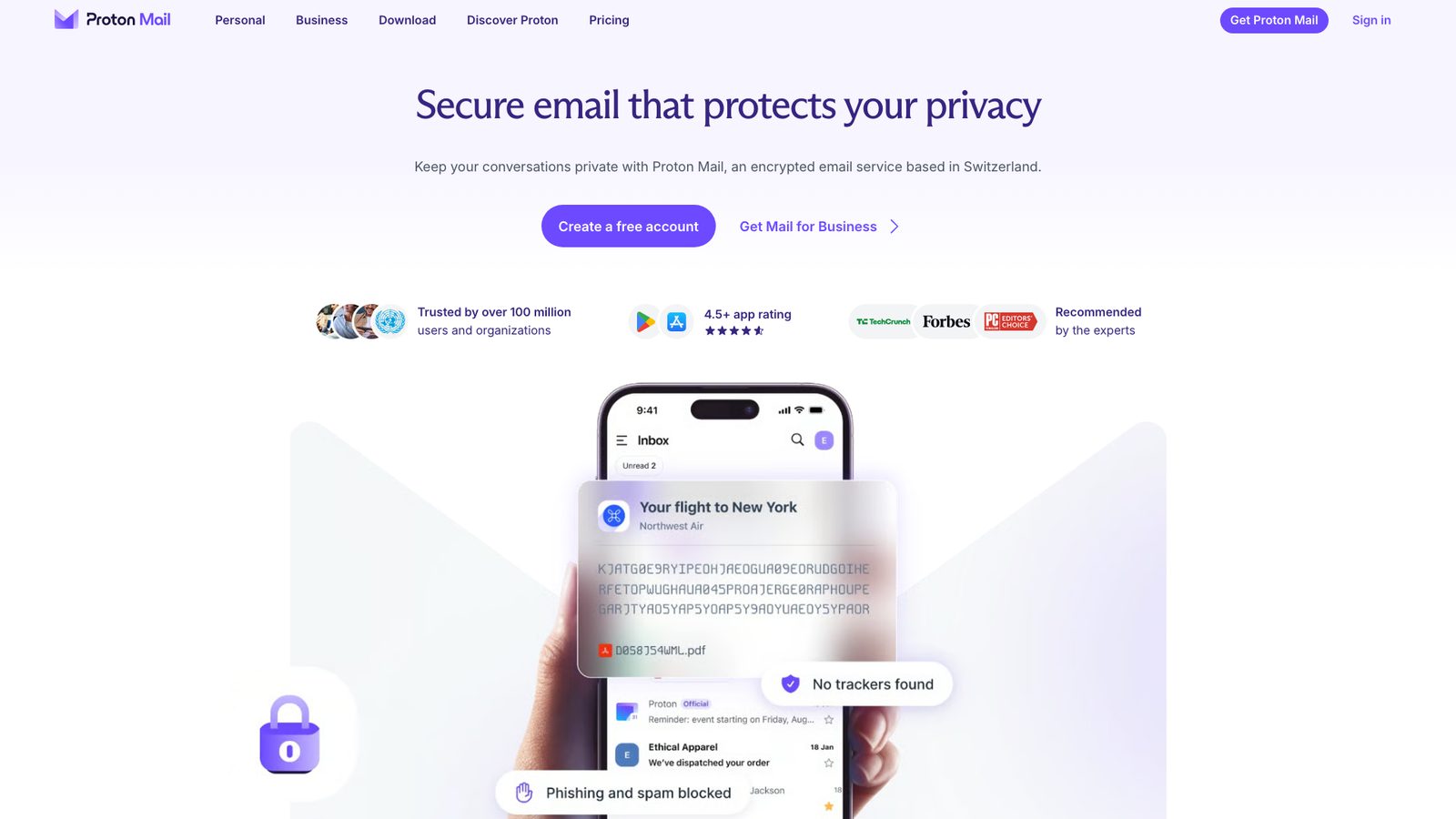
Proton Mail is a Swiss encrypted email service with open-source apps. Messages between Proton users are end-to-end encrypted, and you can send password-protected email to anyone else. The Android app is clean and fast, and you get a new @proton.me address.
- Who it's for: people who want end-to-end encryption and are willing to change address
- Price: free with 1 GB of mail storage and 1 address; Mail Plus is $4.99/month, or $3.99/month billed yearly ($47.88), with 15 GB and 10 addresses
- Platforms: Android, iPhone and iPad, web, plus a desktop app
- Standout features: end-to-end encryption, password-protected email, Swiss privacy law
- Downside: the app only works with Proton accounts, so you can't add Gmail or Outlook, and the free plan is small. For other private options see secure email apps and Proton Mail alternatives.
Also worth a look
These four have loyal Android followings but didn't make the main list, either because they serve a narrower need or because fewer reviewers rank them.
FairEmail
A privacy-first, open-source client that stores nothing on third-party servers and has no ads or tracking. It handles unlimited accounts with a unified inbox and supports OpenPGP and S/MIME. The Pro features are a one-time purchase, not a subscription. The interface is dense, and it doesn't support Exchange ActiveSync or EWS. It's also covered in our guide to the best email apps for multiple accounts.
Aqua Mail
A long-standing Android client with deep settings and Exchange support. The free version shows ads, and a Pro upgrade removes them and unlocks more. Our Aqua Mail alternatives roundup compares it with similar apps.
Nine
Nine is built around Exchange ActiveSync, syncing mail, calendar, contacts, tasks and notes with company Exchange servers, and it works with MDM tools such as Intune. It's aimed at business users who can't or don't want to use Outlook. See Nine email alternatives.
Samsung Email
The default mail app on Samsung Galaxy phones, and still updated regularly. It's simple and free, with a combined inbox for all your accounts, and it's a sensible choice if you'd rather not install anything. It has none of the AI or triage features of the apps above.
What to look for in an Android email app
- How it connects. Some apps talk to your mail server straight from your phone (Thunderbird, FairEmail). Others sync through the vendor's servers to power push notifications or AI (Outlook for non-Microsoft accounts, Spark for some features). Neither is wrong, but you should know which you're getting.
- Sign-in method. Prefer apps that sign in through Google's or Microsoft's own login page (OAuth). You can revoke access later without changing your password.
- Work account support. Many companies only allow Outlook, or require admin approval for other apps. Check with IT before you rely on a third-party app for work mail.
- Notifications and battery. Reliable push matters more on a phone than almost anything else. Try an app for a few days and make sure new mail actually arrives on time, especially after Android puts the app to sleep.
- What the free plan really includes. Account limits, ads, AI and device limits vary a lot. The comparison table above shows the real limits for each app.
- A matching desktop app. If you also read mail on a computer, an app that runs on both saves you learning two sets of habits.
Best Android email app by need
- Free with no ads: Thunderbird for Android, FairEmail, BlueMail and Canary Mail's free plan. Our list of ad-free email apps goes deeper.
- Privacy: Thunderbird for Android or FairEmail for your existing address, Proton Mail if you'll switch provider.
- Work email on Exchange or Microsoft 365: Outlook first; Nine if you need ActiveSync without Outlook.
- Several accounts in one inbox: Canary Mail, Spark, Outlook, BlueMail or Gmail's All inboxes. We compare these in more depth in the best email apps for multiple accounts.
- AI help with writing and triage: Canary Mail, Dove or Spark.
- Android phone and iPhone or Mac: pick an app that exists on both, such as Canary Mail, Spark, Outlook, Gmail or Dove, so your habits carry over.
How we chose
We started from what already ranks: we read the Android email app lists on the first page of Google for "best email app for Android" and similar searches in September 2026, and counted how often each app appeared and how high. Gmail and Outlook were on every list, and Spark, BlueMail, Proton Mail and Yahoo Mail on most. We then checked every price, plan and platform on the vendor's own site on September 25, 2026, and confirmed each app was updated on Google Play in the last few weeks. Discontinued apps such as Newton were left out. Canary Mail and Dove are made by our company; we've said so at each entry. Prices are US list prices and change often, so check before you buy.
FAQ
What is the best email app for Android?
For most people, Gmail: it's preinstalled, free and handles non-Google accounts too. Choose Outlook for a Microsoft 365 work account, Canary Mail or Spark for many accounts with AI, and Thunderbird for Android if you want a free open-source app.
What is the default email app on Android, and can I change it?
On most Android phones it's Gmail; on Samsung Galaxy phones it's Samsung Email, with Gmail also installed. You can use any app you like. When you tap an email link, Android asks which app to open it with, and you can choose Always. To undo that choice, open Settings > Apps, pick the app that currently opens email links, and clear its defaults under Open by default. The exact menu names vary by phone maker.
Should I use Outlook or Gmail on Android?
Use Outlook if your main account is a Microsoft 365, Exchange or Outlook.com address, or you want your calendar in the same app. Use Gmail if your main account is Google's. Both can add the other's accounts, but each works best with its own.
What is the best free email app for Android without ads?
Thunderbird for Android and FairEmail are free, open source and have no ads at all. BlueMail and Canary Mail's free plans are also ad-free. Gmail, Outlook (on free Outlook.com accounts) and Yahoo Mail show ads. More in our guide to ad-free email apps.
What happened to K-9 Mail?
K-9 Mail became Thunderbird for Android. Thunderbird took over the project in 2022, and the first stable Thunderbird for Android (version 8.0) came out on October 30, 2024. K-9 Mail is still on Google Play and gets updates from the same code, so nothing breaks if you stay. To move, export your settings in K-9 and import them in Thunderbird. Both apps were always free.
Which email app works best on both Android and iPhone?
Pick one that runs on both so your accounts and habits carry over: Gmail, Outlook, Canary Mail, Spark, BlueMail, Edison Mail and Dove all do. Thunderbird's iPhone app is still in beta.
Is there a Mailbird app for Android?
No. Mailbird runs only on Windows and Mac. On Android, Outlook, Canary Mail, Spark or BlueMail are the closest equivalents with a unified inbox. See Mailbird alternatives for more.
How do I get iCloud email on Android?
There's no Apple mail app for Android, but most email apps can add an iCloud account. Create an app-specific password for your Apple Account first, then sign in with it. Our help article shows how to add an iCloud account to Canary on Android, and the same password works in Gmail or Outlook.
Sources
Checked September 25, 2026.
- Canary Mail pricing: canarymail.io/pricing
- Dove features and pricing: dove.email, dove.email/pricing
- Gmail, adding other accounts and All inboxes: support.google.com/mail/answer/6078445
- Google One and Google AI plans: one.google.com/about/plans
- Microsoft 365 plans: microsoft.com/microsoft-365; ads in Outlook and Microsoft Cloud sync: support.microsoft.com
- Spark pricing and privacy: sparkmailapp.com/pricing, sparkmailapp.com/privacy
- BlueMail pricing: bluemail.me/pricing
- Yahoo Mail Plus: mail.yahoo.com/plus/mail
- Thunderbird for Android: thunderbird.net/mobile, blog.thunderbird.net, roadmaps.thunderbird.net
- Edison Mail and Edison Mail+: edisonmail.com, edisonmail.com/features/edison-mail-plus
- Proton plans: proton.me/support/proton-plans
- FairEmail: email.faircode.eu and its FAQ
- Nine: 9folders.com
- Mailbird platforms: getmailbird.com